
Free Workflow Presentation Template for PowerPoint & Google Slides
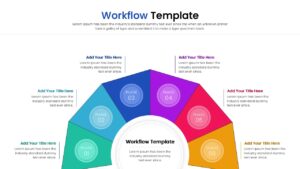
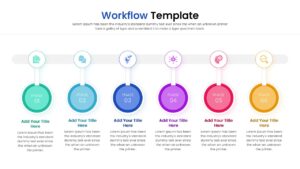
Workflow Process Diagram Presentation Template
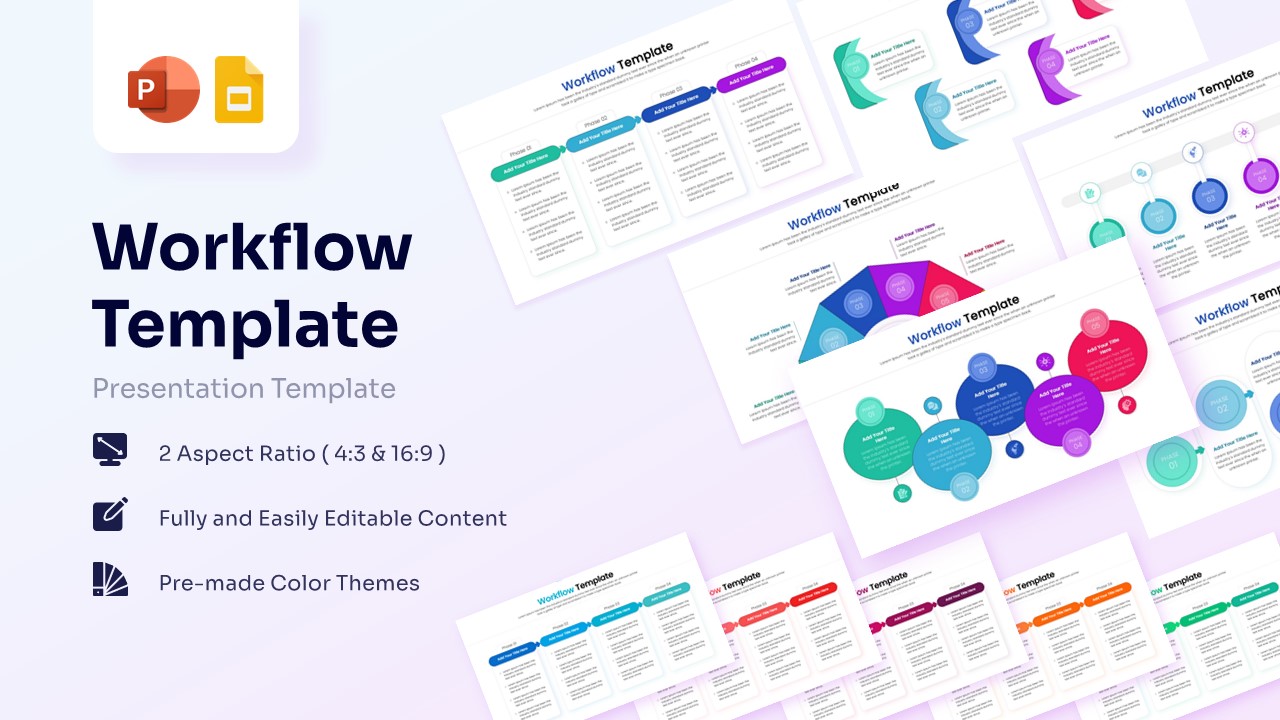
Technical Details: This PresentoVerse Free Workflow Process Diagram is available to download and use instantly. Moreover, it can be seamlessly edited on Microsoft PowerPoint and Google Slides. Make sure to download business process slides to enhance your next strategic meeting.
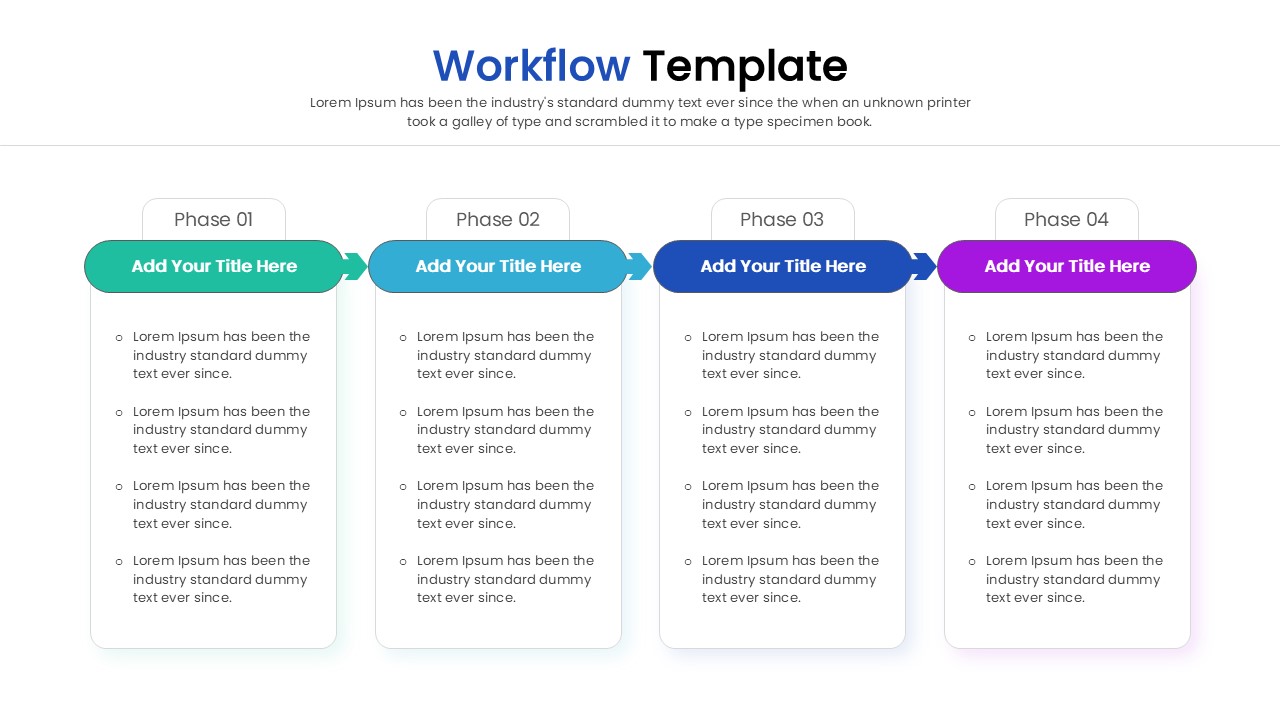
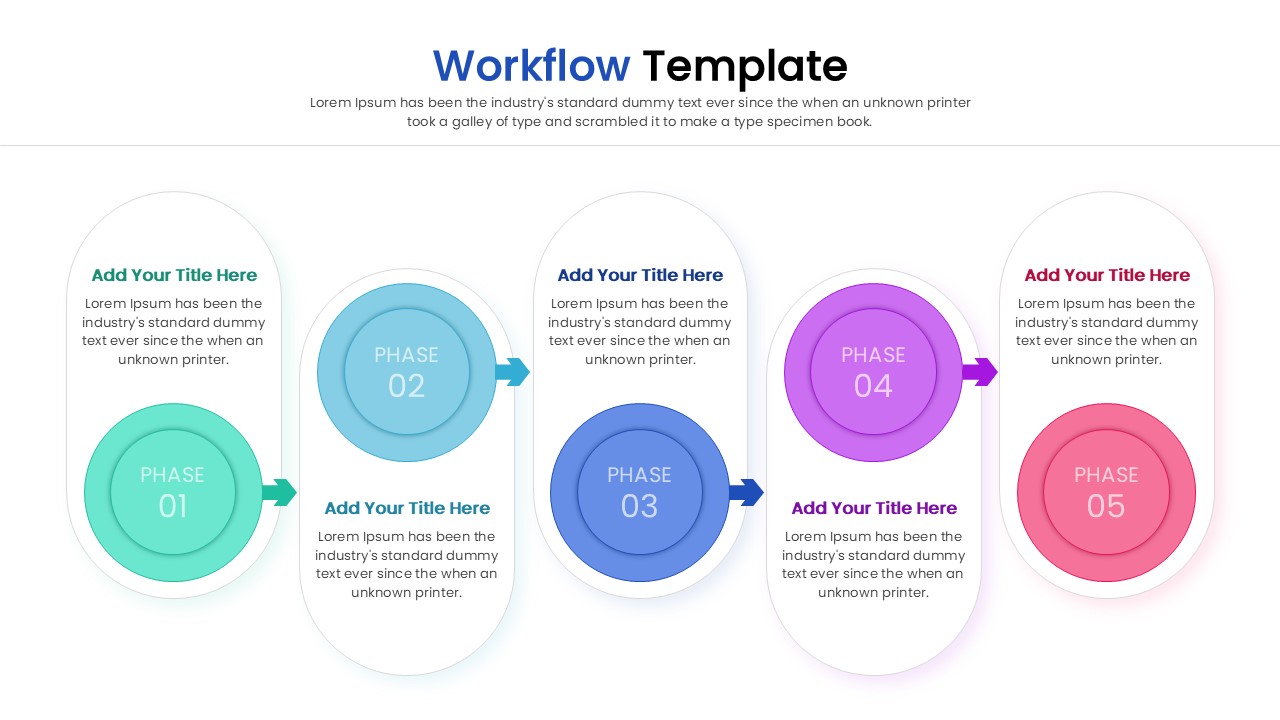
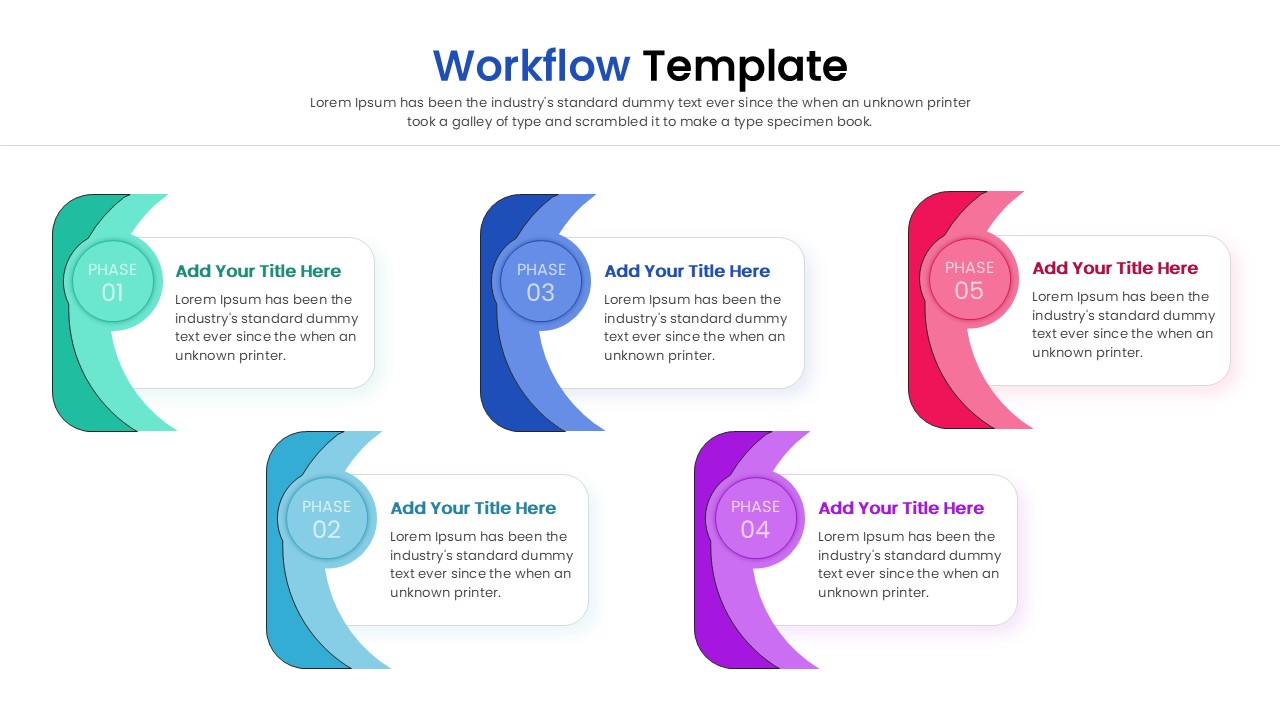
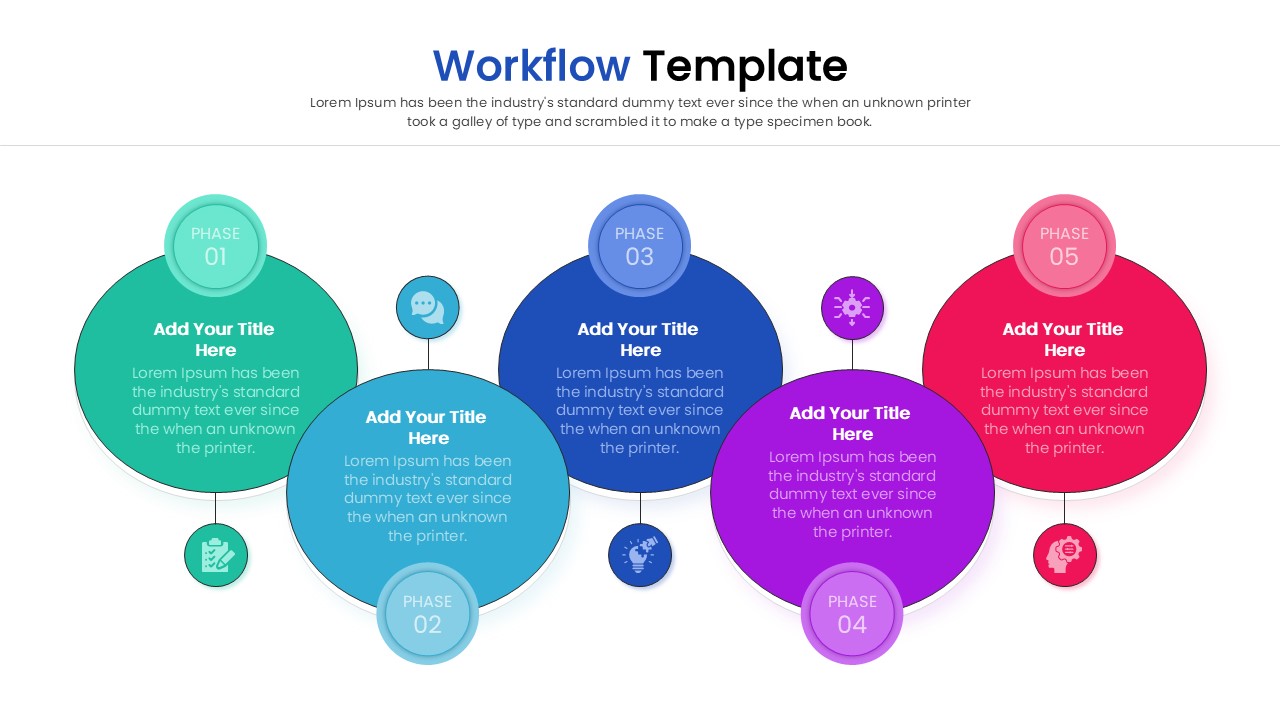
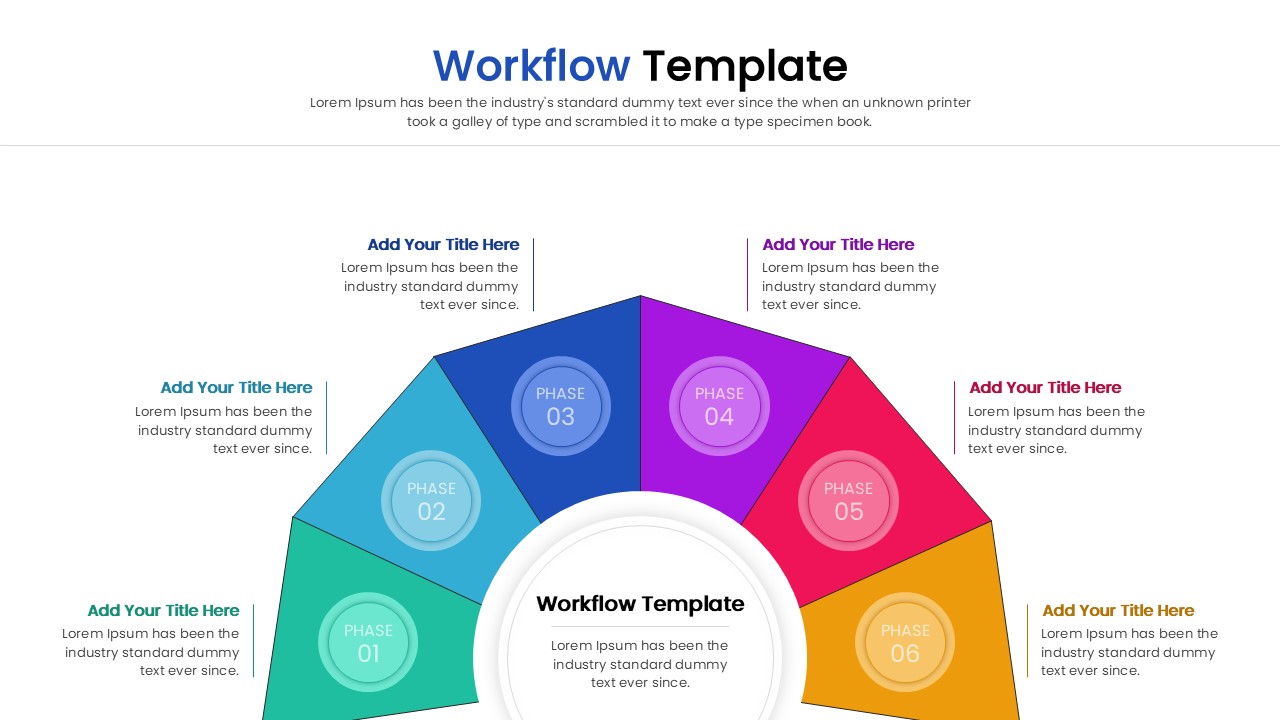
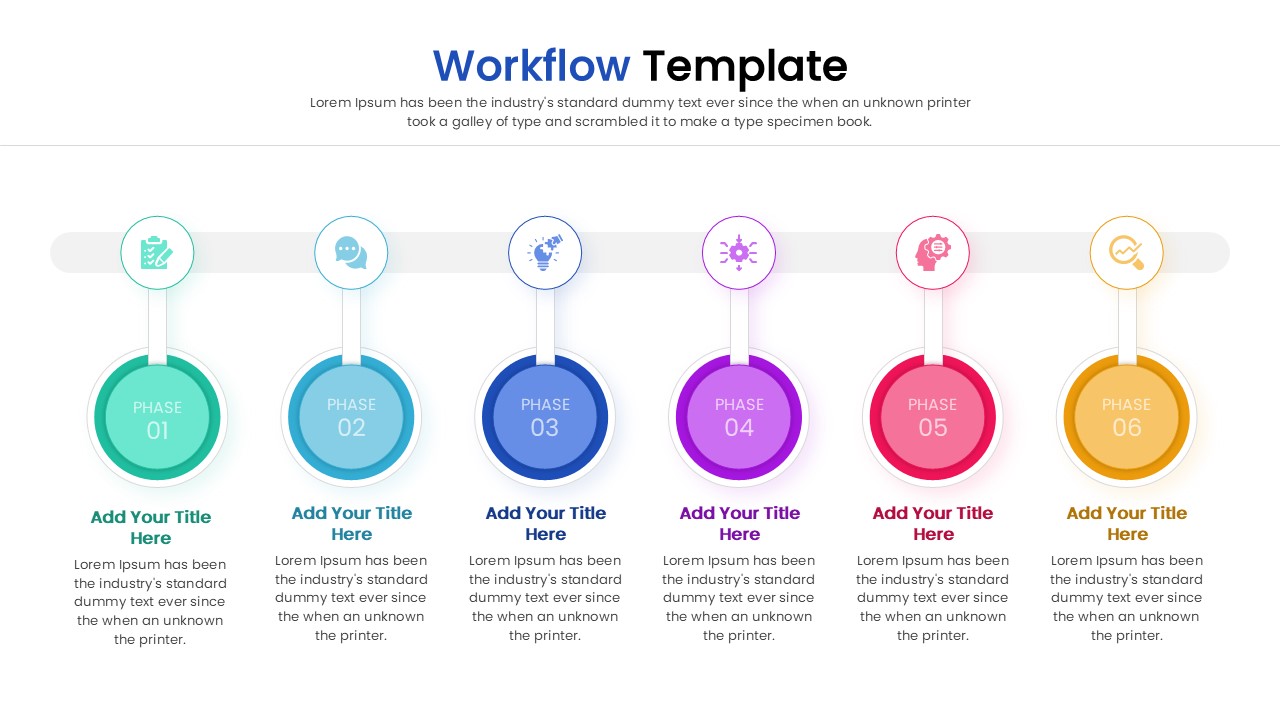
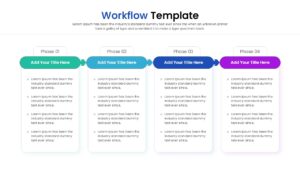
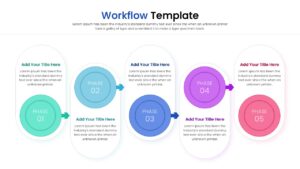
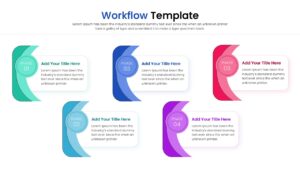
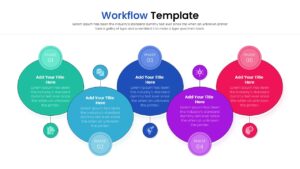
Content Strategy: This workflow diagram provides a structured visual path to explain complex operational sequences clearly. Users can present chronological project phases, milestone goals, and individual task details using these interconnected diagram graphics.
Visual Elements: The deck utilizes a vibrant color palette, clean sans-serif typography, and standard business icons. These vector-based graphics and layered timeline shapes clearly differentiate each progressive stage within the sequence.
Recommended Usage: Project managers and business teams can utilize this to track development cycles and map operational strategies. You should explore additional options by browsing our project phases diagram templates.
Key Features
- 100% Vector-Based Graphics
- Fully Layered & Organized
- Multi-Platform Support
- Theme Color & Theme Font
- 2 Aspect Ratios (4:3 & 16:9)
- Easily Editable Text and Icons
Frequently Asked Questions
- How do I change the colors of the workflow bubbles?
- Simply click on the shape and use the \"Shape Fill\" tool in your presentation software to apply your brand colors.
- Can I add more steps to the linear process?
- Yes, the graphics are vector-based, so you can copy and paste elements to extend the workflow process diagram while maintaining visual consistency.
- Is this template compatible with Keynote?
- While designed for PowerPoint and Google Slides, the .pptx file can be opened in Keynote, though some minor font adjustments may be needed.
Related Templates
-
 Free
Free -
-
-
 Free
Free