Free Infinity Loop Diagram Template for PowerPoint & Google Slides
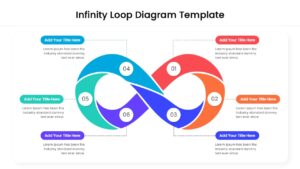
Professional Continuous Process Infographic for Strategic Planning
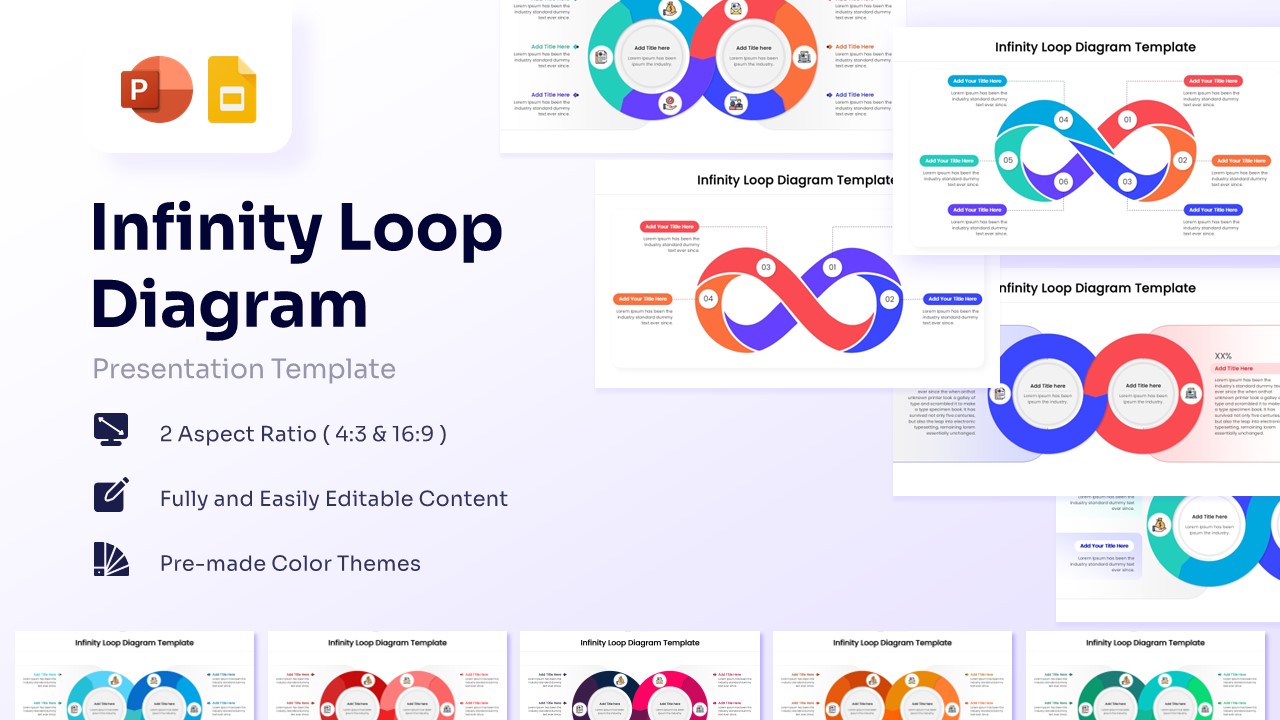
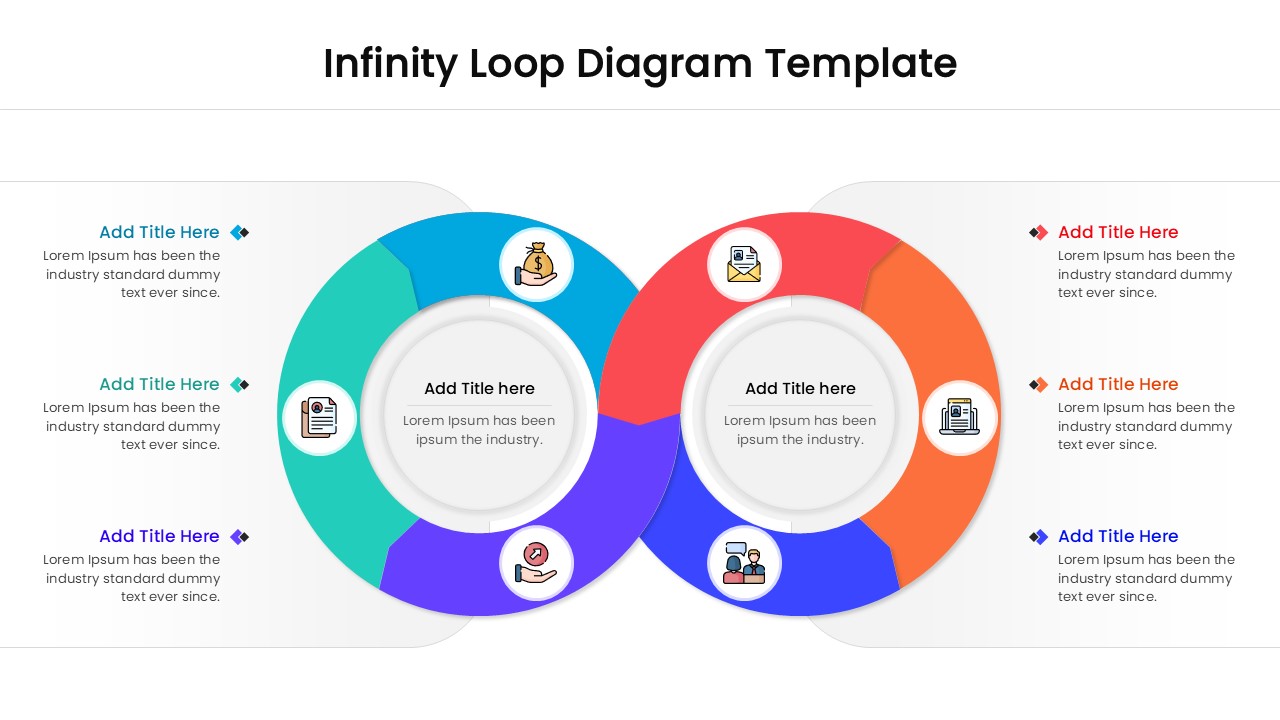
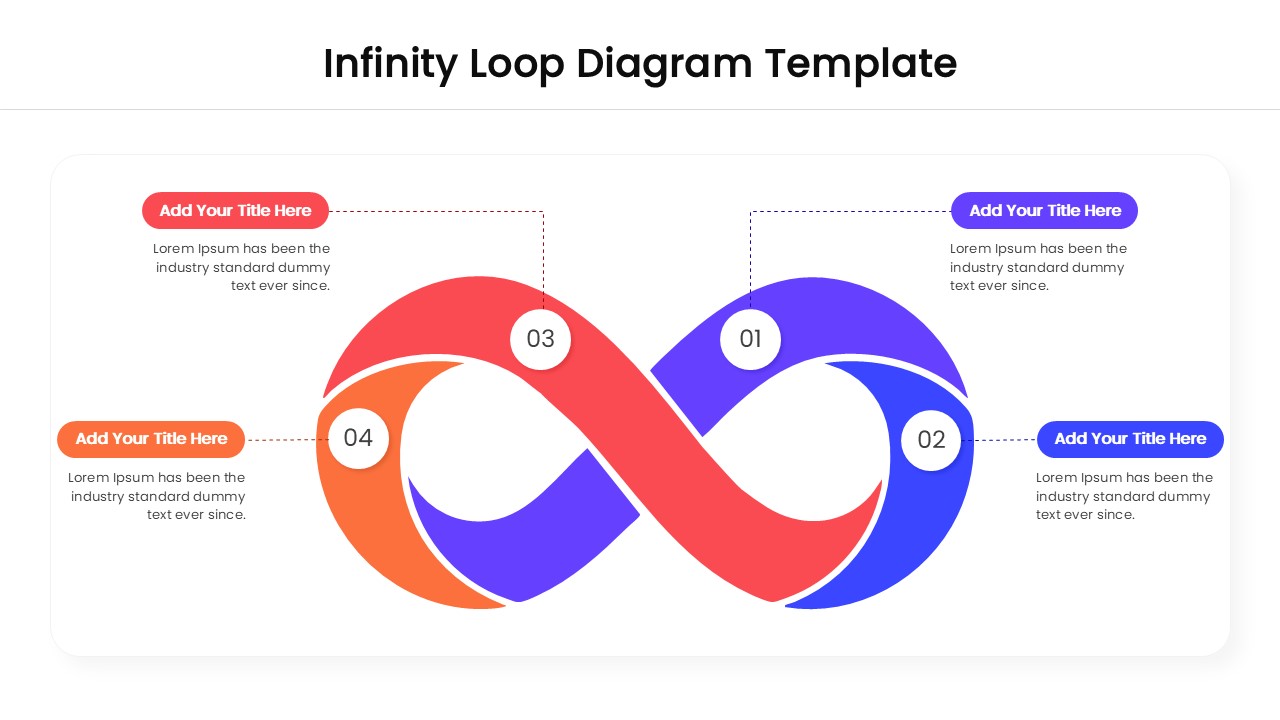
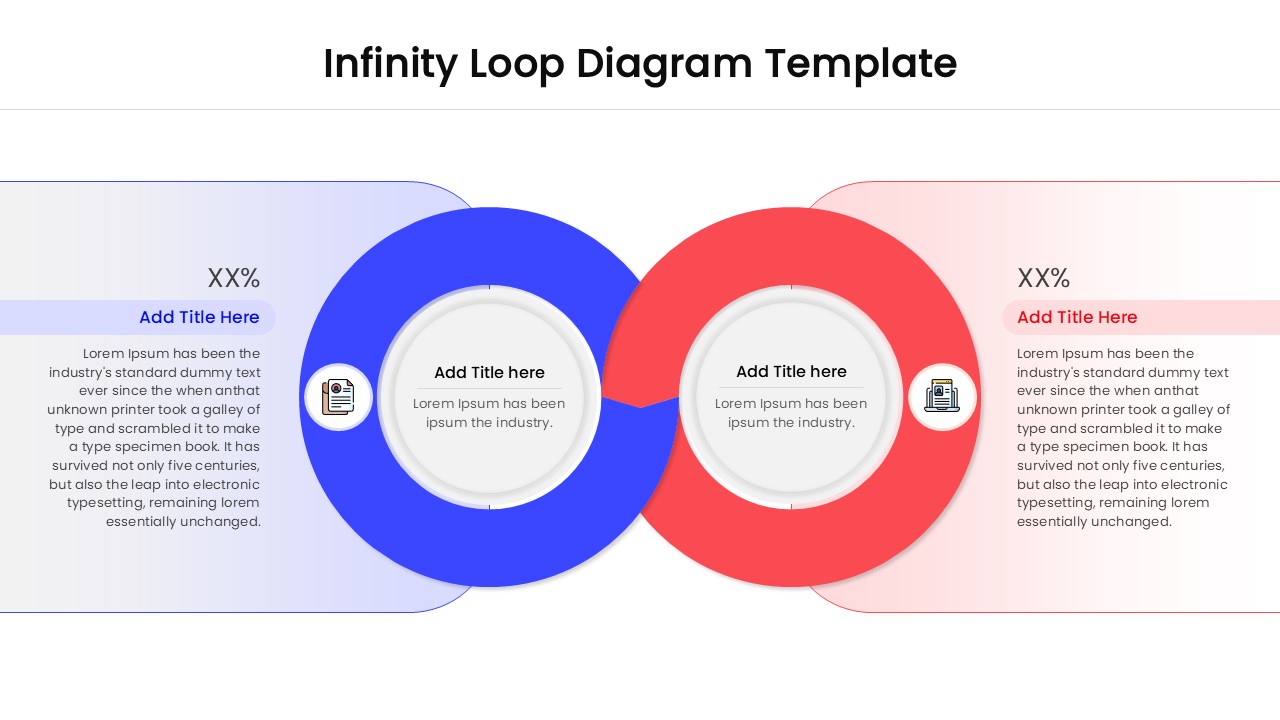
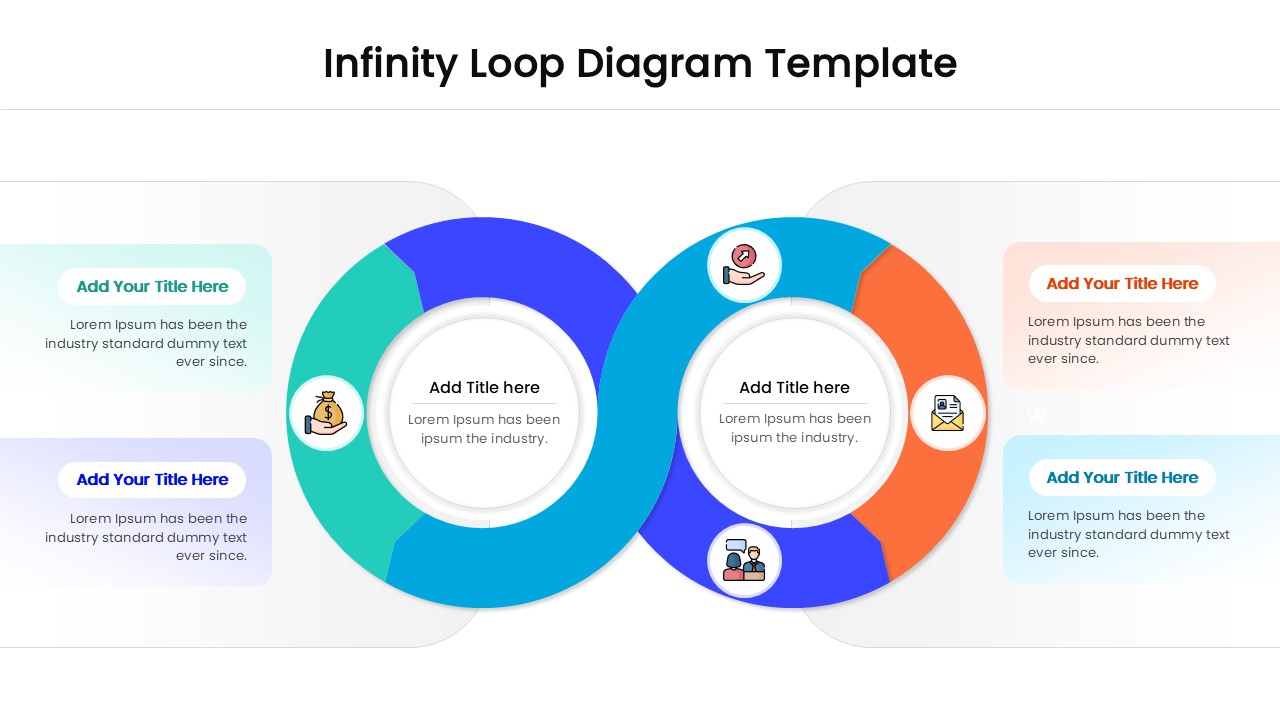
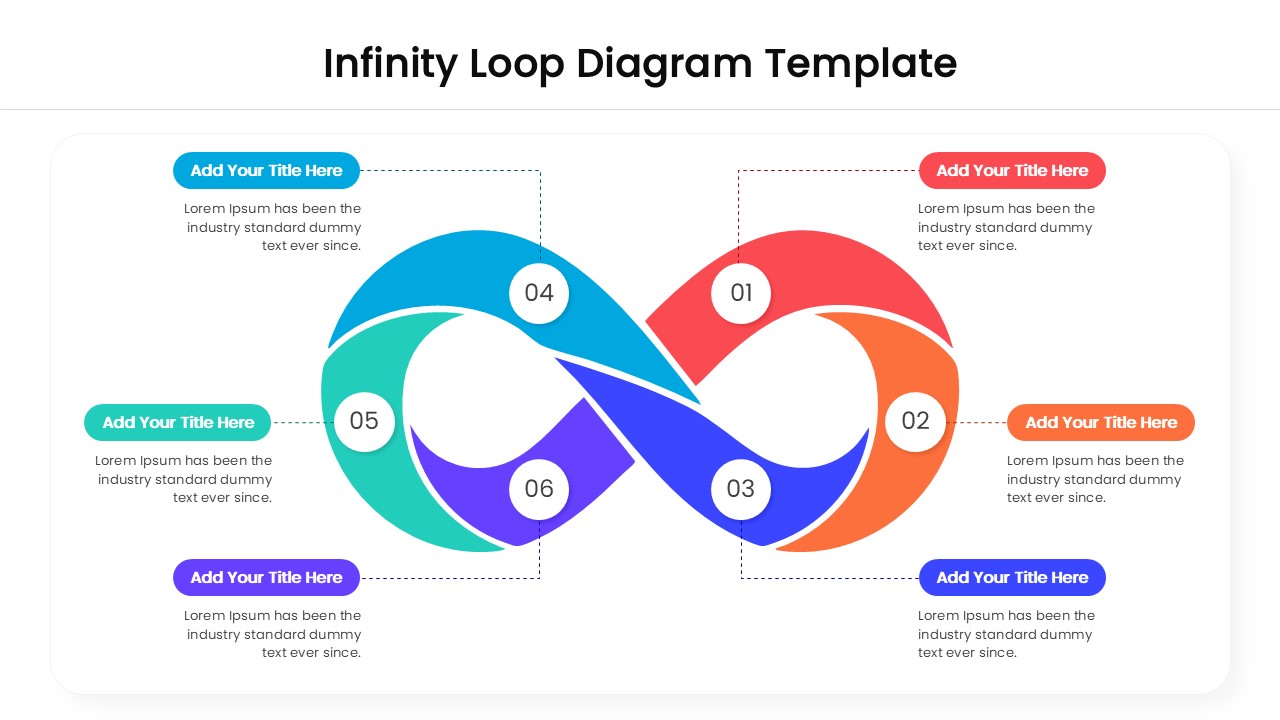
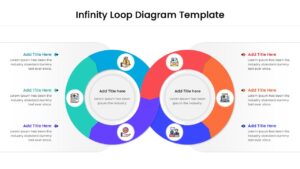
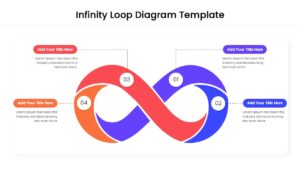
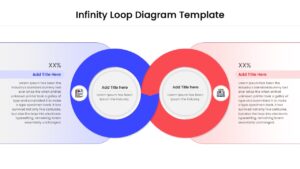
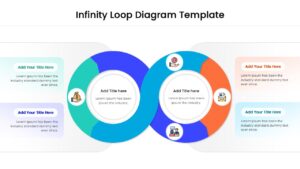
Transform your data storytelling using these dynamic Free Infinity Loop Diagram designed to represent the perpetual motion of your strategic initiatives. This set of aids exudes a sophisticated and energetic vibe, utilizing a striking palette of crimson, sapphire, and emerald gradients that instantly capture attention. These segmented loop diagrams are ideal for high-stakes boardroom updates or collaborative strategy sessions where you need to visualize complex business workflows with professional precision. The layouts meticulously incorporate flowing infinity symbols, segmented paths, and numbered nodes to depict iterative ideas with absolute clarity and aesthetic appeal.
Designed for individuals in the corporate world, such as operations managers, project leads, and marketing strategists, these graphics serve a vital purpose in any deck. The core purpose of this collection is to showcase recurring cycles, iterative development phases, and key performance indicators that rely on a perpetual loop of feedback. Utilizing these appealing infographics simplifies complex, multi-stage information, ensuring your listeners remain engaged, well-informed, and able to grasp the “big picture” of your ongoing projects.
If you’re sketching out a detailed product lifecycle or delving into a comprehensive supply chain audit or even sharing feedback on a customer loyalty program, this Free Infinity Loop Diagram is your ultimate companion. It equips you with the visual essentials to articulate thoughts effectively and convey your message of continuous improvement effortlessly. Download it now to enhance your presentations with these crafted slides! Find more such circular cycle diagrams for engaging presentations. These templates are compatible with both PowerPoint and Google Slides.
Key Features
- 100% Vector-Based Graphics
- Fully Layered & Organized
- Multi-Platform Support
- Theme Color & Theme Font
- 2 Aspect Ratios (4:3 & 16:9)
- Easily Editable Content
Frequently Asked Questions
- How do I change the colors of the infinity loop?
- Since the graphics are 100% vector-based, you can simply click on any segment of the loop and use the \"Shape Fill\" tool in PowerPoint or Google Slides to apply your brand colors.
- Can I add more steps to the loop?
- While the layouts come with pre-defined stages (like 4 or 6 steps), the elements are fully editable, allowing you to resize or duplicate segments to fit your specific process requirements.
- Is this template compatible with Keynote?
- Yes, you can import the PowerPoint version of this infinity diagram into Keynote, and it will remain fully editable and functional.
Related Templates
-
 Free
Free -
 Free
Free -
 Free
Free -