
Free January Monthly Planner Template for PowerPoint & Google Slides
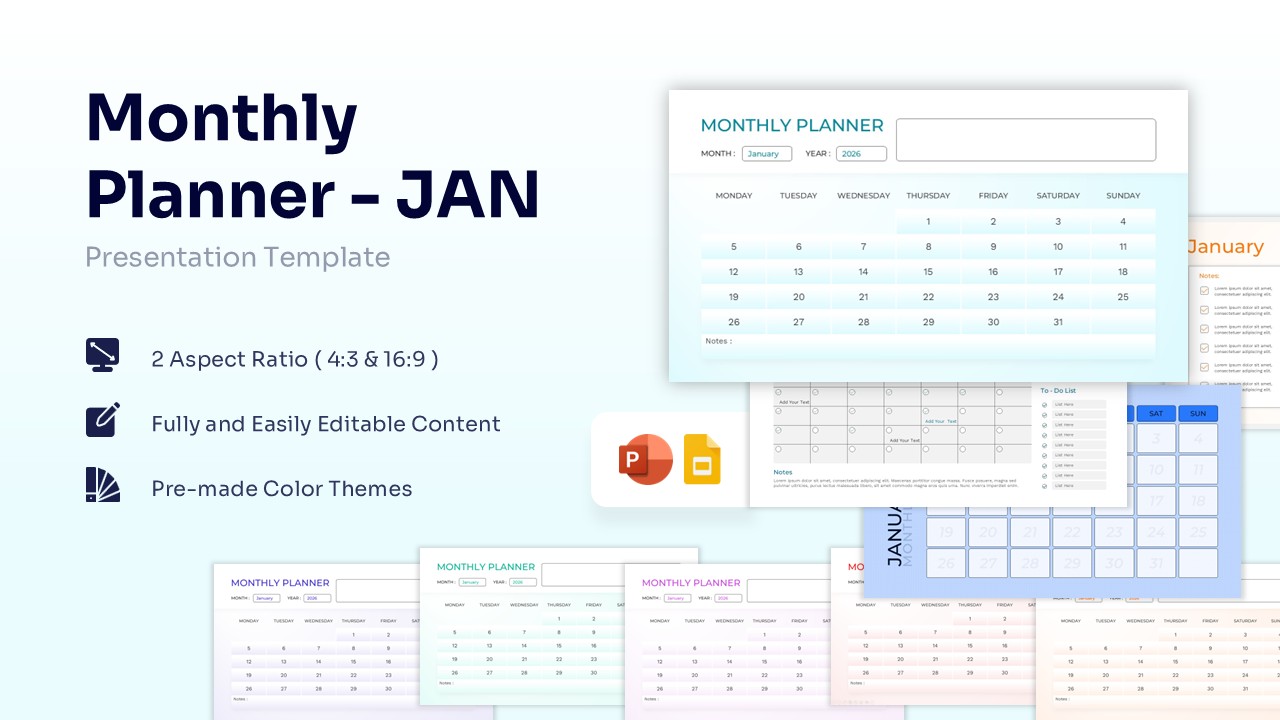
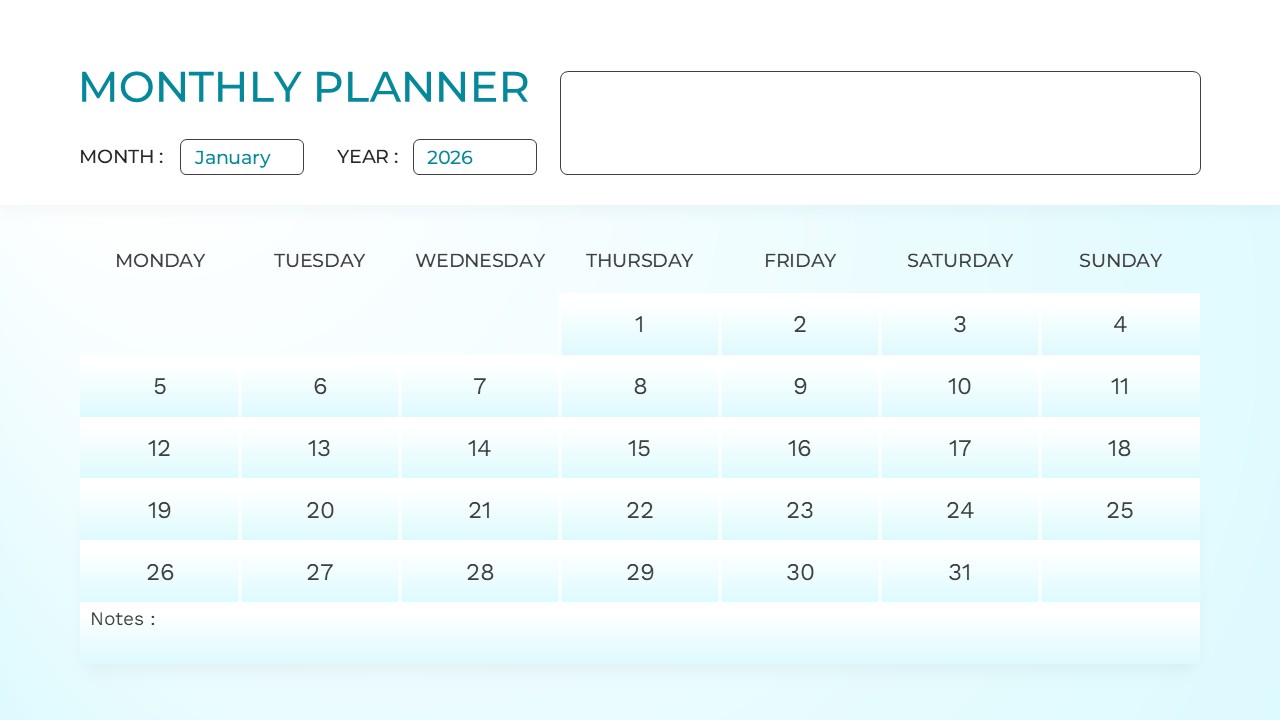
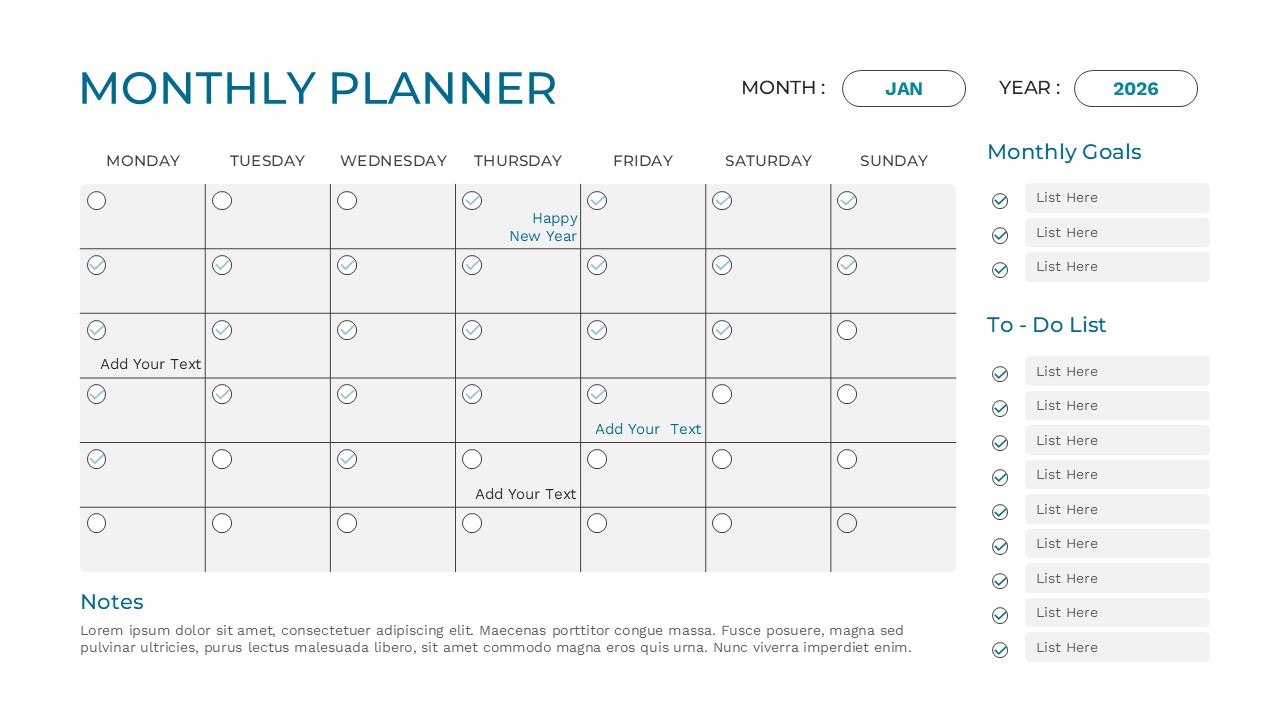
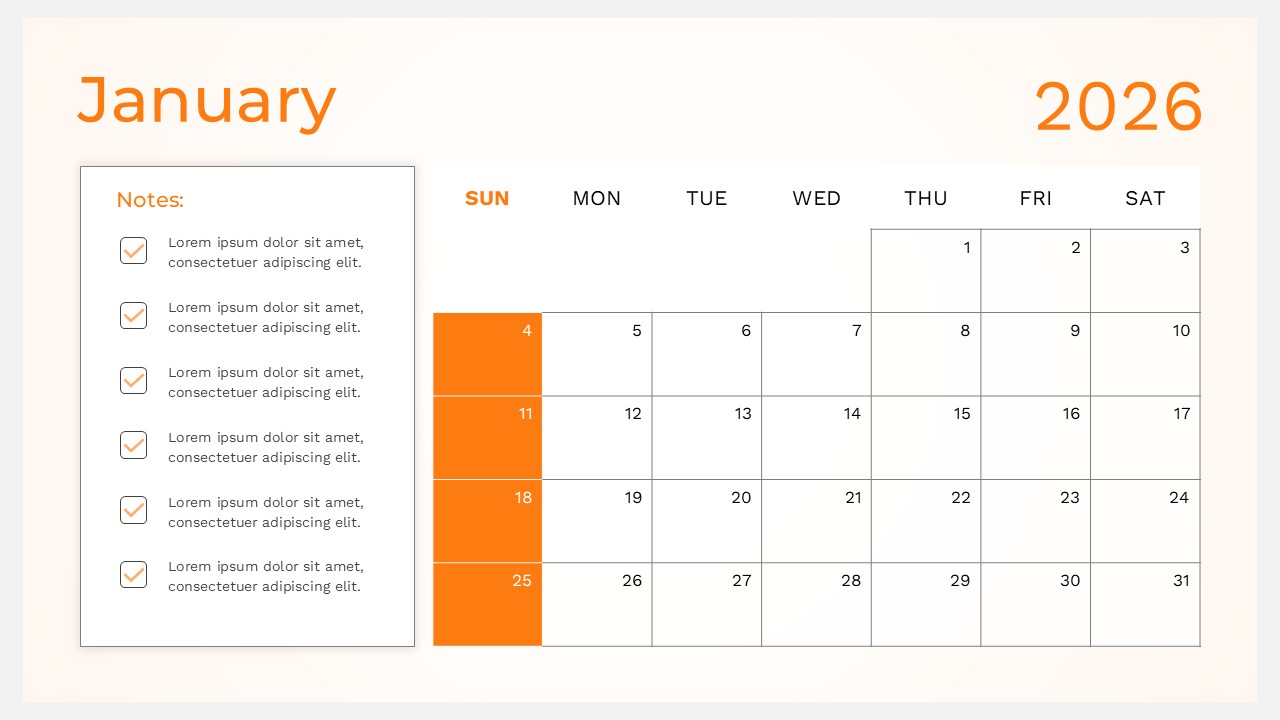
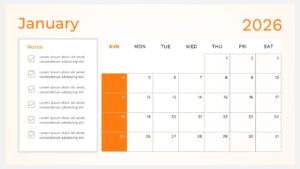

Organize Objectives with an Editable January Schedule Slide
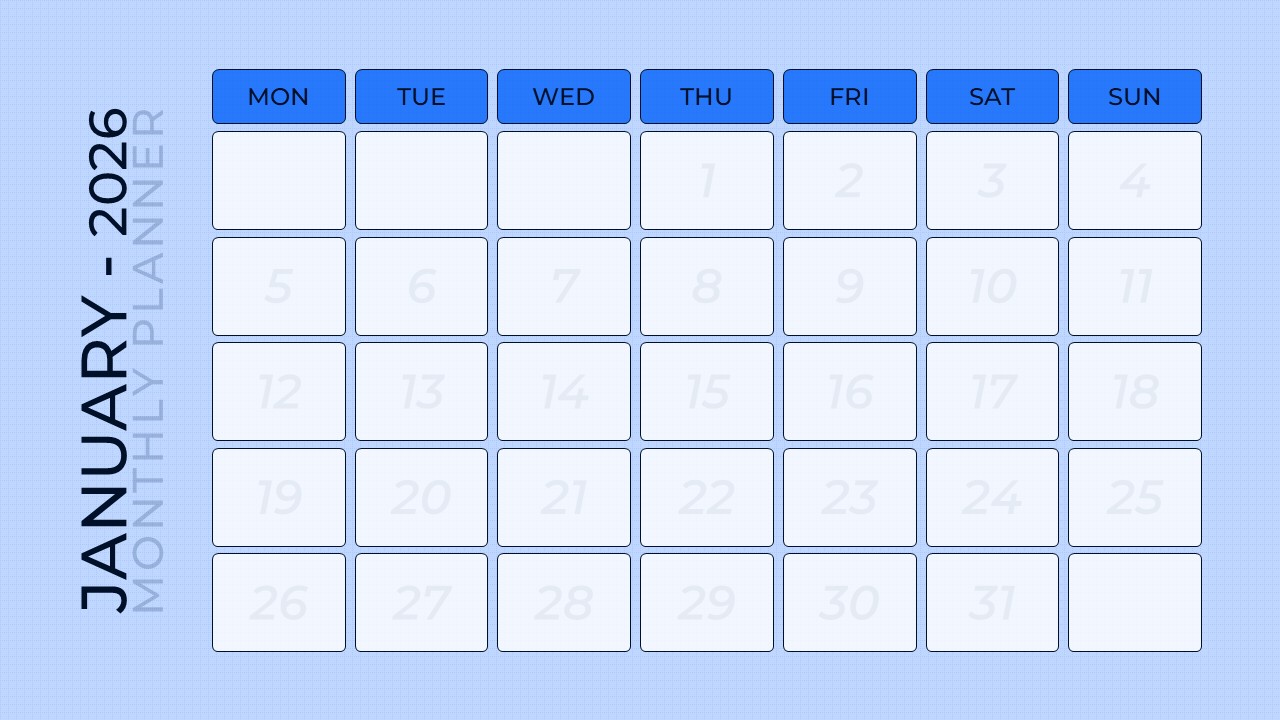
Structure your upcoming business milestones and daily operations seamlessly with this free January Monthly Planner Template, tailored to highlight crucial seasonal timelines. Featuring an adaptable aesthetic that ranges from cool corporate blue and serene teal to striking energetic orange, this layout collection radiates a highly professional yet approachable vibe. It serves as the quintessential layout for kick-off corporate meetings, personal objectives reviews, or strategic team alignments where tracking progress is paramount. The meticulously structured schedule diagrams incorporate expansive grid tables, distinct note boxes, and dedicated side panels to map out your month with absolute clarity.
Purpose-built for high-performing professionals across diverse corporate fields, this January Monthly Planner collection is ideal for project managers, corporate strategists, marketing leads, and academic coordinators. These versatile slides provide an elegant canvas to showcase key performance indicators, impending project milestones, core initiatives, and daily operational schedules. Leveraging these highly readable and visually intuitive layouts ensures that intricate planning remains simple to digest, thereby keeping your audience completely synchronized and highly motivated.
If you’re outlining critical product launch phases, or delving into departmental milestone reviews, or even sharing direct collaborative feedback on regional campaign tracks, this template equips you with the essentials to articulate thoughts effectively and convey your message effortlessly. This carefully curated toolkit delivers the perfect structural frameworks to articulate shifting timelines effectively and deliver your core message without unnecessary friction. Download it now. Enhance your presentations with these crafted slides! Find more such customizable calendar dashboard layouts for engaging presentations. These templates are compatible with both PowerPoint and Google Slides.
Key Features
- 100% Vector-Based Graphics
- Fully Layered & Organized
- Multi-Platform Support
- Theme Color & Theme Font
- 2 Aspect Ratios (4:3 & 16:9)
Frequently Asked Questions
- Can I change the colors of the January 2026 planner?
- Yes, the template uses theme colors, allowing you to change the entire color scheme with just a few clicks to match your brand.
- Is this template compatible with both PowerPoint and Google Slides?
- Absolutely. The file is optimized to work seamlessly across both platforms without losing any formatting or layout integrity.
- Can I add more rows to the to-do list section?
- Yes, the text boxes and lists are fully editable, so you can add, remove, or resize items to fit your specific needs.
- Is this template compatible with both PowerPoint and Google Slides?
- Absolutely. The file is optimized to work seamlessly across both platforms without losing any formatting or layout integrity.
Related Templates
-
-
 Free
Free -
 Free
Free -
 Free
Free