
Map of Canada Free Template for PowerPoint & Google Slides
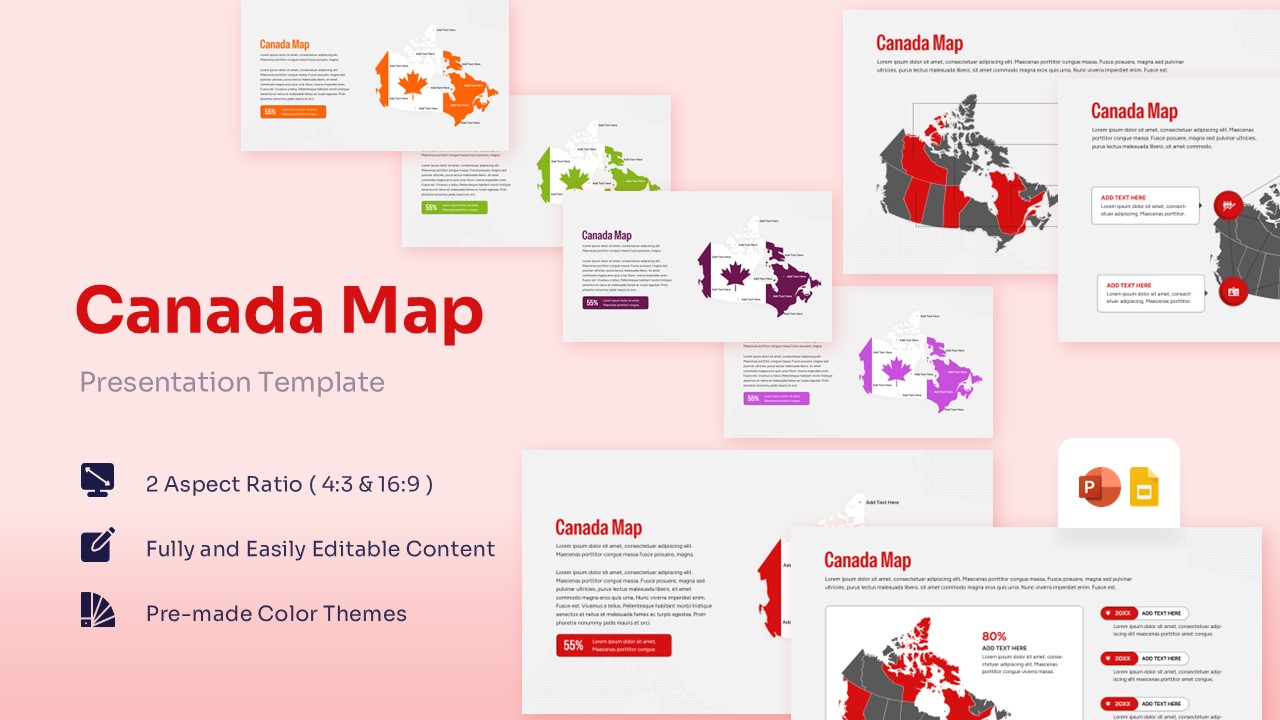
Free Canada Maps for Executive Reporting
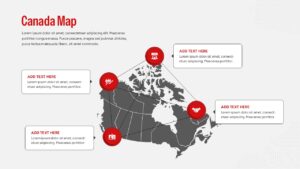
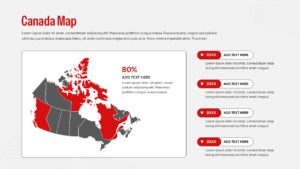
Unlock a clearer way to present regional data with a template designed to balance commercial authority with academic precision. If your team is preparing a strategy to market to Canada, navigating the economic distinctions between provinces like Ontario, Quebec, and British Columbia demands a clean, highly visual approach to demographic distribution. Similarly, if you are looking to learn about its geography, mapping out the vast terrain, territorial borders, and major metropolitan clusters becomes completely intuitive with this adaptive layout. Built to save you from the tedious process of drawing vector borders or assembling complex network lines by hand, this Free Canada Map Template provides an immediate, polished framework that lets you focus entirely on delivering a compelling message.
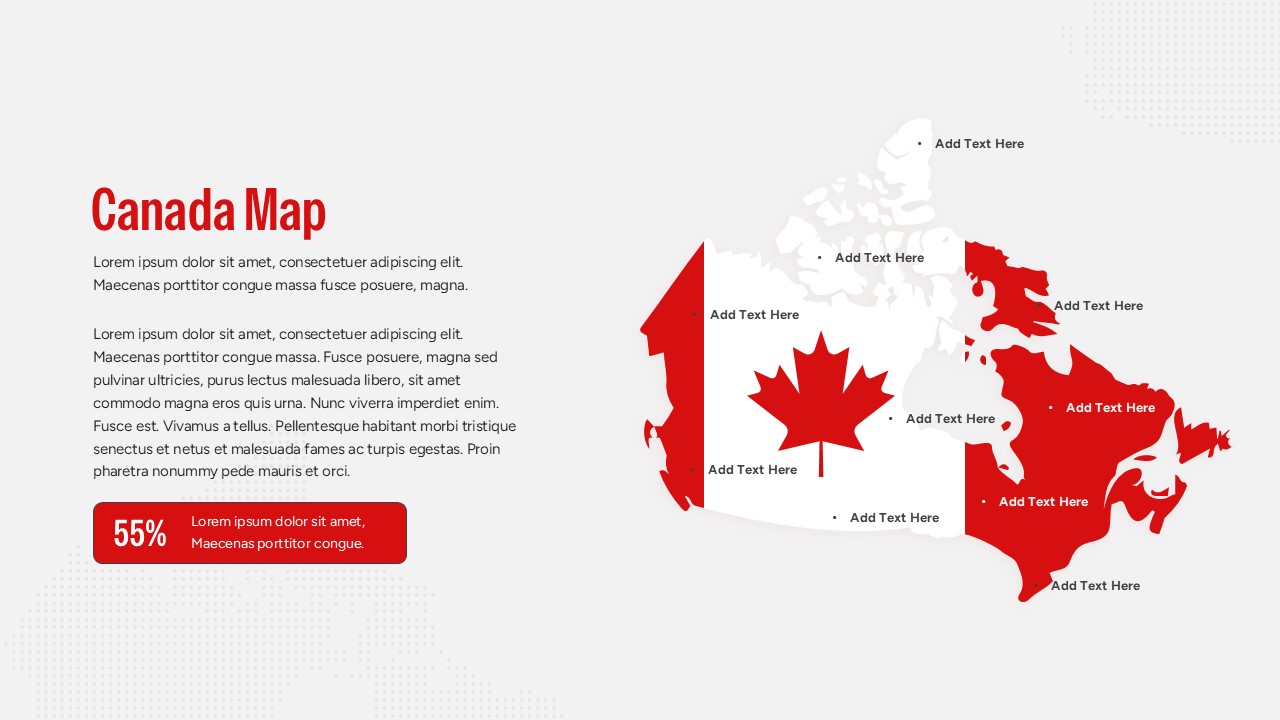
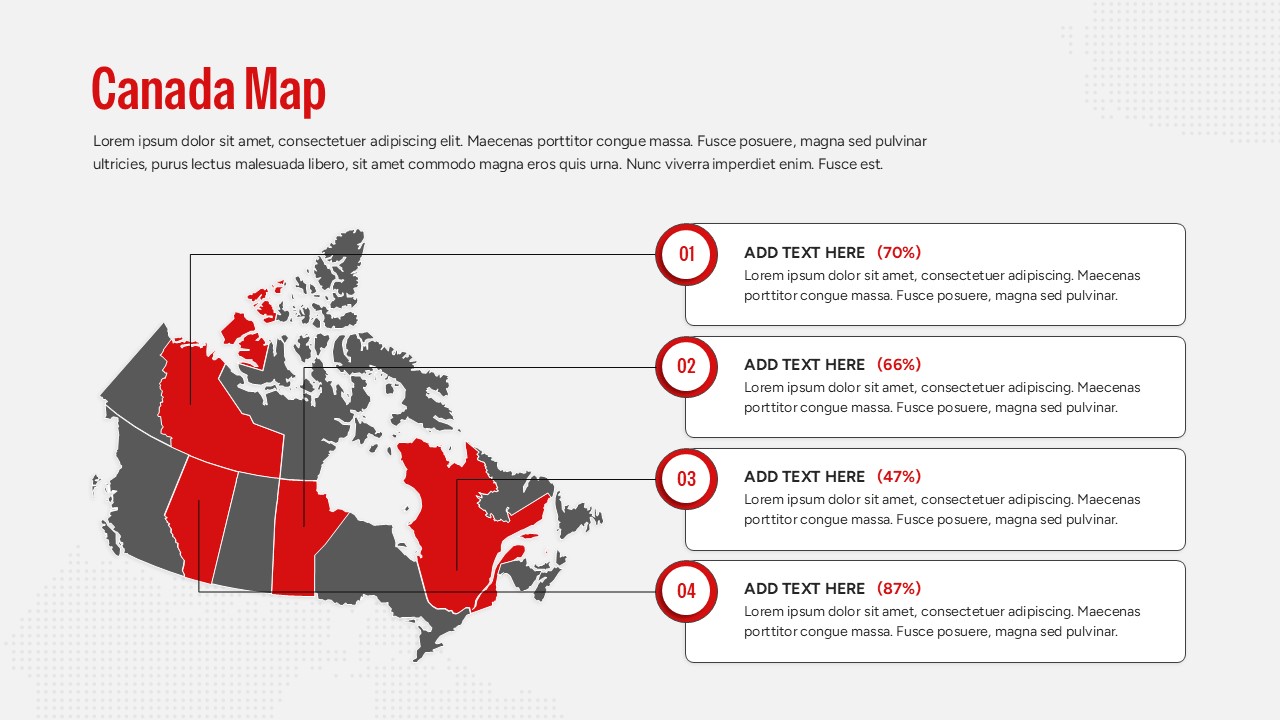
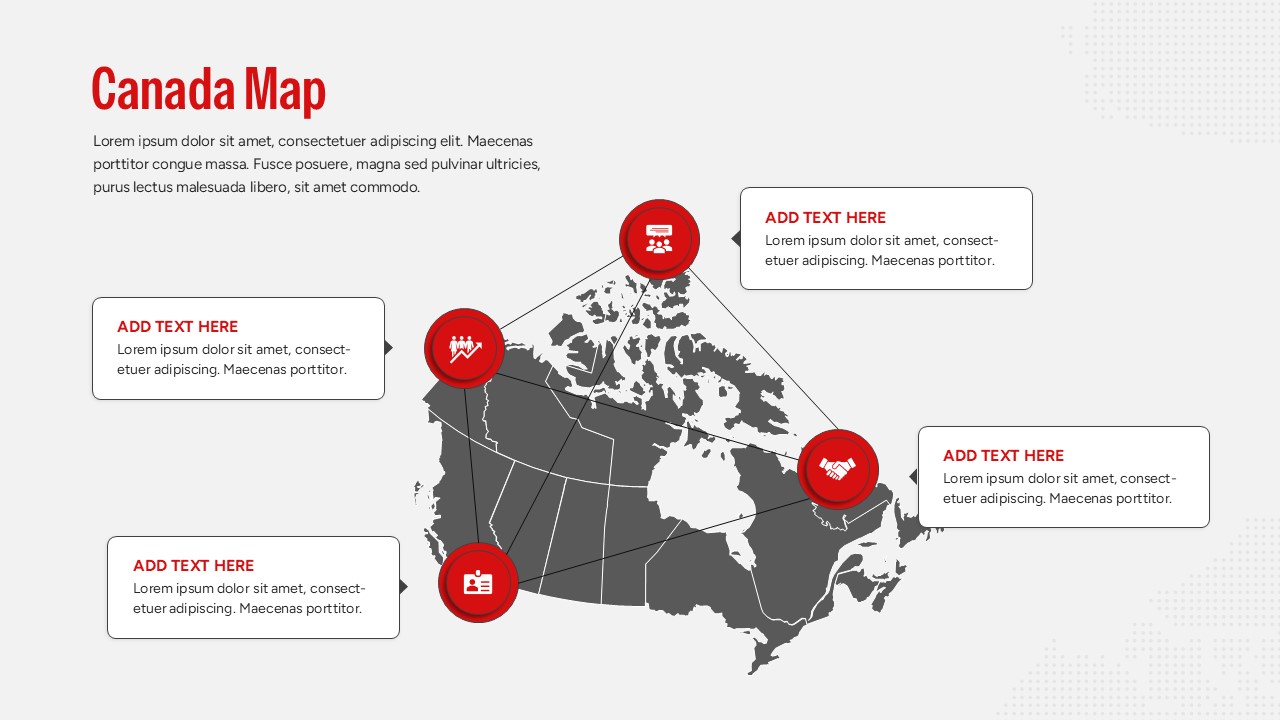
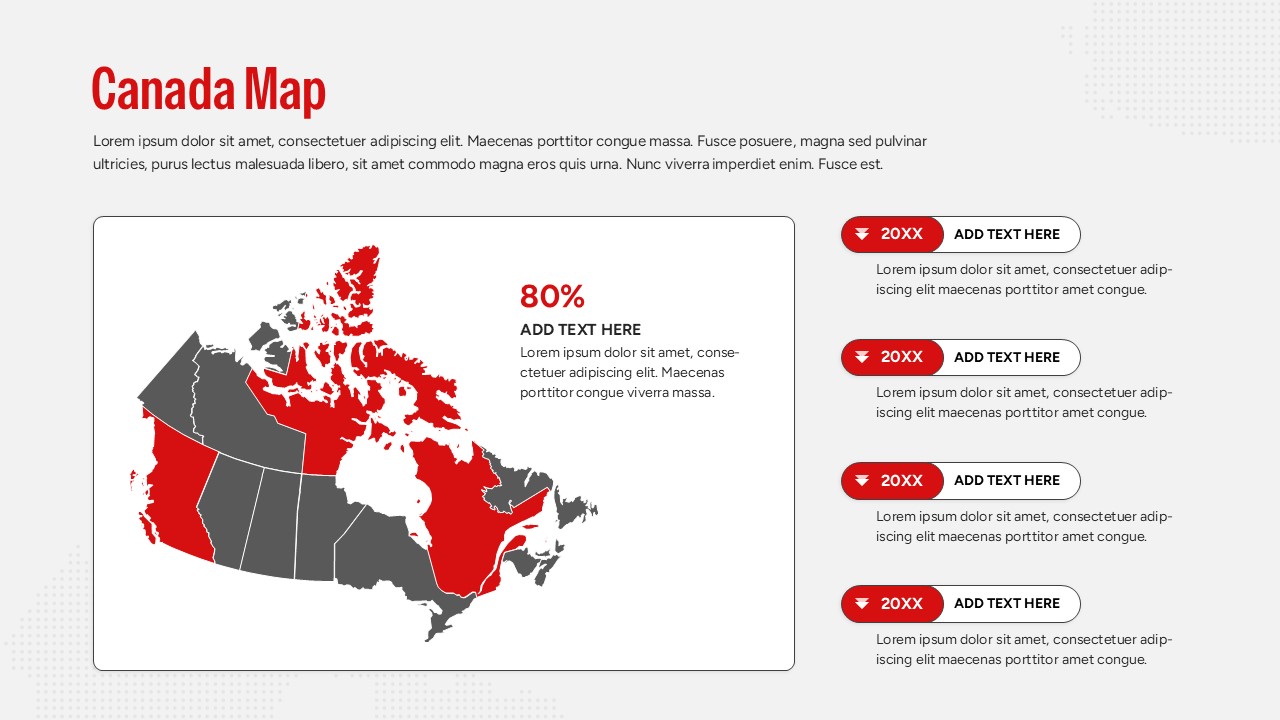
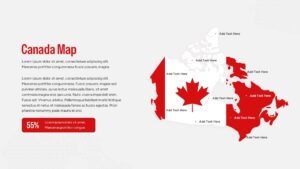
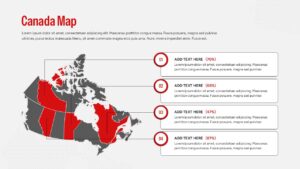
This Canada Map deck features a detailed, high-resolution silhouette of Canada alongside structured data fields. The country map includes diverse slide arrangements, such as layouts highlighting specific provinces in striking red, a slide stylized with the iconic Canadian national flag, and a connected network infographic mapping distinct regional hubs. Every text placeholder, color accent, percentage gauge, and vector shape is completely adjustable within your favorite presentation software. If your team is tracking broader international metrics, you can easily pivot to our comprehensive world maps templates to illustrate global operations. This versatile deck empowers sales managers, educators, and supply chain analysts to create polished geographic briefings in minutes. Try it now!
Key Features
- 100% Vector-Based Graphics
- Fully Layered & Organized
- Multi-Platform Support
- Theme Color & Theme Font
Frequently Asked Questions
- Can I change the color of a specific province?
- Yes, every province is a separate vector shape that can be recolored individually to highlight specific regions.
- Does this work with Google Slides?
- Absolutely, the file is fully compatible with both Microsoft PowerPoint and Google Slides.
- Are the text boxes movable?
- Yes, you can drag, drop, and resize all text elements to fit your specific data needs without losing formatting.
Related Templates
-
-
 Free
Free -
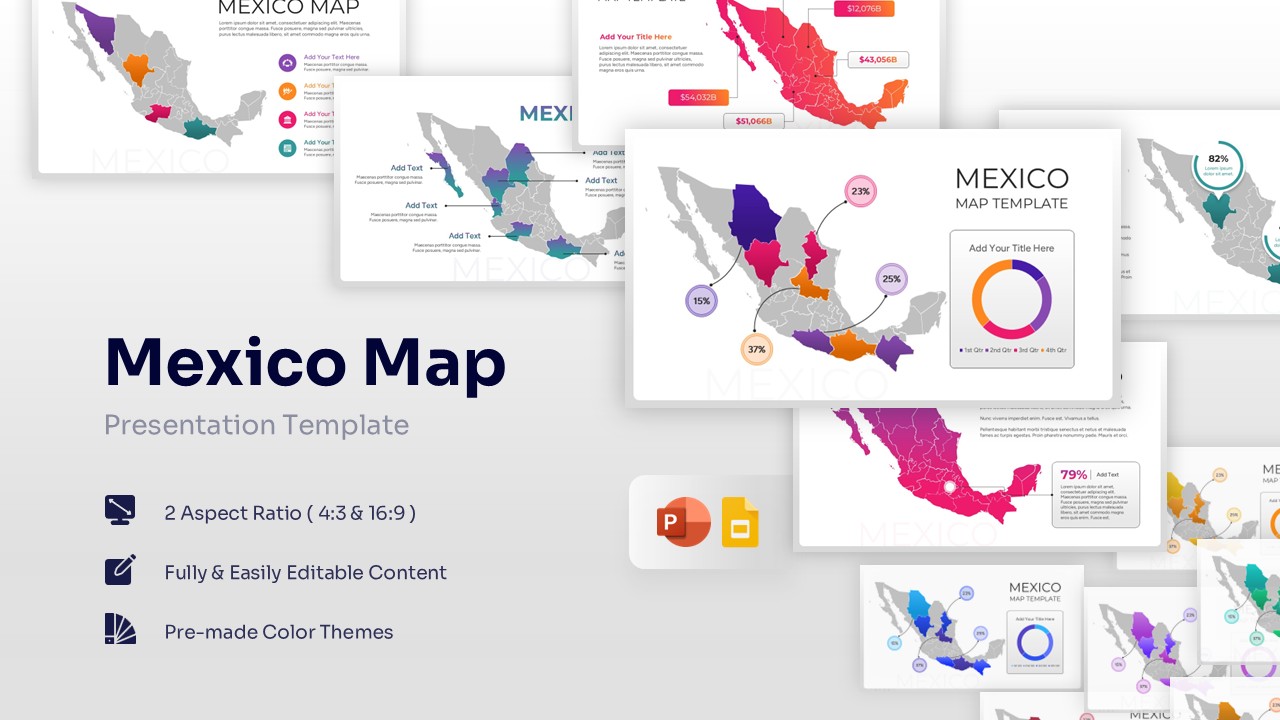
Free Mexico Map for PowerPoint & Google Slides
Country Maps
Free -
 Free
Free