Free MECE Method Template for PowerPoint & Google Slides
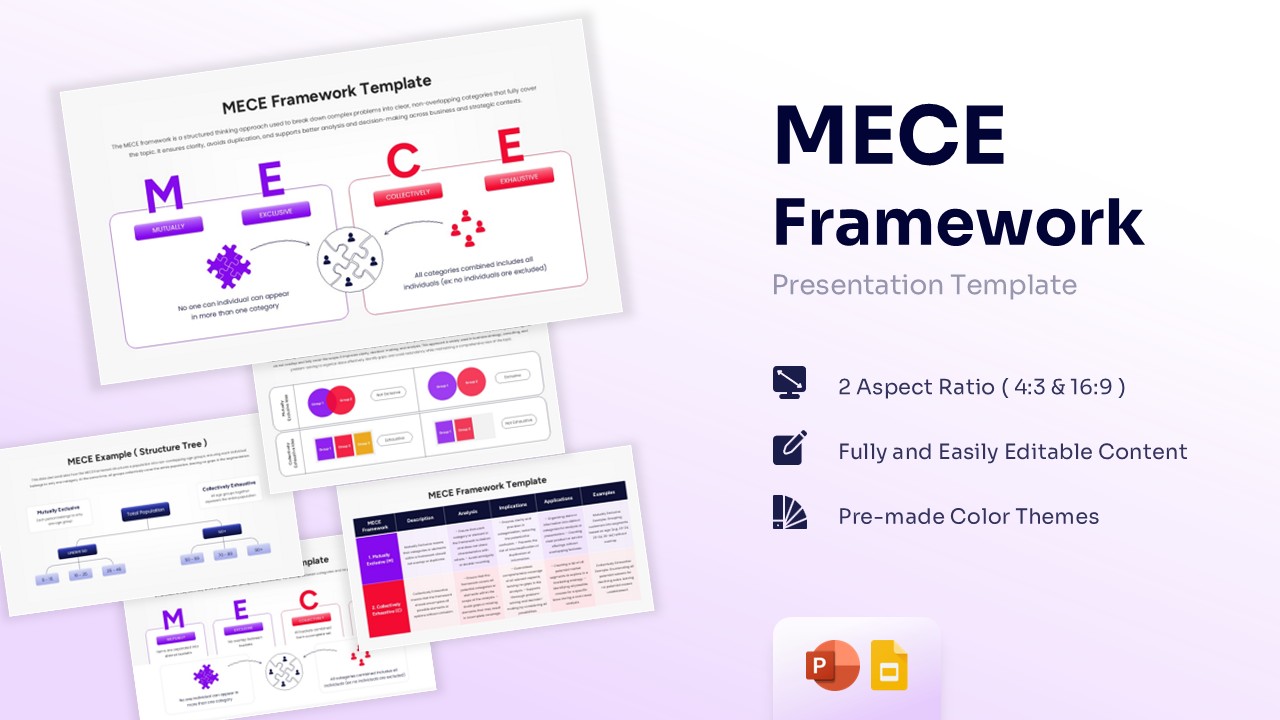
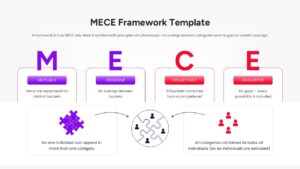
Professional MECE Analysis Framework Slides
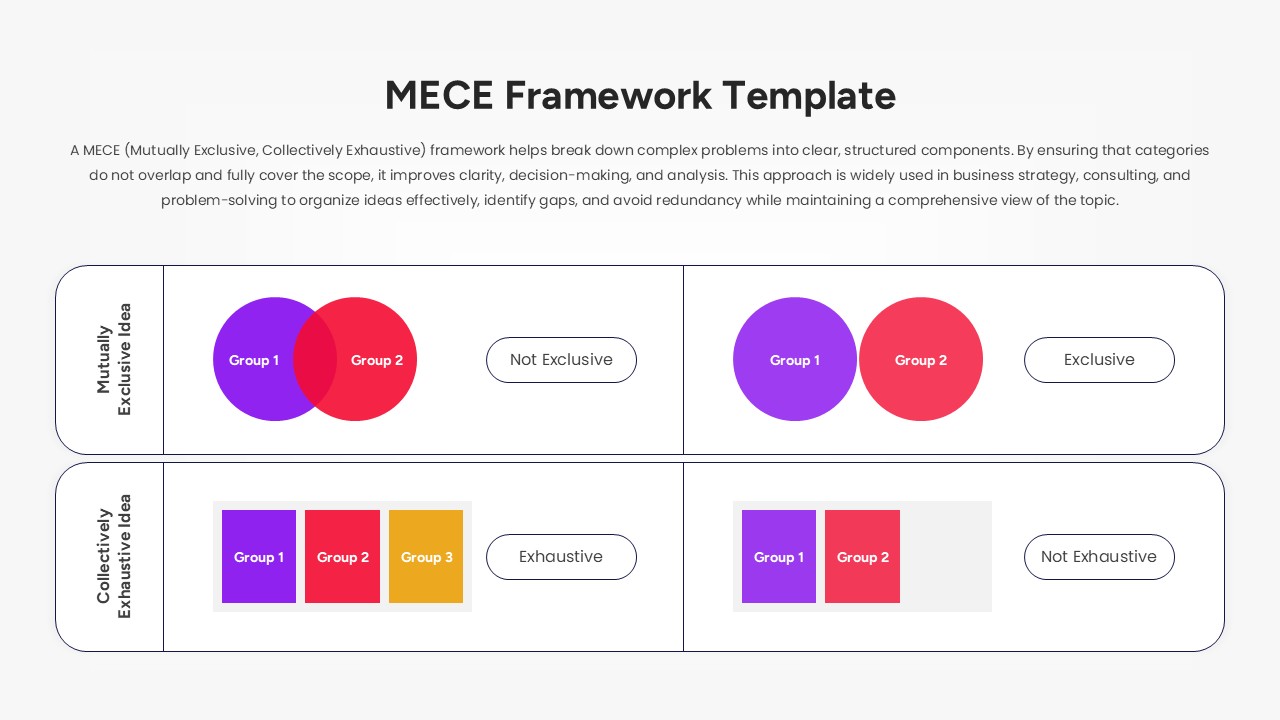
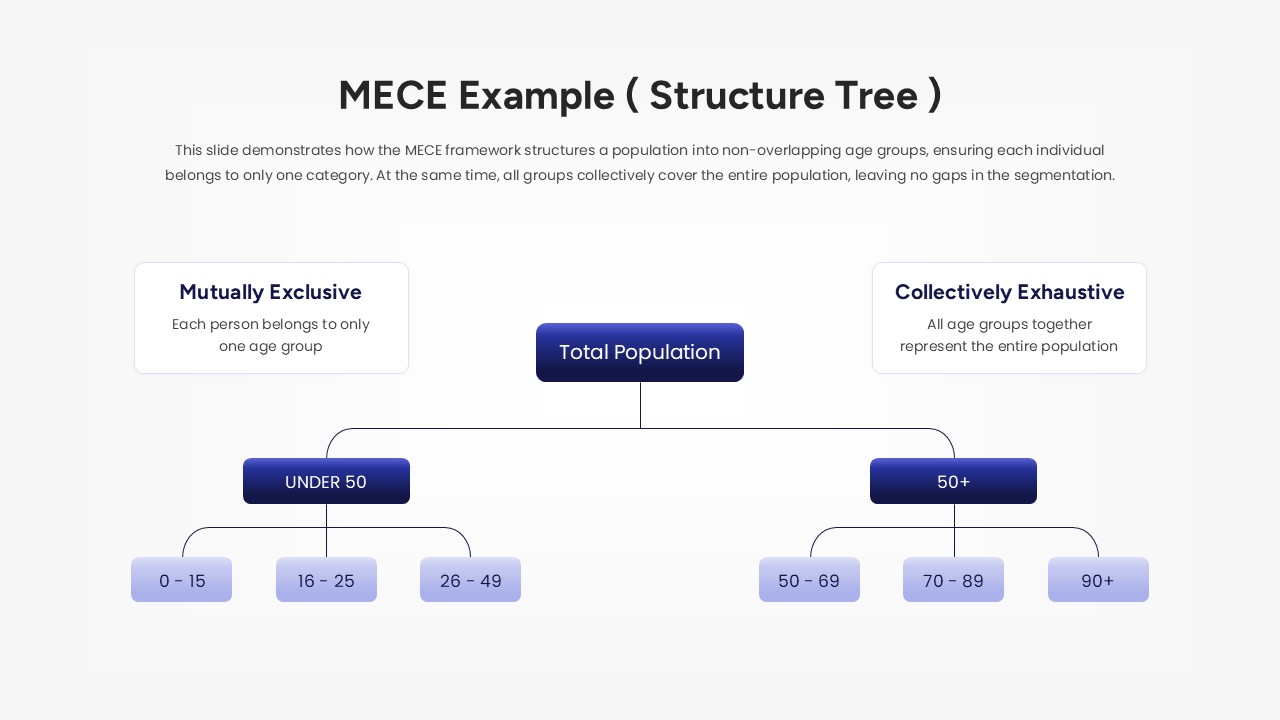
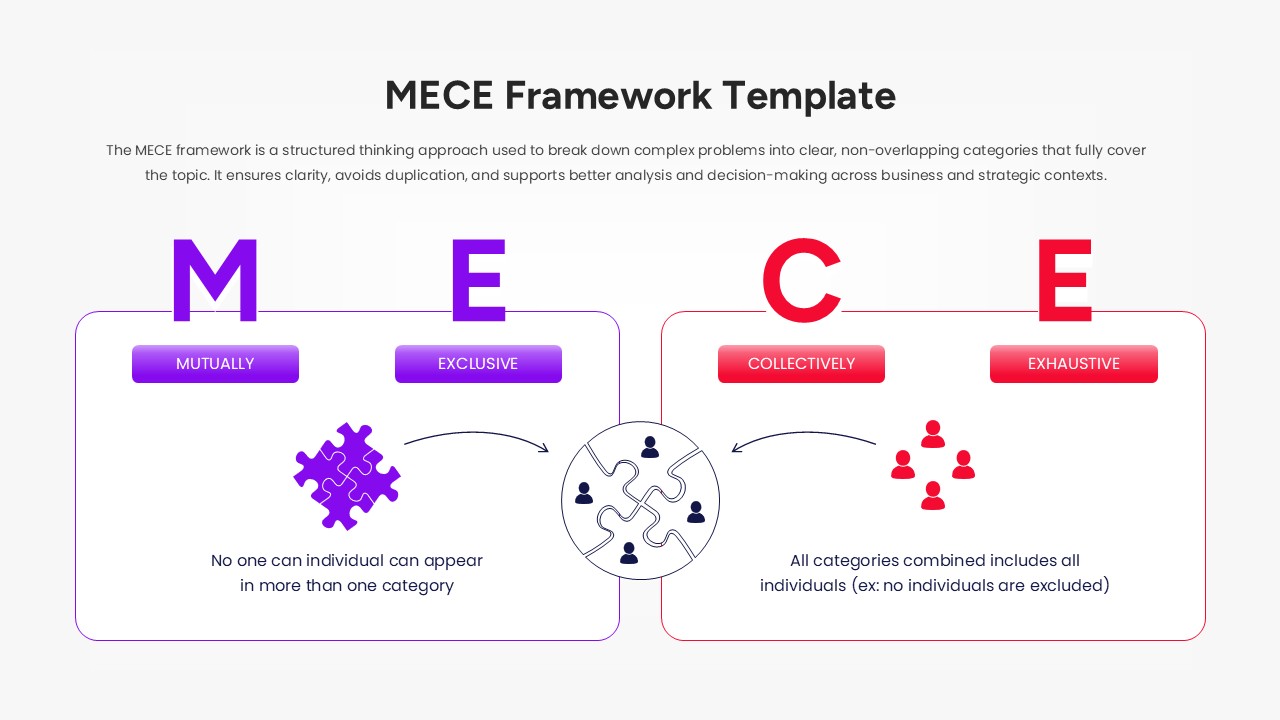
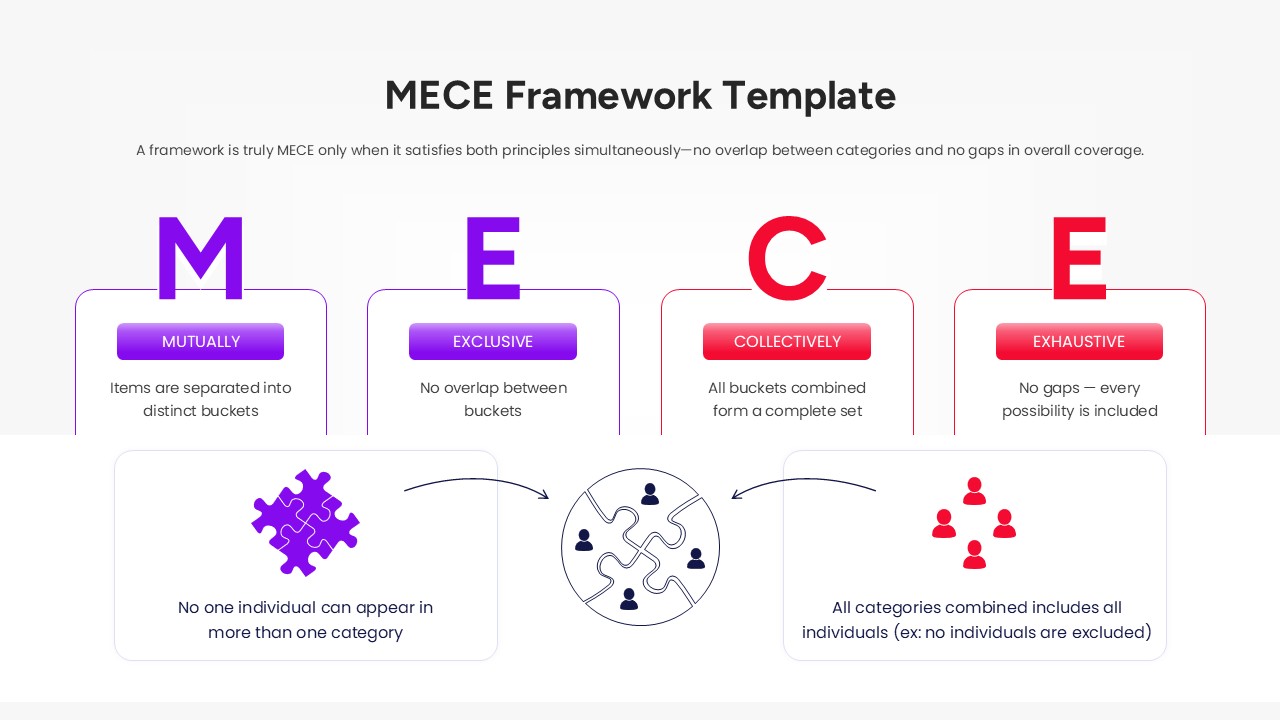
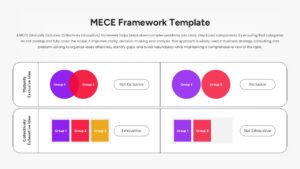
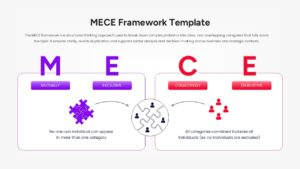
The Free MECE Framework Template is widely used to organize information into clear, non-overlapping categories. It helps break complex problems into smaller parts while ensuring every important area is covered. As a result, teams can analyze issues more effectively and make better decisions.
This MECE Framework’s key applications include:
- Market segmentation and customer analysis
- Business strategy and planning
- Root cause analysis
- Cost and revenue breakdowns
- Process improvement initiatives
- Problem-solving workshops
Built around a structured business problem solving approach, this infographic template helps present information in a logical and easy-to-follow format. Whether you are evaluating opportunities, identifying risks, or developing recommendations, the framework keeps discussions focused and organized.
The presentation includes:
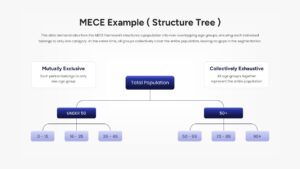
- MECE Framework diagrams and issue trees
- Comparison and classification frameworks
- Analytical breakdown layouts
- Segmentation and prioritization models
- Hierarchical organizational charts
- Strategy and consulting visuals
Designed for consultants, business analysts, project managers, educators, and strategy teams, these slides make complex topics easier to explain. Fully editable layouts allow users to customize content, colors, icons, and diagrams to fit different business scenarios and presentation needs.
The MECE Framework is commonly used in consulting, business analysis, and strategic planning to improve clarity and structure. These layouts help organize complex data, support logical decision-making, and create more effective presentations. They also work well alongside business strategy, problem-solving, and decision-making frameworks, making them valuable for professional and academic use.
Key Features
- 100% Vector-Based Graphics
- Fully Layered & Organized
- Multi-Platform Support
- Theme Color & Theme Font
- Editable Logic Puzzle Graphics
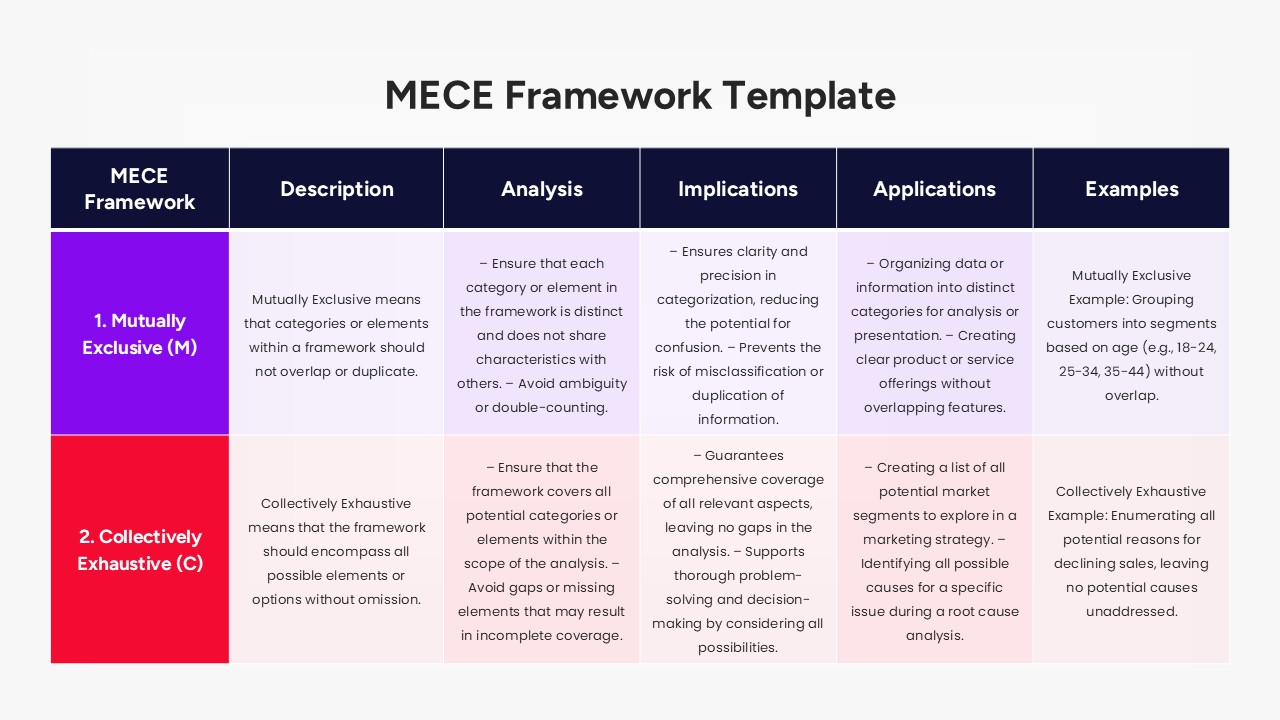
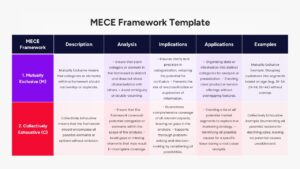
- Comprehensive Comparison Tables
Frequently Asked Questions
- How do I apply the MECE Framework to my specific business problem?
- Simply identify your main goal and use the provided structure tree to break it into categories that are separate (Mutually Exclusive) and together cover the whole issue (Collectively Exhaustive).
- Can I change the colors of the MECE diagrams?
- Yes, all shapes are fully editable vectors, so you can change the fill and border colors to match your company’s branding directly in PowerPoint or Google Slides.
- Is this slide deck compatible with Google Slides?
- Absolutely, the file is fully optimized for seamless performance on both Microsoft PowerPoint and Google Slides platforms.
Related Templates
-
-
 Free
Free -
 Free
Free -