
Free MoSCoW Prioritization Template for PowerPoint & Google Slides
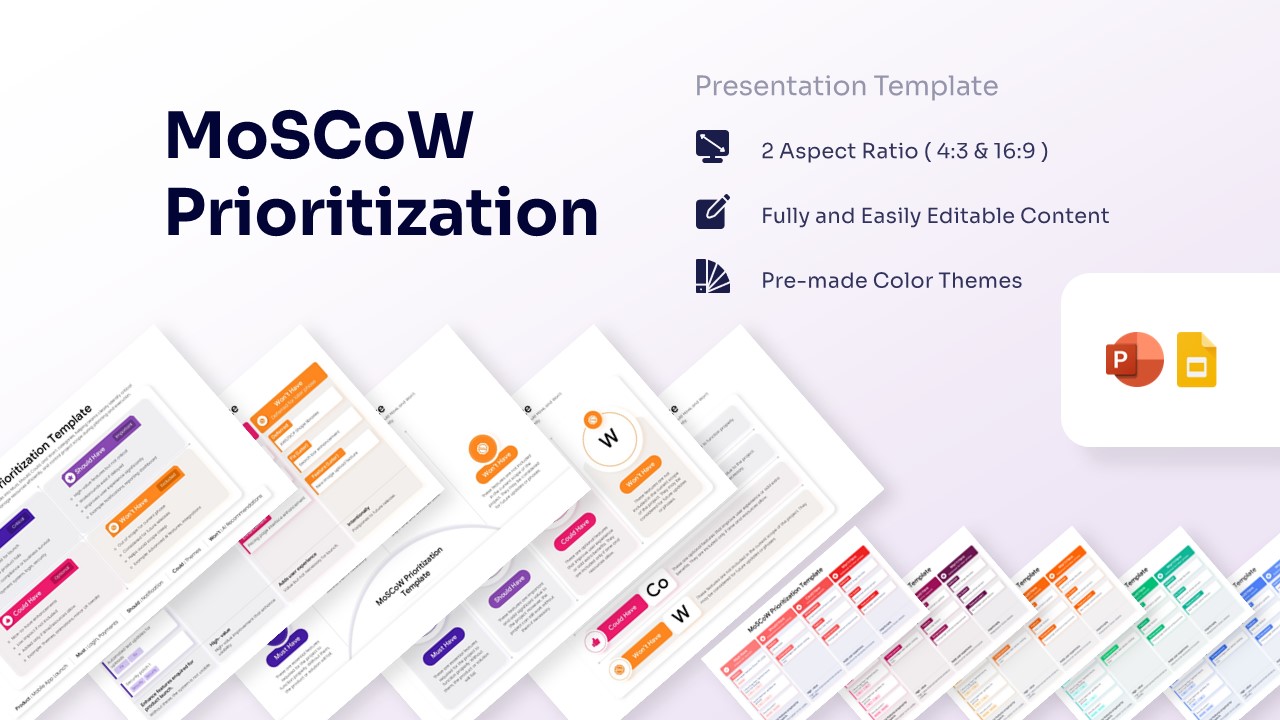
Moscow Model of Priority Presentation Template
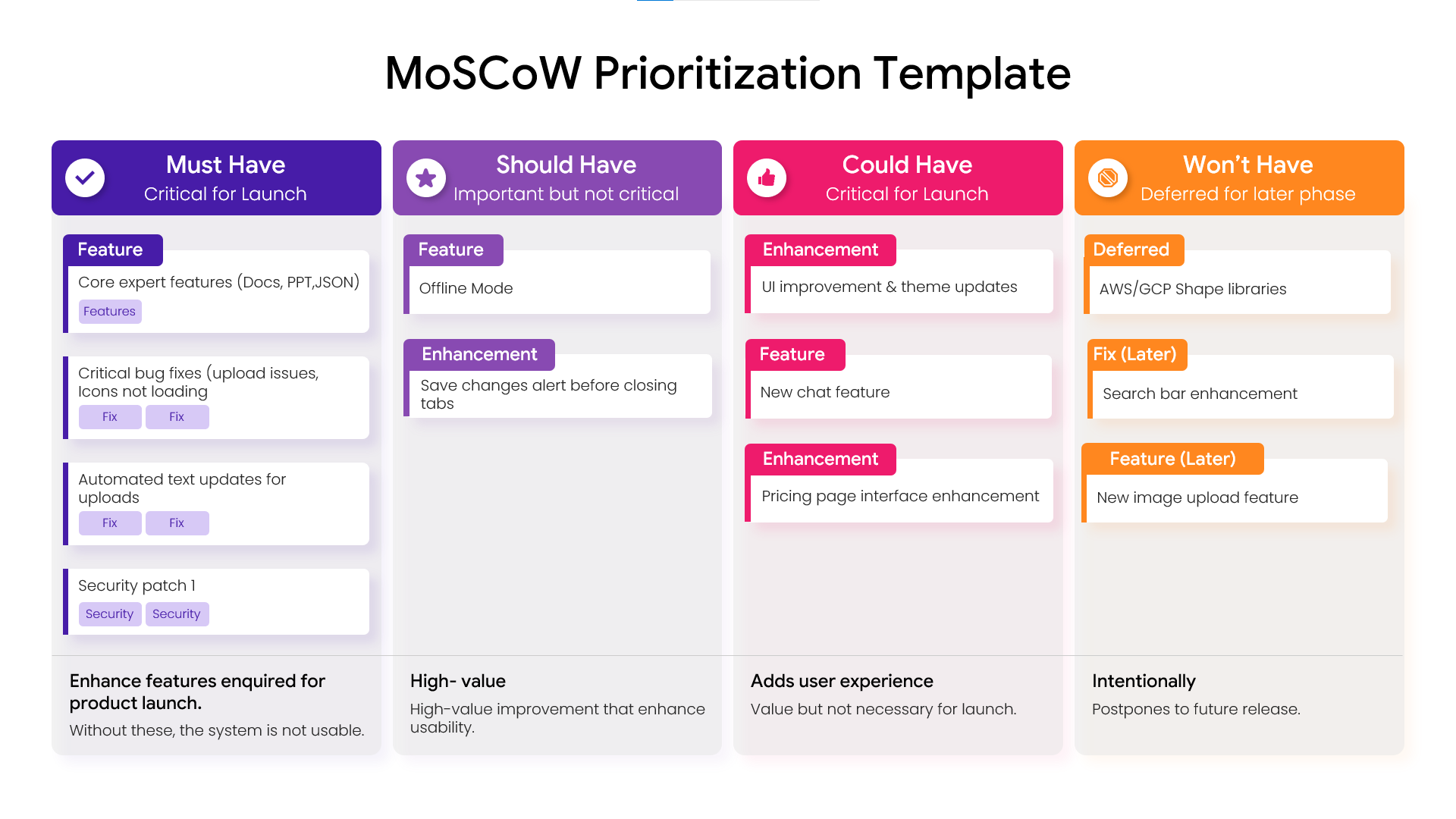
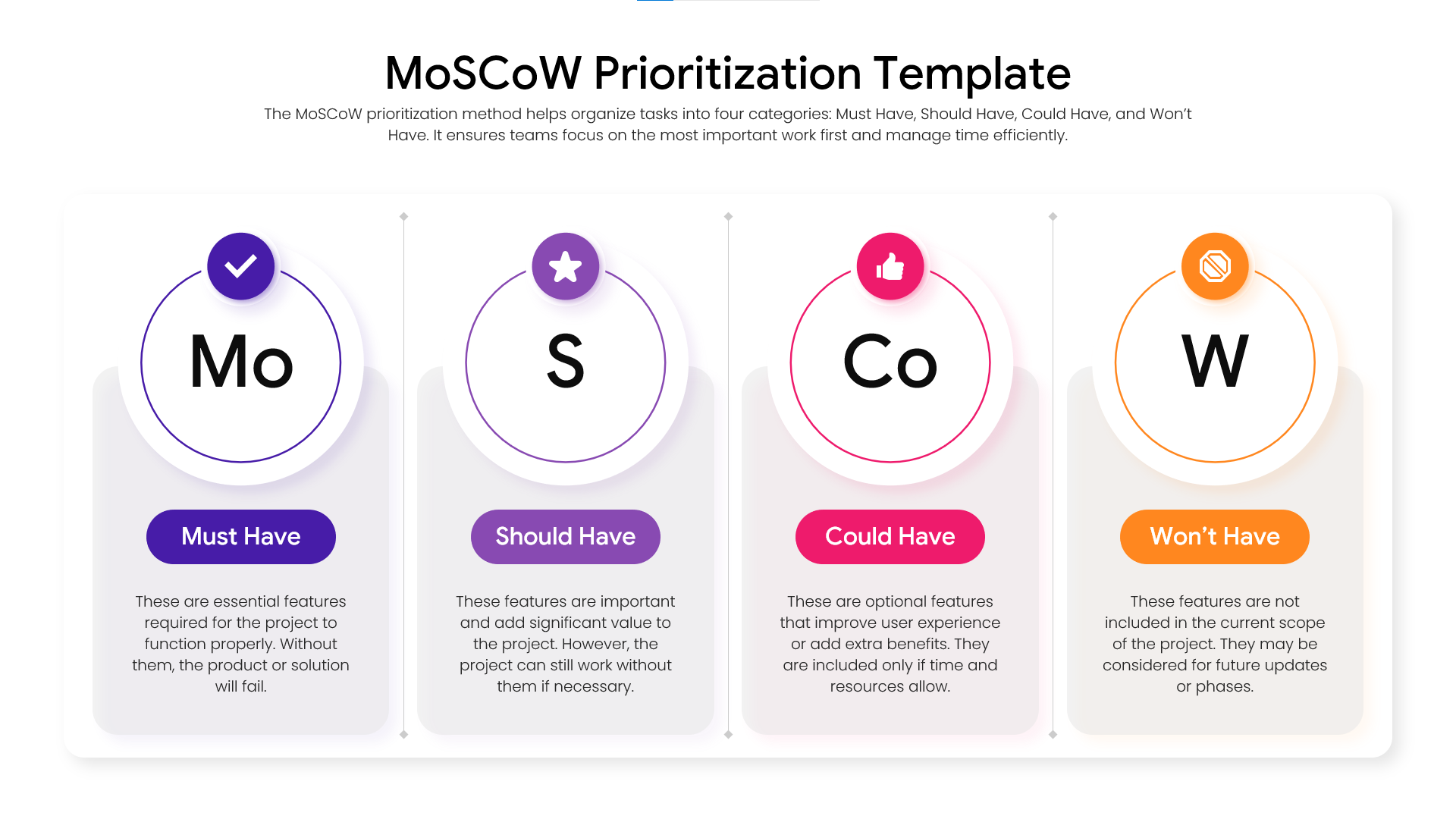
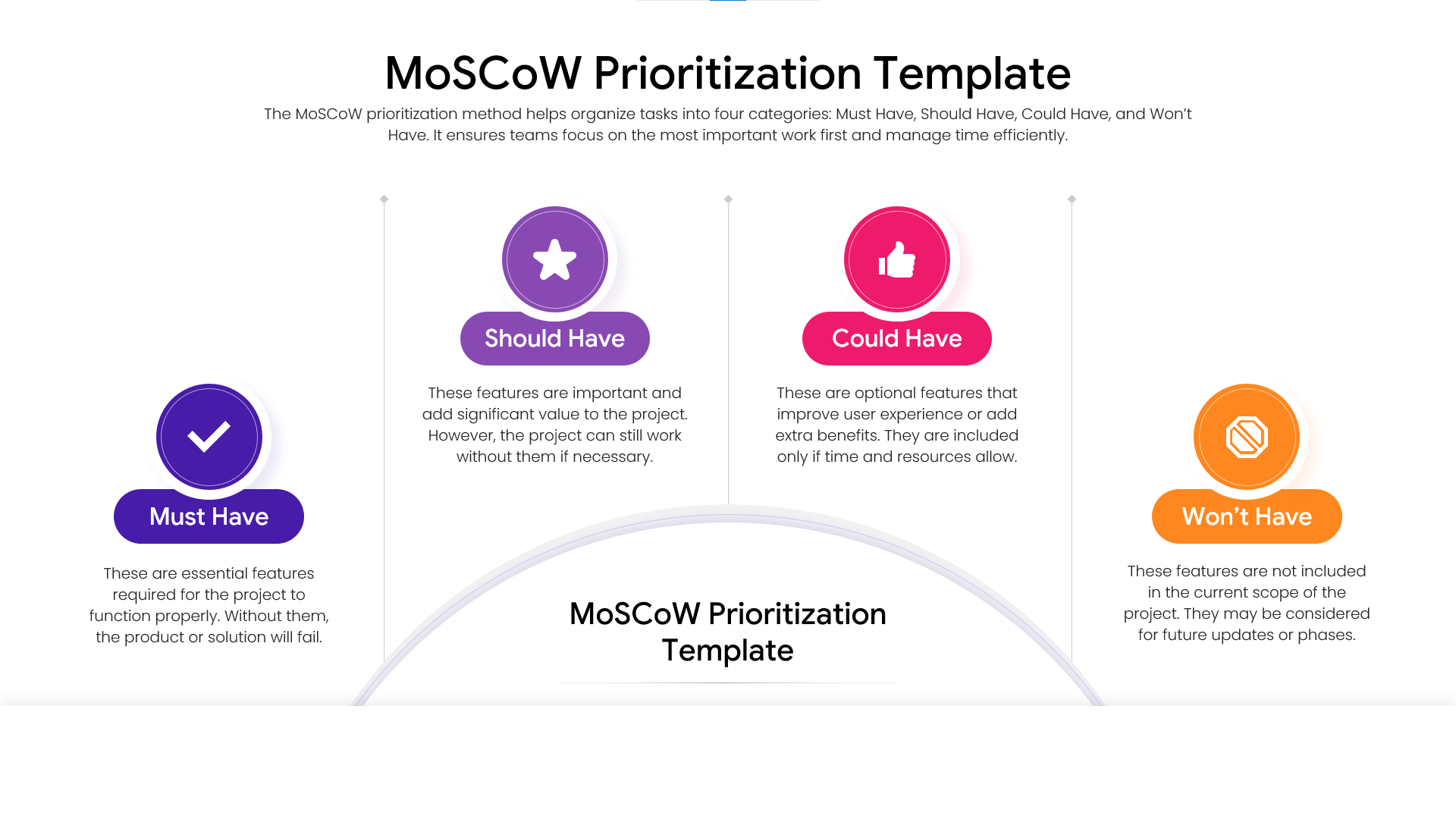
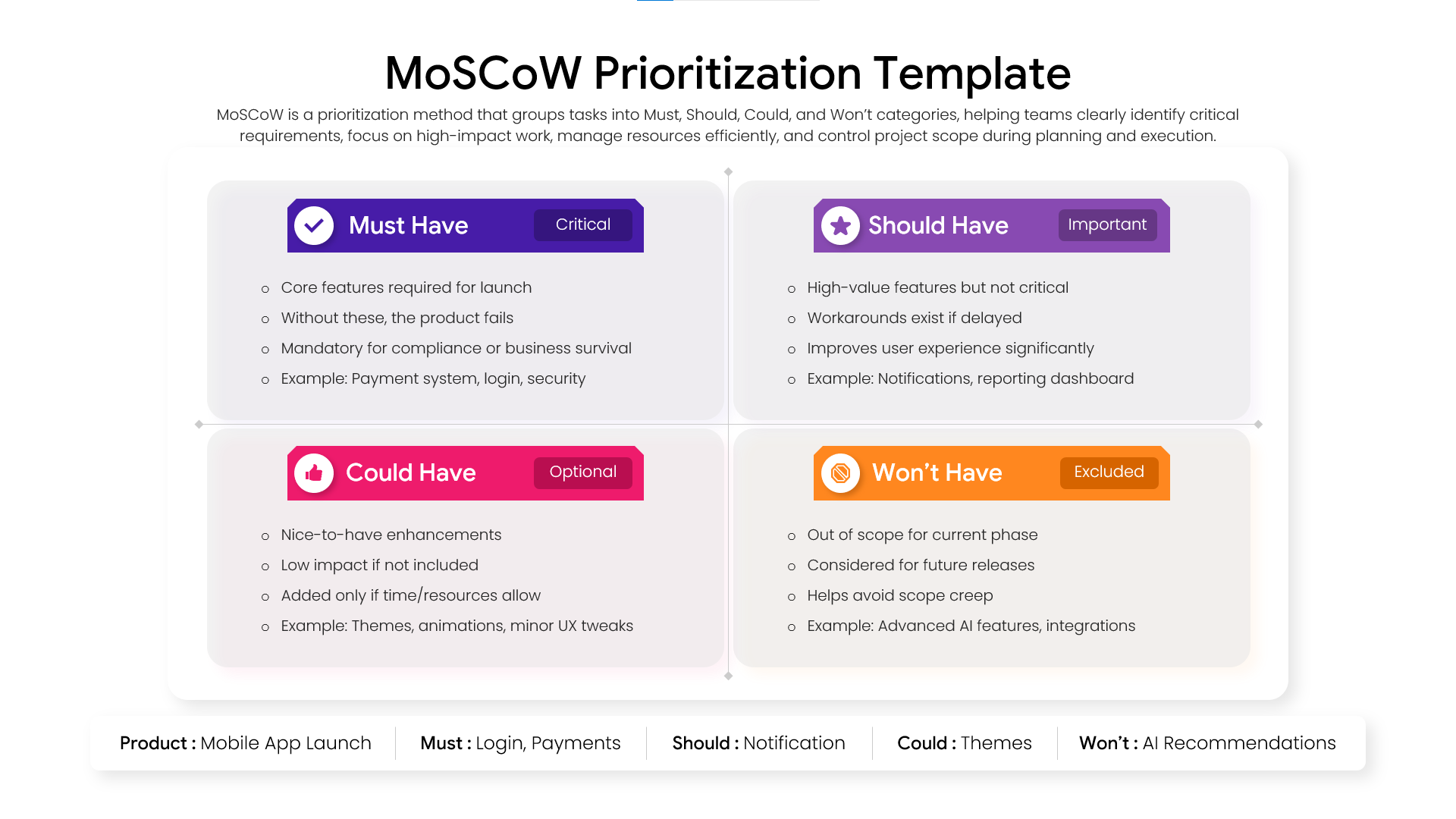
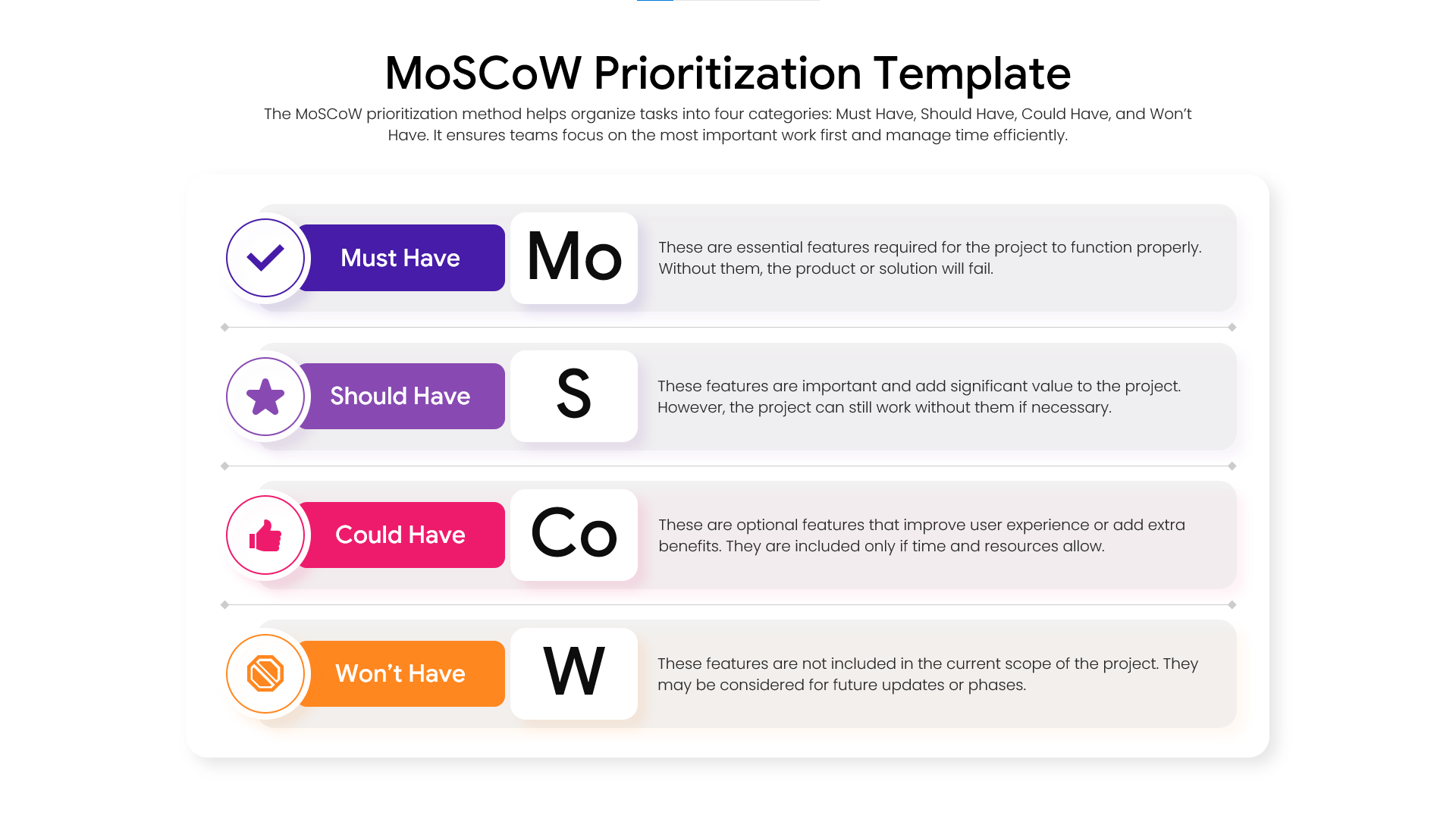
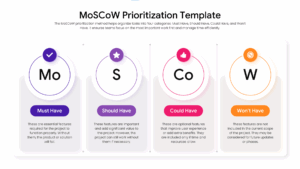
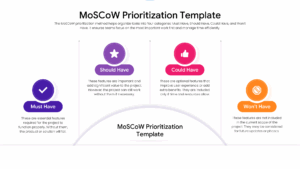
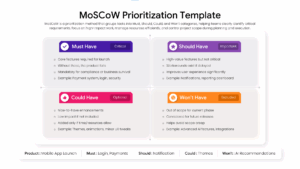
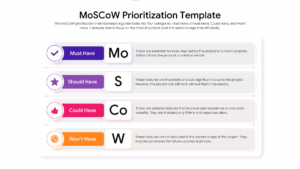
The Free MoSCoW Prioritization Template helps teams organize requirements and focus on the work that delivers the greatest value. Using the Must Have, Should Have, Could Have, and Won’t Have framework, it provides a simple way to prioritize tasks, features, and project deliverables.
Whether you are planning a product launch, managing an Agile project, or defining business requirements, these layouts help teams make better decisions. As a result, stakeholders can align expectations, reduce scope creep, and allocate resources more effectively.
The presentation includes prioritization matrices, requirement categorization frameworks, feature evaluation models, Agile planning diagrams, and product prioritization visuals. In addition, the slides help communicate project priorities in a structured and easy-to-understand format.
Organizations often use the MoSCoW method to support product development, backlog refinement, sprint planning, and strategic decision-making. Furthermore, these layouts work well alongside project management presentation templates and product roadmap presentation templates when discussing project timelines and delivery goals. Users can also combine them with Agile planning templates and business strategy presentation templates to create more comprehensive planning presentations.
Fully editable in PowerPoint and Google Slides, the template allows users to customize categories, features, milestones, colors, icons, and project phases. Product managers, Scrum Masters, business analysts, project managers, and startup teams can use these slides to communicate priorities clearly and keep projects focused on key objectives.
Find more professionally designed infographic layouts in our Free Infographics Template Library.
Key Features
- 100% Vector-Based Graphics
- Fully Layered & Organized
- Multi-Platform Support
- Theme Color & Theme Font
- Editable Iconography for Category Headers
- Detailed Text Placeholders for Feature Descriptions
Frequently Asked Questions
- Can I edit the text in the MoSCoW Method Analysis slides?
- Yes, all text boxes are fully editable in both PowerPoint and Google Slides, allowing you to customize requirement descriptions and category labels.
- Does this Requirement Prioritization Matrix support different screen sizes?
- Absolutely, the slides are optimized for both Standard (4:3) and Widescreen (16:9) formats to ensure compatibility with any display.
Related Templates
-
-
-
-
 Free
Free