Free Puzzle Pieces Template for PowerPoint & Google Slides
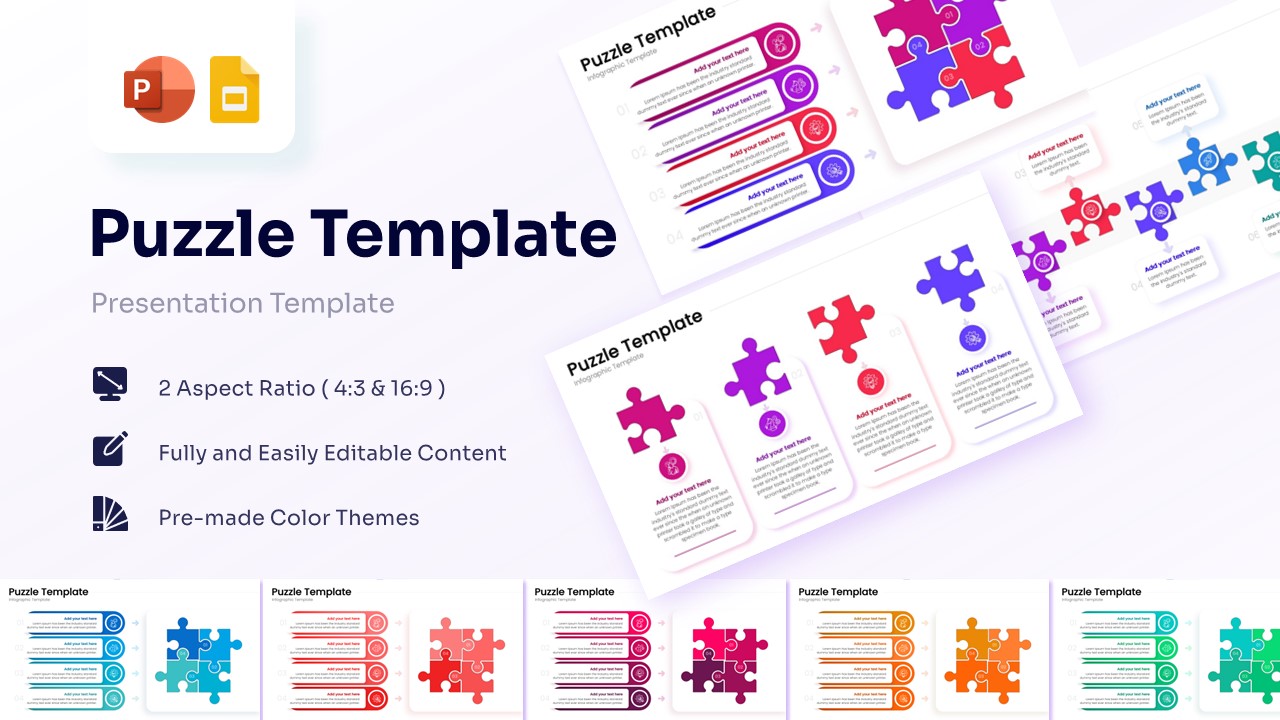
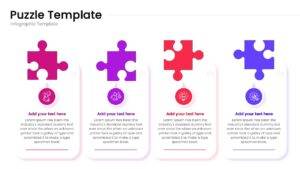
Interlocking Jigsaw Diagrams
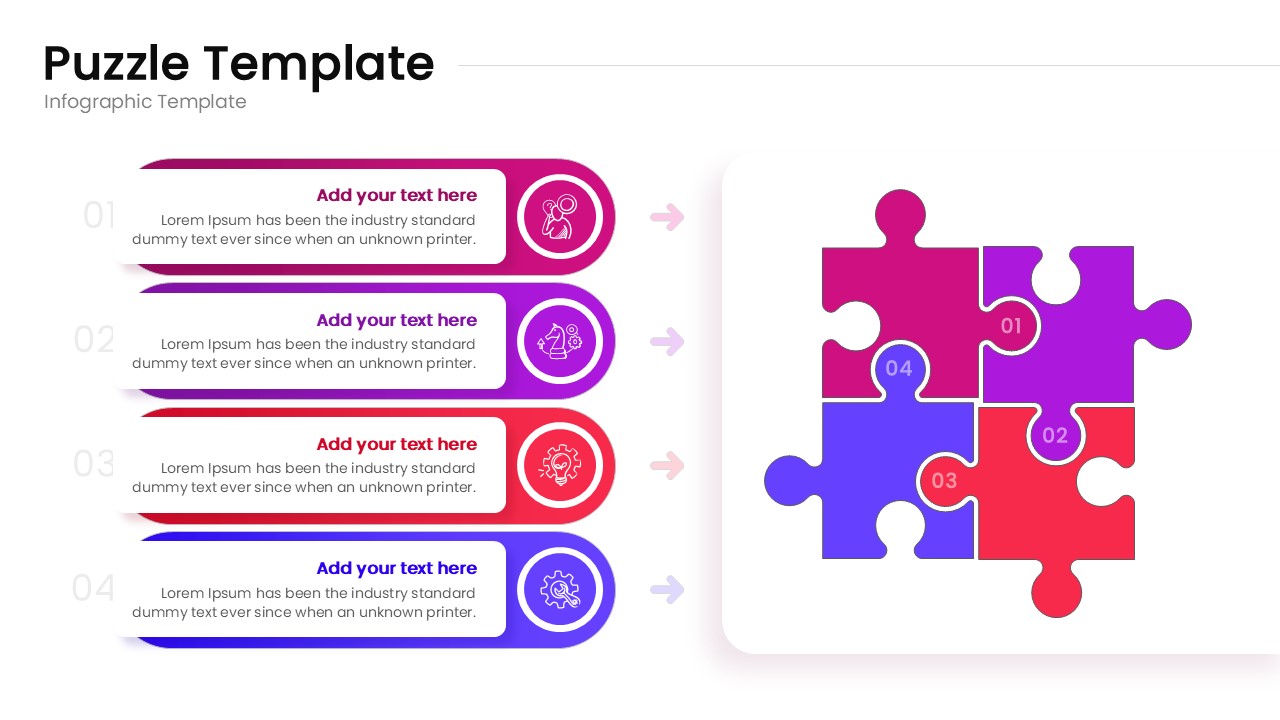
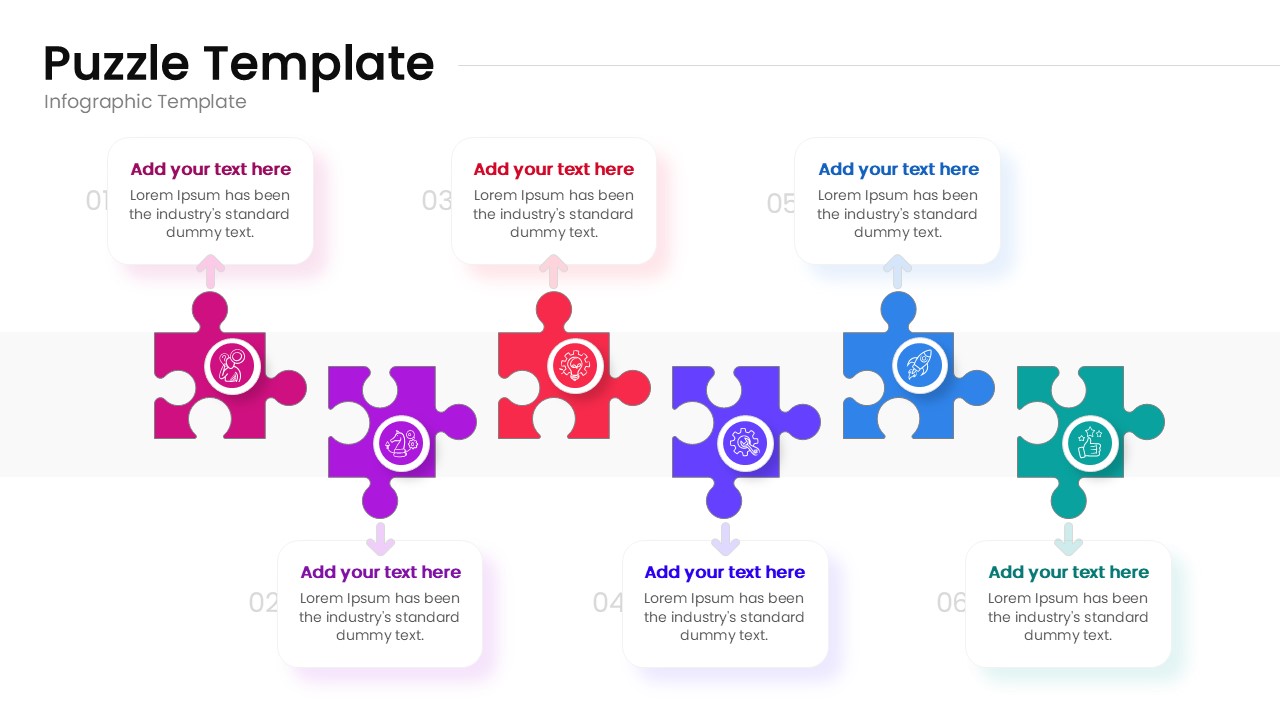
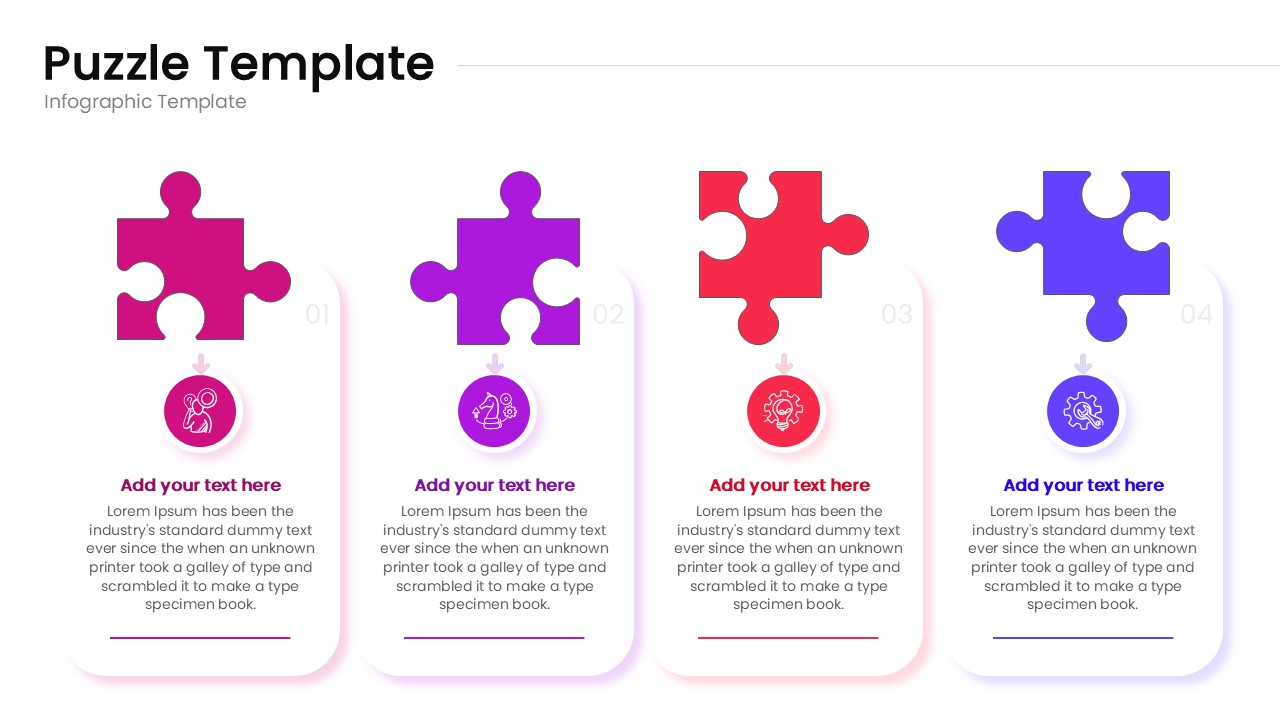
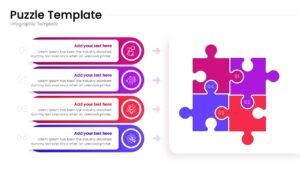
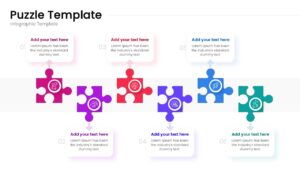
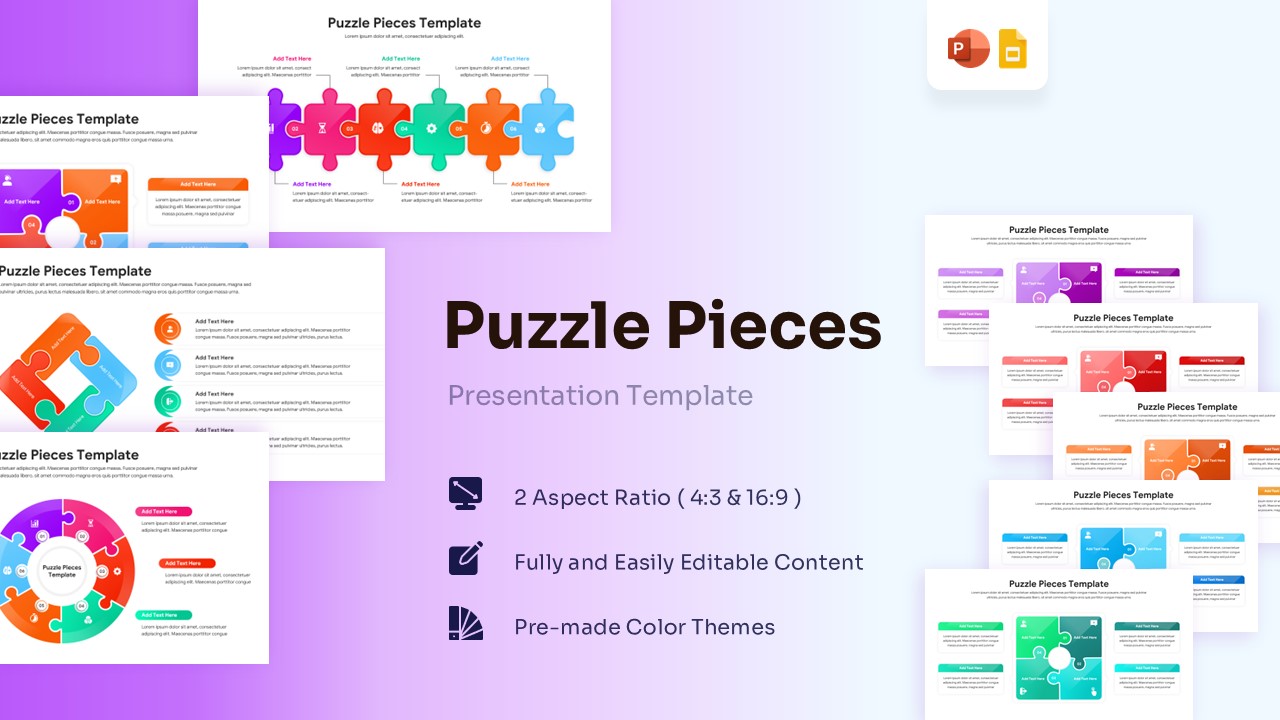
This free puzzle pieces template showcases a variety of puzzle structures, ideal for highlighting how different aspects of your project or business strategy fit together perfectly. This puzzle diagram template is striking and modern, featuring rich gradients of fuchsia, purple, deep blue, and teal. It incorporates smooth, rounded jigsaw shapes alongside neatly organized text areas to keep information looking crisp and accessible. By customizing these graphics, you can clearly map out your operational milestones or even combine them with our detailed process infographics to illustrate comprehensive business workflows.
Capture your audience’s attention by using this puzzle pieces template & tell a compelling story of how your team collaborates to solve complex challenges. It takes only a few clicks to edit the numbered headers, swap out the intuitive line icons, and insert your own descriptive paragraphs. You can easily apply a fresh personal touch by shifting the entire color palette or trying out new typography to match your brand style.
Key Features
- 100% Vector-Based Graphics
- Fully Layered & Organized
- Multi-Platform Support
- Theme Color & Theme Font
- Diverse 4-part and 6-part connected strategy graphics
- Seamless integration for milestone tracking and step flows
Frequently Asked Questions
- How do I change the colors of the puzzle pieces?
- Since these are vector shapes, simply click on a piece and use the \"Shape Fill\" tool in PowerPoint or \"Fill Color\" in Google Slides to match your brand.
- Can I add more pieces to the puzzle?
- Yes, the pieces are modular. You can duplicate existing shapes and snap them together to expand your diagram as needed.
- Are the icons included with the download?
- Yes, the template comes with a set of professional icons that you can swap out or edit to fit your specific topic.
Related Templates
-
-
 Free
Free -
 Free
Free -