
Free Resource Planning Template for PowerPoint & Google Slides
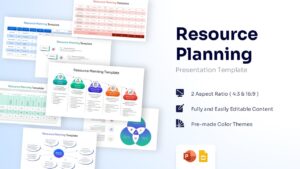
Comprehensive Workforce Management Slides
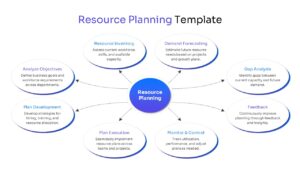
Effective resource planning helps organizations balance workloads, allocate resources efficiently, and achieve business goals with greater confidence. This free Resource Planning Template provides a structured framework for managing workforce capacity, project staffing, operational resources, and business priorities. As a result, teams can improve productivity, reduce bottlenecks, and support long-term growth initiatives.
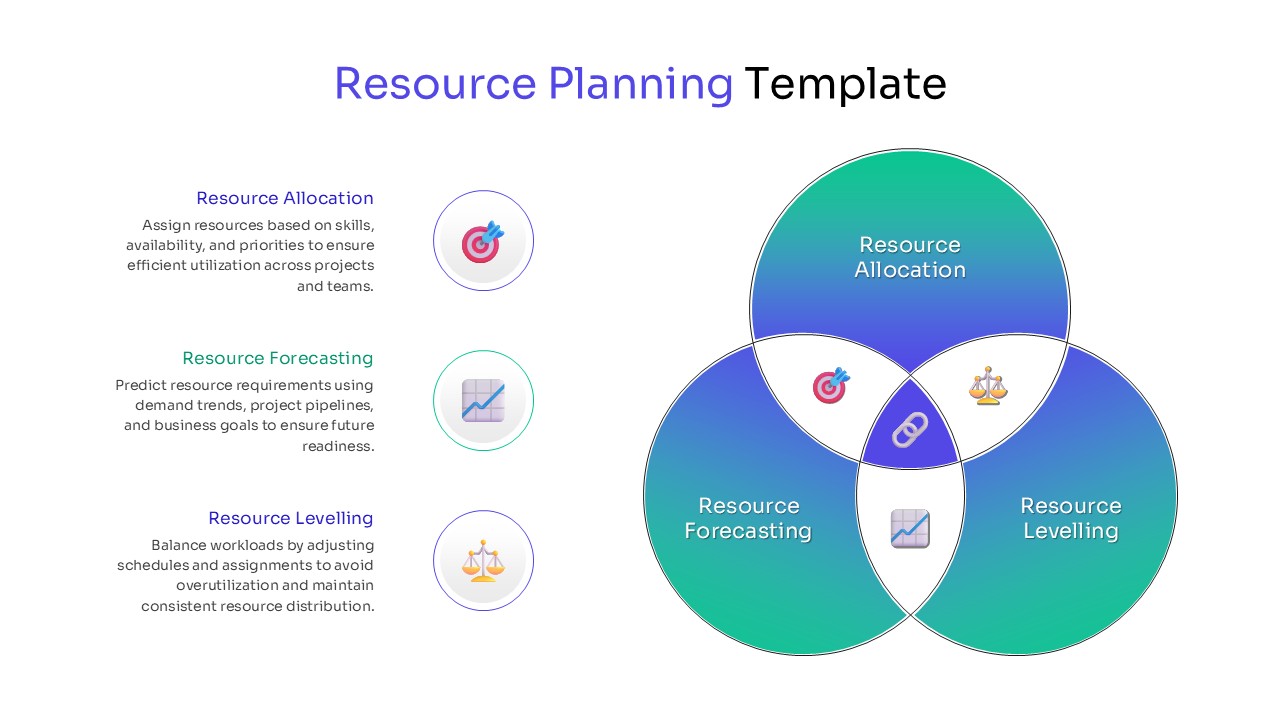
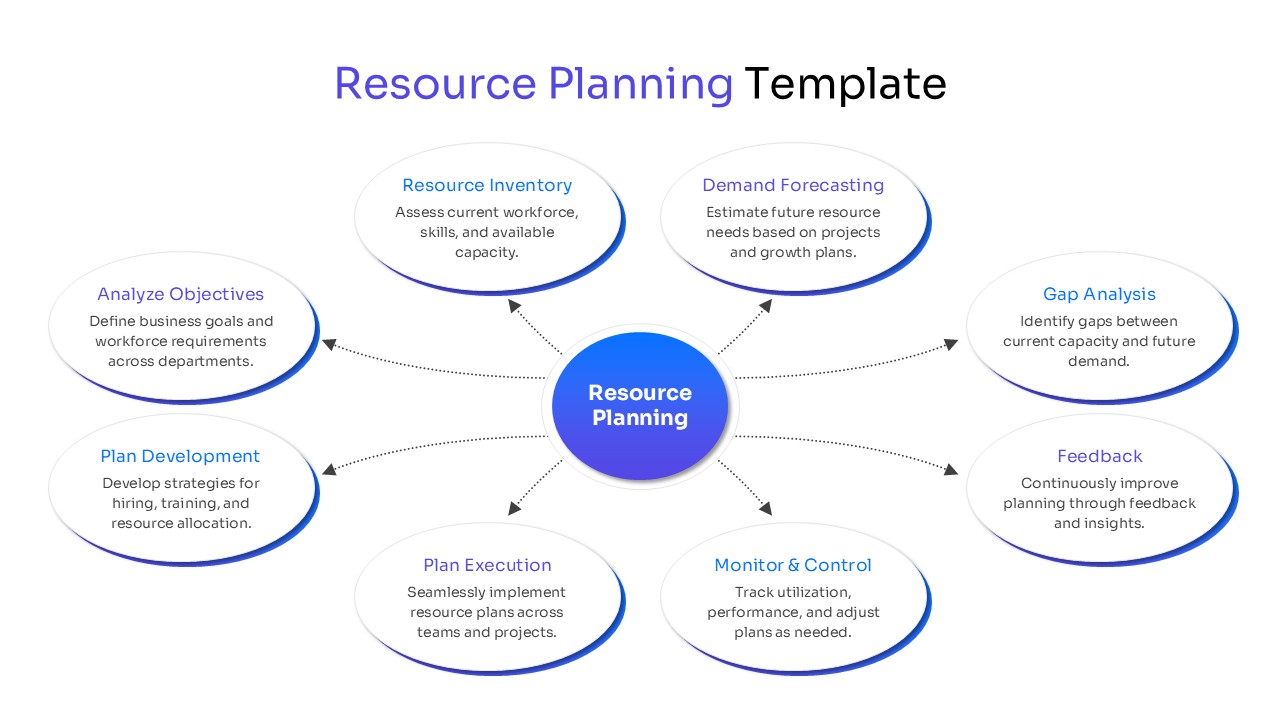
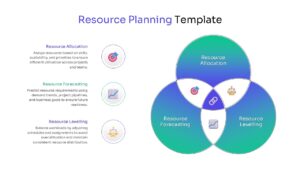
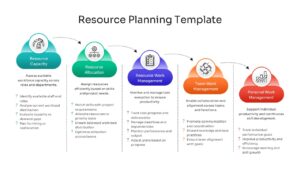
Whether you are forecasting future demand, planning resource allocation, or monitoring team utilization, these layouts help simplify complex planning activities. Furthermore, the visual frameworks make it easier to identify resource gaps, optimize workloads, and align available capacity with organizational objectives. This makes the template valuable for project planning, workforce management, and operational decision-making.
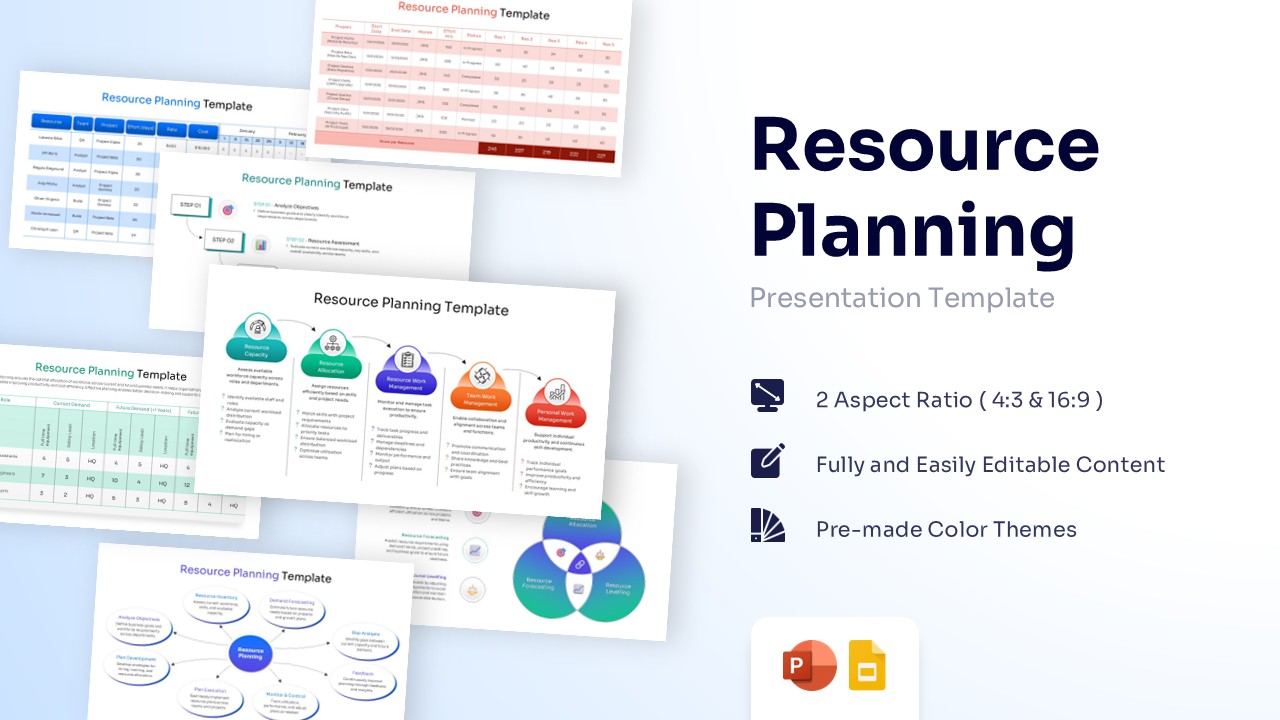
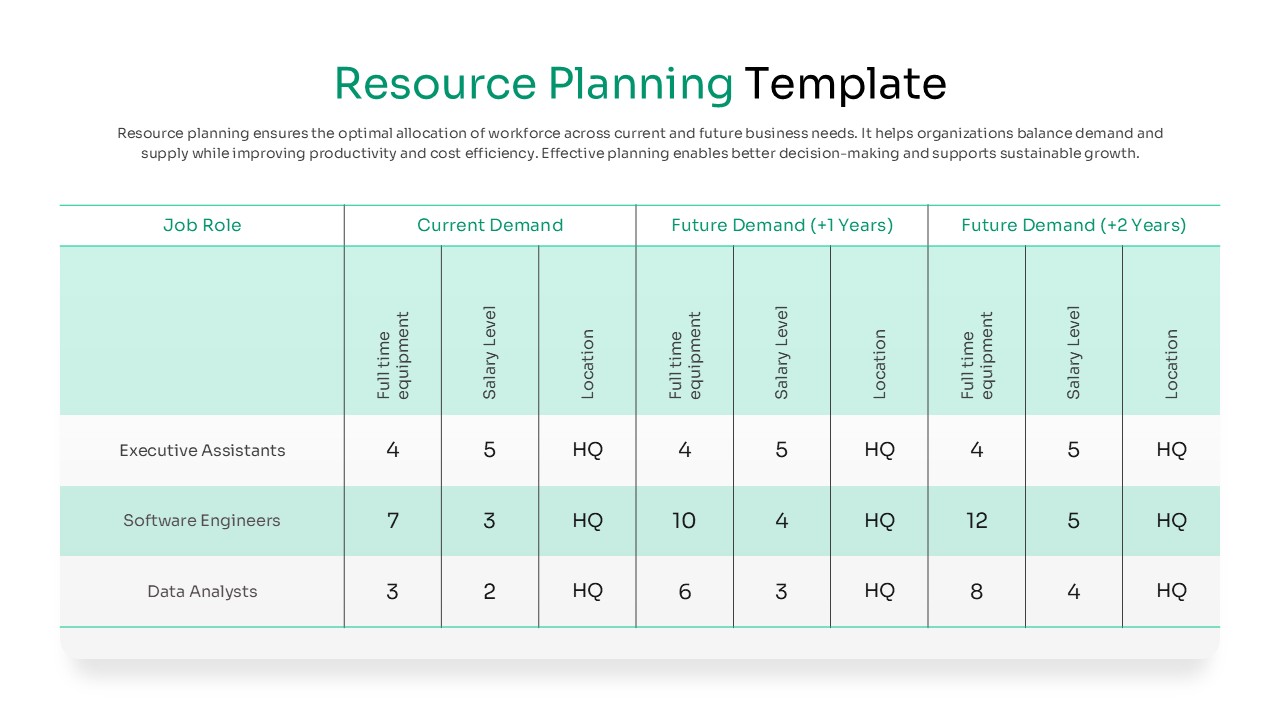
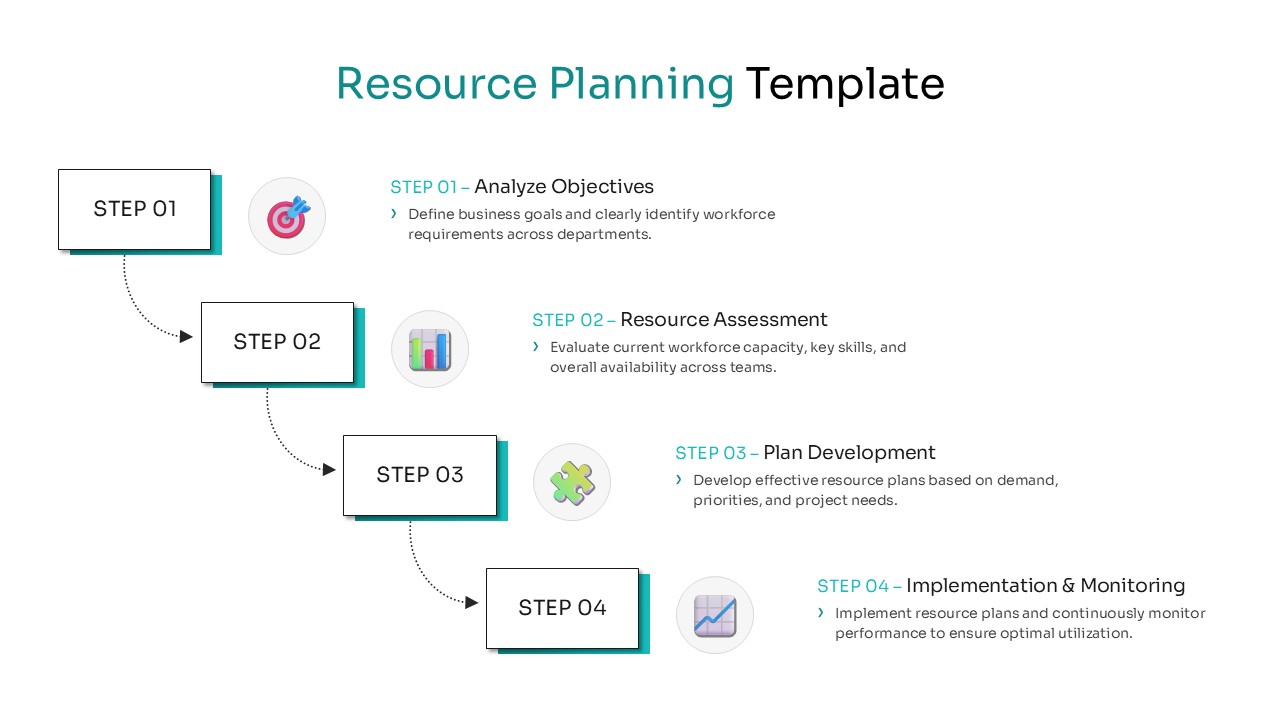
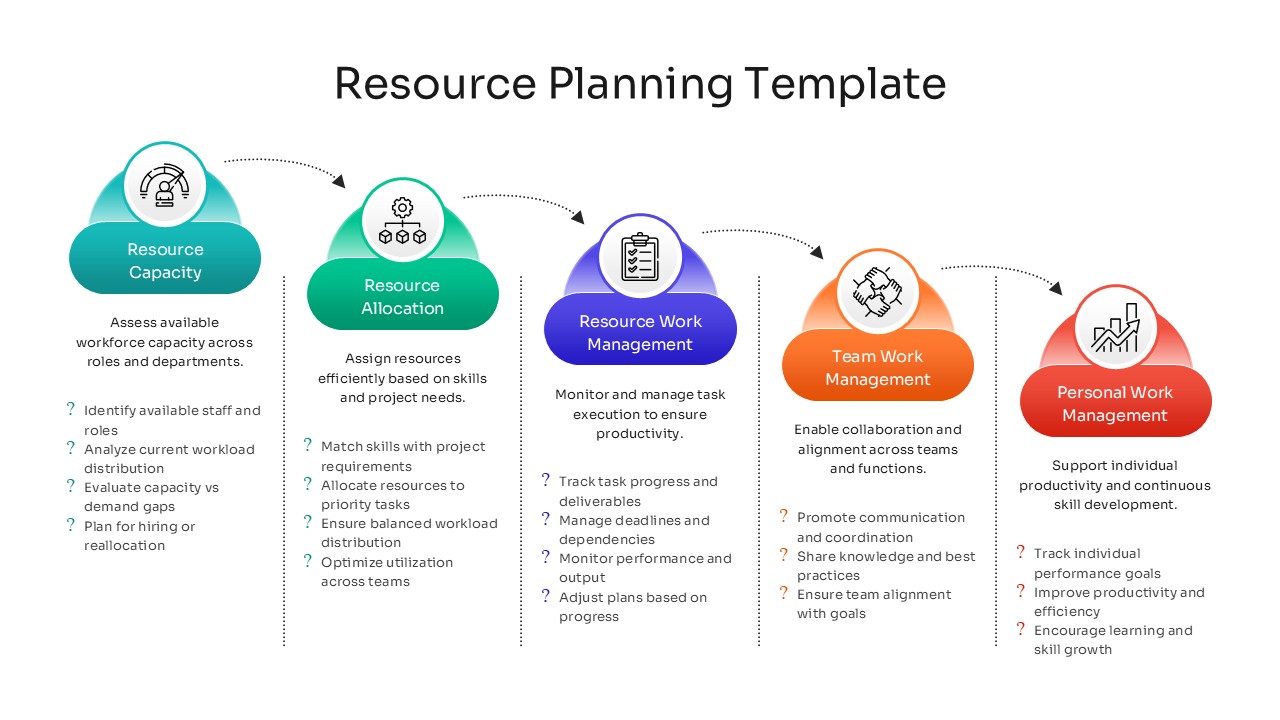
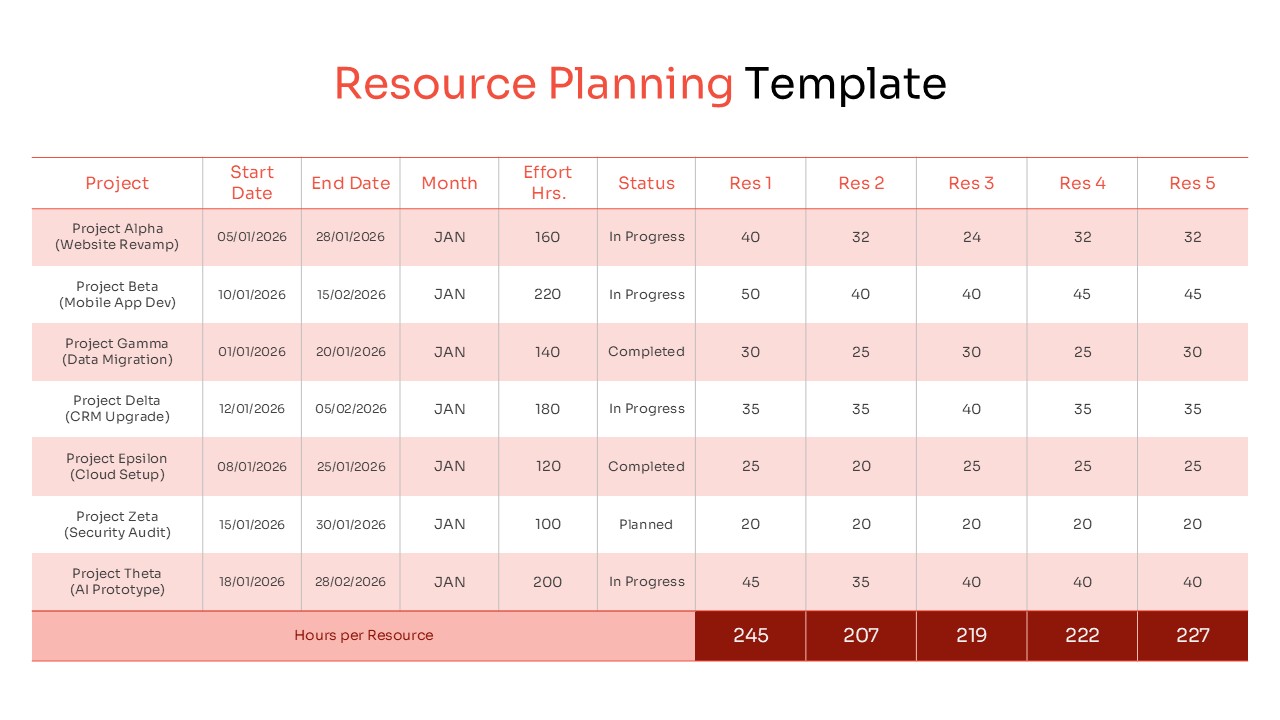
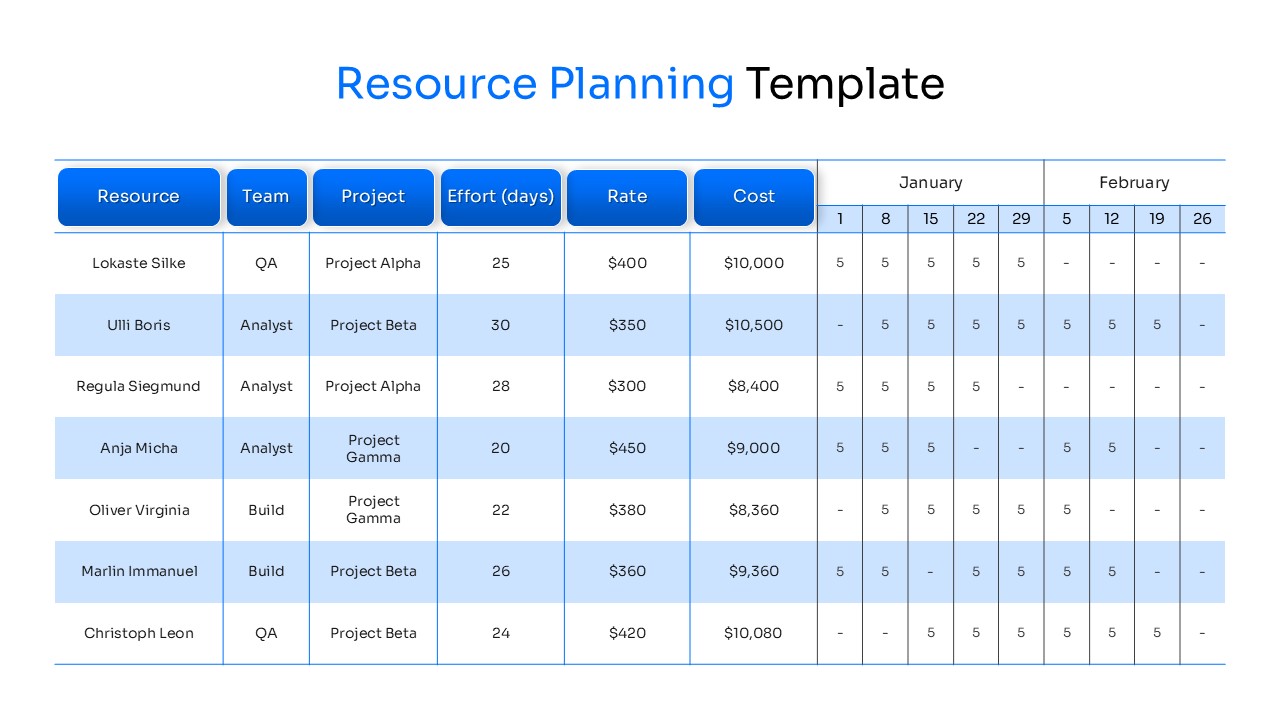
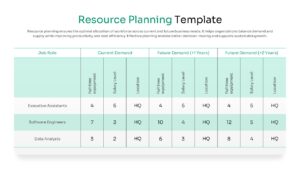
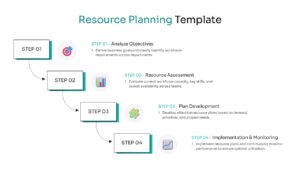
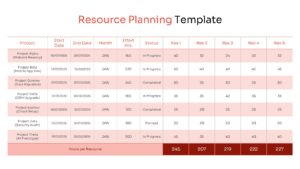
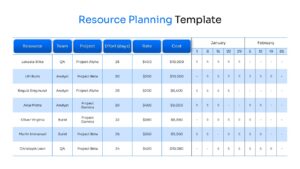
The presentation includes resource dashboards, allocation matrices, planning tables, utilization trackers, forecasting models, and workflow diagrams. In addition, the layouts help stakeholders understand resource availability, project requirements, and performance metrics through clear visual reporting. Users can also combine these slides with project management presentation templates, business strategy presentation templates, and process infographic templates to create more comprehensive planning discussions.
Fully editable in PowerPoint and Google Slides, the template allows users to customize charts, tables, colors, labels, and planning elements with ease. Project managers, HR teams, operations leaders, consultants, and business analysts can use these slides to support workforce planning, capacity management, resource forecasting, executive reporting, and organizational growth strategies.
Key Features
- 100% Vector-Based Graphics
- Fully Layered & Organized
- Multi-Platform Support
- Theme Color & Theme Font
- Excel-compatible data tables for precise effort tracking
- Customizable flow diagrams for resource lifecycle management
Frequently Asked Questions
- Does this Resource Planning support both 4:3 and 16:9 aspect ratios?
- Yes, the layout is fully optimized for both standard and widescreen formats to ensure compatibility with any modern projector or monitor.
- Can I edit the Project Resource Allocation tables?
- Absolutely, all tables are fully editable, allowing you to add rows for new projects, change names, and update effort hours or costs directly.
- Are the icons in this workforce management slide deck customizable?
- Yes, every icon is a vector shape, meaning you can recolor, resize, or replace them without losing any image quality.
Related Templates
-
-
-
Business Model Canvas Template
Business
Free -
 Free
Free