Free Simple Executive Summary PowerPoint Template & Google Slides
Blank Summary Infographic Template
Developing a high-impact overview is effortless with our Free Simple Executive Summary Template, designed to distill complex project data into a single, cohesive narrative. This professional summary infographic layout is the gold standard for high-stakes meetings where clarity is paramount. Whether you are a startup founder pitching in Silicon Valley, a project manager in London, or a consultant in Singapore, this business executive summary tool is essential for anyone needing to deliver a concise yet powerful presentation to decision-makers.
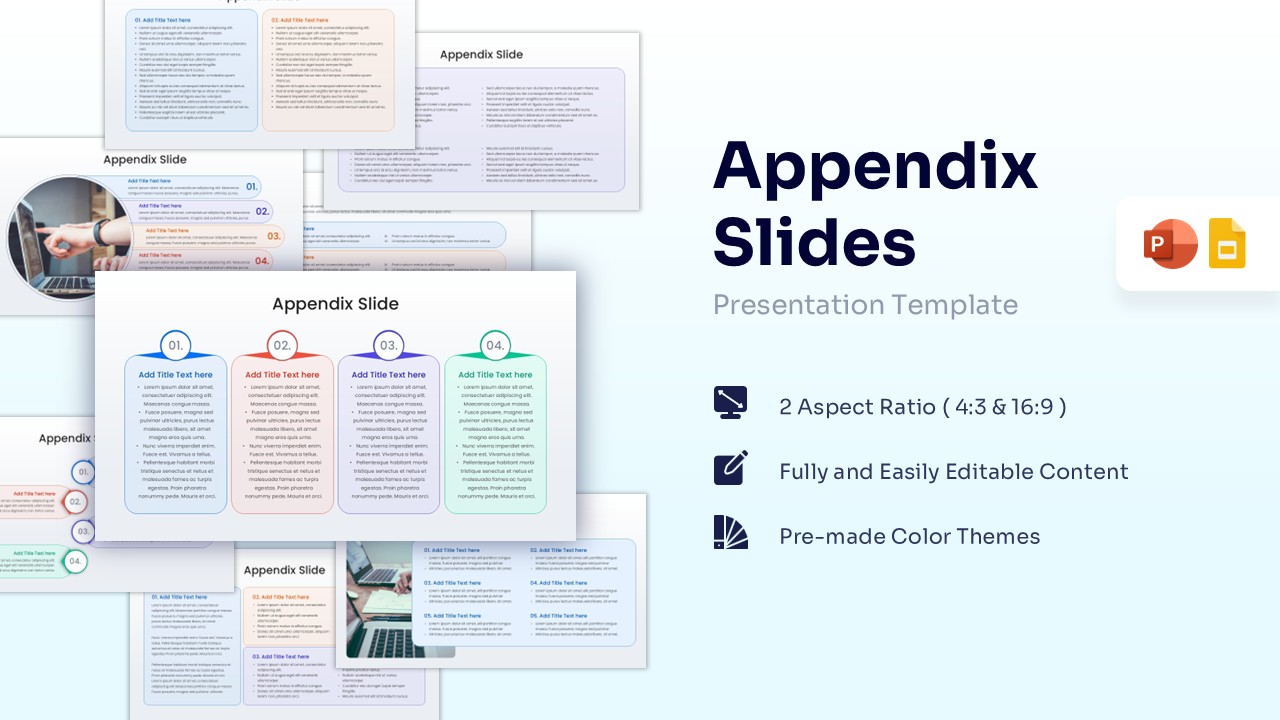
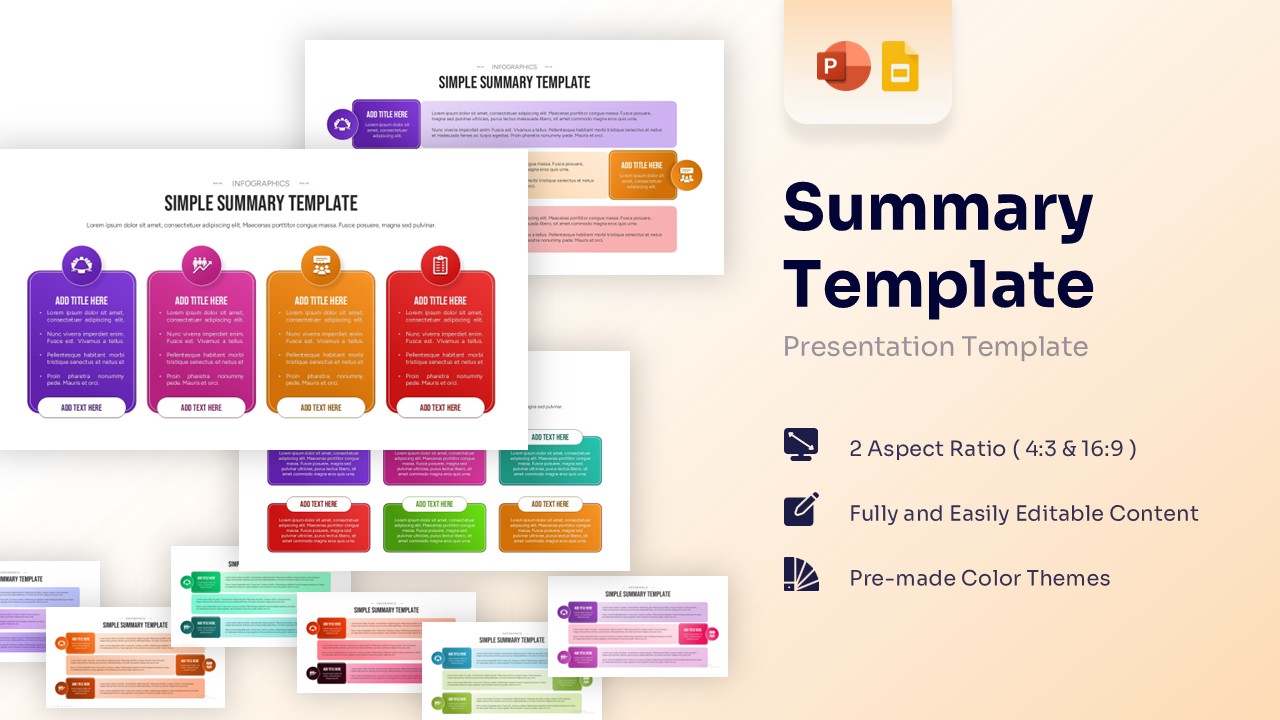
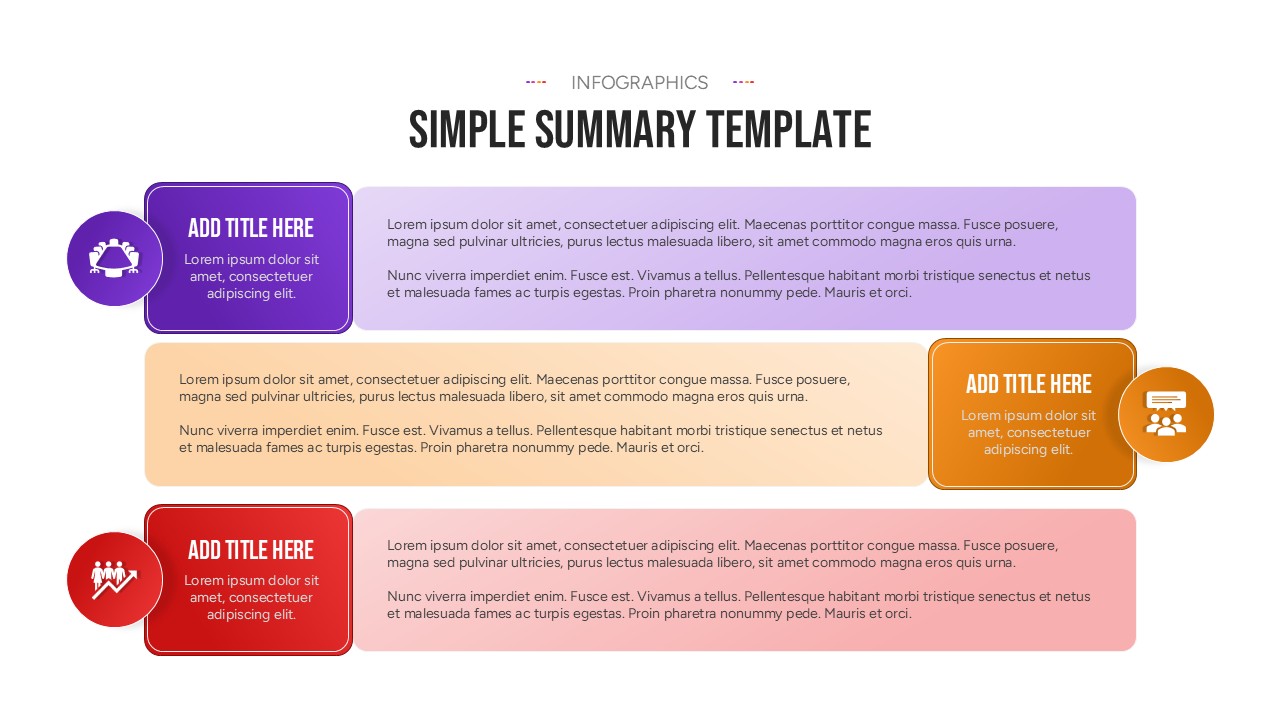
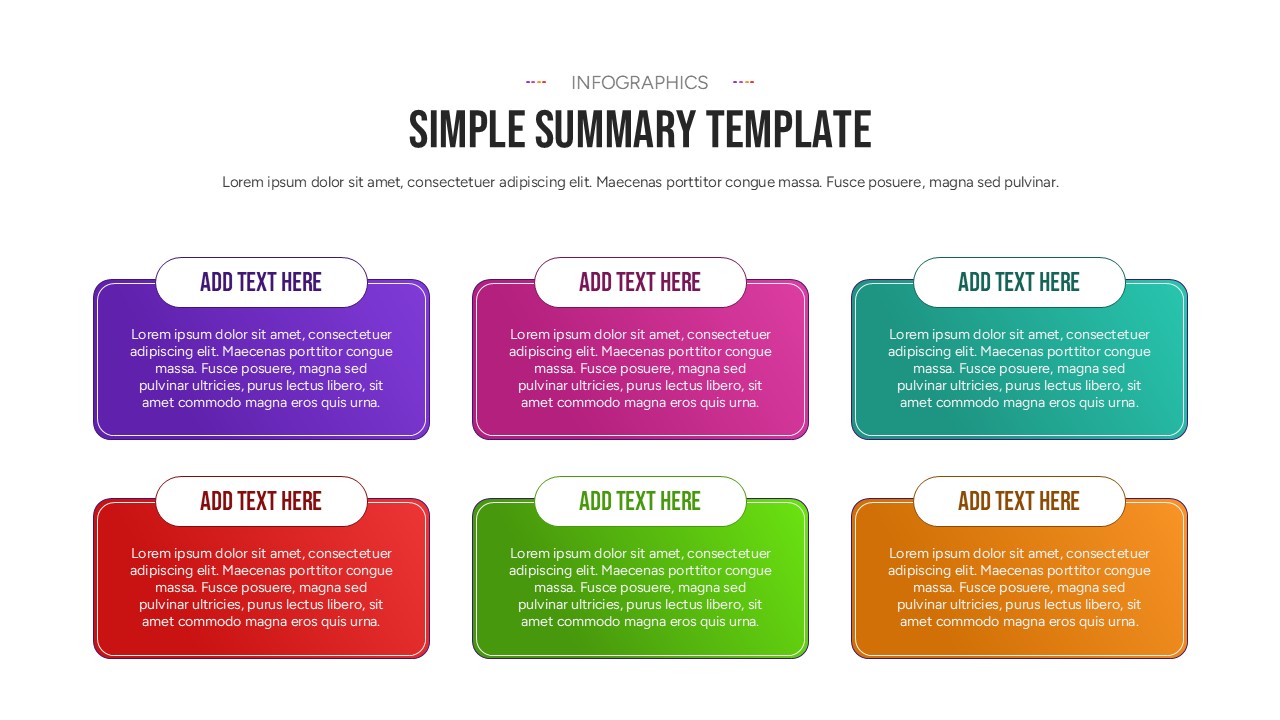
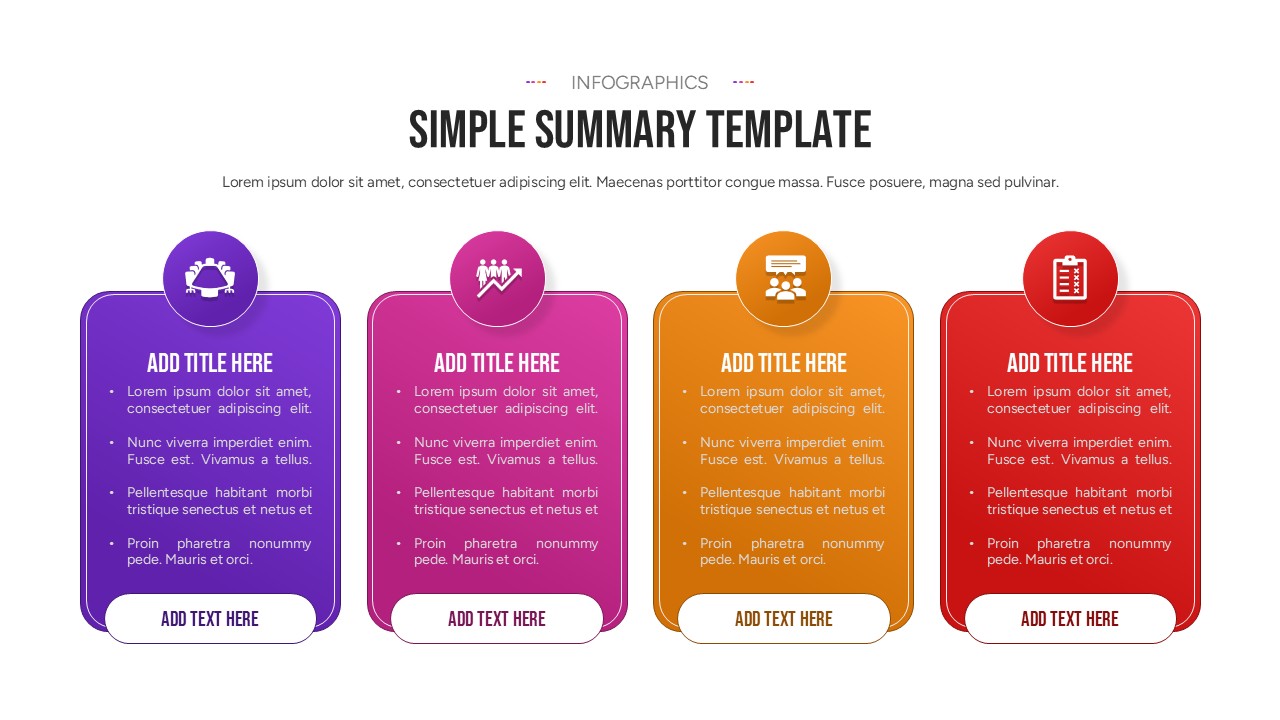
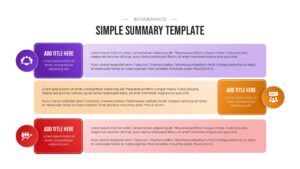
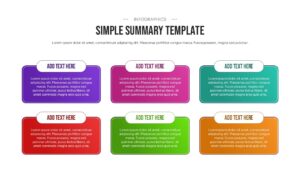
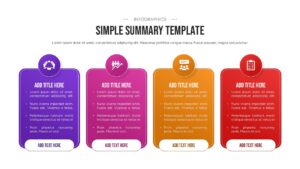
PresentoVerse experts designers have given this executive summary slide a minimalist precision and vibrant visual hierarchy to ensure your key takeaways are never overlooked. Featuring a variety of clean slide architectures—including color-coded vertical cards with vector icons and structured tiled text blocks—the template provides a logical flow for high-level data. Every element is a fully editable vector asset, offering total compatibility across Microsoft PowerPoint and Google Slides. You can effortlessly customize the color palettes to match your corporate branding and switch between standard 4:3 or modern 16:9 widescreen formats while maintaining a professional, boardroom-ready appearance. The cohesive, presentation-ready aesthetics ensure it blends effortlessly into any corporate reporting slide deck or academic lecture series.
Key Features
- 100% Vector-Based Graphics
- Fully Layered & Organized
- Multi-Platform Support
- Theme Color & Theme Font
Frequently Asked Questions
- Can I add more sections to the summary slide?
- Yes, you can easily copy and paste the existing cards to create more rows or columns as needed.
- Are the icons included in the download?
- All icons shown in the preview are included and can be recolored or replaced with your own.
- Does this work on mobile versions of Google Slides?
- Yes, the layouts are responsive and will display correctly on tablets and mobile devices.