Free Creative Key Takeaways PPT Template & Google Slides
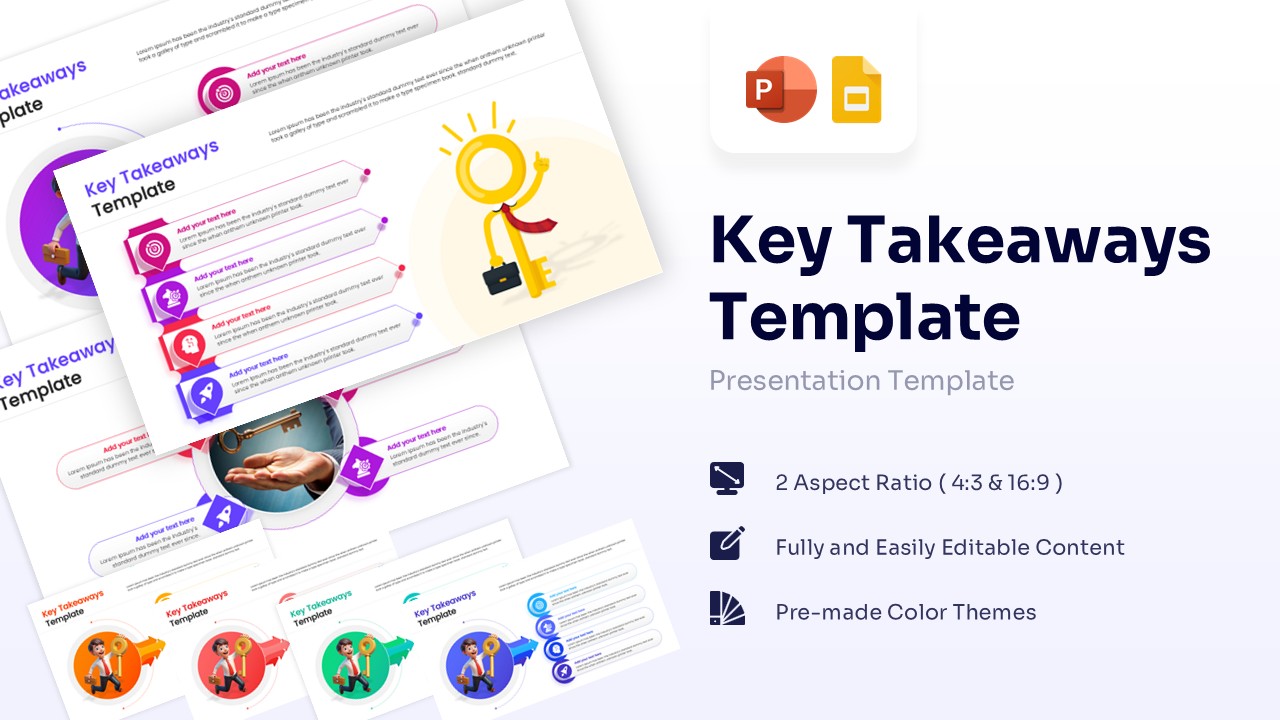
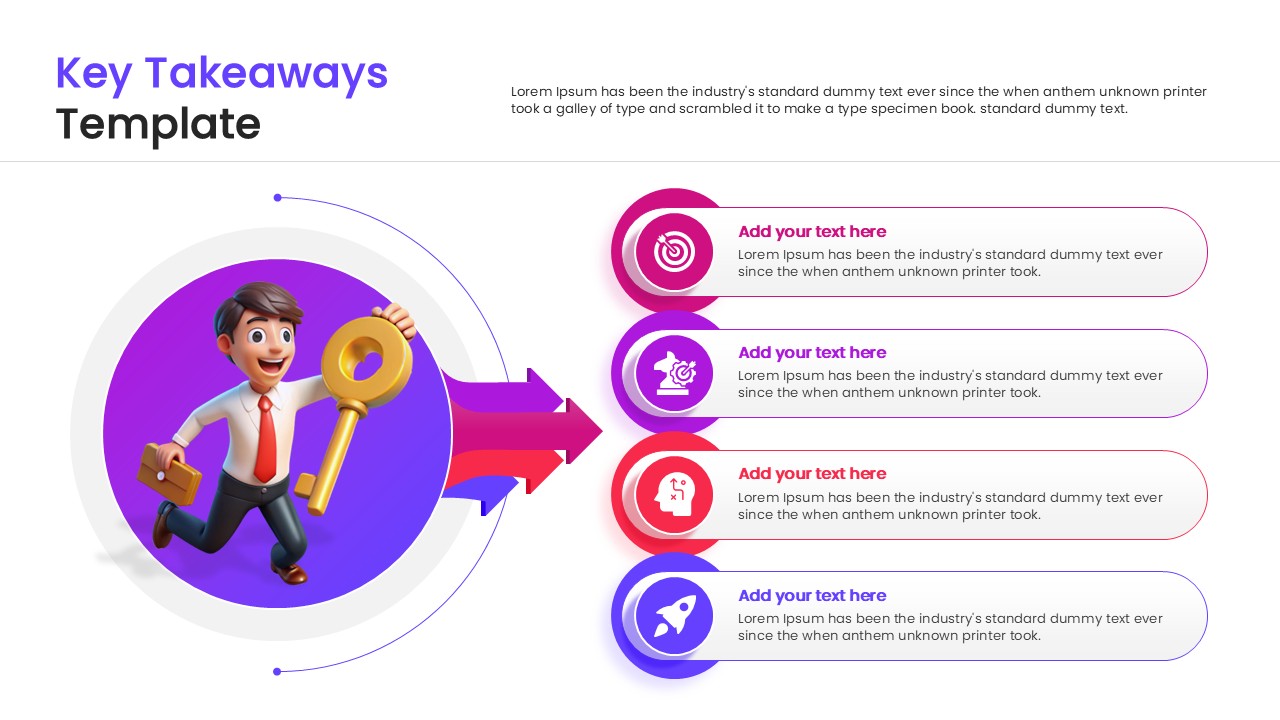
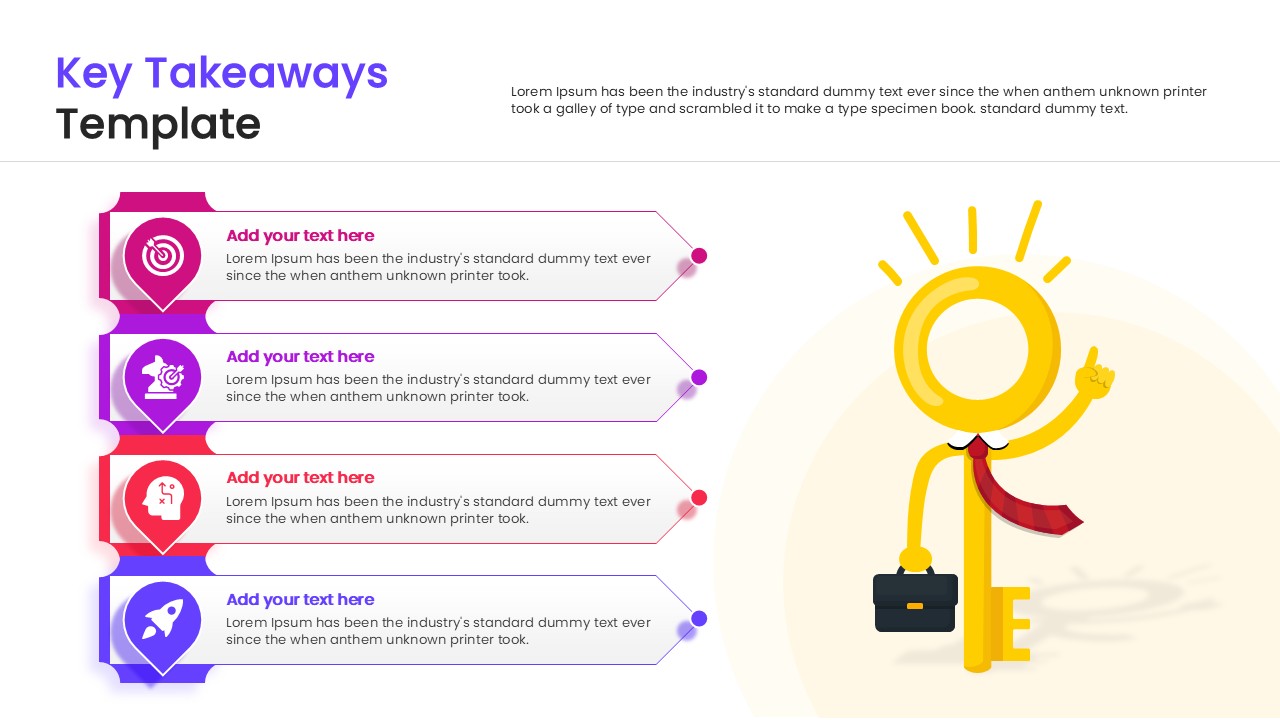
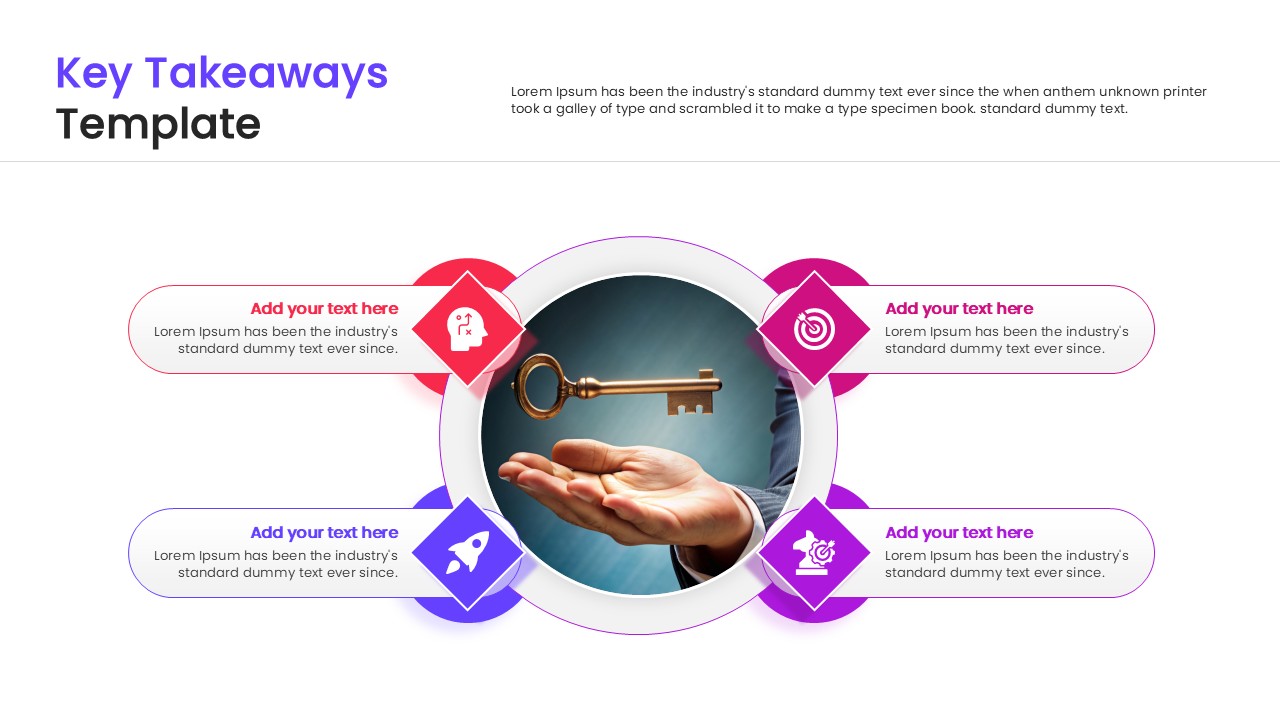
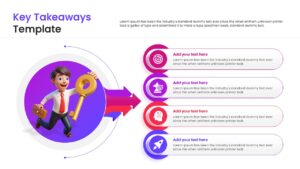
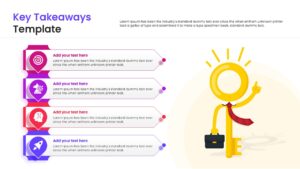
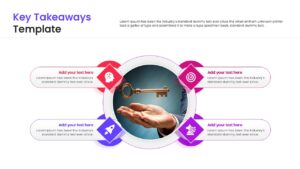
Get this Key Takeaways Template to illustrate critical summary points using engaging visual metaphors. This list infographic design template visually maps key findings, project highlights, and executive summaries in a connected format. The layout clearly shows how components move through business meetings to produce clear takeaways. The design supports strategic reviews, post-project evaluations, and stakeholder briefings. Vibrant icons and text blocks help present system relationships in a clear sequence. The slide keeps technical information organized without overcrowding the layout.
When to Use This Key Takeaways Infographic Template
Use this template when presenting business strategy summary, research conclusions, or training takeaways. It is suitable for board meetings, team huddles, and client pitches. The layout supports clear explanation of final discussion points to both technical and business audiences.
Customization and Editing Options
Users can edit all labels, headings, and descriptions in PowerPoint or Google Slides. Colors can be updated to match corporate branding. Diagram shapes and elements can be resized or repositioned to fit additional details. The central key graphics and text blocks can be adjusted to reflect organization-specific terminology. Additional slides can be duplicated to expand the explanation.
PowerPoint and Google Slides Compatibility
This takeaways infographic template works smoothly in Microsoft PowerPoint and Google Slides. The structure remains consistent across both platforms. It supports in-person technical reviews, virtual briefings, and internal presentations.
Key Features
- 100% Vector-Based Graphics
- Fully Layered & Organized
- Multi-Platform Support
- Theme Color & Theme Font
- Features 4 distinct layout options for varied presentations
- Includes editable 3D and 2D character illustrations
Frequently Asked Questions
- Can I edit the text and numbers?
- Yes, all text areas and numbered lists are fully editable to fit your specific content.
- Is this template available for Google Slides?
- Yes, you can download it for PowerPoint or open it directly in Google Slides.
- Do I need special software to edit the graphics?
- No, standard PowerPoint or Google Slides tools are sufficient to resize or recolor elements.
Related Templates
-
 Free
Free -
 Free
Free -
-