Free TAM SAM SOM Infographic for PowerPoint and Google Slides
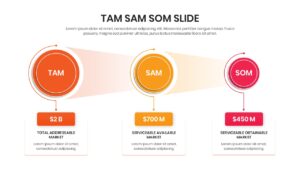
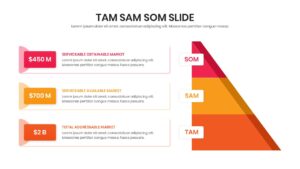
TAM SAM SOM – Market Size Analysis Template
Understanding your market potential is the foundation of any successful business strategy or investor pitch. Accurately defining your target audience ensures you are pursuing viable opportunities, which is why utilizing a comprehensive Free TAM SAM SOM template is crucial for conveying your vision to stakeholders.
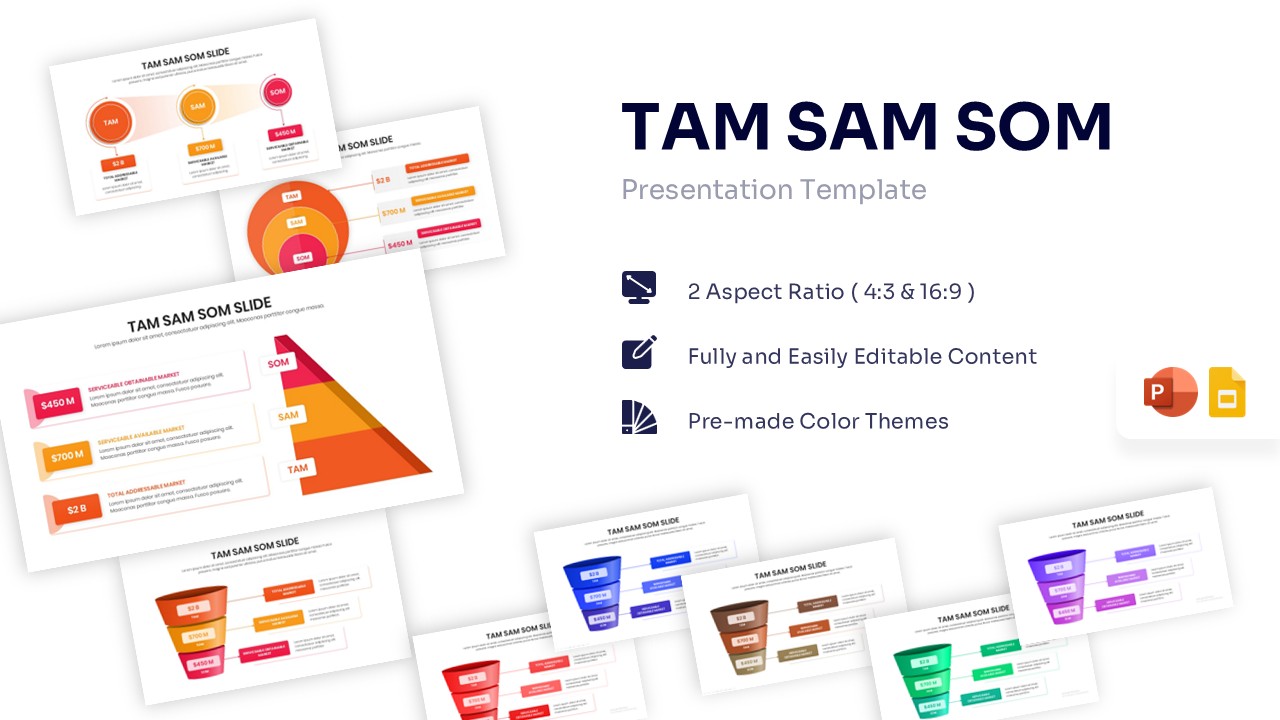
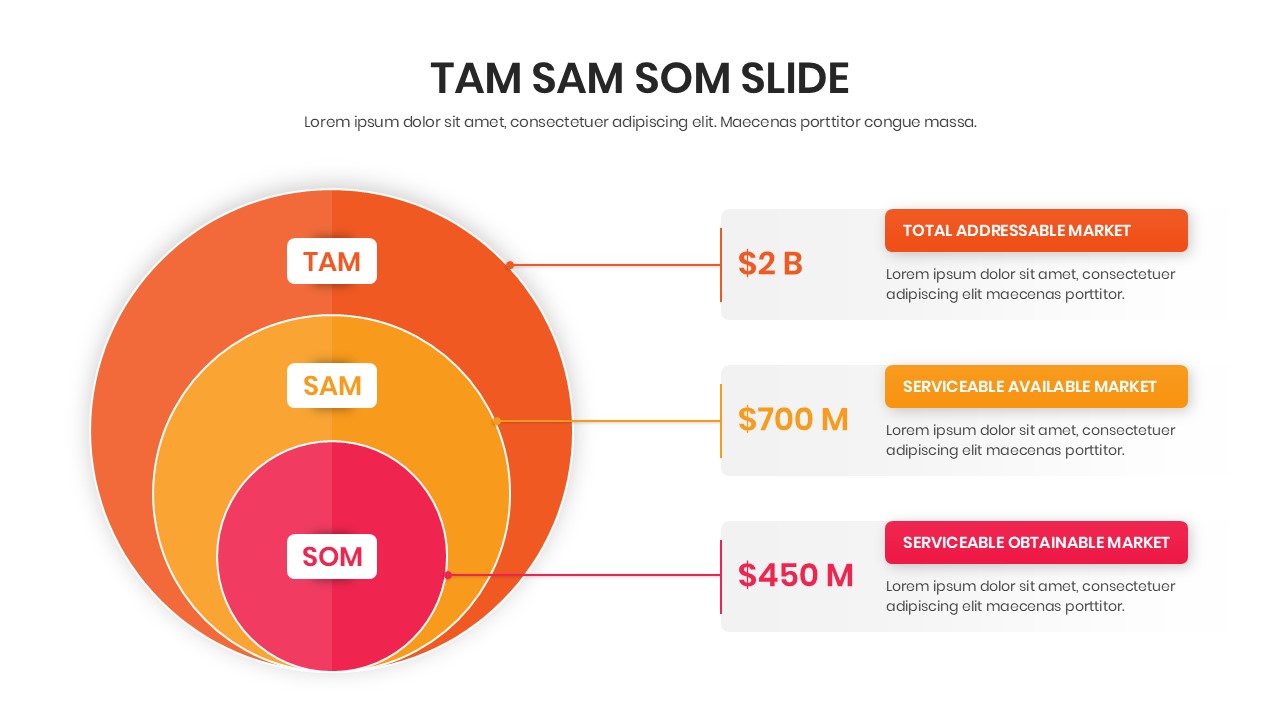
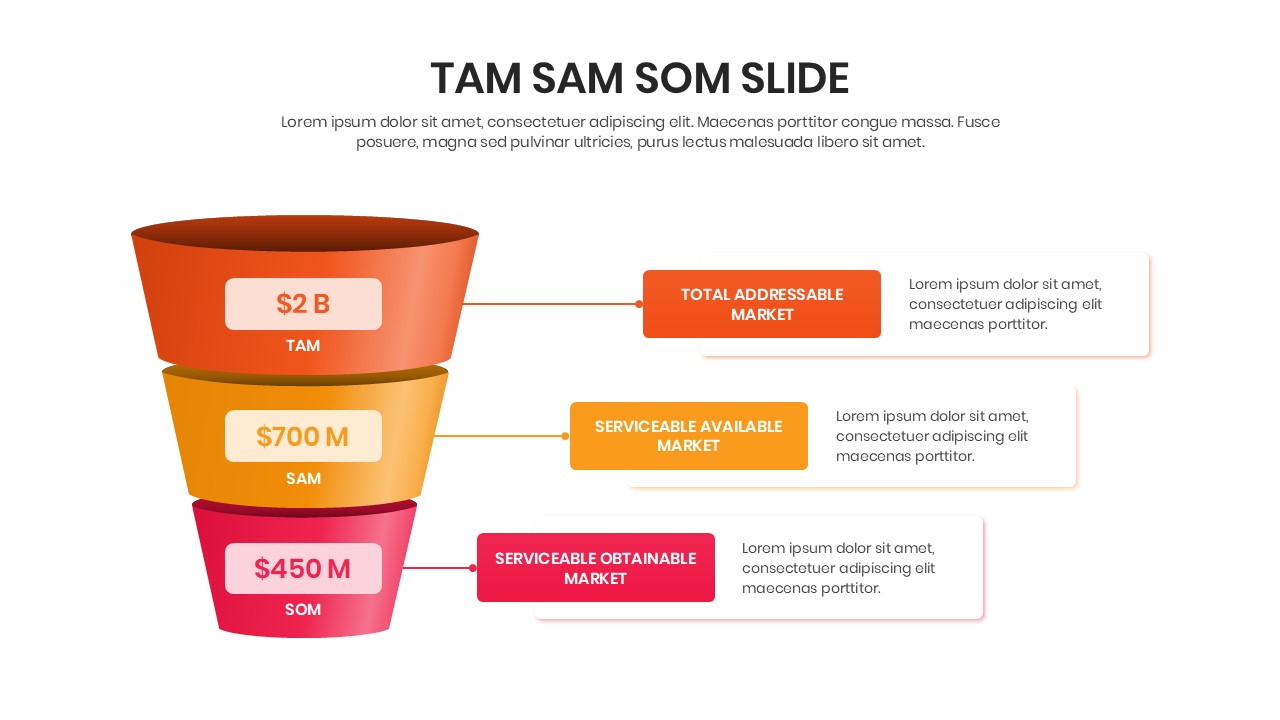
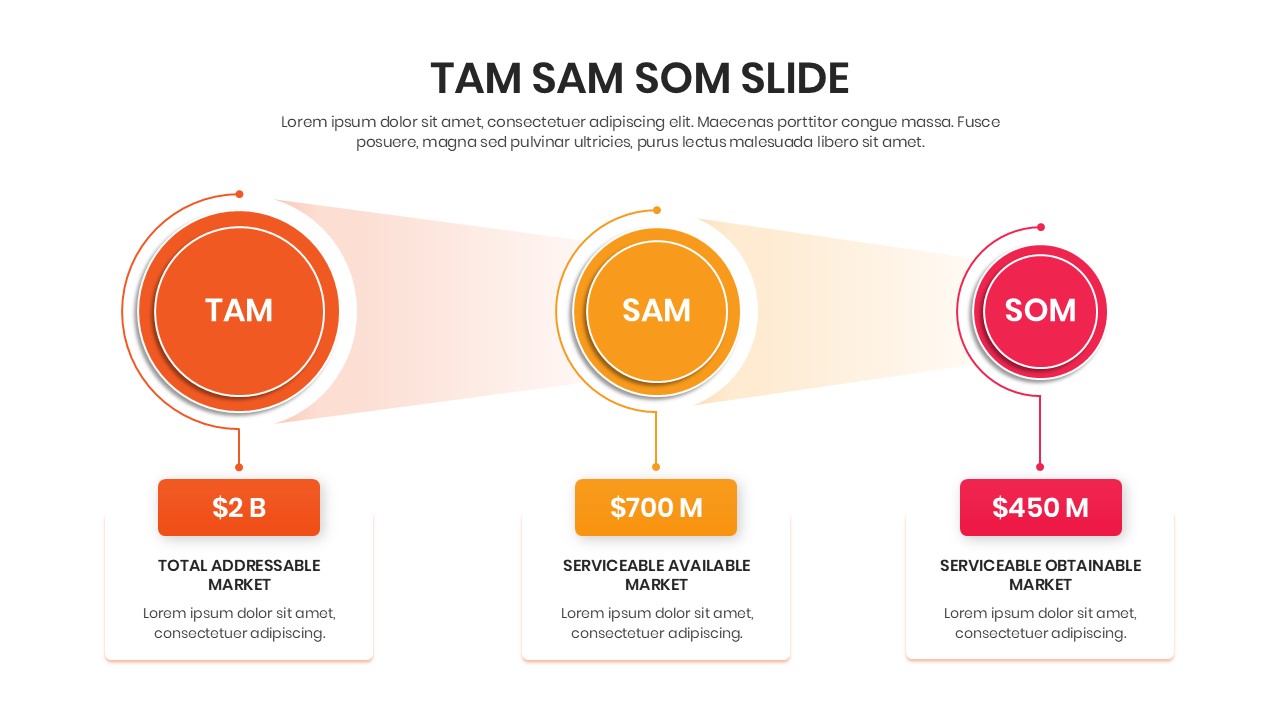
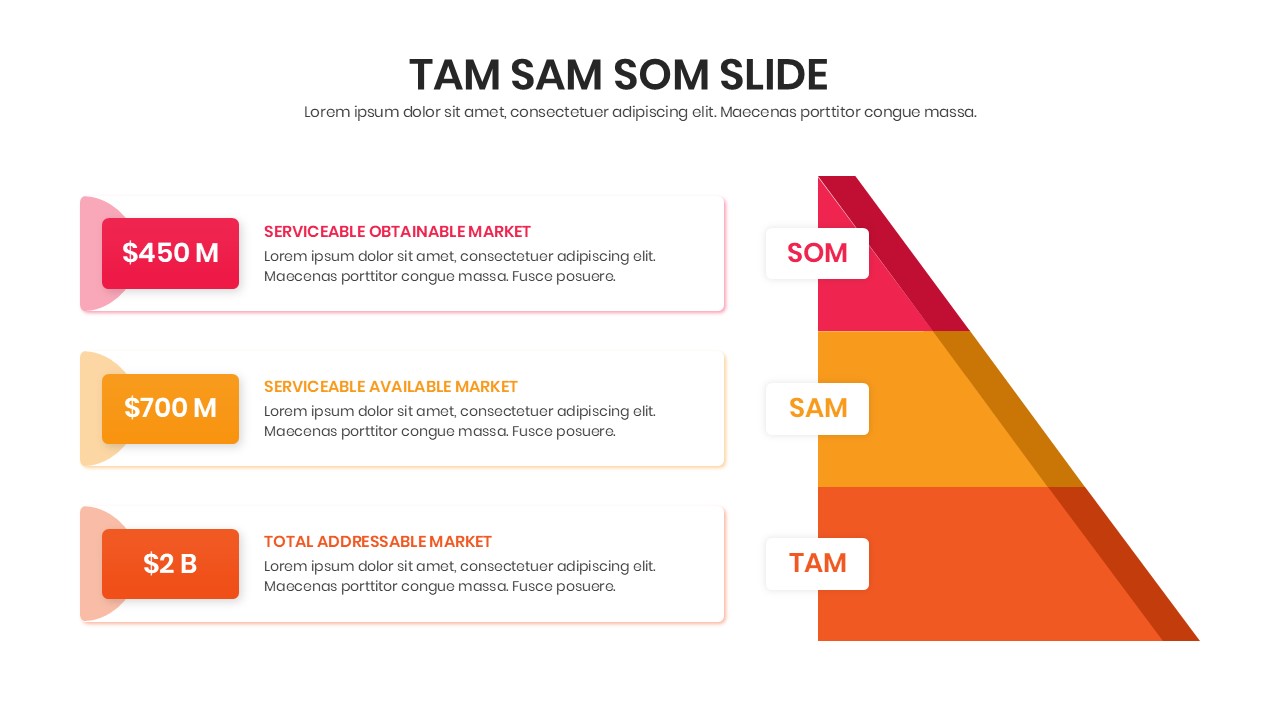
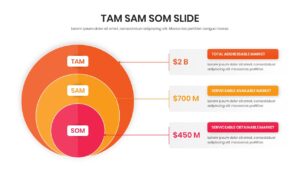
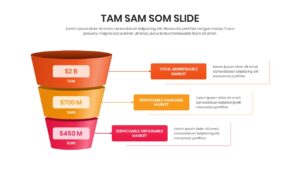
Now sizing your market potential is easier than ever to create with this aesthetically pleasing TAM SAM SOM Template. These business strategy infographics helps individuals to clearly illustrate their revenue opportunities using easy-to-edit pyramid diagrams, overlapping circles, 3D funnels, and linear process flows.
So, whether you are planning to pitch to venture capitalists for seed funding or just want to make a strategic business plan for internal review, this Total Addressable Market Slide will be perfect for you. So, release your inner designer and let your creativity soar with this amazing Business Strategy Model.
Don’t forget to checkout out our free business strategy infographic template for some amazing designs.
Key Features
- 100% Vector-Based Graphics
- Fully Layered & Organized
- Multi-Platform Support
- Theme Color & Theme Font
Frequently Asked Questions
- What does TAM SAM SOM stand for in these slides?
- TAM stands for Total Addressable Market, SAM for Serviceable Addressable Market, and SOM for Serviceable Obtainable Market. These slides help you visualize these three levels of market reach.
- Can I change the colors to match my brand?
- Yes, all elements are fully editable. You can easily swap the pre-made color themes for your own brand colors within PowerPoint or Google Slides.
- Is this template suitable for a pitch deck?
- Absolutely. Market sizing is a critical component of any investor pitch deck, and these professional layouts are designed specifically to impress venture capitalists and stakeholders.
- Do I need advanced design skills to use this?
- No, these templates are designed for busy professionals. You simply need to click on the text boxes and shapes to add your own data and information.