
Free Value Complexity Matrix Template for PowerPoint & Google Slides
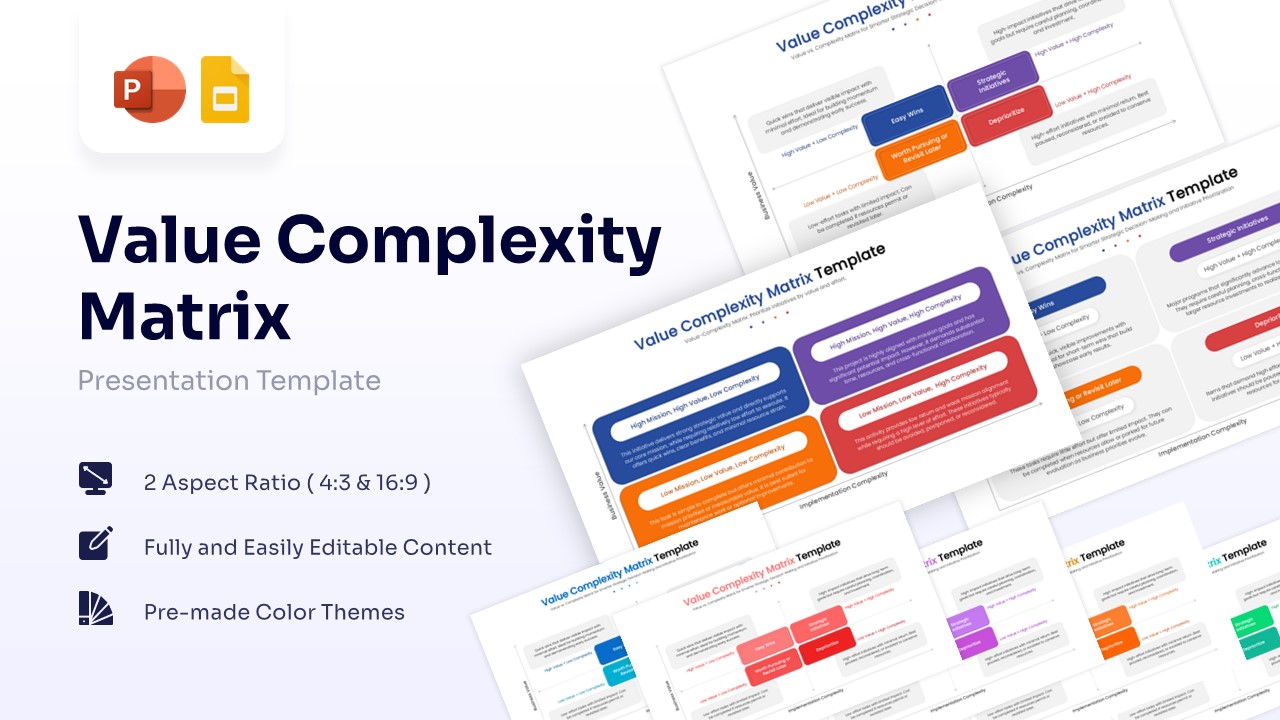
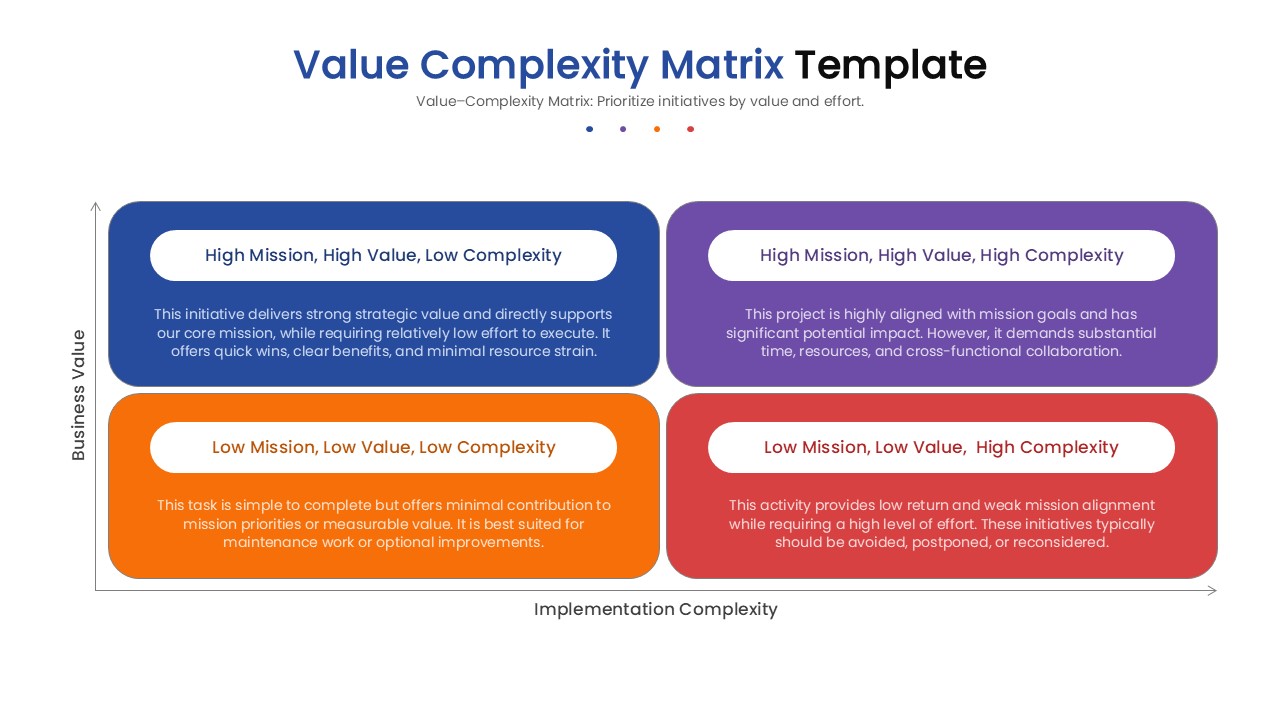
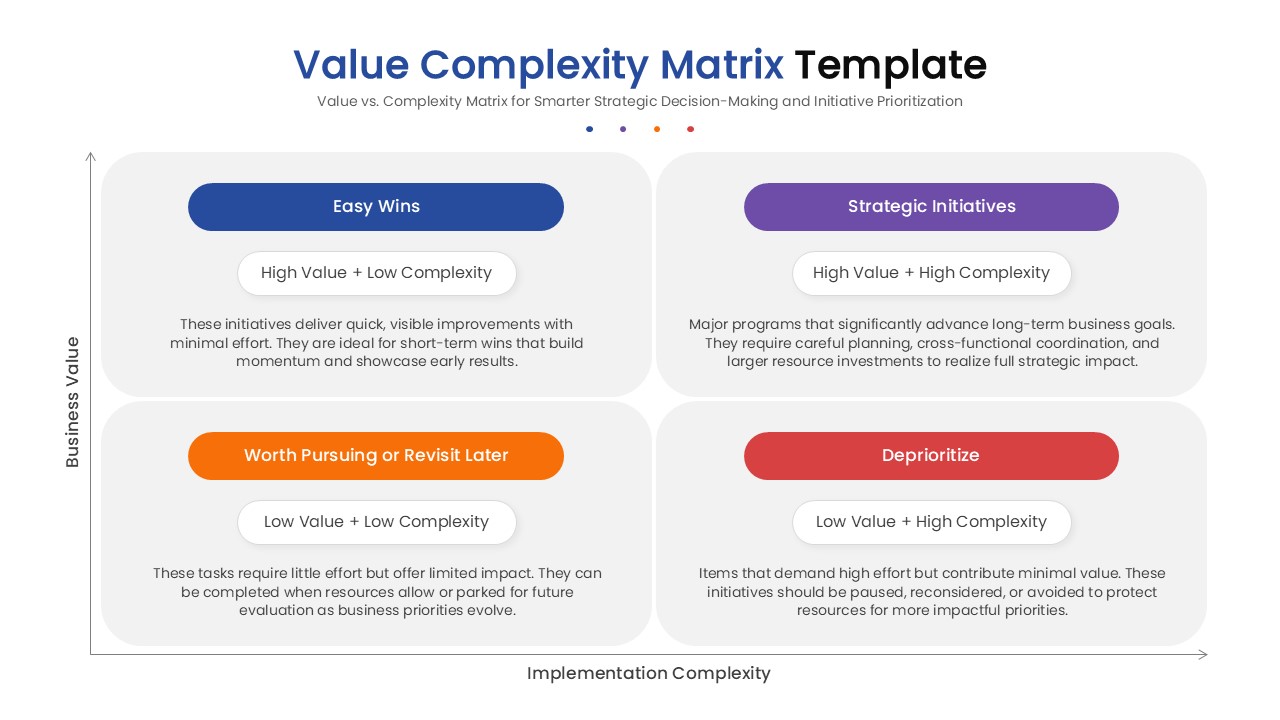
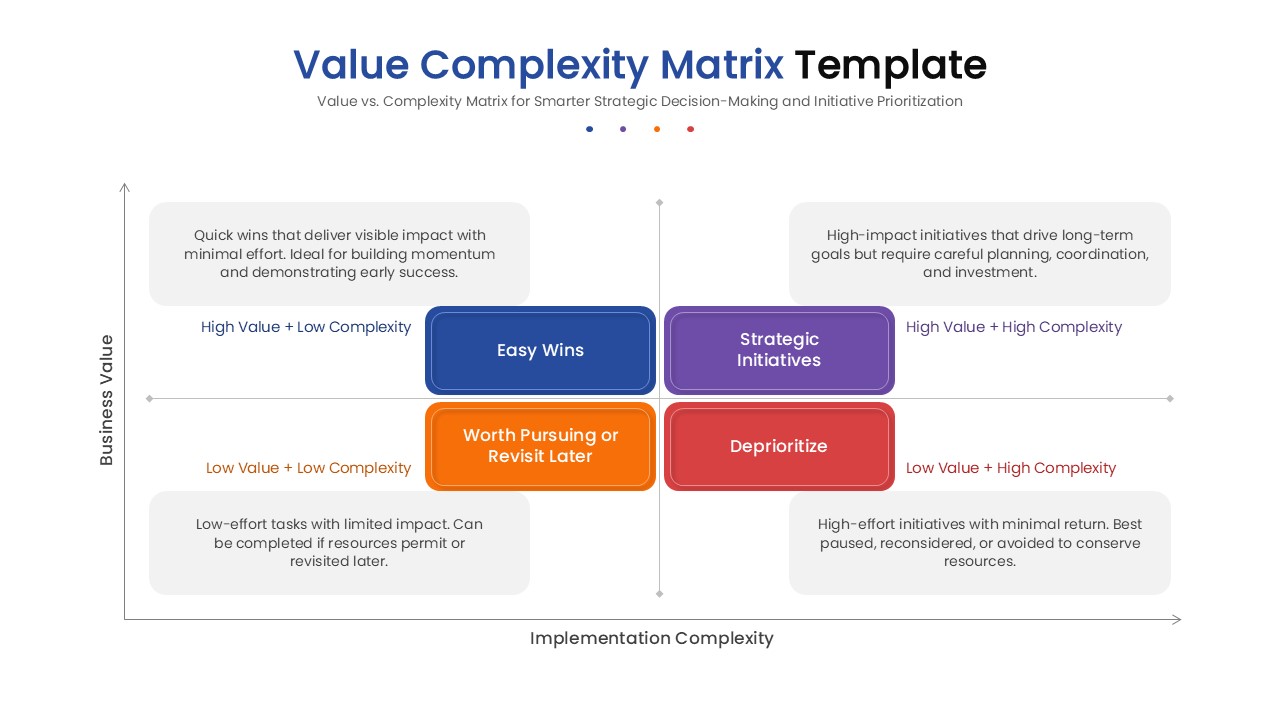
Strategic Value vs Complexity Prioritization Presentation Template
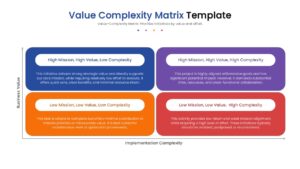
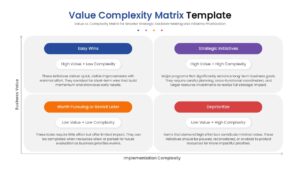
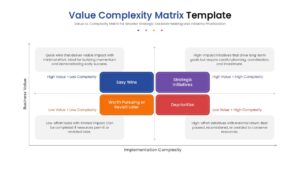
Step into the world of smarter strategic planning by downloading this Free Value Complexity Matrix Template PowerPoint or Google Slides to instantly elevate your decision-making process. This dynamic visual resource empowers you to map out projects clearly, allowing your audience to immediately grasp which initiatives deliver the highest return for the lowest effort.
PresentoVerse layouts like this set are incredibly simple to use, providing a polished complexity prioritization matrix that saves you hours of design frustration. All you need to do is download the file, select your favorite quadrant styles, edit the text blocks to reflect your goals, and paste them seamlessly into your presentation. Move towards absolute clarity and confident execution thanks to these professionally crafted visual tools.
Key Features
- 100% editable and easy to modify
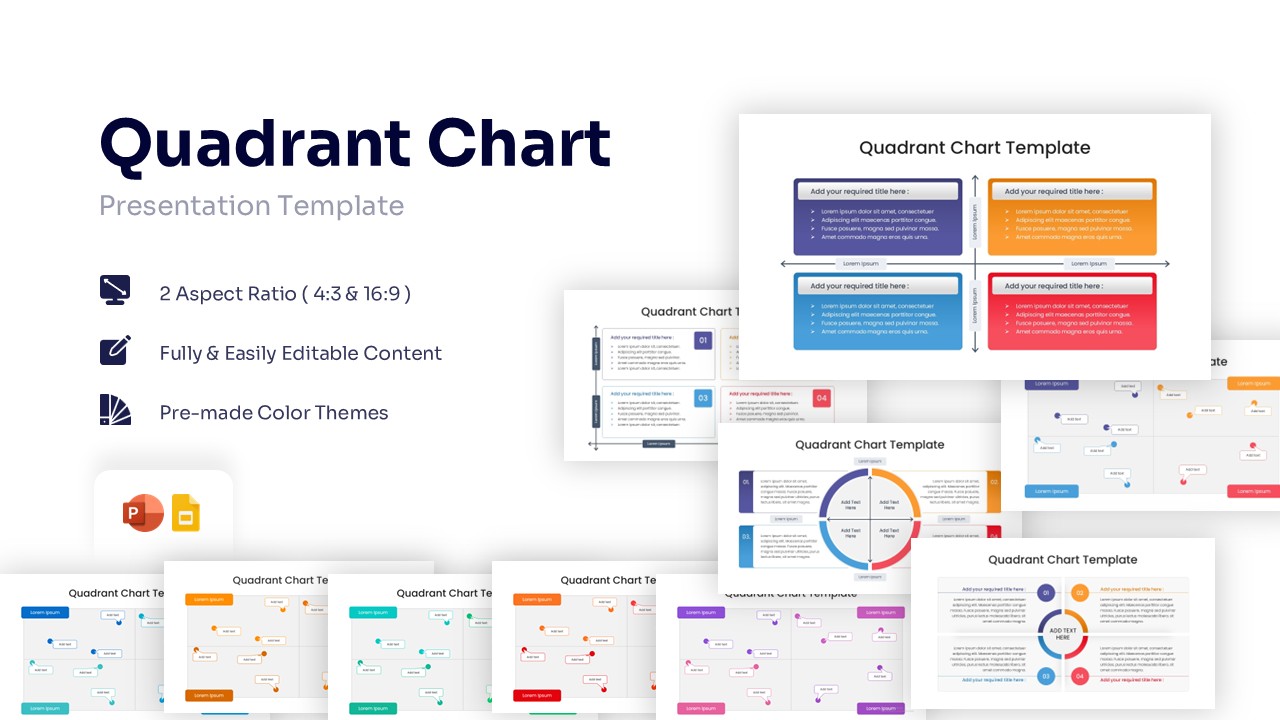
- Different 2x2 Value Matrix elements to boost your presentations
- Includes vector icons and extensions for further customization
- Designed to be used in Google Slides and Microsoft PowerPoint
- Includes information about how to edit and customize your layout
Frequently Asked Questions
- Can I change the colors to match my brand?
- Yes, all shapes and text are fully editable, allowing you to apply your own color palette easily.
- Is this compatible with Keynote?
- While designed for PowerPoint and Google Slides, the elements can often be imported into Keynote with minimal adjustment.
- How do I edit the text in the quadrants?
- Simply click on the text placeholders and type your content; the formatting will adjust automatically.
Related Templates
-
-
-
-
 Free
Free