Free Yearly Timeline Milestones Template for PowerPoint & Google Slides
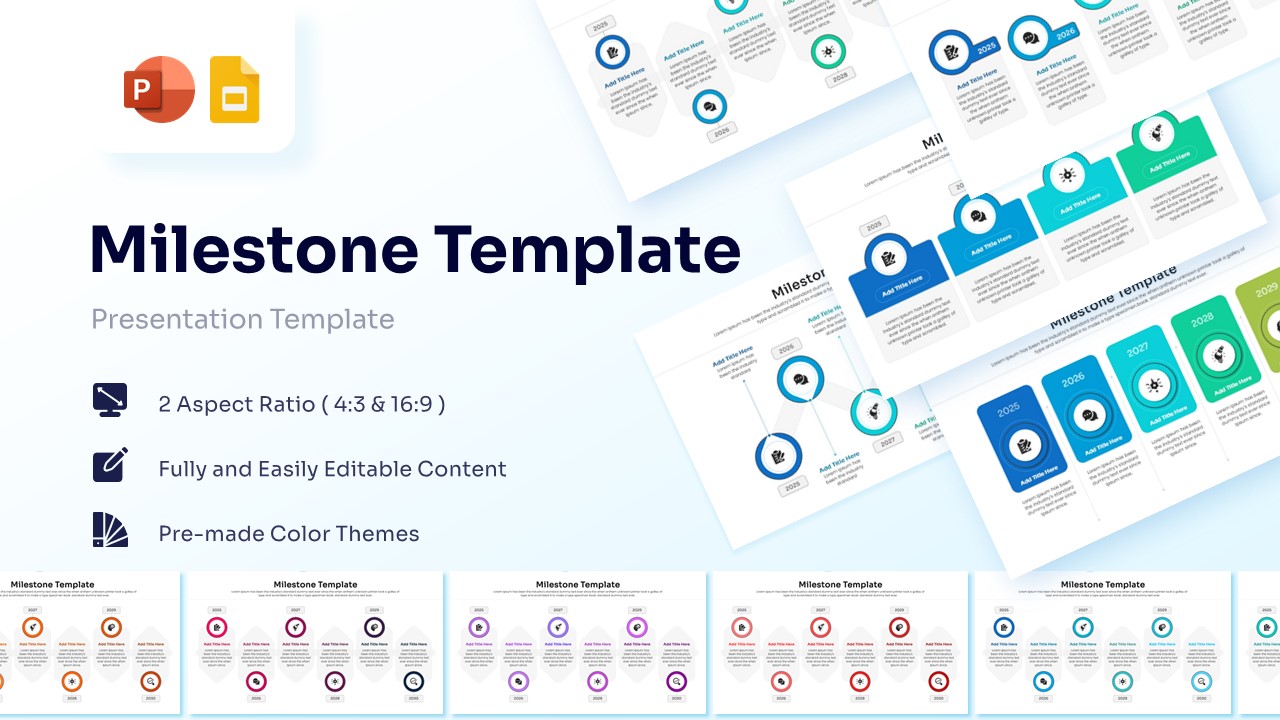
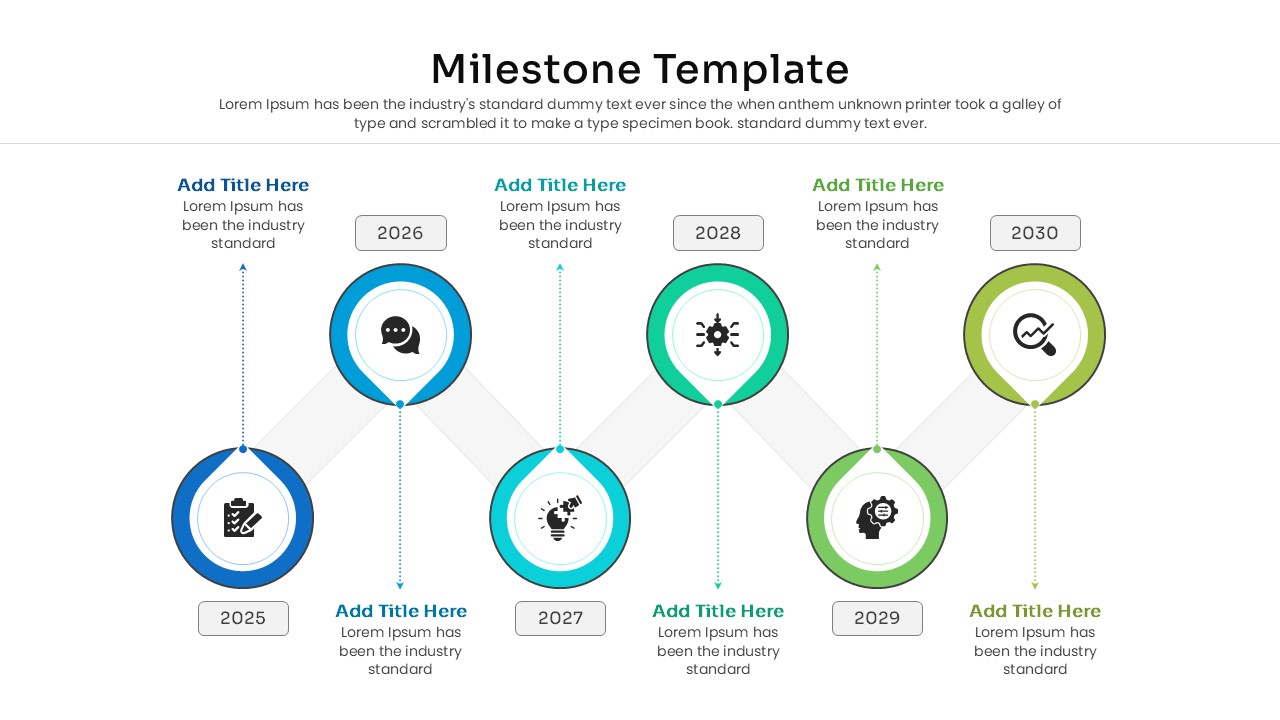
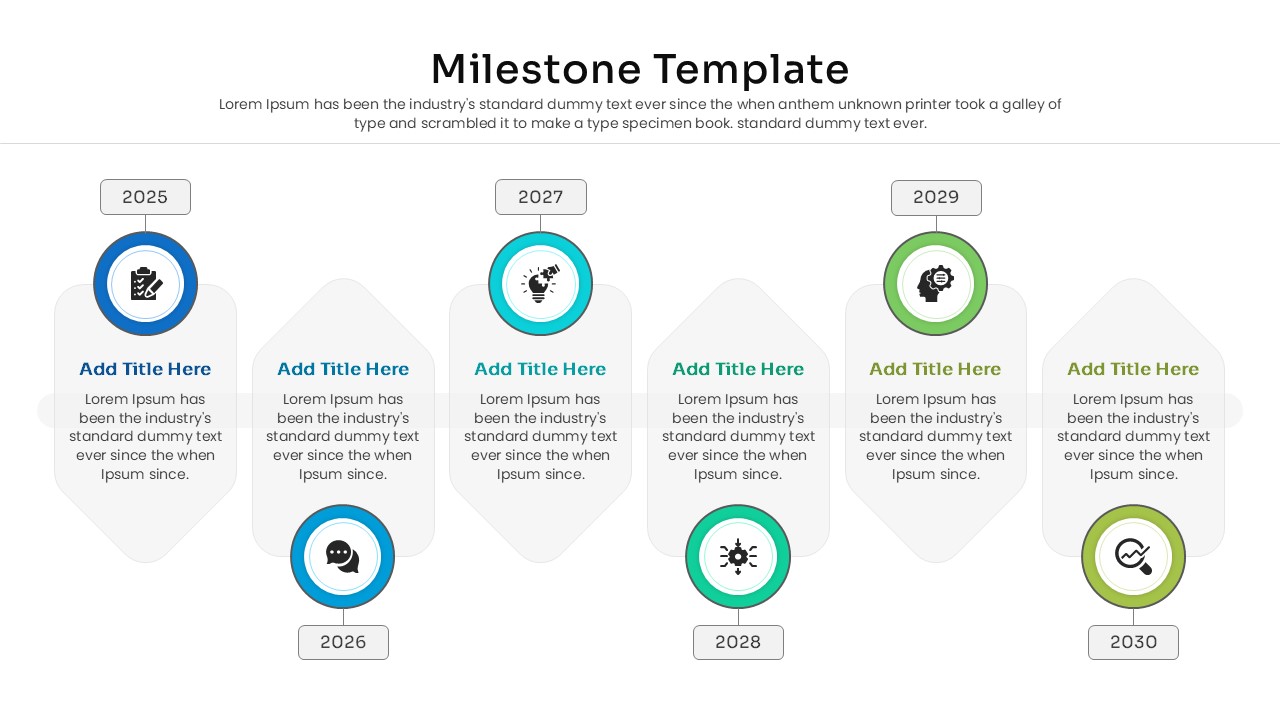
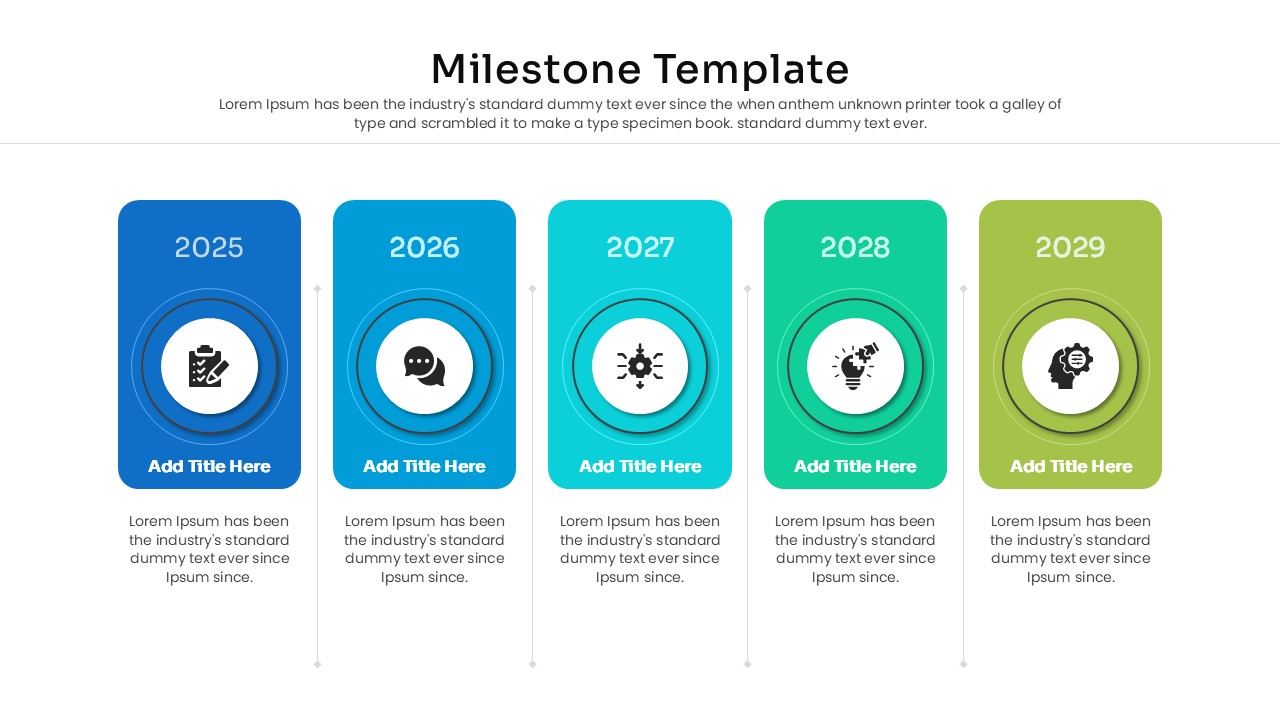
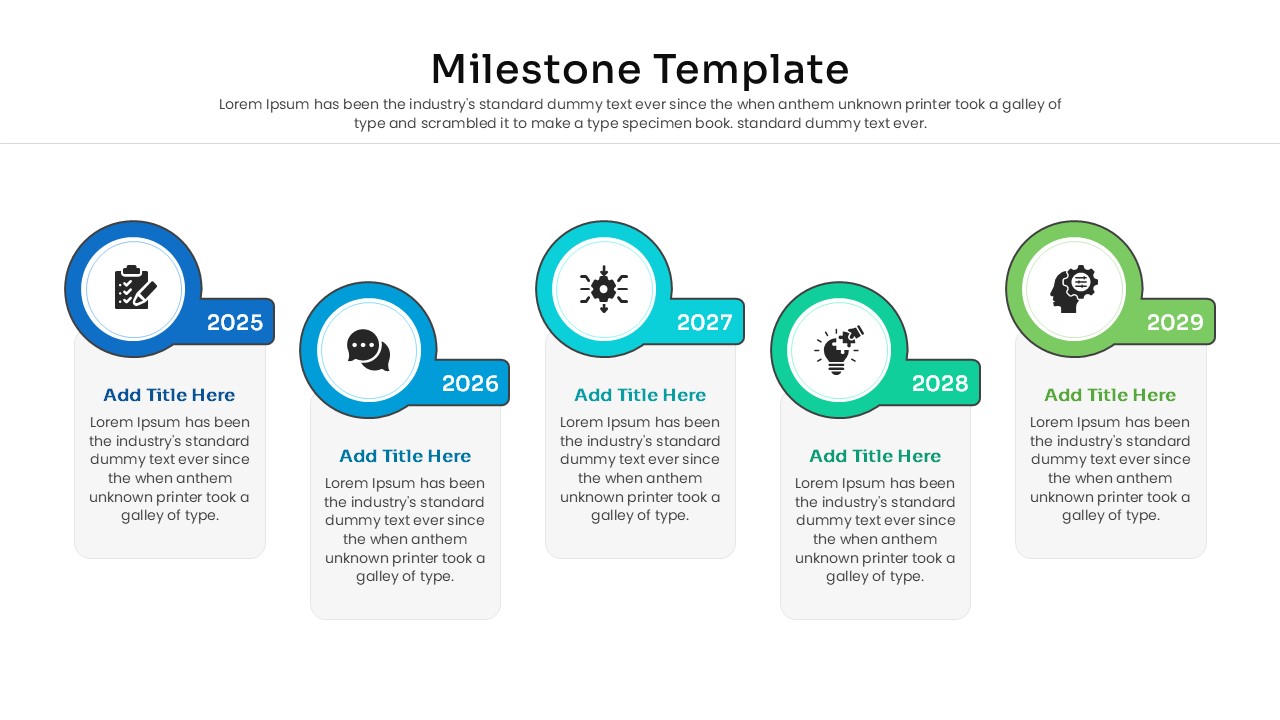
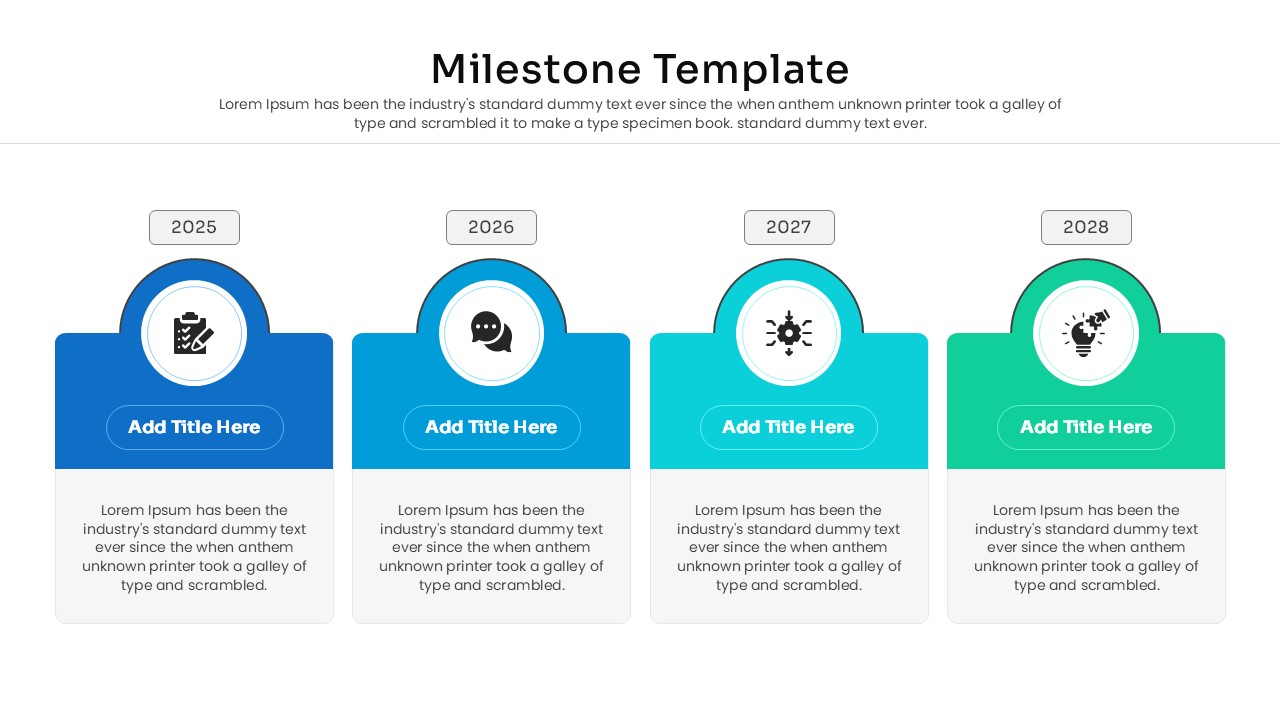
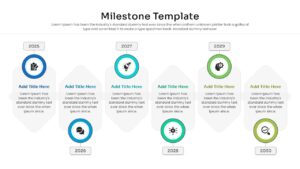
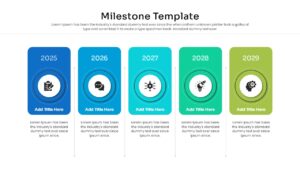
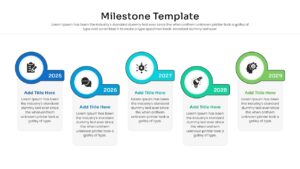
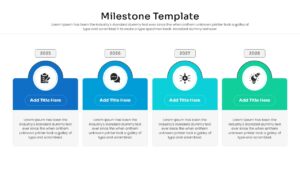
Map Your Success with an Annual Progress Roadmap – Yearly Timeline
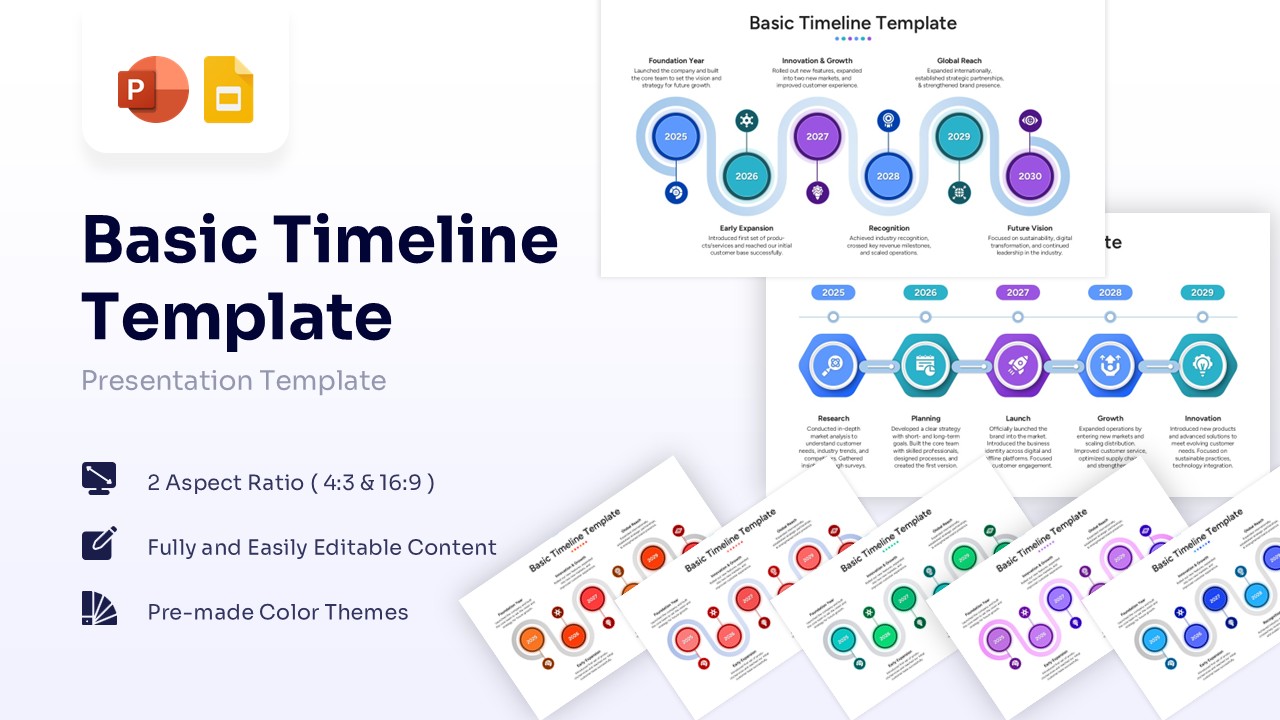
Ready to bring your strategic vision to life? Invite your audience on a journey through time by downloading these Free Yearly Timeline Milestones Template for PowerPoint or Google Slides, and watch your long-term planning instantly click with stakeholders. Transforming complex project phases into a clean, visual format gives you the upper hand; it breaks down major achievements into digestible annual phases so everyone clearly grasps the overarching goals.
You don’t need a design degree to look like a pro, because PresentoVerse layouts are built to be incredibly intuitive and stress-free—just like this highly adaptable annual progress roadmap you are viewing right now. Simply download this free Yearly Timeline Milestones Template and pick the graphic layout that best suits your data, customize the text and colors to match your brand, and drop it straight into your slide deck. Step confidently into your next big meeting and drive your message home with absolute clarity and style.
Key Features
- 100% Vector-Based Graphics
- Fully Layered & Organized
- Multi-Platform Support
- Theme Color & Theme Font
- 16:9 & 4:3 Aspect Ratios
Frequently Asked Questions
- Can I change the years and dates on the timeline?
- Yes, all text fields, including the specific years (e.g., 2025, 2026), are fully editable so you can update them to any timeframe you need.
- Is this template compatible with Google Slides?
- Yes, this Project Milestone Template works seamlessly in both Microsoft PowerPoint and Google Slides.
- Are the icons and colors customizable?
- Absolutely. You can swap icons and adjust the color themes to align perfectly with your company\'s brand guidelines.