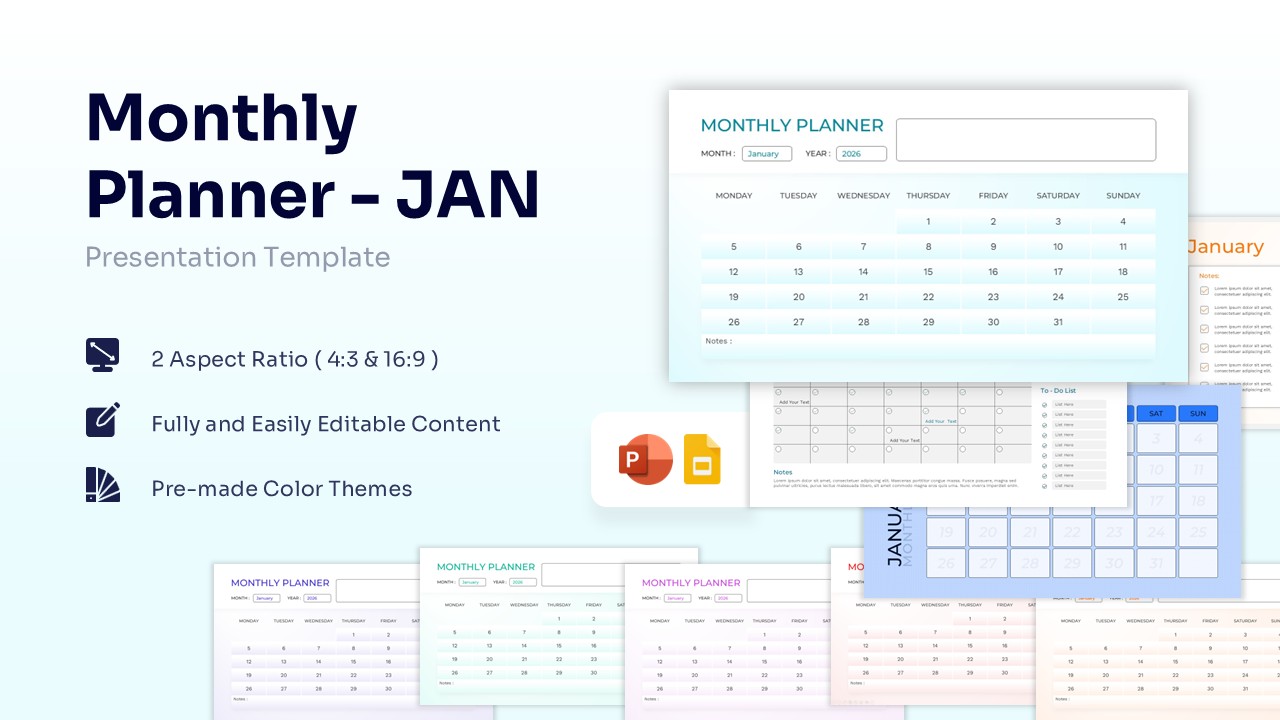
July Monthly Planner Free Theme Template for PowerPoint & Google Slides
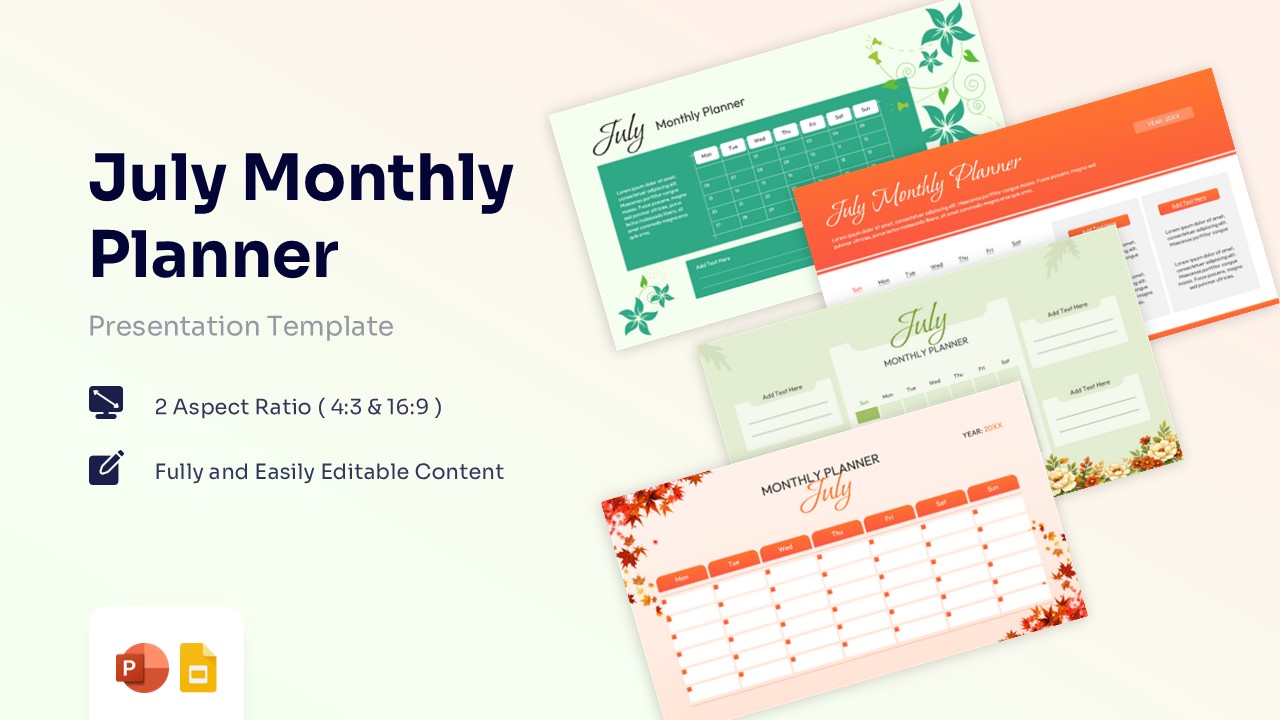
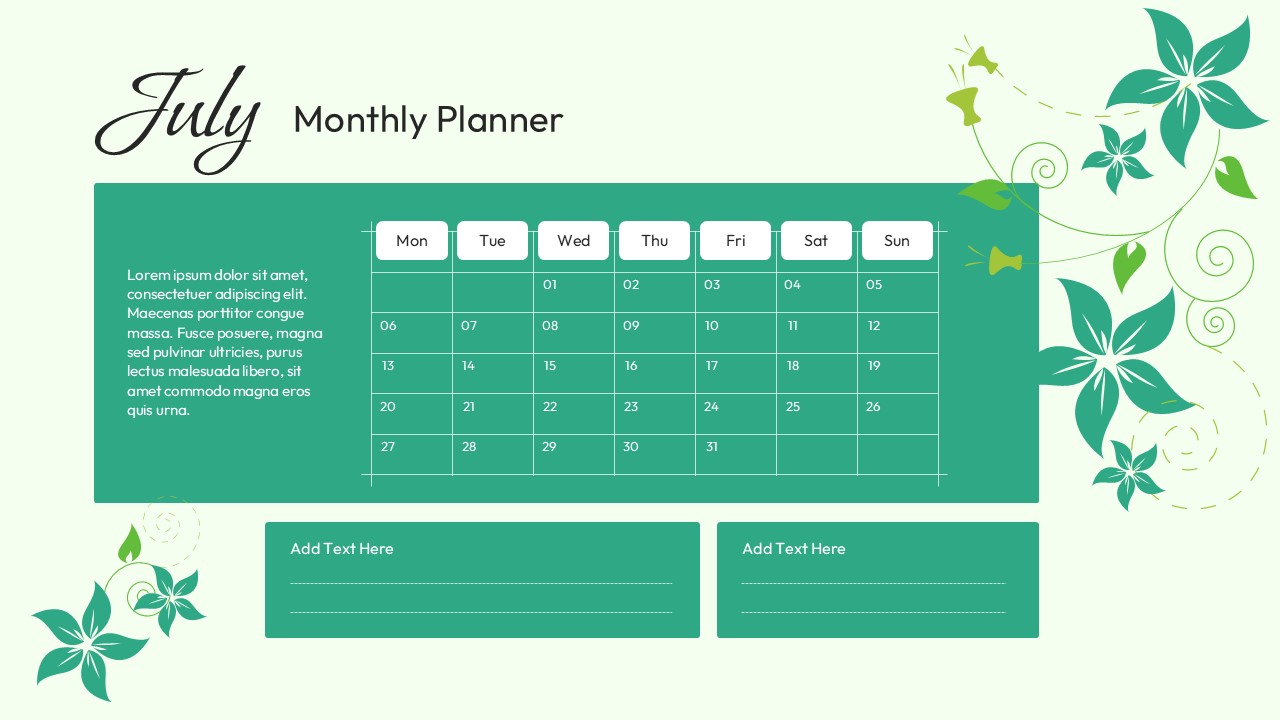
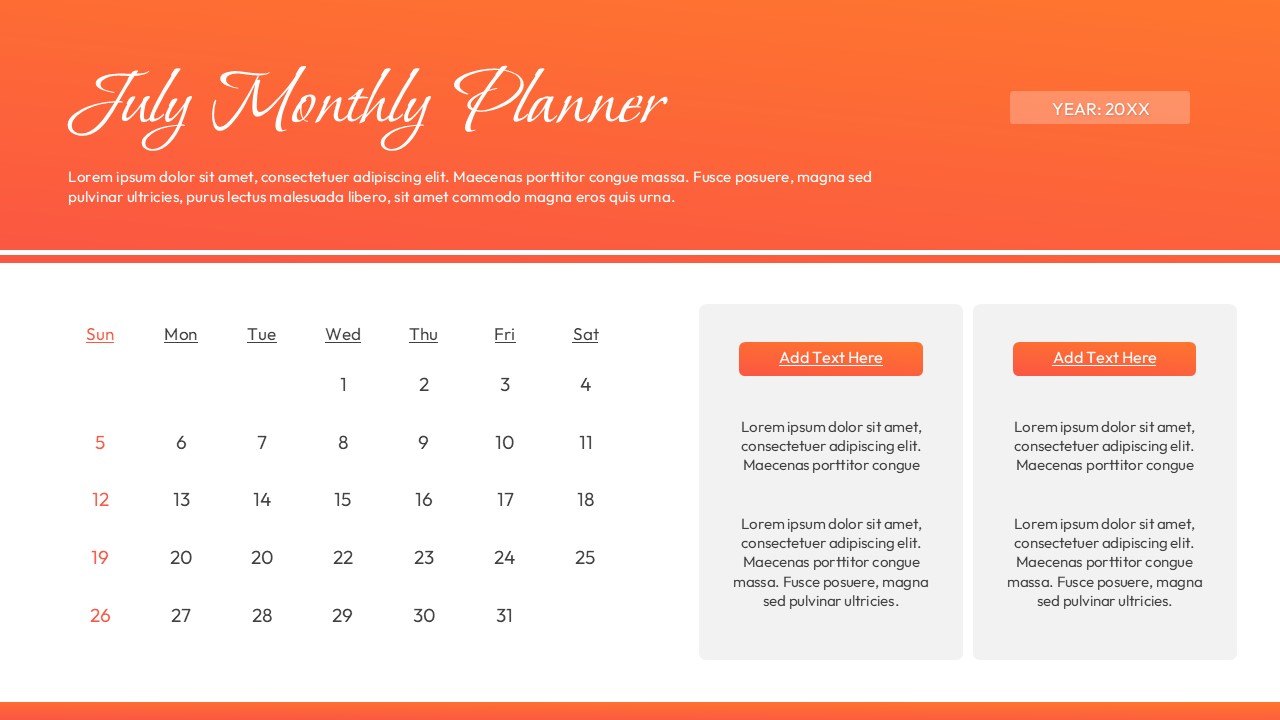
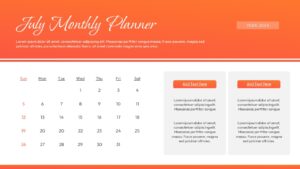
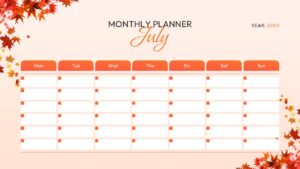
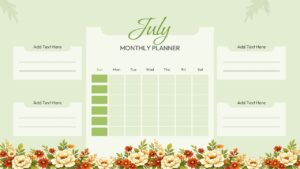
Editable Monthly Planner Presentation
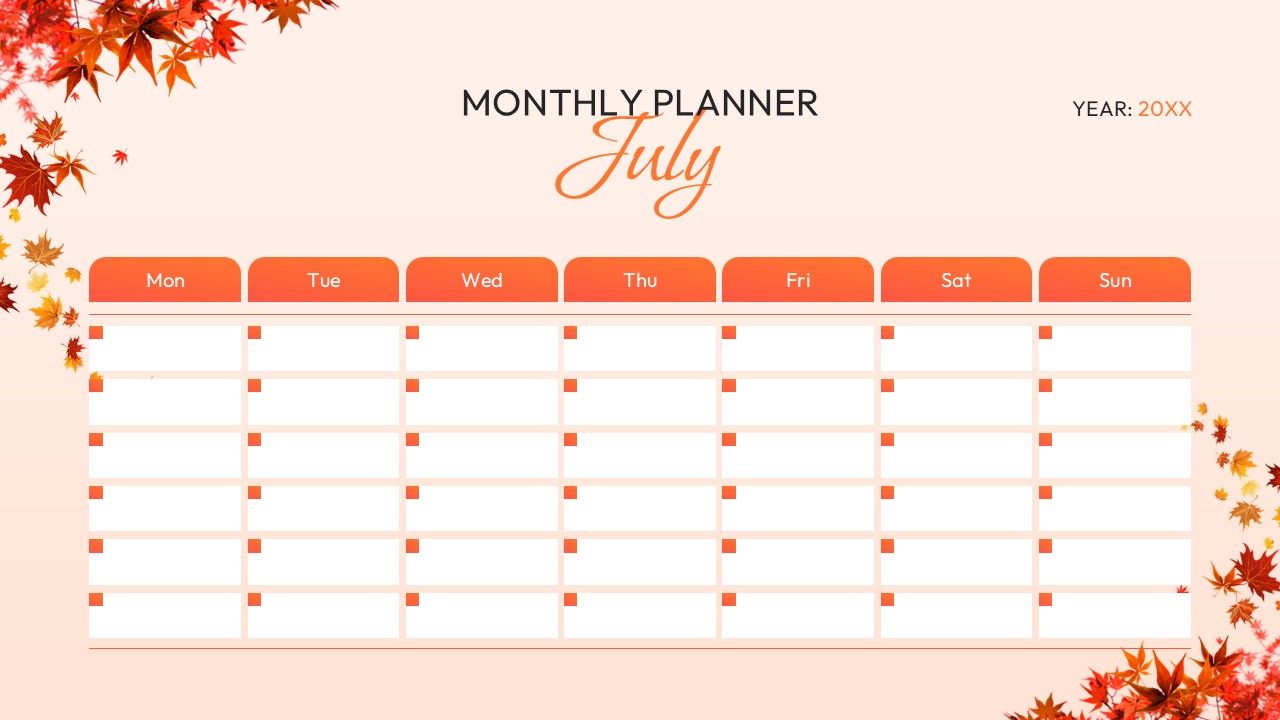
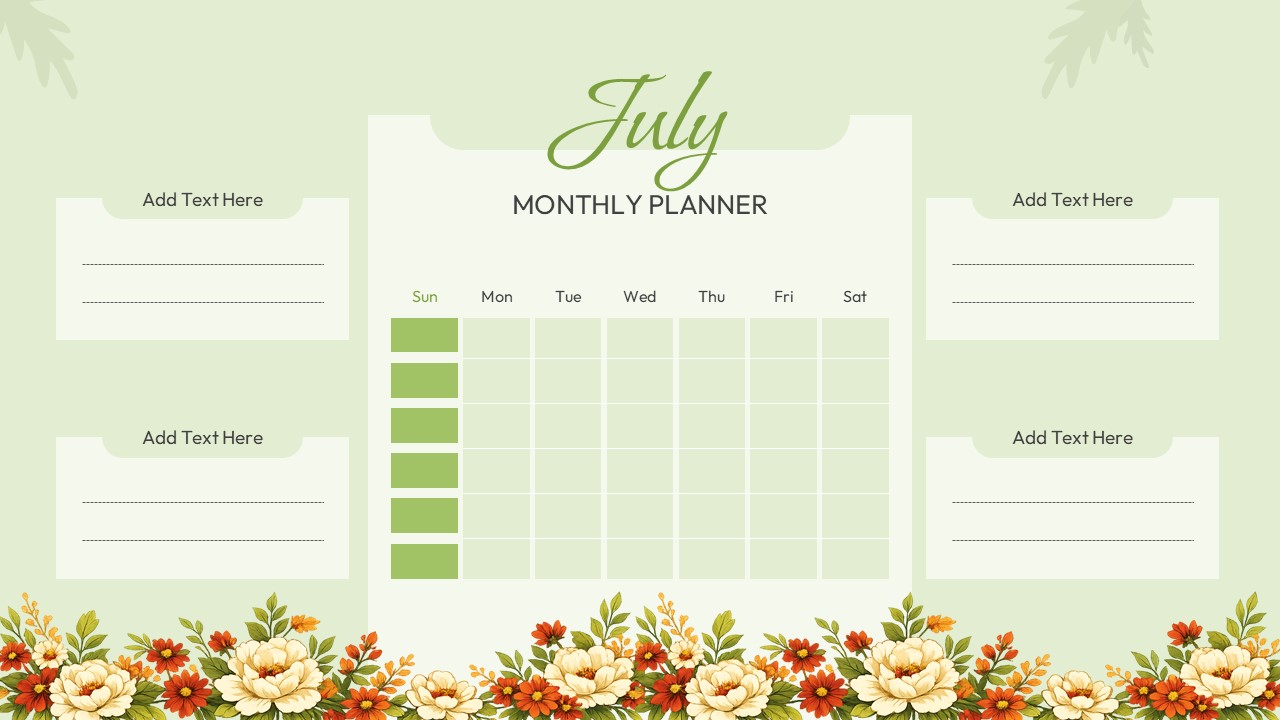
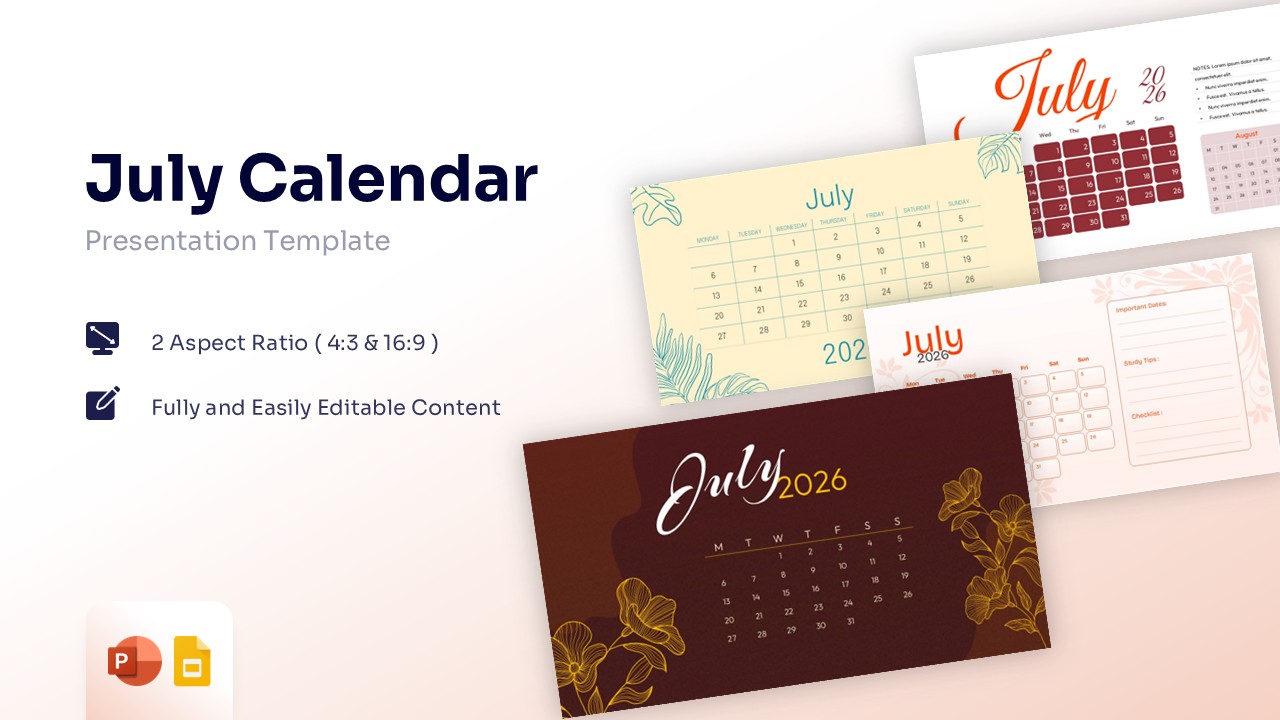
Free July Monthly Planner PowerPoint is a structured monthly planning presentation featuring multiple calendar layouts, task sections, note areas, floral-themed designs, and schedule-focused visual frameworks arranged for efficient month-long organization. The slide set includes several Monthly Planner Presentation variations with weekly grids, monthly calendars, reminder sections, and editable content blocks designed as fully customizable PowerPoint objects, allowing users to modify colors, fonts, shapes, dates, icons, and layouts according to personal, educational, or business requirements. Suitable for project planning, classroom scheduling, event management, productivity tracking, team coordination, and personal organization, this visual framework works effectively alongside editable agenda and schedule PowerPoint slides for structured planning workflows.
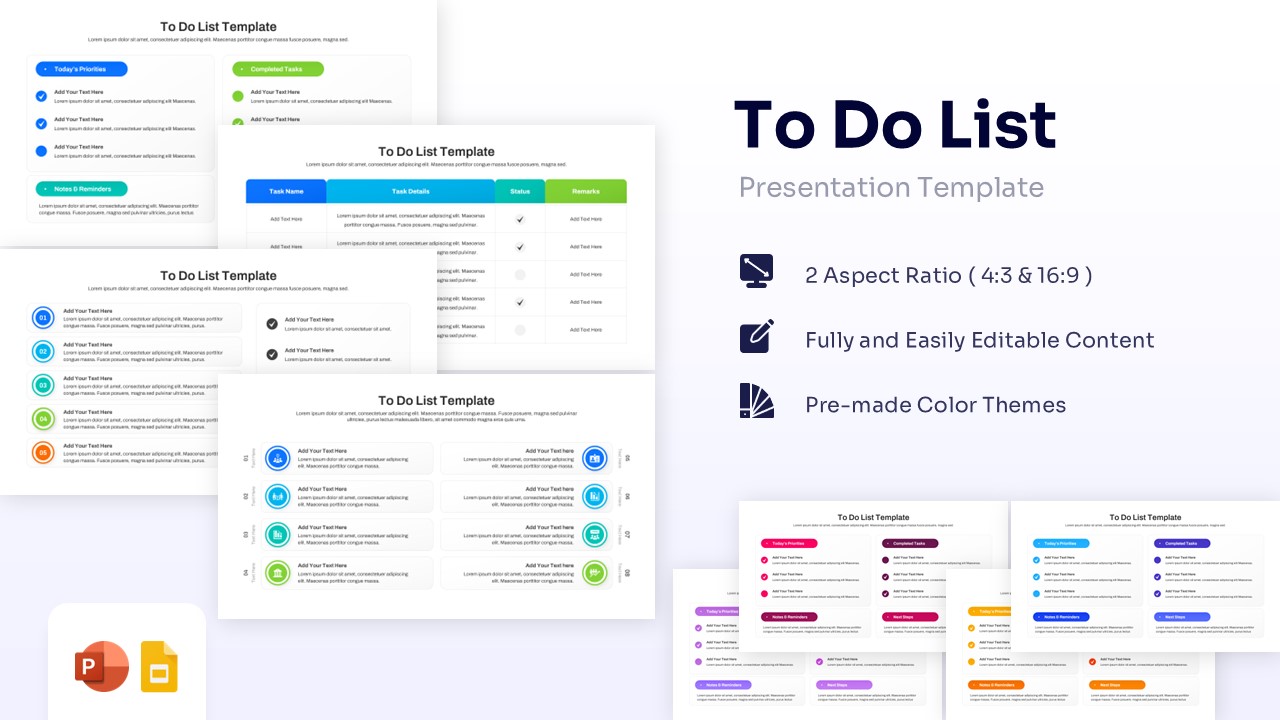
Available for both PowerPoint and Google Slides, every element remains fully editable and scalable while supporting theme colors and fonts for consistent branding. Users can customize the Monthly Schedule Slide designs across different presentation styles, including professional, floral, minimalist, and aesthetic themes. For broader planning and reporting presentations, consider complementing this slide with professional checklist infographic PowerPoint diagrams to create comprehensive planning dashboards and organized visual reports. Create appealing July Monthly Planner PowerPoint presentations that engage global audiences with our top of the line 3D PowerPoint Templates to make professional PowerPoint designs.
Key Features
- 100% Vector-Based Graphics
- Fully Layered & Organized
- Multi-Platform Support
- Theme Color & Theme Font
- Editable Calendar Grids and Date Fields
- Custom Notes, Tasks, and Reminder Sections
Frequently Asked Questions
- What is a July Calendar Template PowerPoint used for?
- A July Calendar Template PowerPoint helps users organize schedules, appointments, projects, tasks, events, and monthly objectives in a clear visual format.
- Can I edit the Monthly Planner Presentation layouts?
- Yes, all calendar grids, text placeholders, colors, fonts, and graphical elements are fully editable in PowerPoint and Google Slides.
- Is this Monthly Schedule Slide suitable for business and education?
- Yes, the layouts support project planning, classroom schedules, event organization, productivity tracking, and team planning activities.
Related Templates
-
-
 Free
Free -
-