Free Organizational Chart Template for PowerPoint & Google Slides
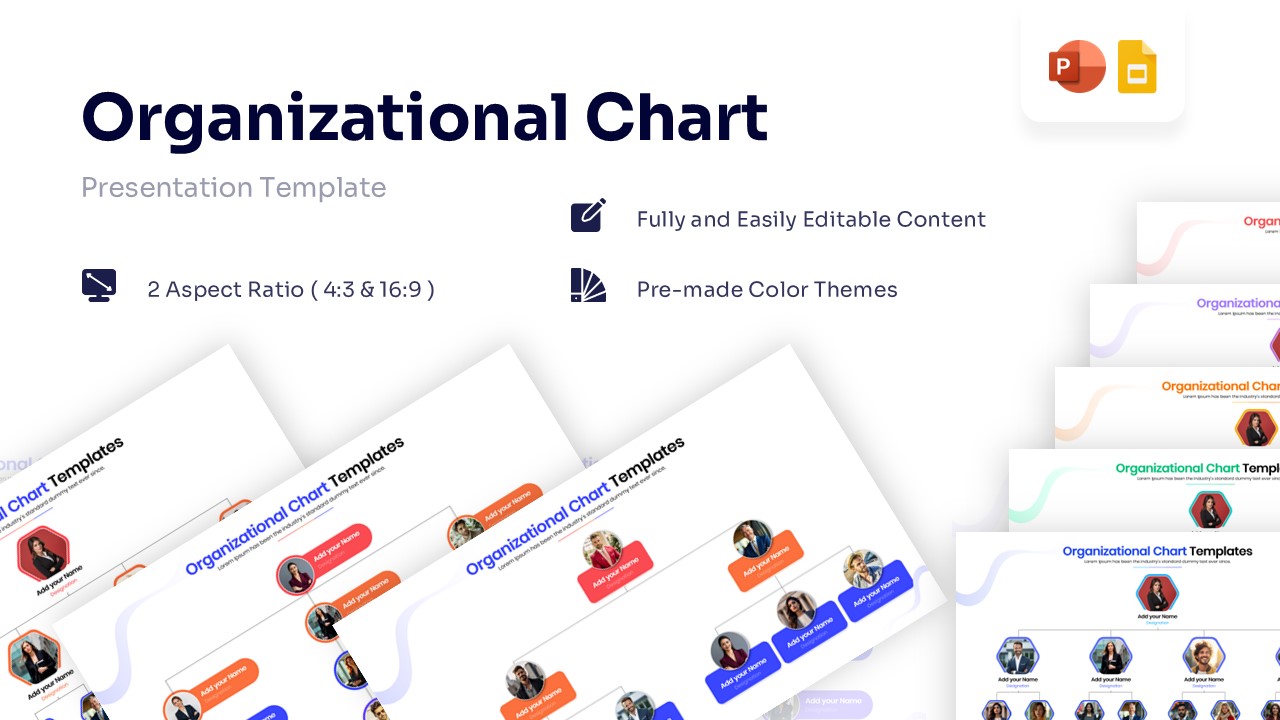
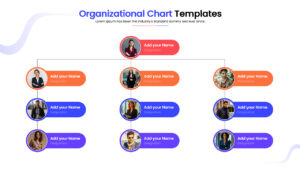
Team Structure & Hierarchy Infographic Template
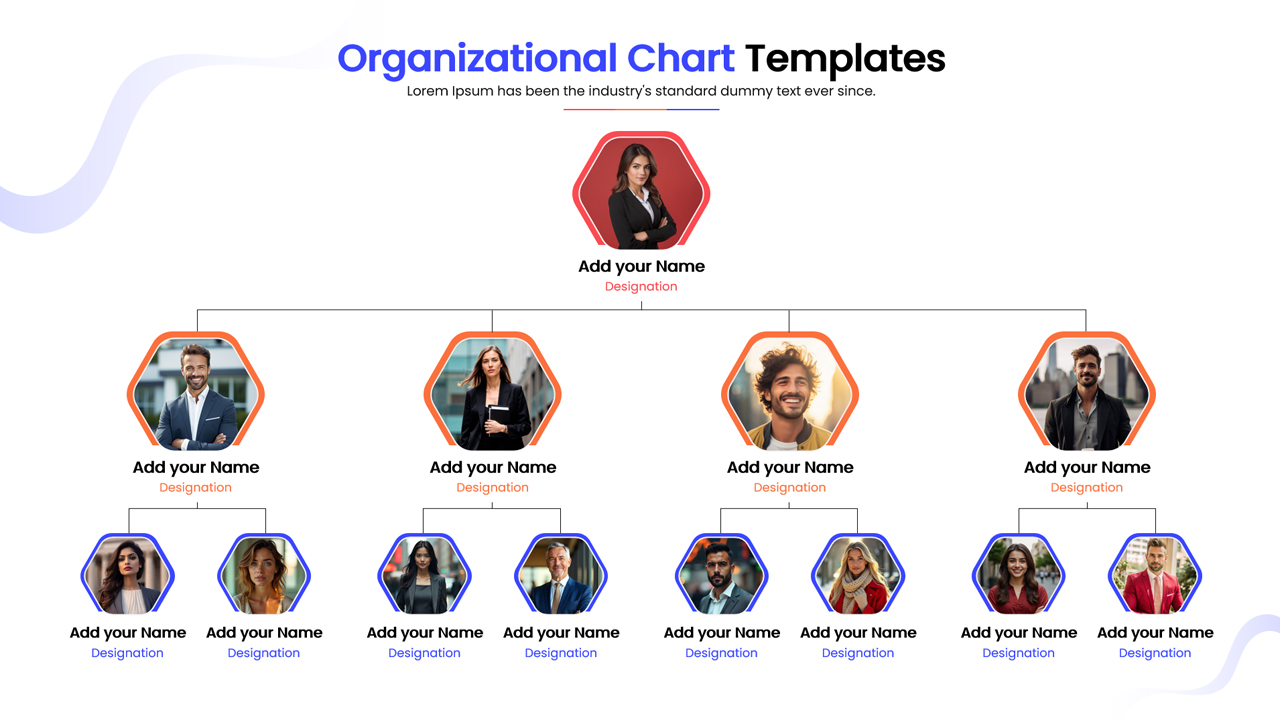
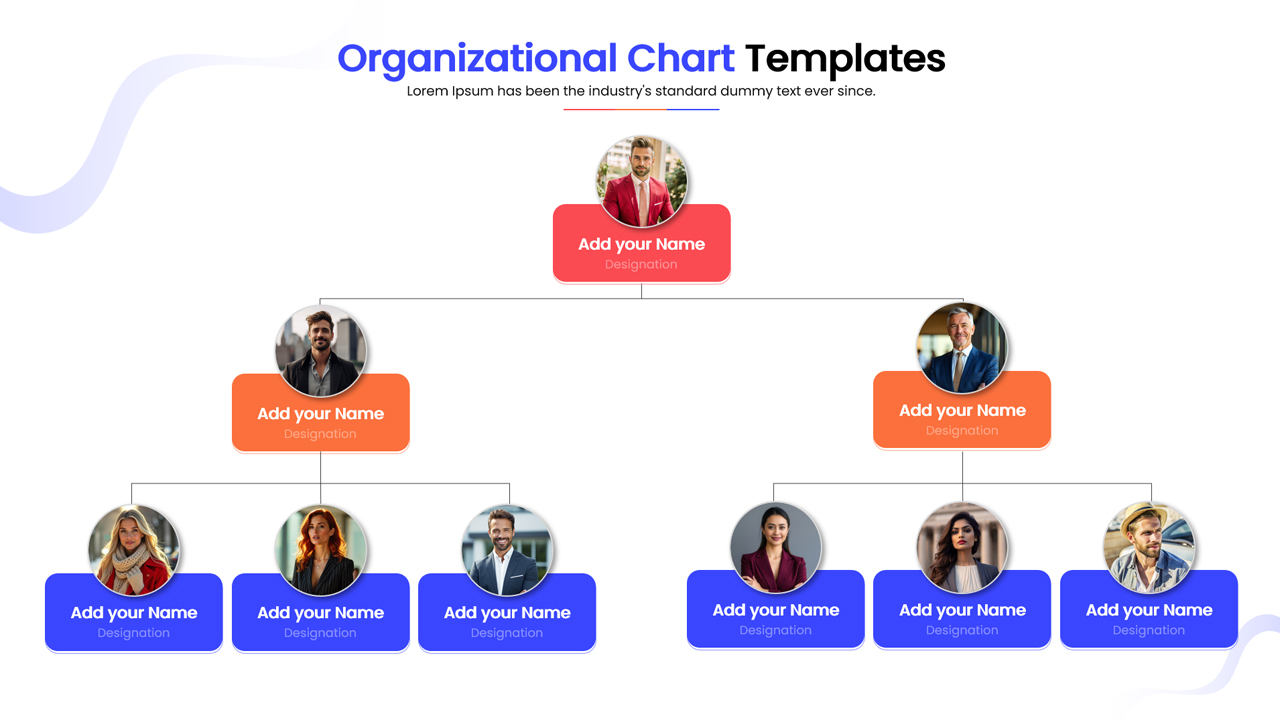
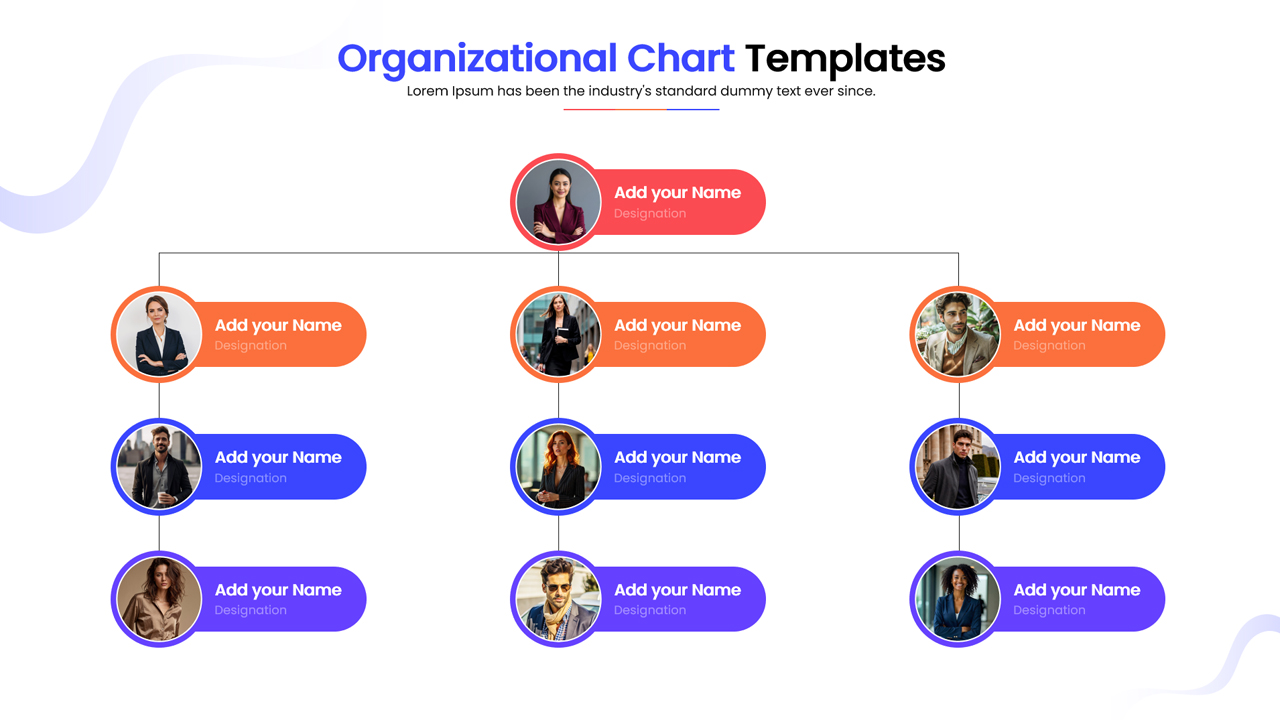
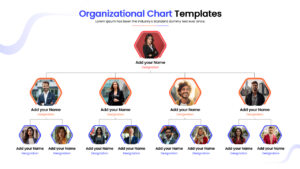
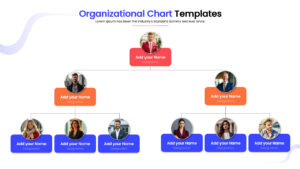
The Free Organizational Chart Template is a structured presentation design created to illustrate team hierarchy using hierarchical tree diagrams. The template visually maps executives, managers, and staff members in a connected format. It includes labeled sections for names, job titles, and professional avatars. The layout clearly shows how these components move through reporting lines to produce organizational transparency. The design supports professional business hierarchy infographics, management reviews, and operational planning. Connecting lines and distinct color codes help present system relationships in a clear sequence. The slide keeps technical information organized without overcrowding the layout.
What Is This Organizational Chart Template?
This Org Chart is a ready-made slide built to present company roles in a visual format. It organizes key components such as executive leadership, management tiers, and operational teams into a logical flow. The template highlights how these inputs move into collaborative workflows. It visually represents command structures through direct reporting paths. The team org chart temmplate helps teams explain architecture in a structured way. It serves as a business presentation template for human resource management.
When This Corporate Hierarchy Diagram Can Be Used?
Use this template when presenting department structures, onboarding sessions, or quarterly stakeholder updates. It is suitable for internal team meetings, board presentations, and company-wide town halls. The layout supports clear explanation of comprehensive organization chart infographic collection to both technical and business audiences.
Key Features
- 100% Vector-Based Graphics
- Fully Layered & Organized
- Image Placeholders for Team Photos
- Theme Color & Theme Font
- Editable Text & Shapes
Frequently Asked Questions
- How do I replace the photos in the placeholders?
- You can simply click on the image placeholder, right-click, and choose \"Change Picture\" to upload your own team photos. The shape will automatically crop the image to fit the design.
- Can I change the colors to match my company brand?
- Yes, this template uses theme colors. You can easily switch the color palette in PowerPoint or Google Slides, and all shapes and lines will update automatically.
- Is this template suitable for large organizations?
- Absolutely. While the default layout shows a standard hierarchy, you can duplicate shapes and connectors to expand the chart horizontally or vertically to fit larger teams.
Related Templates
-
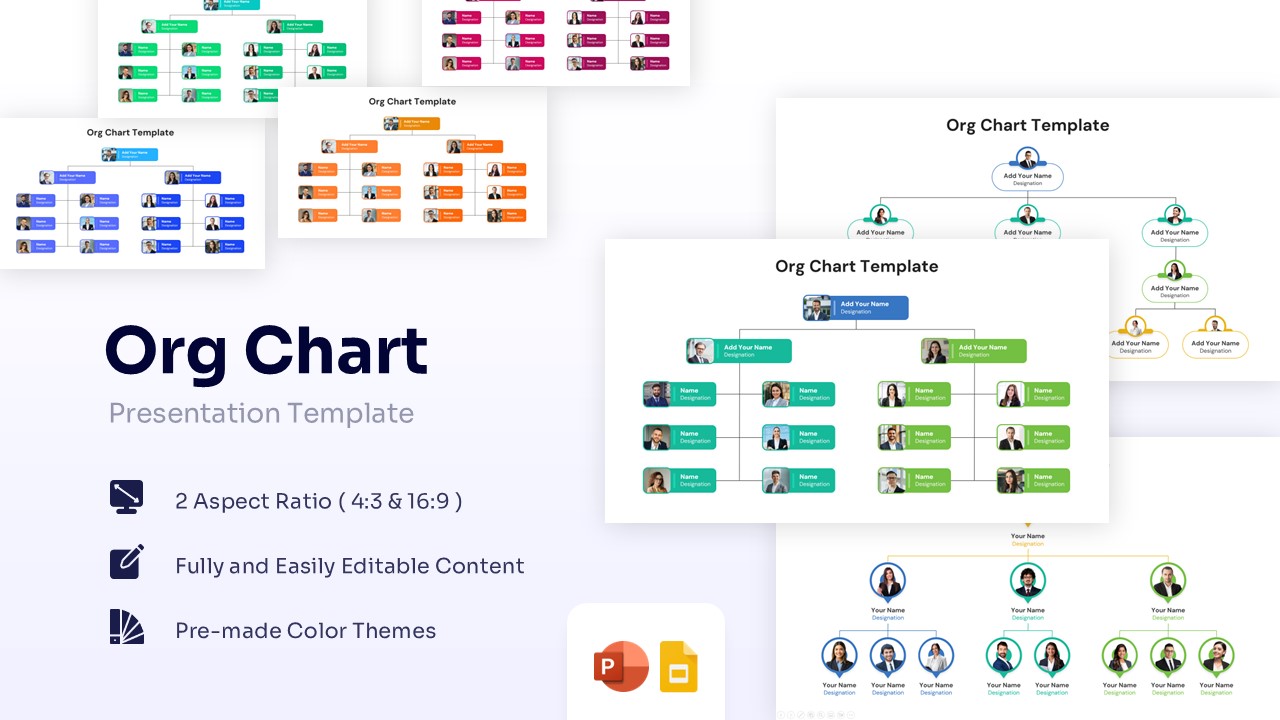
Free Org Chart Template for PowerPoint & Google Slides
Employee Profile
Free -
-
 Free
Free -