Free 14 Steps Circular Process Diagram Template
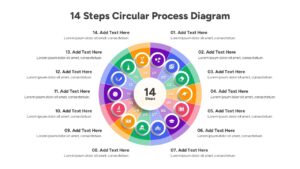
PowerPoint Circular Diagram of 14 Steps
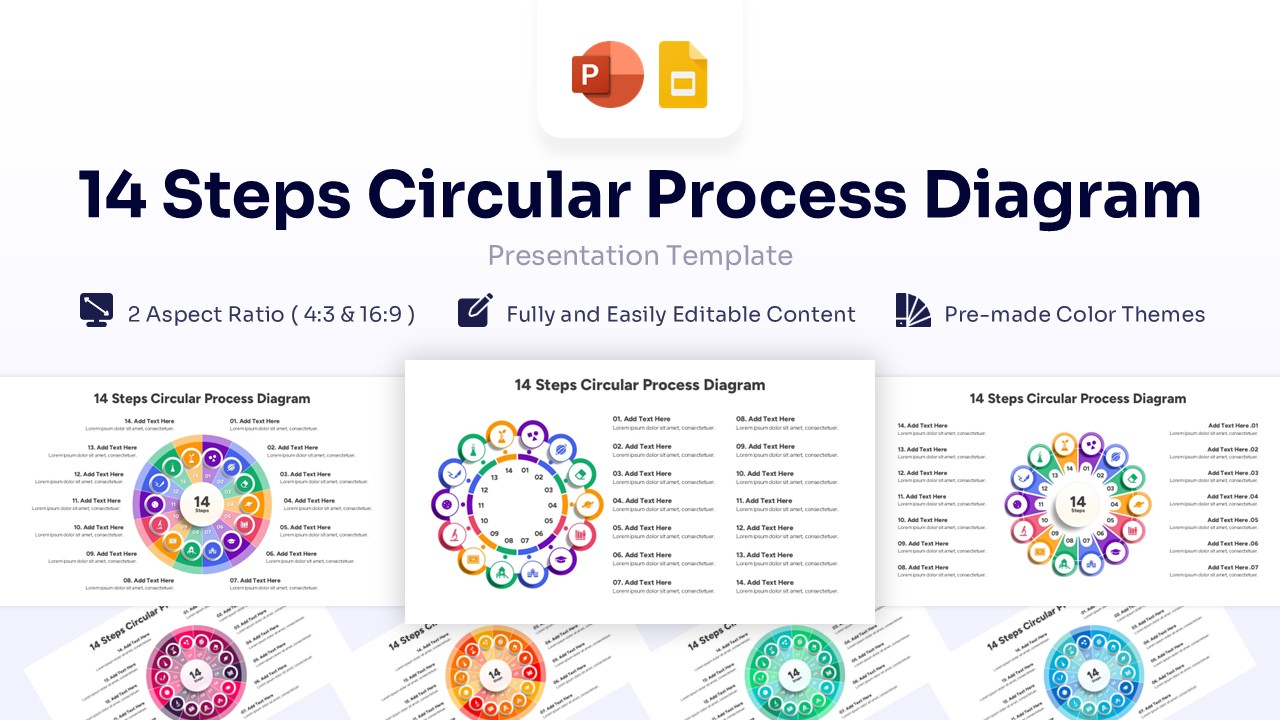
Technical Details: This PresentoVerse free 14 Steps Circular Process Diagram is available to download and use. Moreover, it’s compatible with Microsoft PowerPoint and Google Slides. Explore more circular workflow infographic charts to elevate your next corporate strategy meeting.
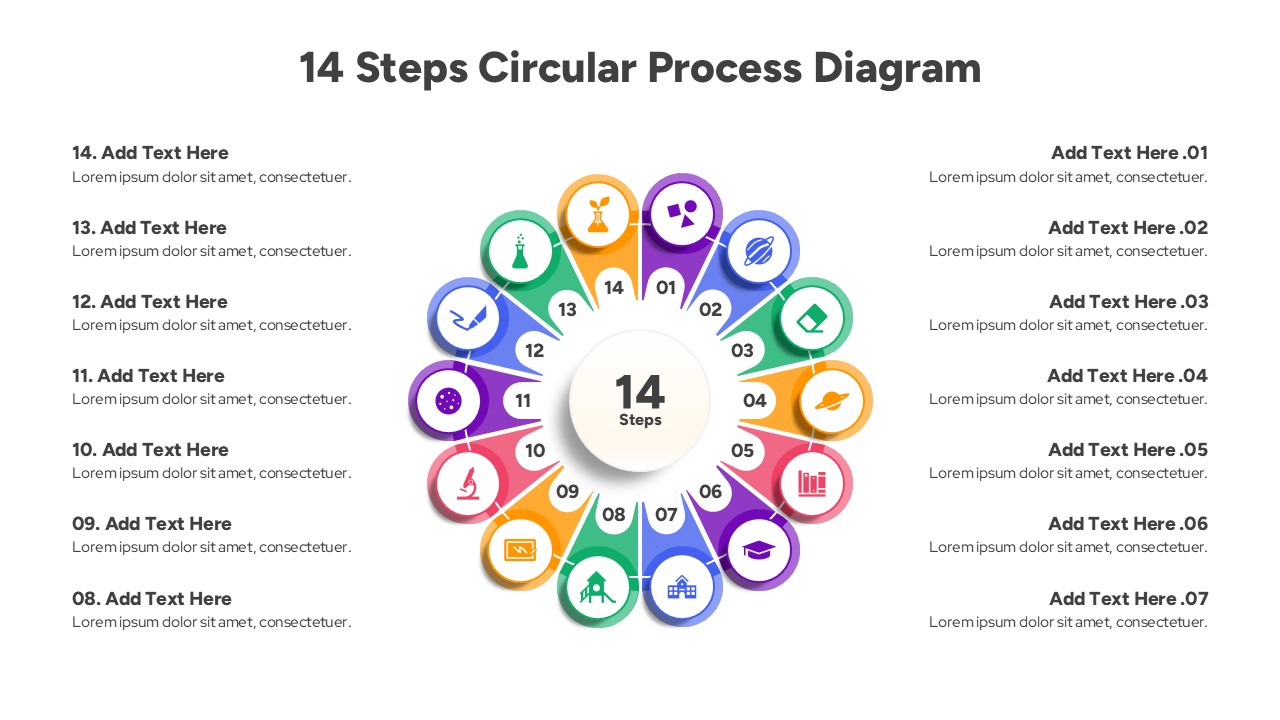
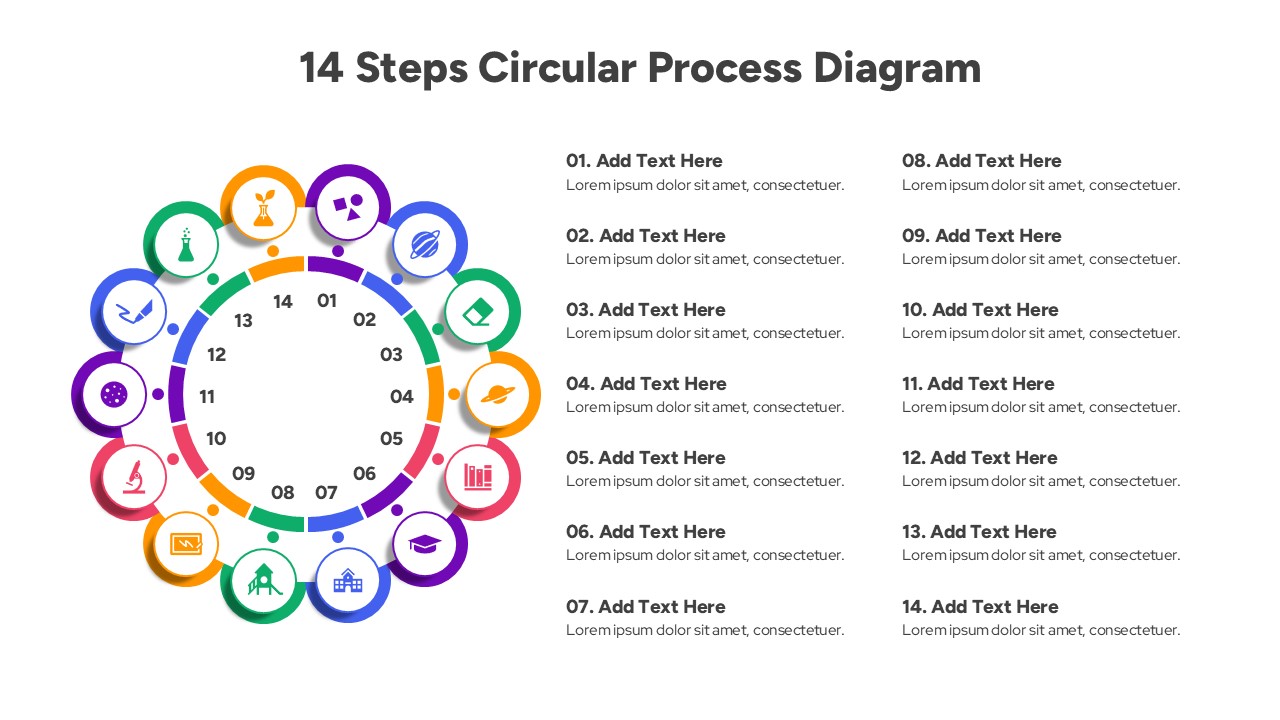
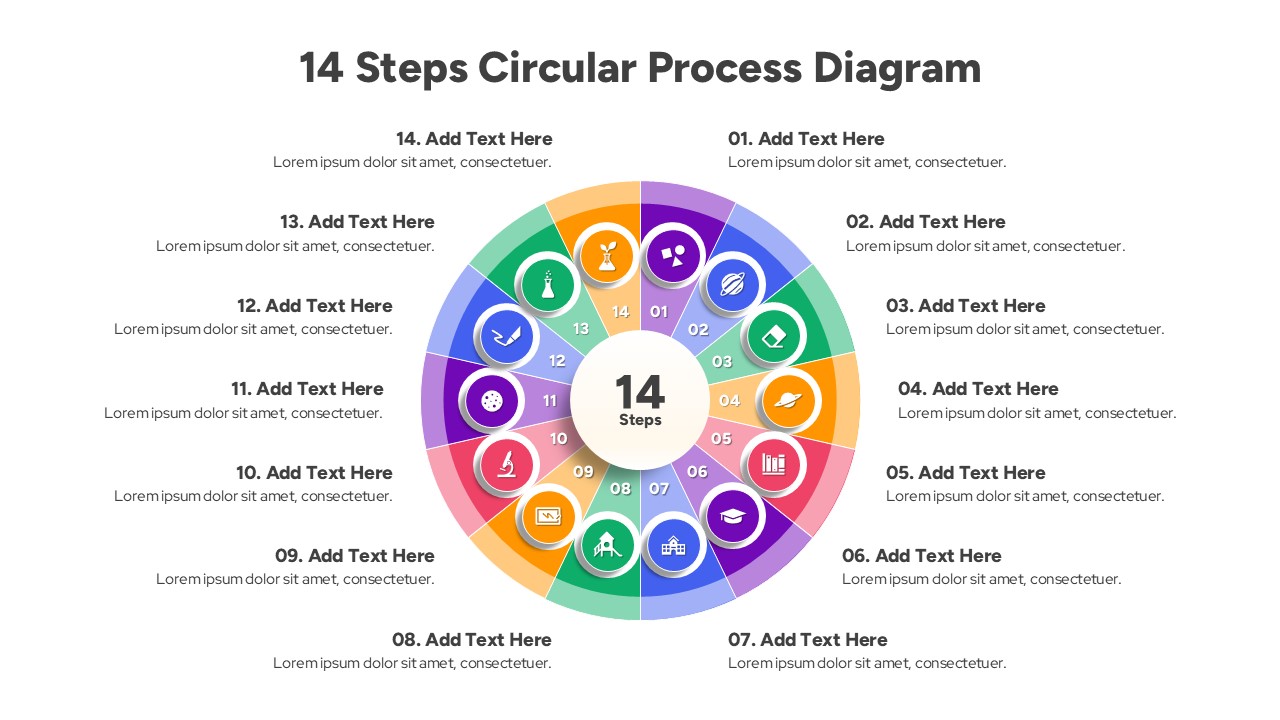
Content Strategy: This circular layout strategically visualizes continuous sequences and complex operational models. Users can efficiently present project lifecycles, manufacturing phases, or extensive business workflows in a cohesive loop.
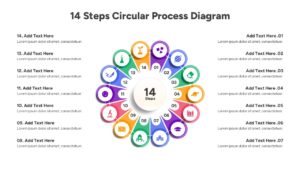
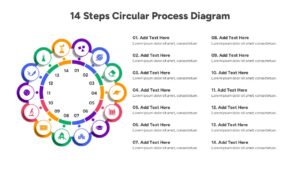
Visual Elements: The design features a vibrant, multi-colored palette against a clean white background. It utilizes readable sans-serif typography and minimal geometric icons embedded within a segmented wheel graphic.
Recommended Usage: Business professionals and project managers can use this for tracking extensive operational milestones. Complement this design with a comprehensive project timeline diagram for deeper reporting.
Key Features
- 14 Unique Steps
- 100% Vector-Based Graphics
- Fully Layered & Organized
- 2 Aspect Ratios (16:9 & 4:3)
- Multi-Platform Support
Frequently Asked Questions
- How do I edit the text in the 14 steps?
- Simply click on the text placeholders provided next to each step and type your content. The font size and style will automatically adjust to fit the design, or you can manually tweak them to your preference.
- Can I change the colors of the individual circles?
- Yes, every shape in this template is fully editable. You can select individual circles to apply your brand colors or use the theme colors to change the entire palette instantly.
- Is this template suitable for printing?
- Absolutely. Because the graphics are vector-based, you can print the slides as handouts or posters without any loss of quality or pixelation.
Related Templates
-
 Free
Free -
-
-