6 Hexagonal Process Flow Infographics for PowerPoint & Google Slides
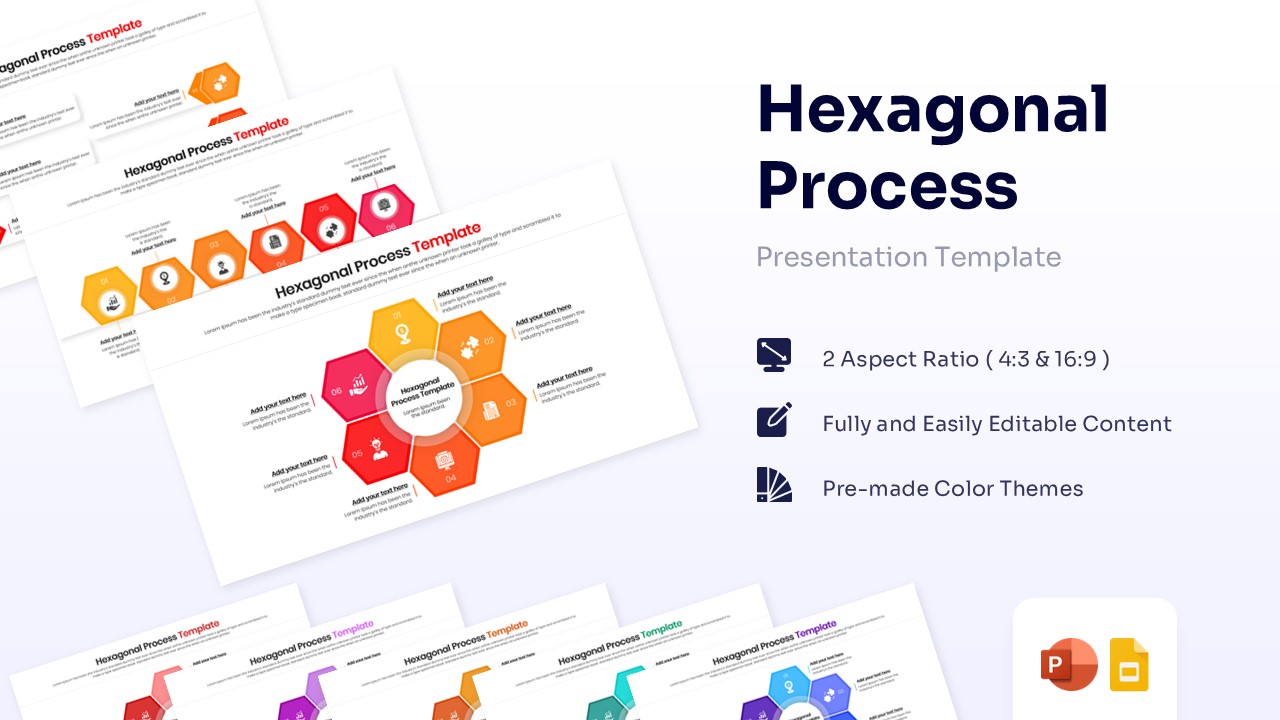
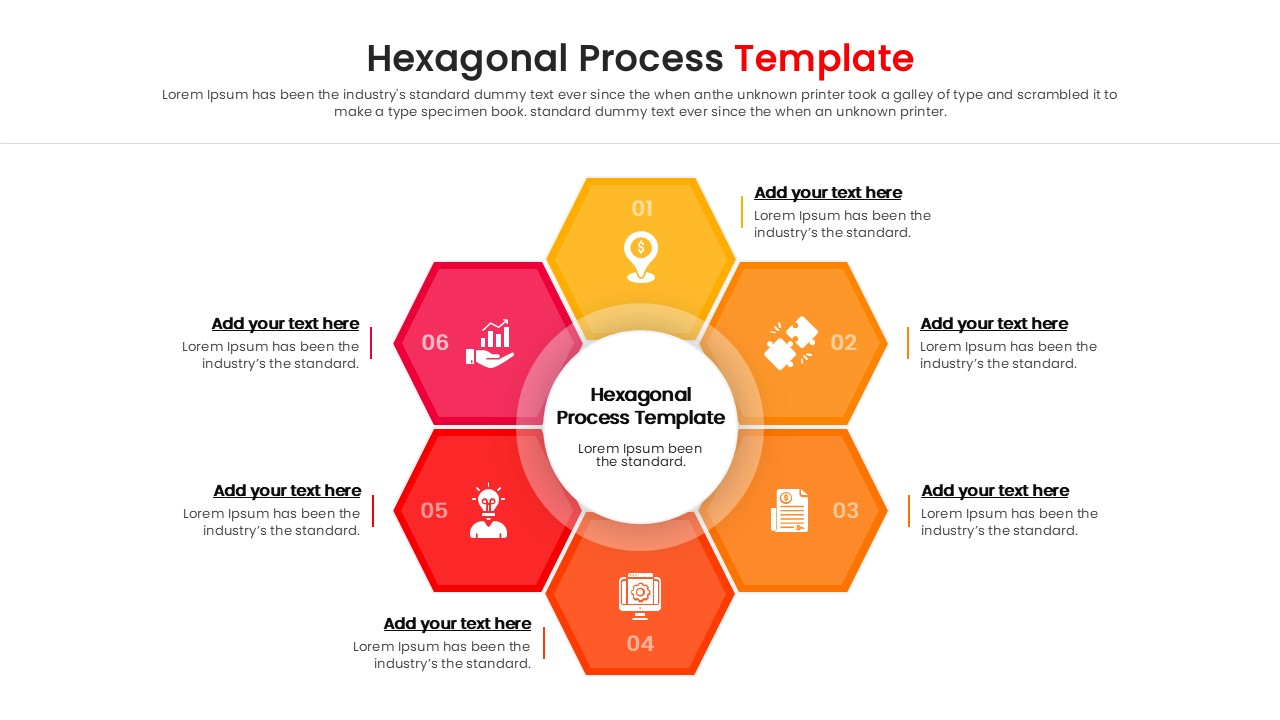
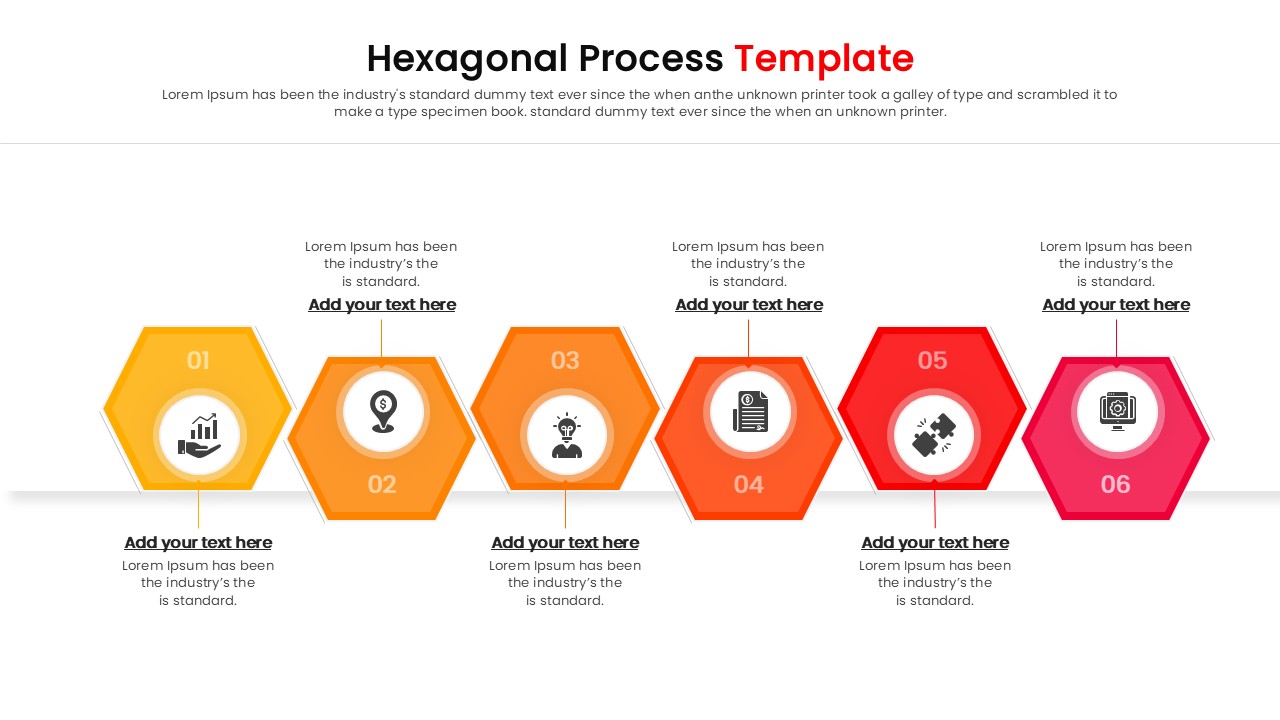
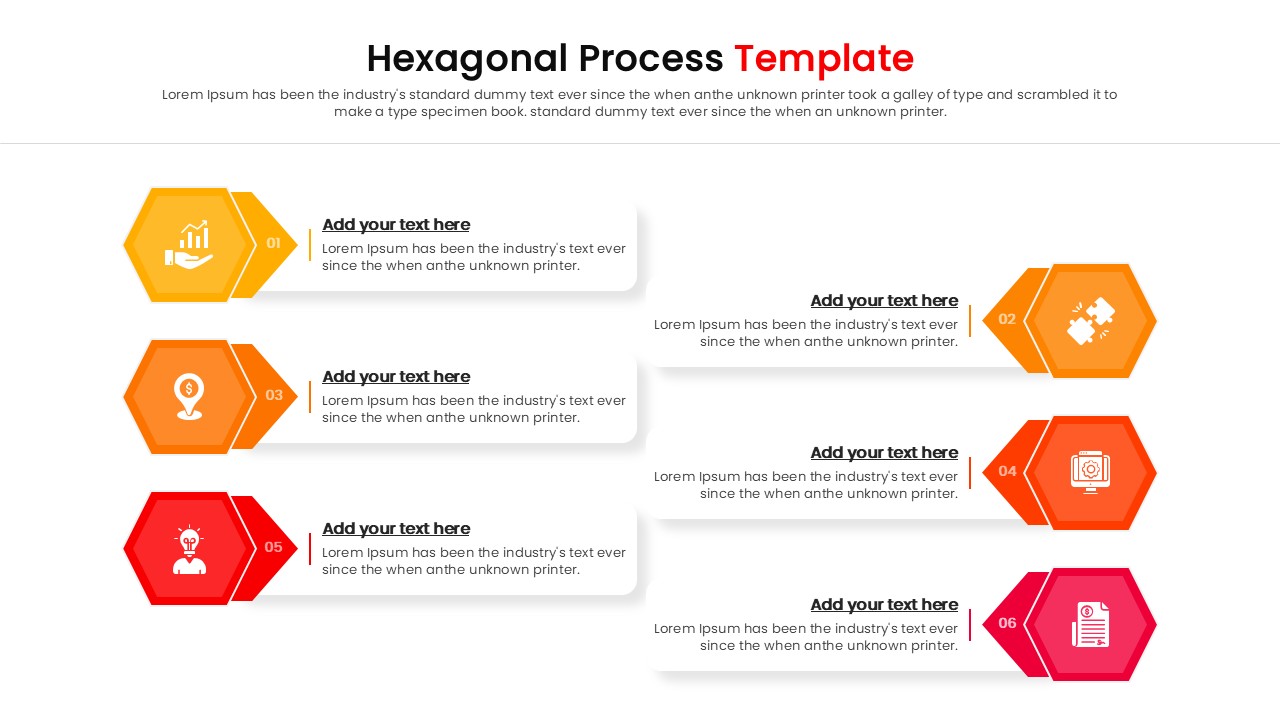
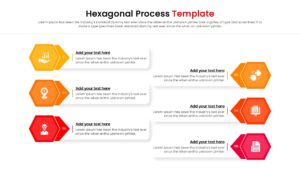
Content Strategy: This 6 Hexagonal Process Flow Infographics effectively models interconnected organizational workflows, continuous cycles, and multi-phased project plans. Users can clearly present logical sequences, stage-by-stage progressions, and collaborative processes using a streamlined geometric layout.
Template Details: This PresentoVerse Hexagon Process Flow Template is available to download and use. Moreover, it can be seamlessly edited on Microsoft PowerPoint and Google Slides.
Design Elements: The design features a vibrant gradient color palette, modern sans-serif typography, and standard business icons within modular shapes. A high-contrast layout guarantees maximum legibility and visual impact against any presentation background.
Recommended Usage: Project managers and consultants can deploy this diagram to track milestones or operational procedures. Explore additional process infographic slides for mapping out complex corporate timelines.
Key Features
- 100% Vector-Based Graphics
- Fully Layered & Organized
- Multi-Platform Support
- Theme Color & Theme Font
- 6-Step Modular Geometric Layout
- Pre-configured Entrance Animations
Frequently Asked Questions
- Can I change the colors of the hexagons?
- Yes, all shapes are fully editable. You can easily change the fill colors to match your brand guidelines.
- Is this compatible with Google Slides?
- Absolutely. This template is designed to work seamlessly in both Microsoft PowerPoint and Google Slides.
- Do I need special software to edit the icons?
- No, the icons are built-in vector shapes. You can resize, recolor, or replace them directly within your presentation software.
Related Templates
-
 $3.99
$3.99 -
 $2.99
$2.99 -
 $2.99
$2.99 -