
4 Step Cycle Process Diagram Template for PowerPoint & Google Slides
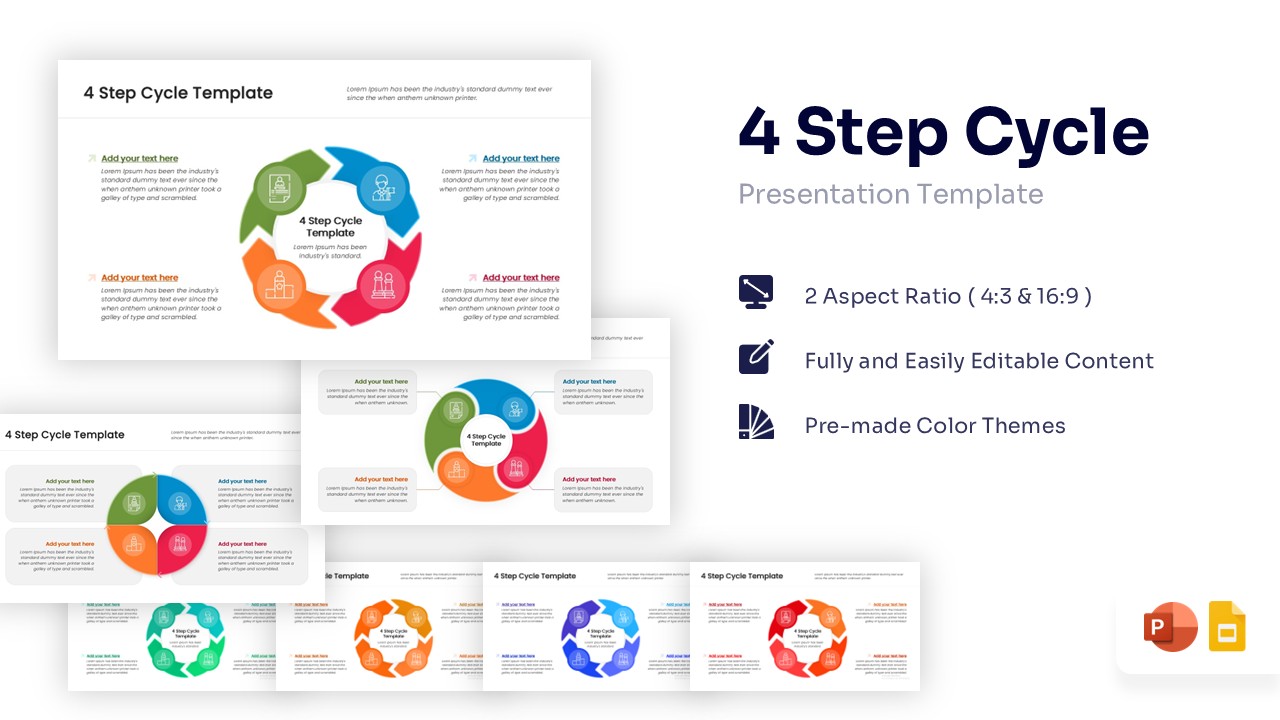
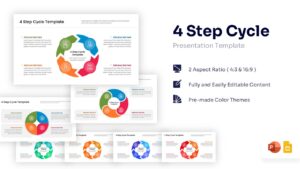
Interactive 4 Stage Circular Flow Diagram Template
Outlining an ongoing operational strategy, such as a continuous marketing campaign or a product’s life cycle, demands clarity and visual momentum to keep viewers invested. When pitching to an executive board, static bullet points simply fail to capture the required cyclical energy. How can you ensure your stakeholders grasp these interconnected phases as easily as they would with a comprehensive flowchart diagram layout? Our 4 Step Cycle Process Diagram serves as the perfect visual anchor, utilizing a vivid repeating loop structure to clearly demonstrate how each stage seamlessly transitions into the next, keeping your audience completely engaged from start to finish.
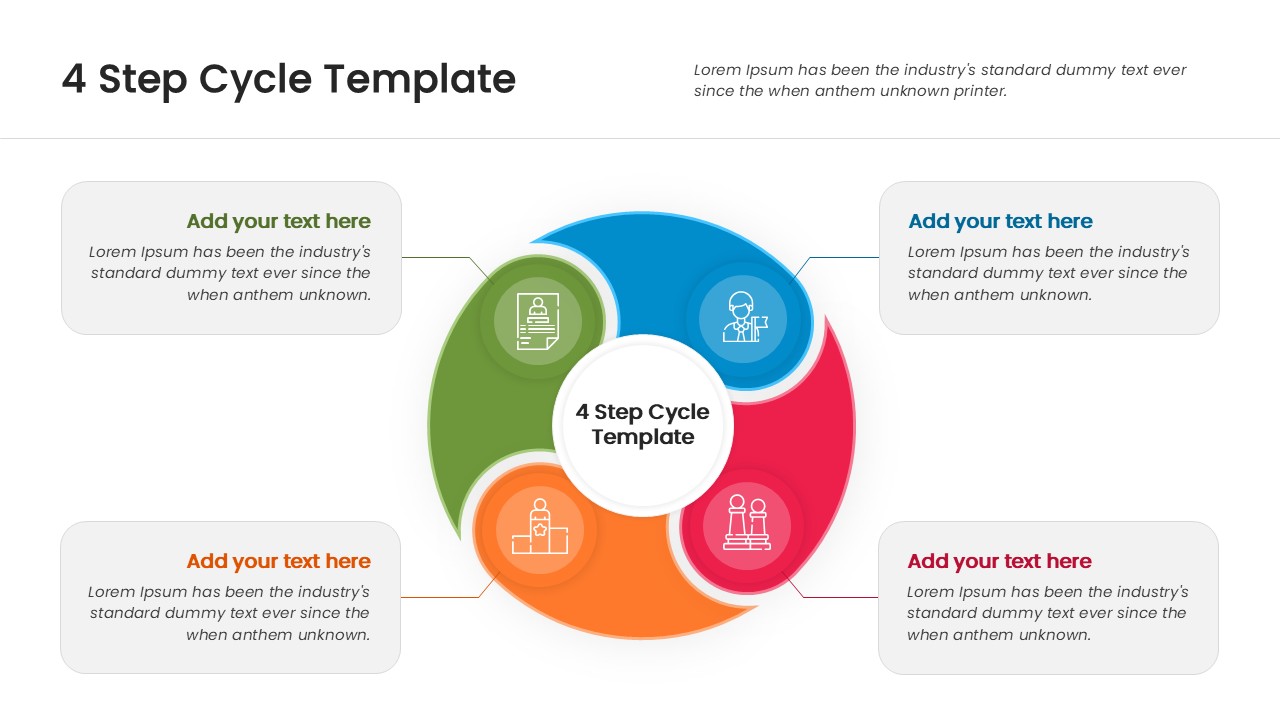
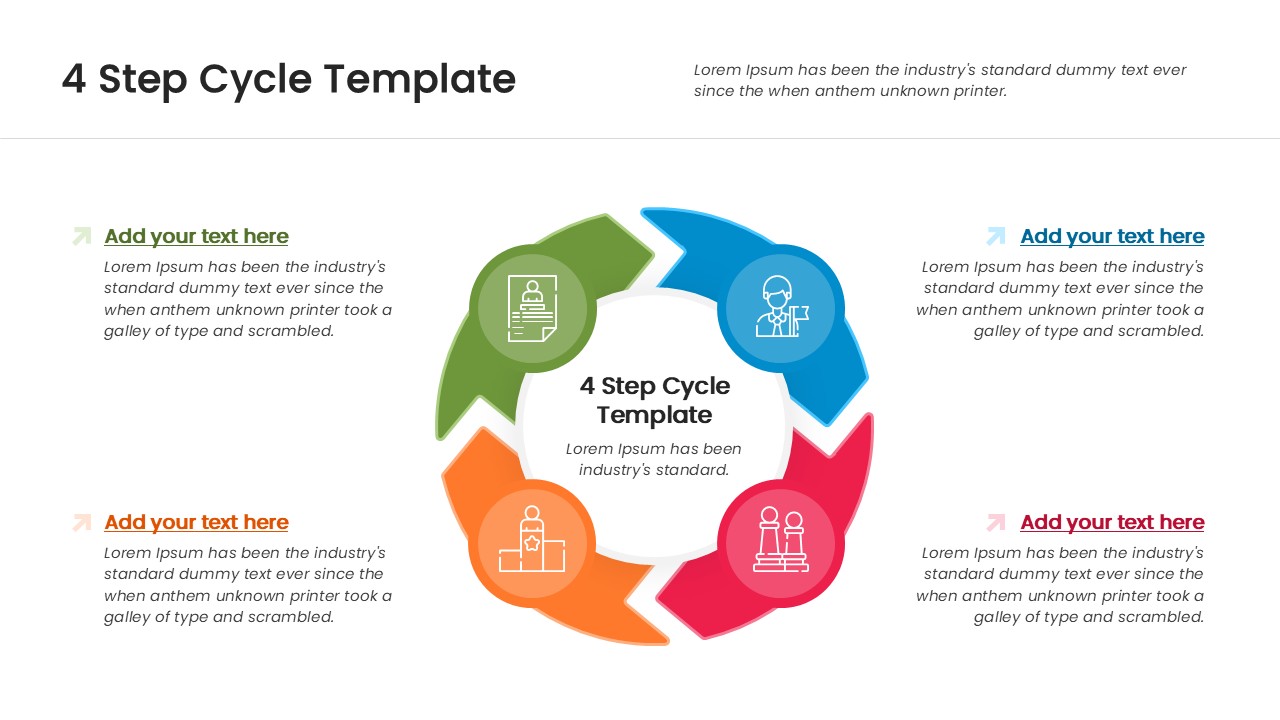
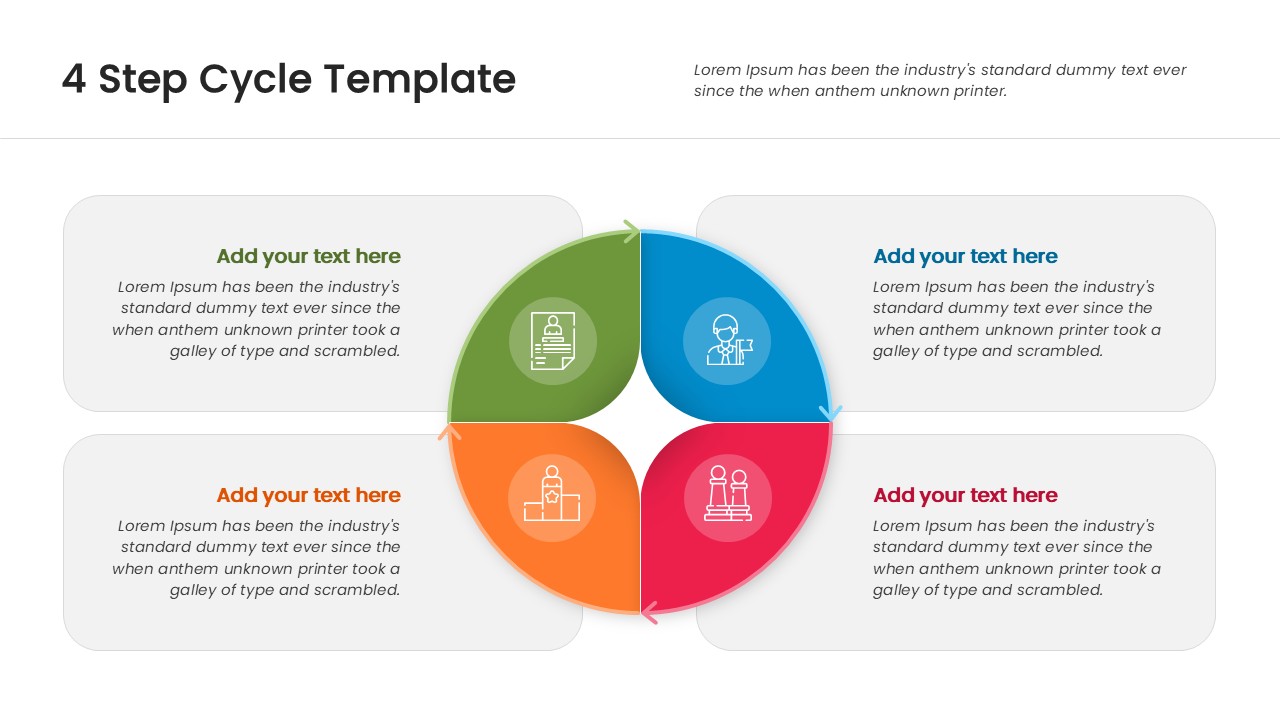
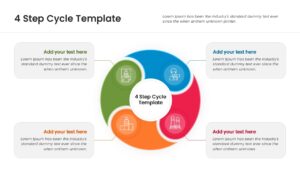
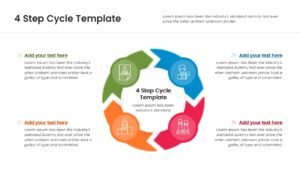
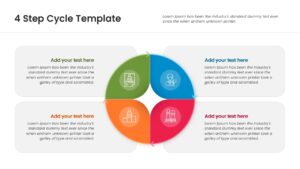
This circular process diagram showcases a dynamic, circular arrangement where four distinct, vividly colored segments—each forming a quarter of the continuous loop—chase one another around a central title hub. Presenters can effortlessly swap out the default representative infographic icons housed within each curved arrow or circular node, while utilizing the generous, editable text placeholders positioned neatly on the outer edges of the slide. The template also offers various layout orientations, ranging from thick chevron arrows to swirly, interconnected petals, to match the specific tone of your data perfectly. If your meeting requires breaking down a linear progression instead, they can also use our five stage horizontal timeline slide to map out chronological milestones. Thus, business professionals from every domain can download and customize this cyclic infographic to illustrate ongoing processes flawlessly. Try it now!
Key Features
- 100% Vector-Based Graphics
- Fully Layered & Organized
- Multi-Platform Support
- Theme Color & Theme Font
- Multiple Cycle Layout Variations
Frequently Asked Questions
- Can I change the colors of the arrows?
- Yes, all shapes and colors are fully editable in PowerPoint and Google Slides.
- Are the icons replaceable?
- Absolutely, you can swap the default icons with any other vector icons to suit your topic.
- Does this template support wide screens?
- Yes, it comes in standard (4:3) and widescreen (16:9) formats.
Related Templates
-
 Free
Free -
-
-
 $2.99
$2.99