Free Iceberg Infographic Template for PowerPoint & Google Slides
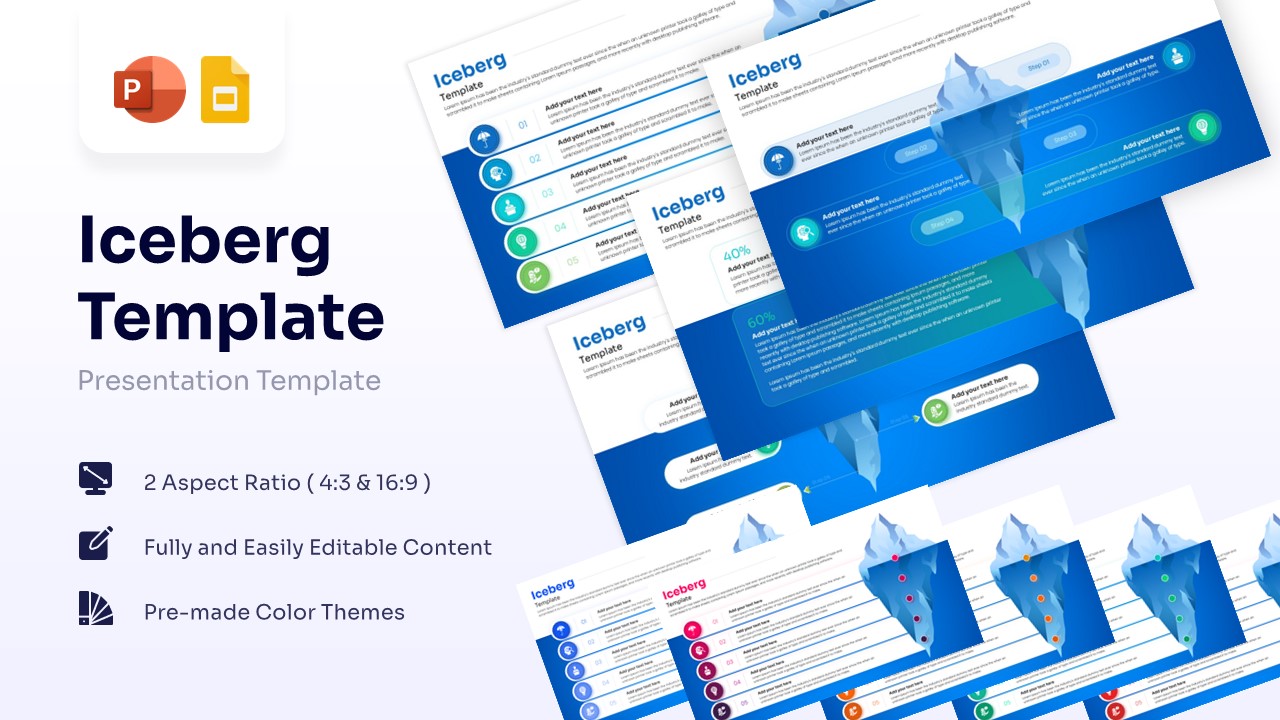
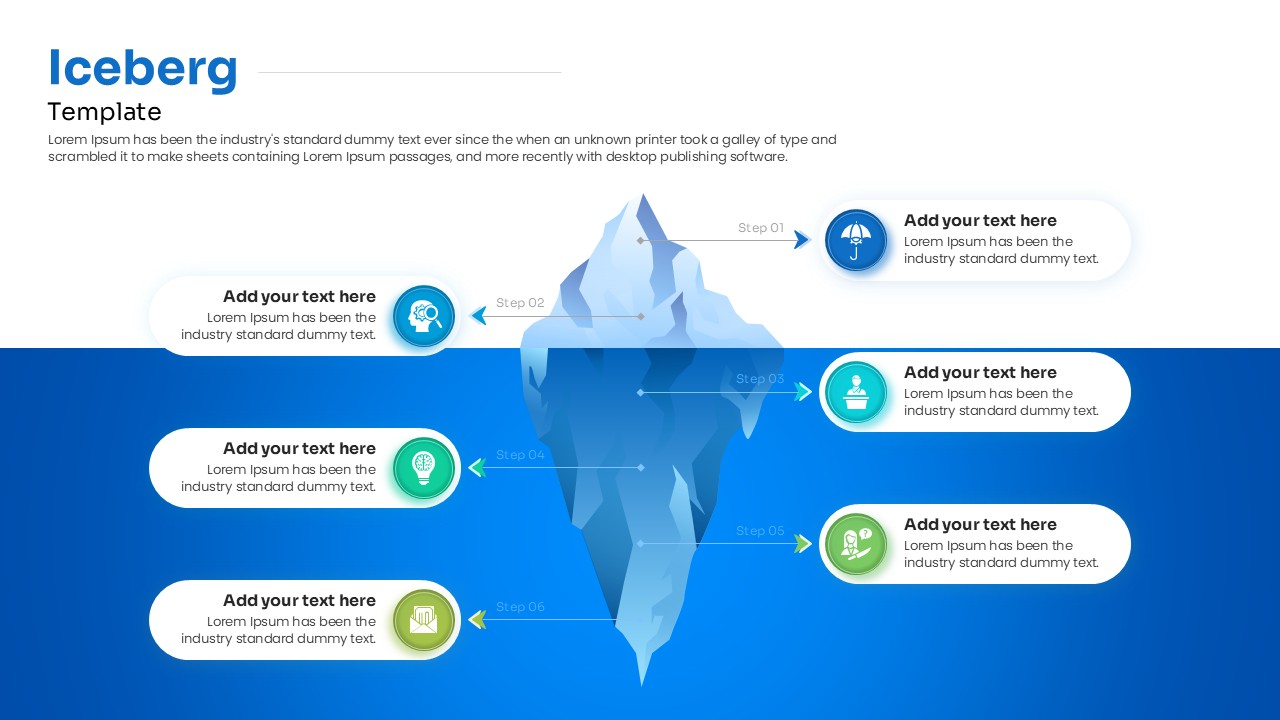
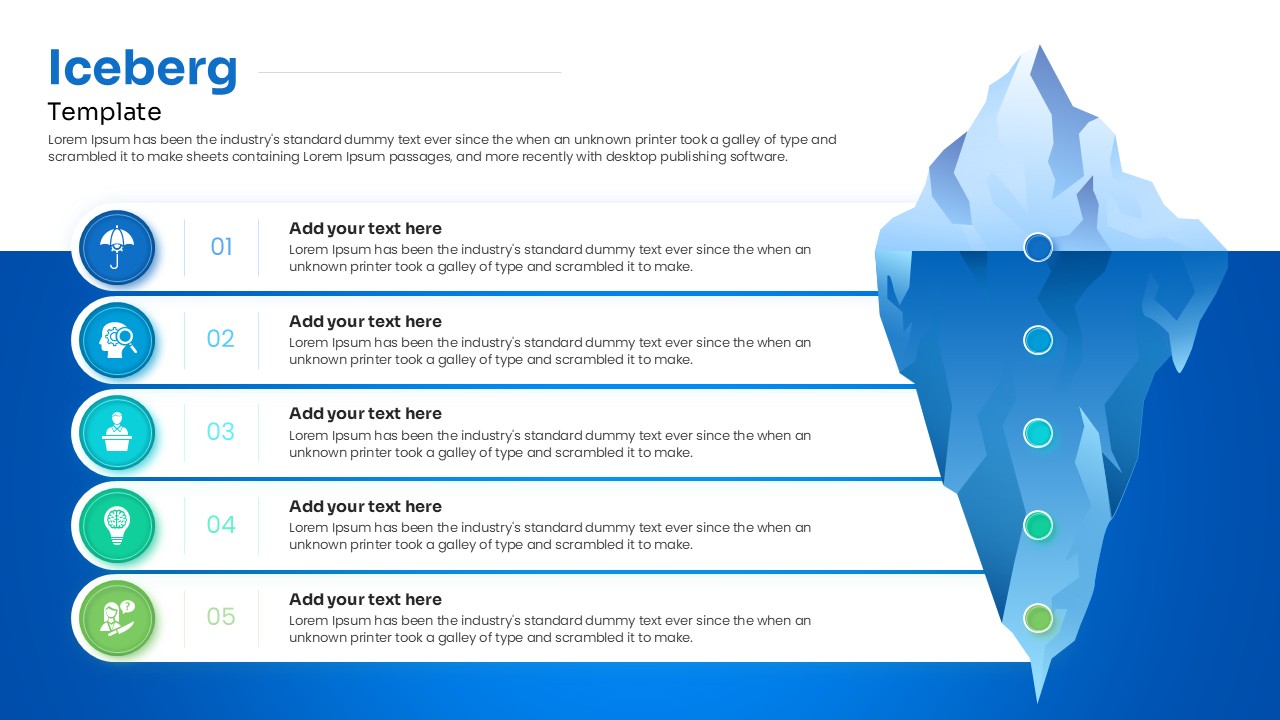
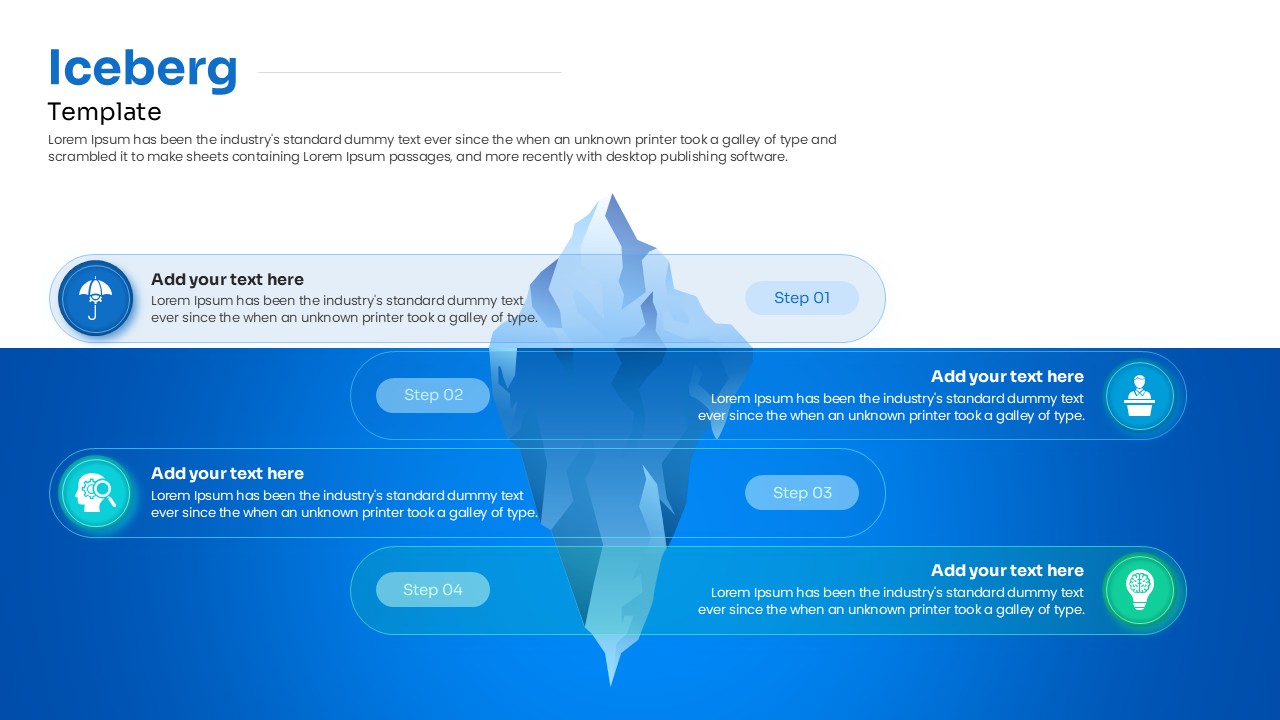
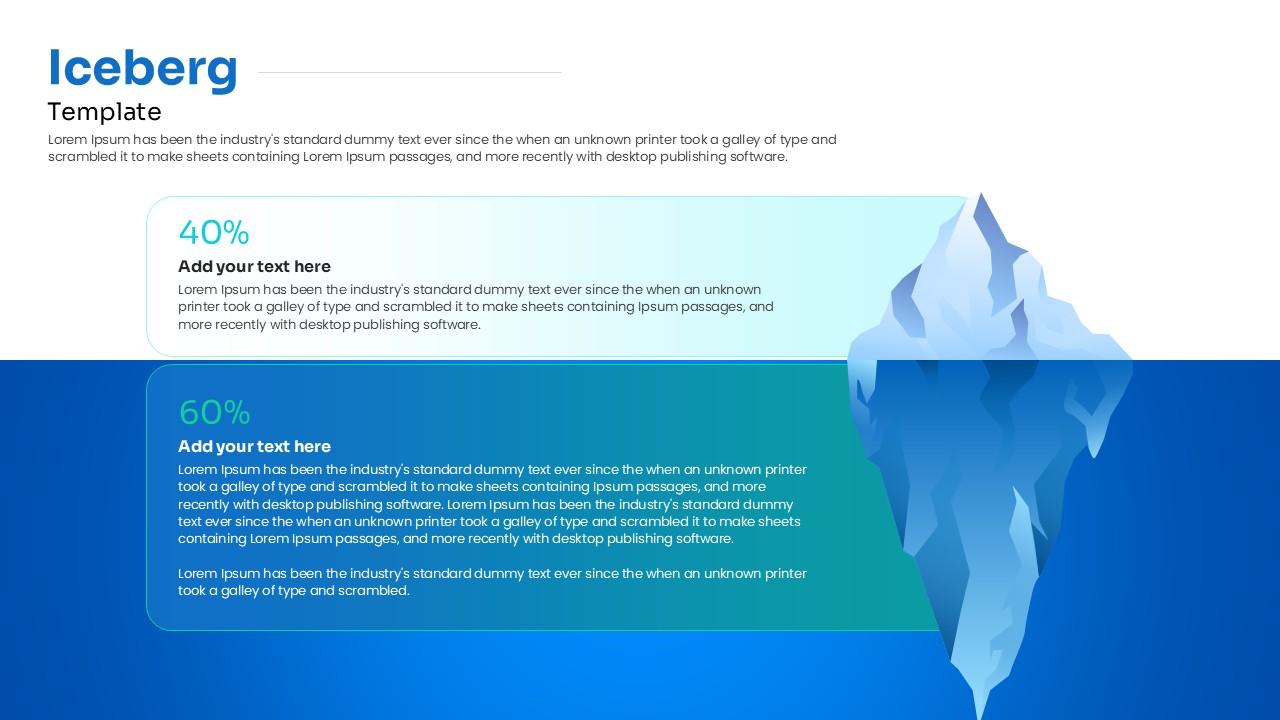
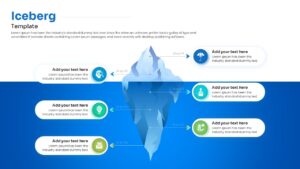
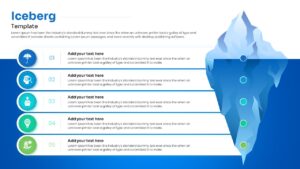
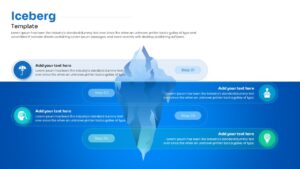
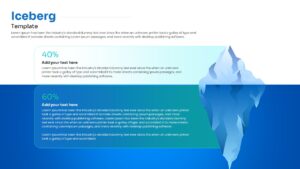
Illustrate with an Iceberg Presentation Graphic
Dive below the surface by inviting your audience to explore hidden realities when you download this free Creative Iceberg for PowerPoint and Google Slides and discover the immense power of revealing unseen data. This striking problem solving infographic gives you the ability to showcase complex, multi-layered content far more visually, making it significantly easier for your audience to understand what lies beneath any given problem or overarching strategy.
You will find that PresentoVerse layouts like this comprehensive set are incredibly simple to use, especially when integrating fully adaptable presentation diagrams into your existing corporate slide decks. To get started right away, you just need to download the asset, select your favorite structural elements, edit the text to perfectly fit your message, and paste them seamlessly into your presentation. Move towards absolute clarity and strategic depth thanks to these beautifully crafted, highly engaging designs!
Key Features
- 100% editable and easy to modify
- Different Iceberg Model Diagram elements to boost your presentations
- Includes vector icons and extensions for further customization
- Designed to be used in Google Slides and Microsoft PowerPoint
- Includes information about how to edit and customize your layout
Frequently Asked Questions
- Can I adjust the water level on the iceberg?
- Yes, the graphics are fully editable, allowing you to move elements to fit your specific data needs.
- Is this template compatible with Keynote?
- This template is specifically optimized for PowerPoint and Google Slides, but can often be imported into Keynote with minor adjustments.