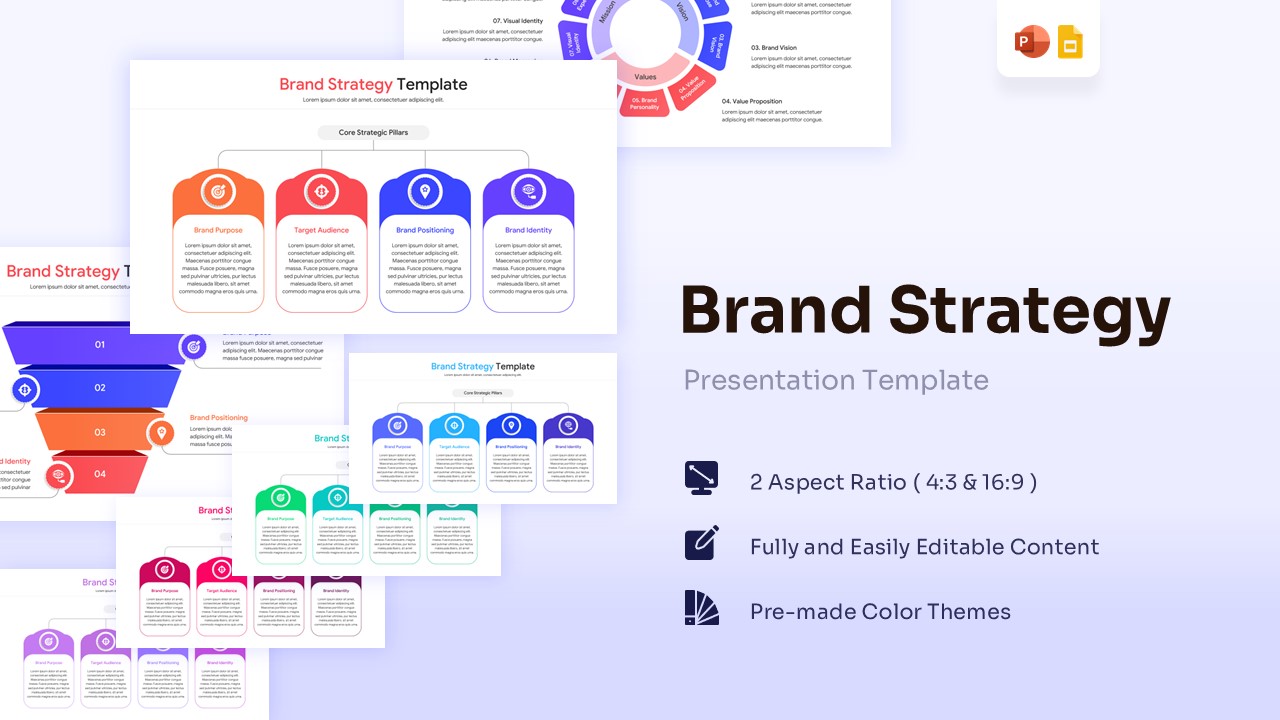
4 Options Infographic – Free PowerPoint & Google Slides
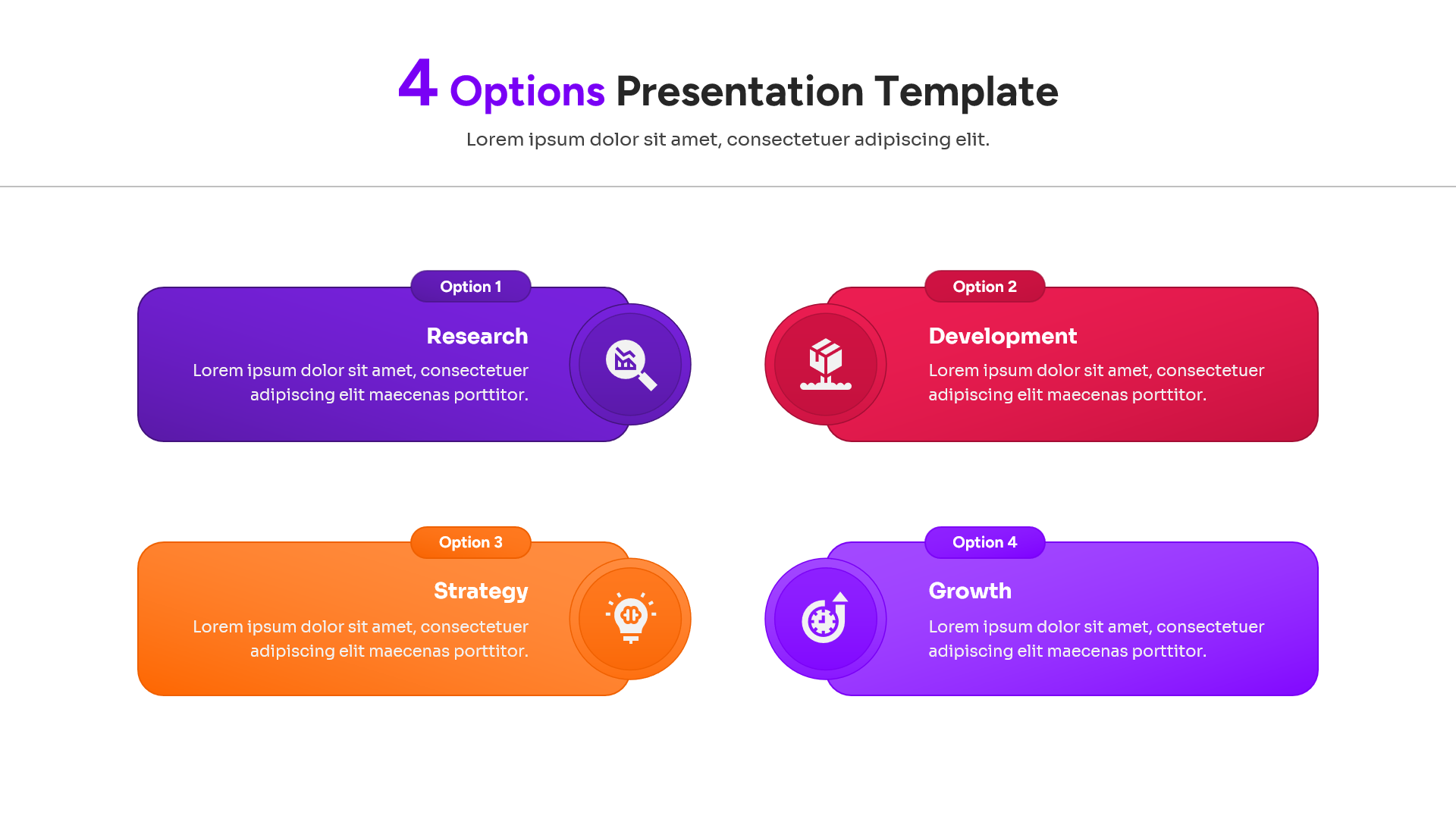
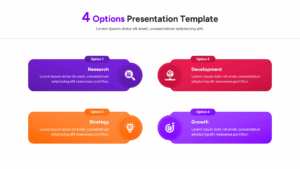
Visualize Success with a Versatile 4 Steps Diagram Slide
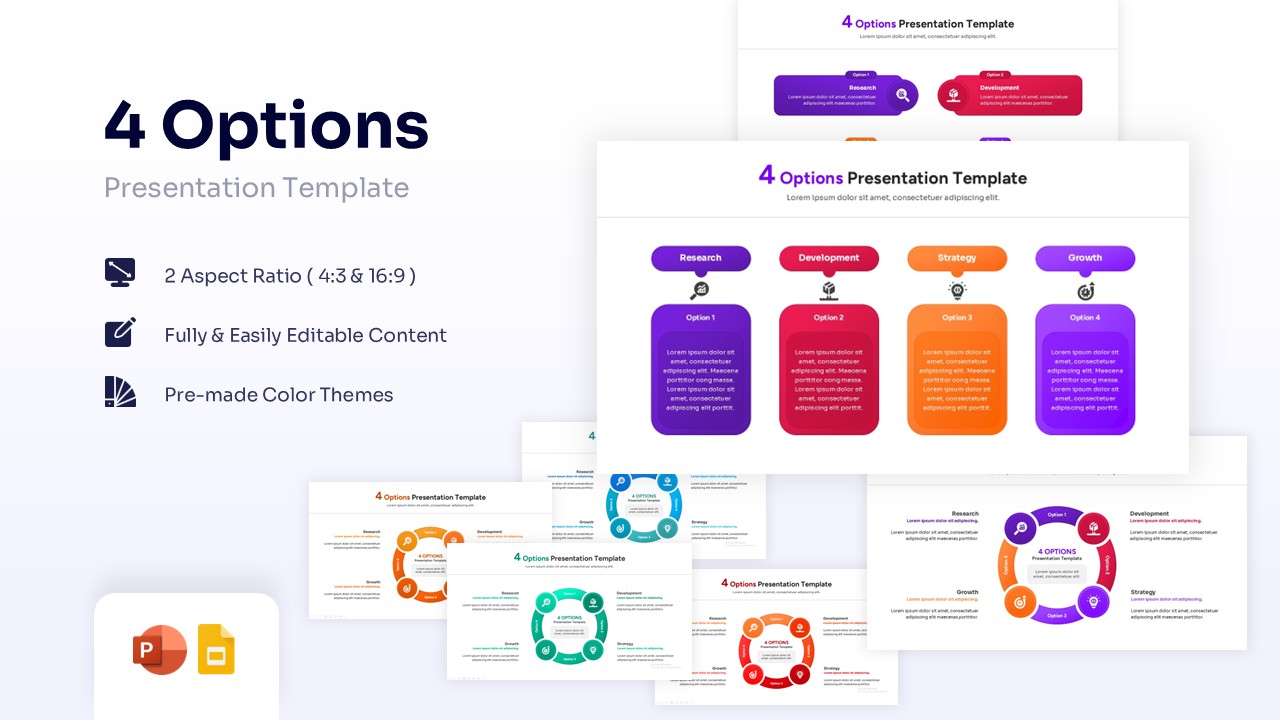
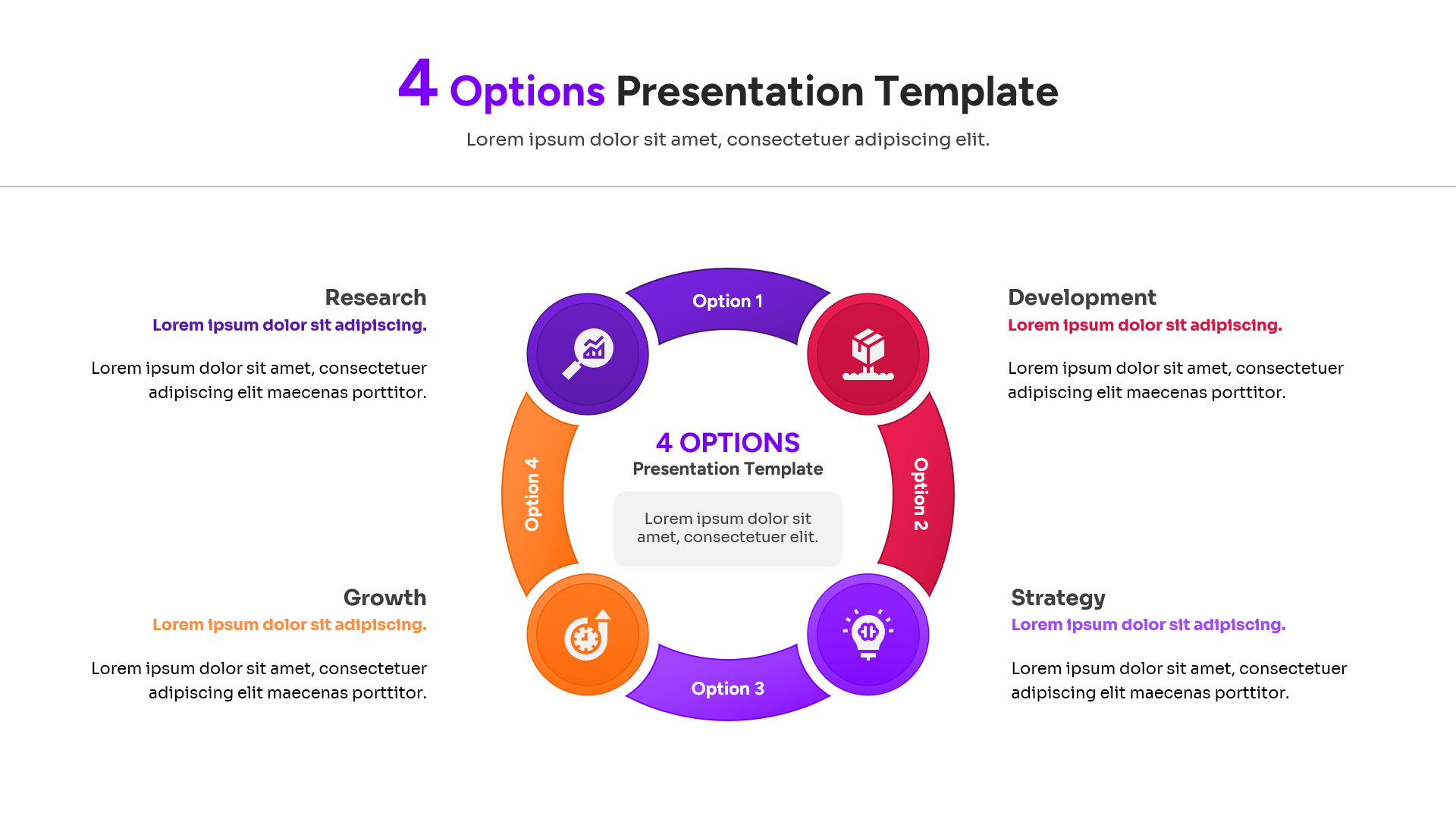
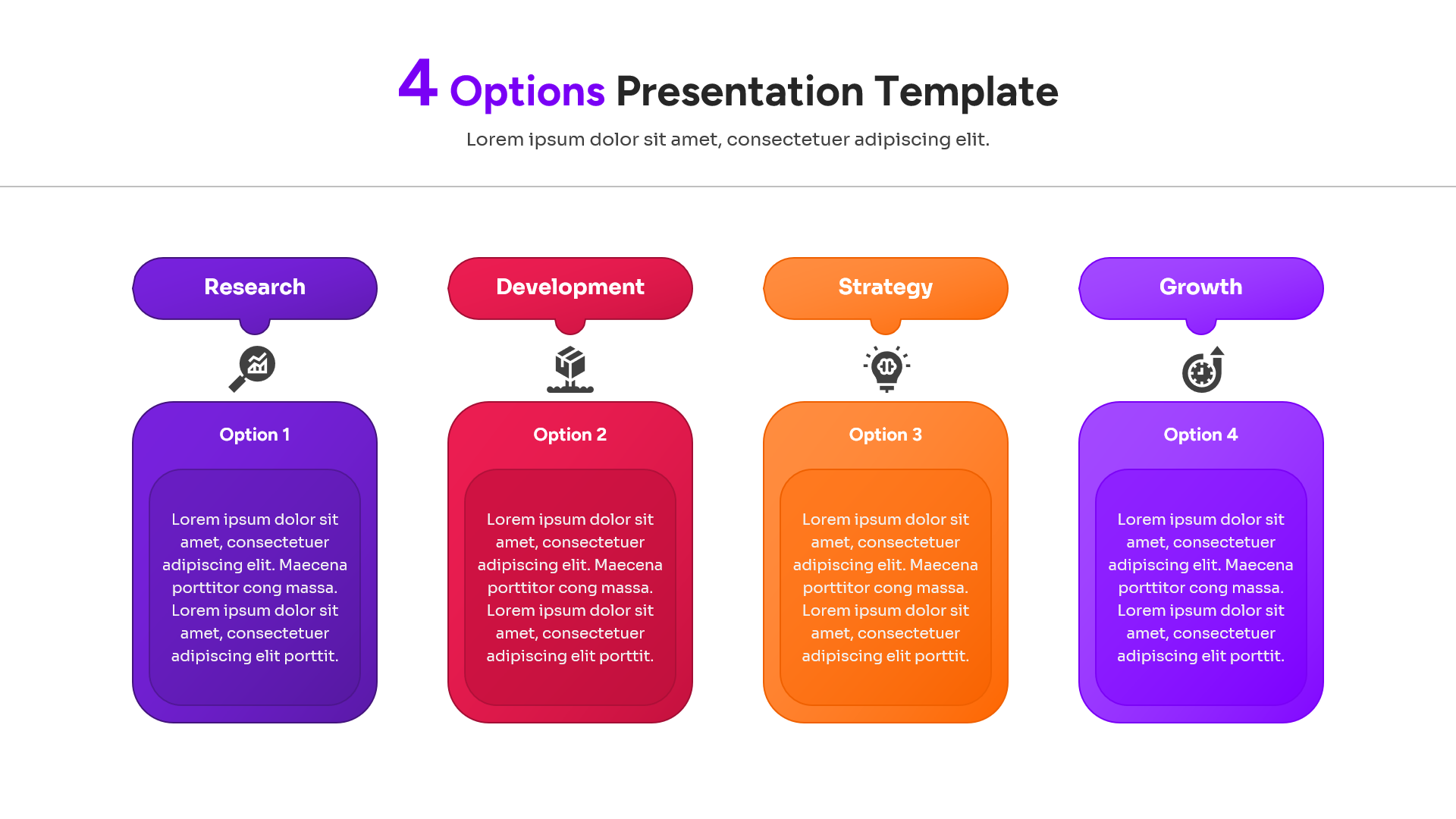
Ready to break down complex ideas into manageable pieces? Dive into the versatile Free 4 Options Infographic for PowerPoint and Google Slides and discover the true visual power of structured information. This 4 step infographic template gives you the ability to showcase your core concepts—like research, development, strategy, and growth—much more visually, making it significantly easier for your audience to digest and remember.
You will find that PresentoVerse layouts like this set are remarkably simple to integrate into your existing workflow; for more dynamic graphics, check out our professional infographics library. All you need to do is download the file, select your favorite geometric elements, quickly edit the text or colors, and seamlessly paste them right into your main deck. Move towards absolute clarity and captivate your stakeholders thanks to these brilliantly designed four-stage slides!
Key Features
- 100% editable and easy to modify
- Different 4 Stages PPT Layout variations to boost your presentations
- Includes vector icons and extensions for further customization
- Designed to be used in Google Slides, Canva, and Microsoft PowerPoint
- Includes information about how to edit and customize your layout
Frequently Asked Questions
- Can I change the colors to match my brand?
- Yes, every shape and icon is fully editable. You can use the standard PowerPoint or Google Slides color tools to update the theme in seconds.
- Are the icons included with the download?
- Yes, all the icons you see in the preview are included. They are vector-based, so you can resize them without losing any image quality.
- Do these slides work on both Mac and PC?
- Absolutely. The template is compatible with all versions of PowerPoint and Google Slides across different operating systems.
Related Templates
-
 Free
Free -
 Free
Free -
-