
Professional Free 5 Whys Analysis Template for PowerPoint & Google Slides
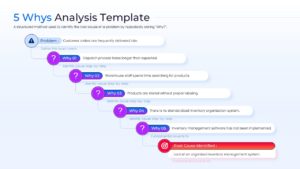
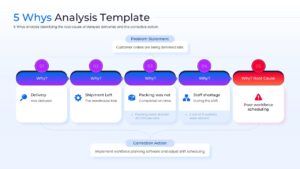
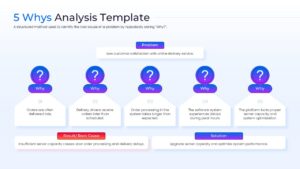
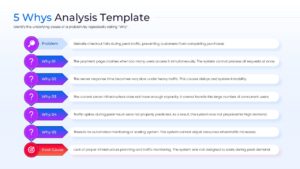
5 Whys Root Cause Analysis Framework Infographic Presentation Template
Technical Details: This PresentoVerse free 5 Whys Analysis Template is available to download and use. Moreover, it can be seamlessly edited on Microsoft PowerPoint and Google Slides. Explore related layouts through root cause analysis process diagrams.
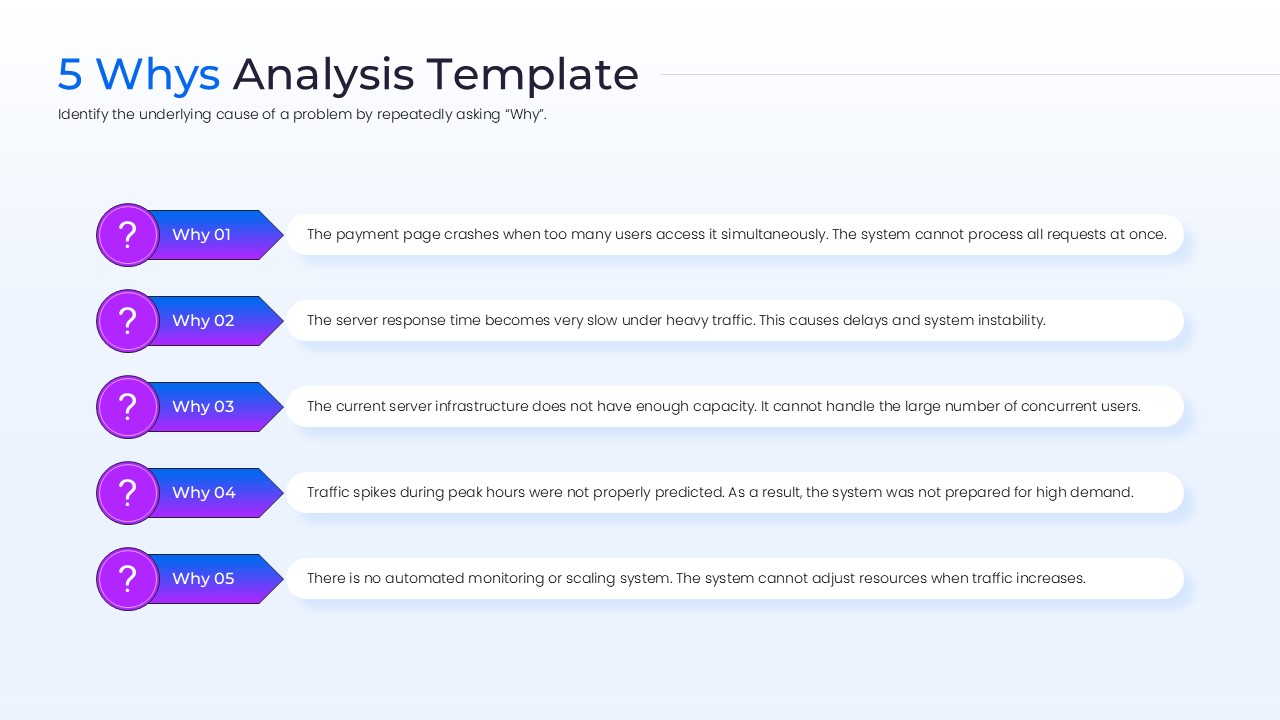
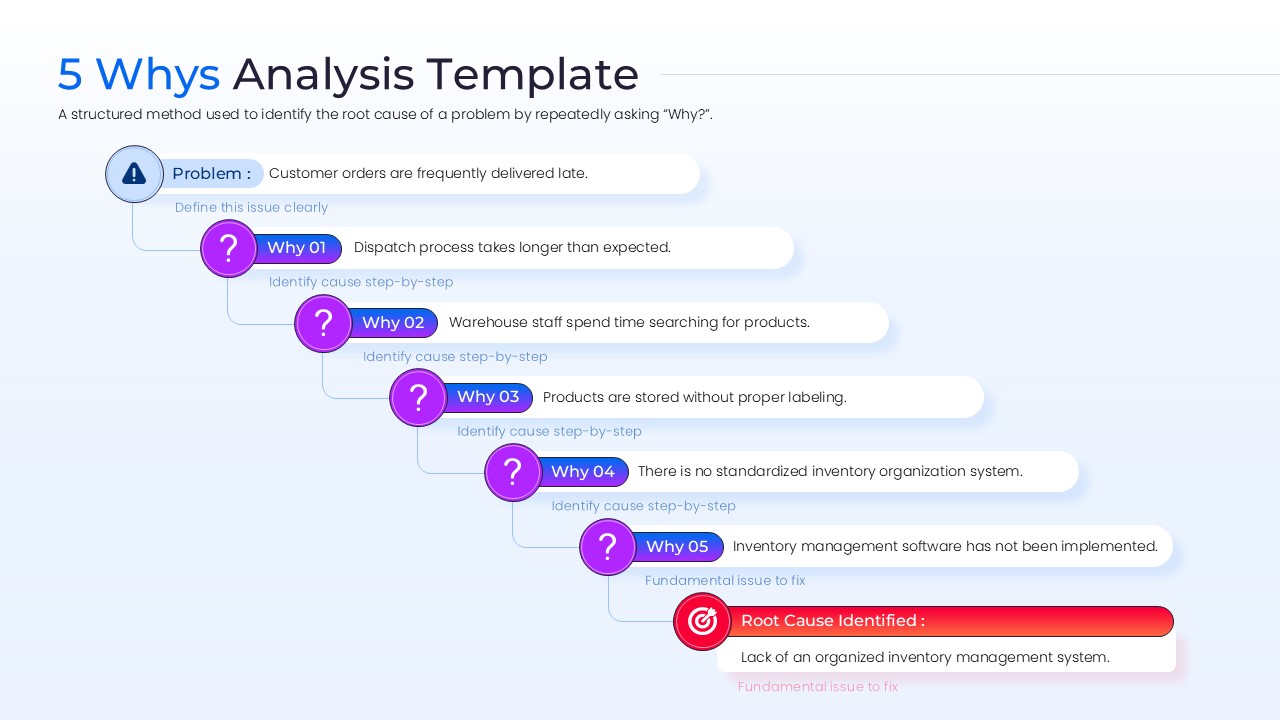
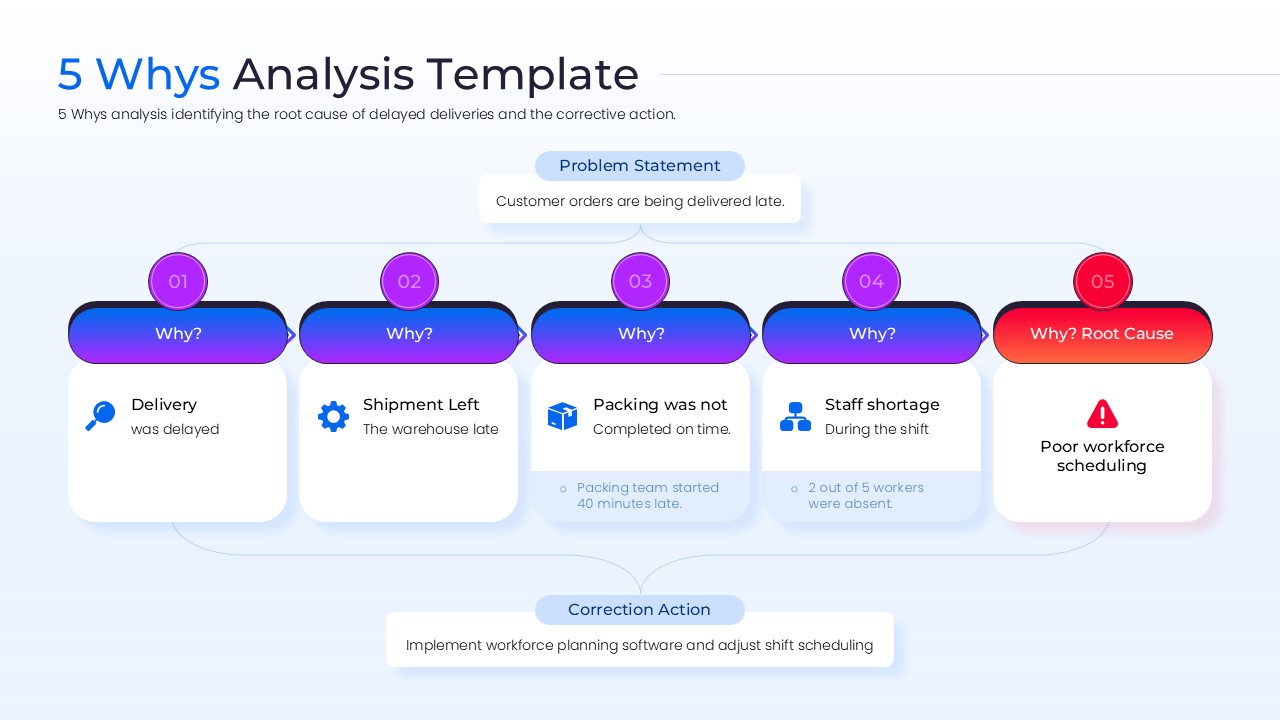
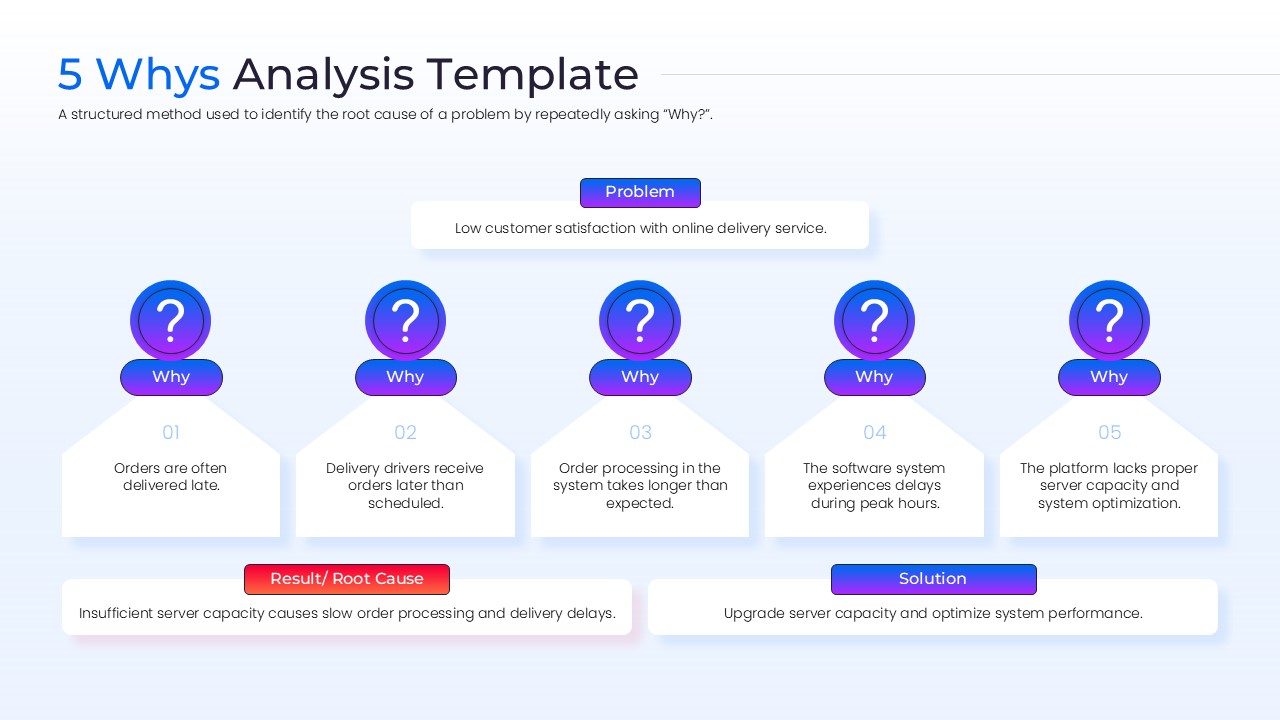
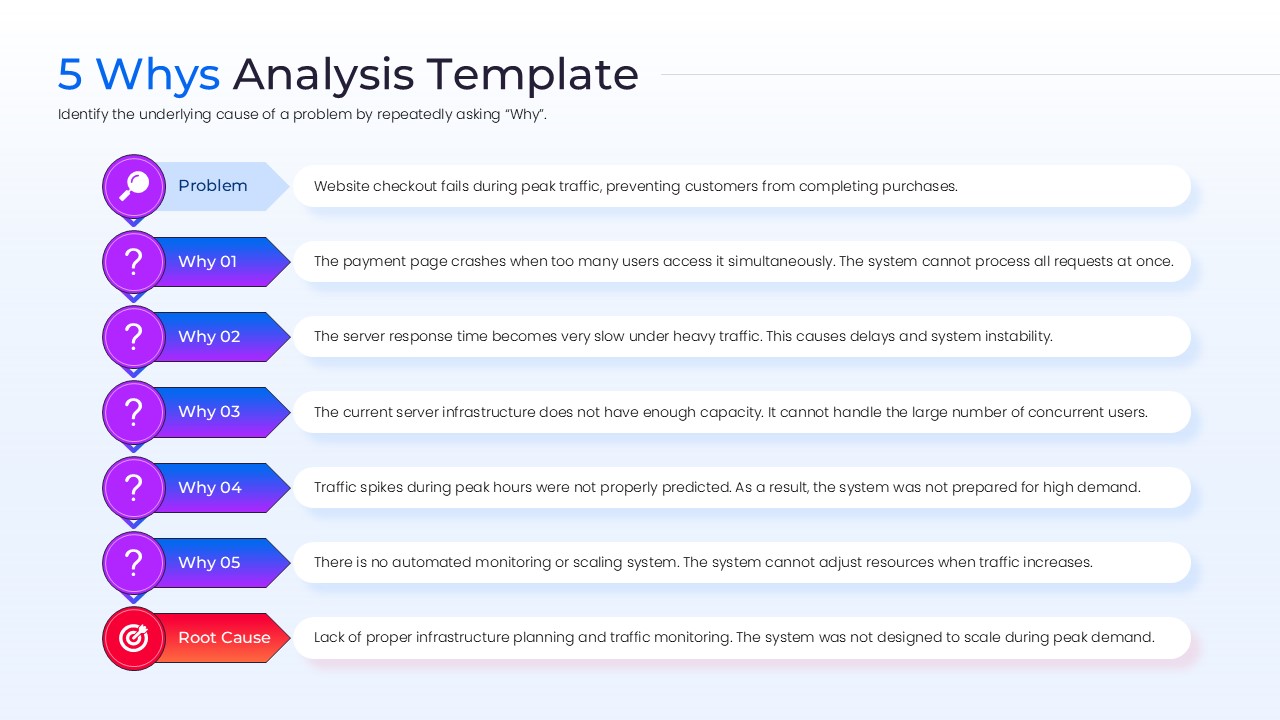
Content Strategy: The 5 Whys method helps teams uncover the underlying cause of recurring problems. This layout guides users through problem definition, sequential questioning, root cause identification, and corrective actions.
Visual Elements: The design combines blue, purple, and red gradient accents with modern sans-serif typography. Question icons, process flows, root cause indicators, and structured analysis diagrams enhance clarity.
Recommended Usage: Ideal for managers, consultants, operations teams, and quality improvement initiatives. Pair it with continuous improvement presentation templates for process optimization and problem-solving workshops.
These process diagrams templates are ideal for various professional scenarios where quick alignment is necessary. You can use them during Lean Six Sigma workshops, post-mortem project reviews, or daily stand-up meetings to address recurring issues. The versatile structure allows you to document the initial problem statement, track each level of inquiry, and finally highlight the corrective action or “Root Cause” in a high-impact visual box. This helps in reducing meeting time while increasing the quality of the outcomes, making you look prepared and in control. Also browse our Free Infographics Template Library for additional editable infographic layouts and presentation resources.
Key Features
- 100% Vector-Based Graphics
- Fully Layered & Organized
- Multi-Platform Support
- Theme Color & Theme Font
- Easily Editable Text Placeholders
Frequently Asked Questions
- What is a 5 Whys Analysis Template used for?
- It is used to identify the root cause of a problem by repeatedly asking why an issue occurred.
- Are the icons customizable?
- Absolutely. Every icon is a vector element, so you can change its color, size, or replace it entirely with a different symbol from your library.
- Will this work on older versions of PowerPoint?
- Yes, the file is optimized for compatibility across modern and legacy versions of PowerPoint and Google Slides.
Related Templates
-
 Free
Free -
-
 Free
Free -
 Free
Free