Free Snake Process Flow Diagram Template
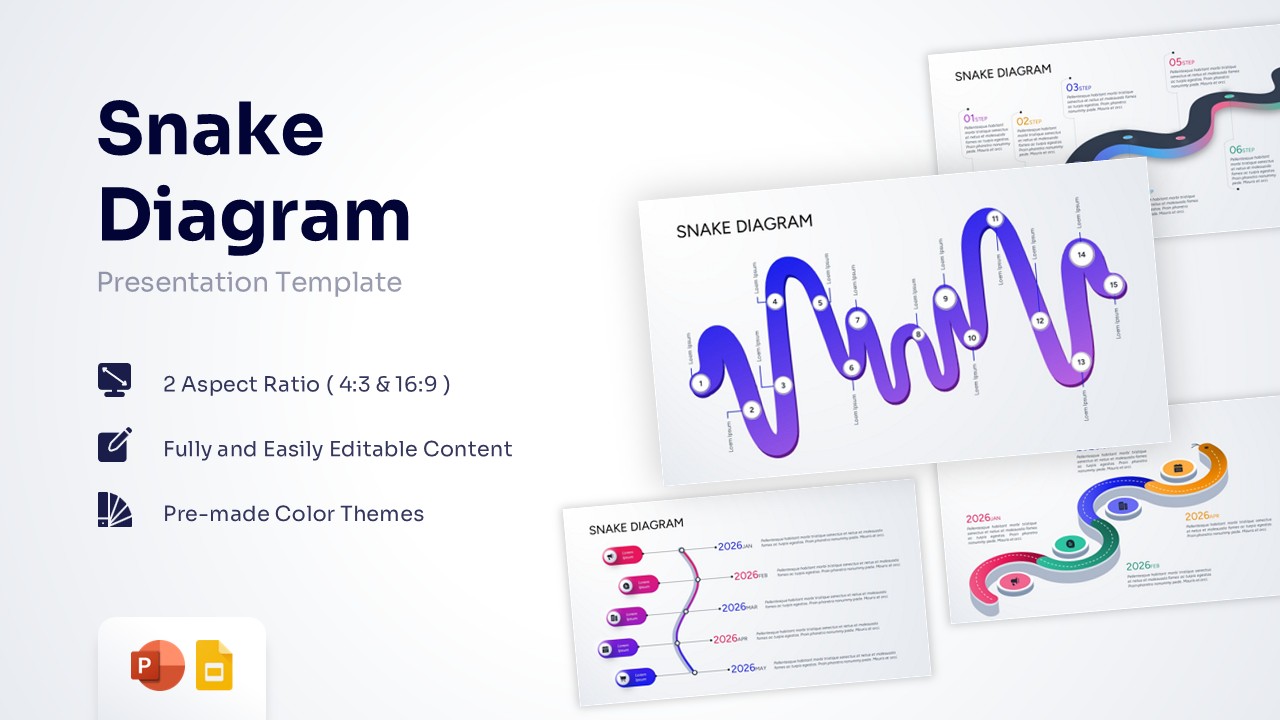
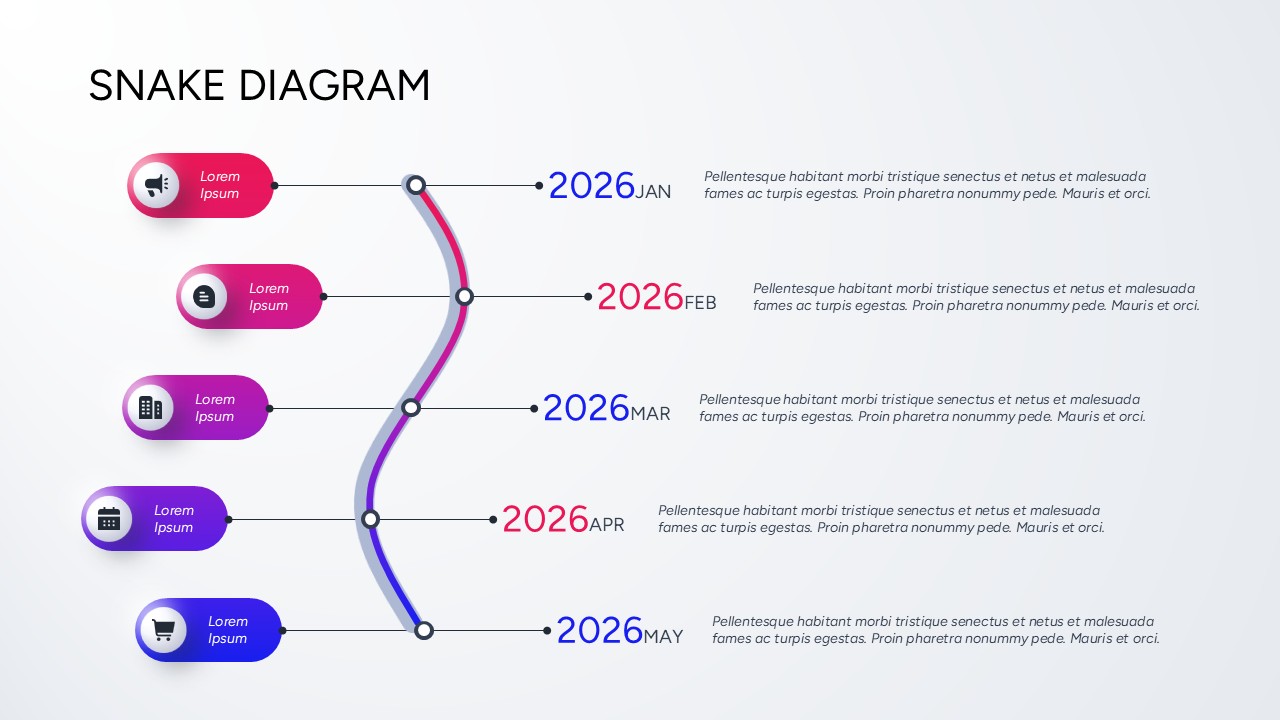
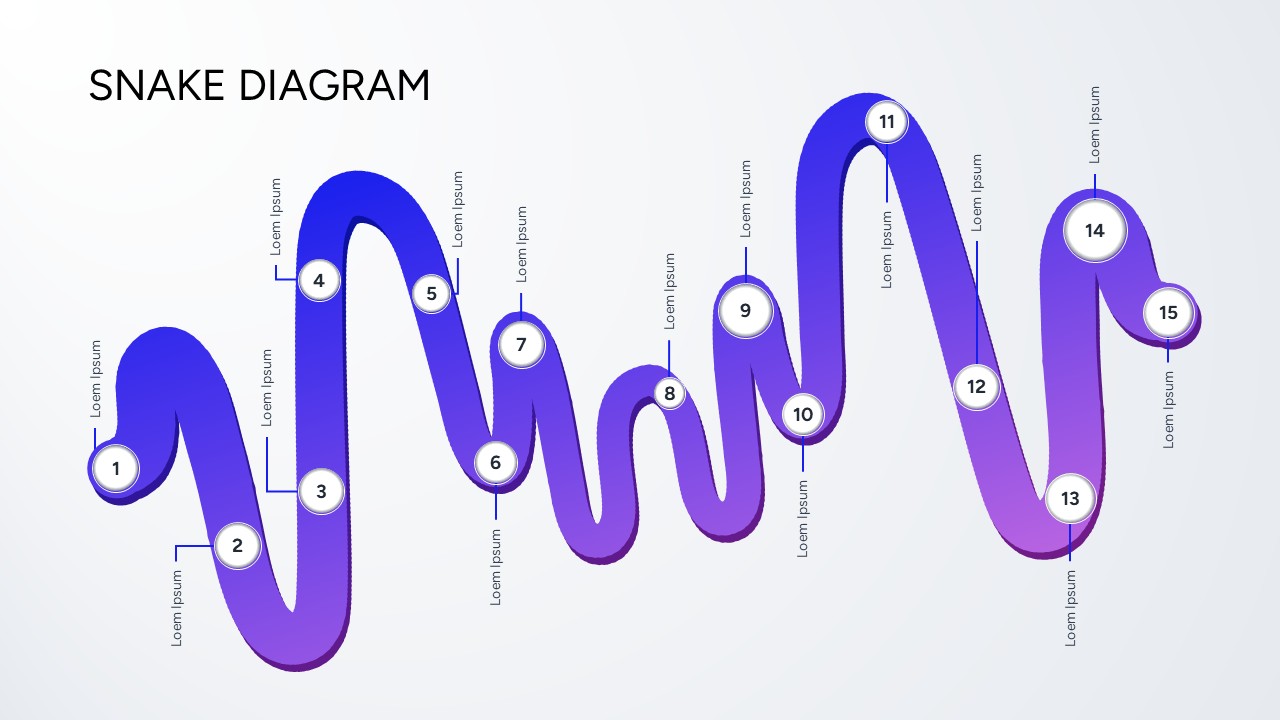
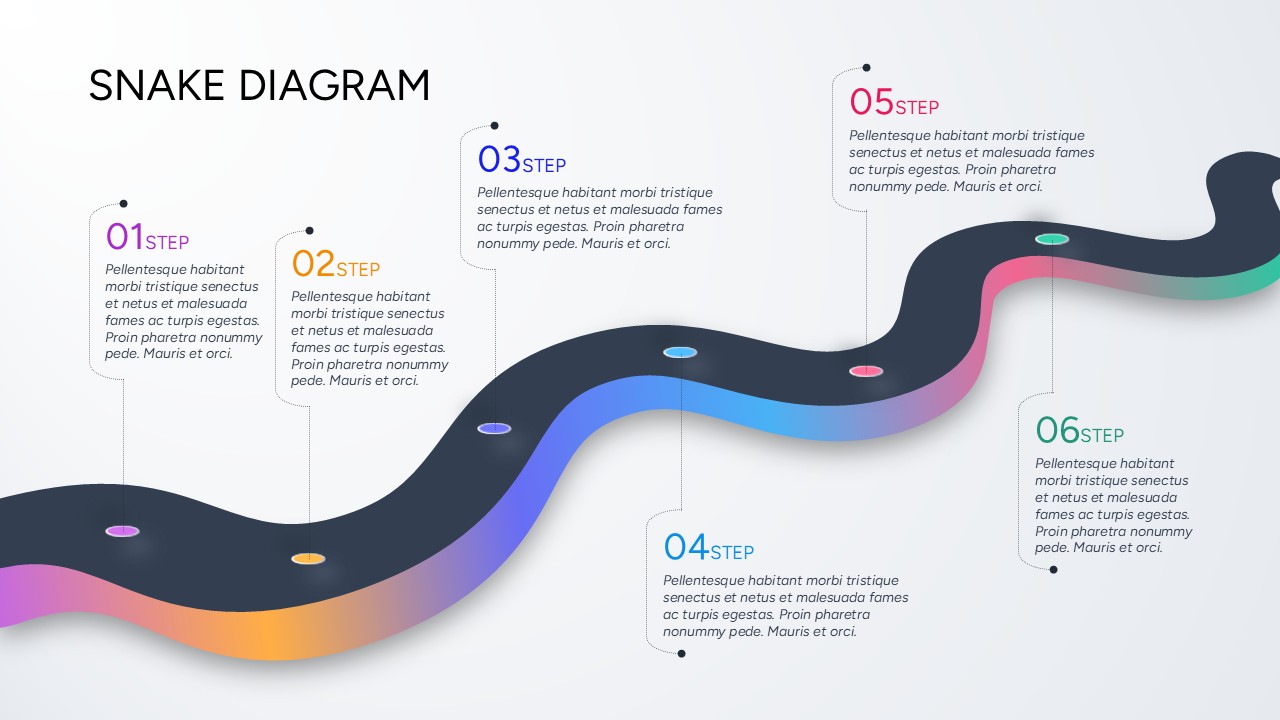
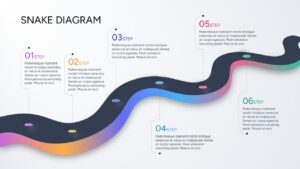
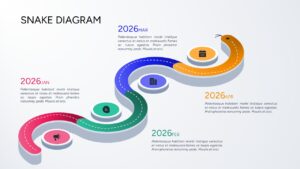
Snake Diagram for PowerPoint and Google Slides
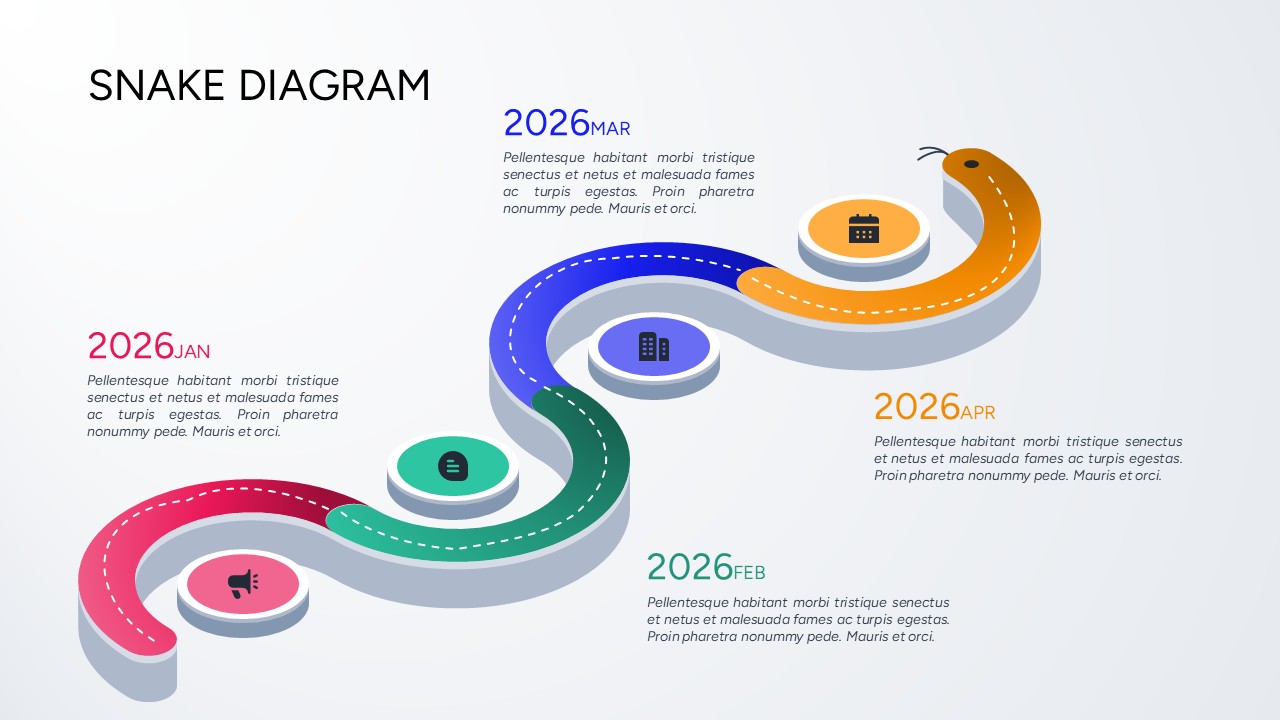
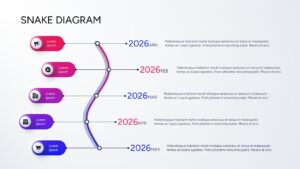
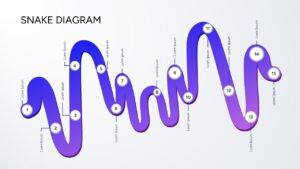
Guiding an audience through sequential data requires a visual flow that breaks away from rigid, traditional columns. This snake process flow diagram uses a fluid, winding path to map out consecutive milestones or structural phases in a continuous layout. As the eye naturally tracks the curves from left to right, the design connects interconnected nodes, time stamps, or steps without breaking visual continuity. This fluid mechanic allows presenters to pack significant detail into a single frame while preventing cognitive overload.
Whether tracking five-year corporate growth phases, product development sprints, or operational pipeline workflows, this process flow infographic keeps diverse audiences highly engaged. The serpentine movement works perfectly for clarifying overlapping project timelines, quarterly revenue targets, and marketing campaign touchpoints that unfold across distinct phases. Presenters appreciate these styles because they turn dense statistical steps into an approachable storytelling roadmap. To expand your deck with more linear frameworks, explore our premium collection of editable infographics template to pair alongside your winding paths. You can impress your audience with this sleek template, delivering an informative presentation that holds everyone’s attention.
Key Features
- Free to Use
- 100% customizable template and easy to download.
- Template is available in different nodes & colors.
- The template is contained in 16:9 and 4:3 format.
- Easy to change the template colors quickly.
- Highly compatible with PowerPoint and Google Slides.
- Stay ahead of the curve in your next meeting with our intuitive snake process diagram slides.
Frequently Asked Questions
- What is a snake process diagram used for in business?
- It is primarily utilized to visualize complex multi-step workflows, strategic roadmaps, and chronologically ordered project milestones in a space-saving winding design.
- Can I customize the color scheme of this winding path roadmap?
- Yes, every curve, node, text box, and icon is vector-based and completely customizable within both PowerPoint and Google Slides.