Free Editable Map of North America for PowerPoint & Google Slides
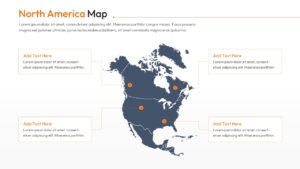
North America Geographic Free Map Infographic Template
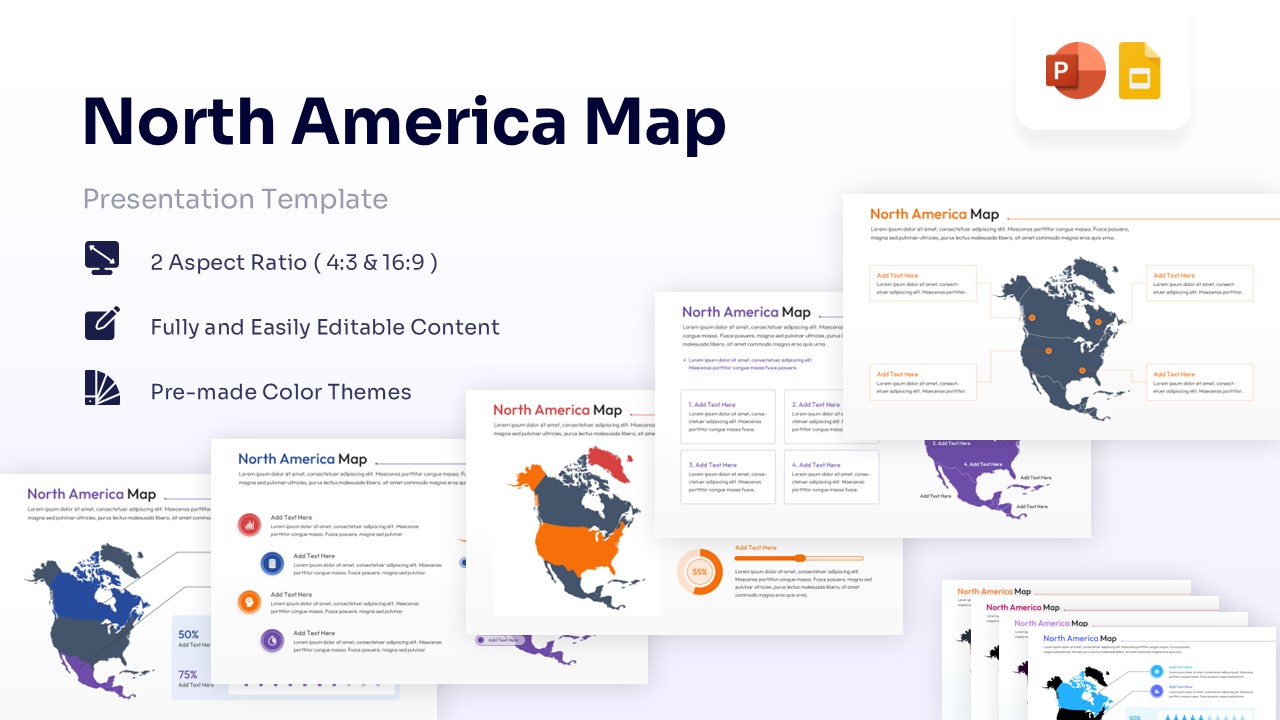
Discussing a high-stakes regional expansion or a complex market analysis is made exponentially easier with PresentoVerse Free Map of North America Template. Whether you are addressing a board of directors, a group of international investors, or your internal logistics team, clarity is the currency of a successful pitch. This map templates provide the perfect solution by offering a structured visual framework where every state, province, and territory serves a purpose. These modern design elements and creative blocks ensure your audience stays focused on the strategy rather than getting lost in the details.
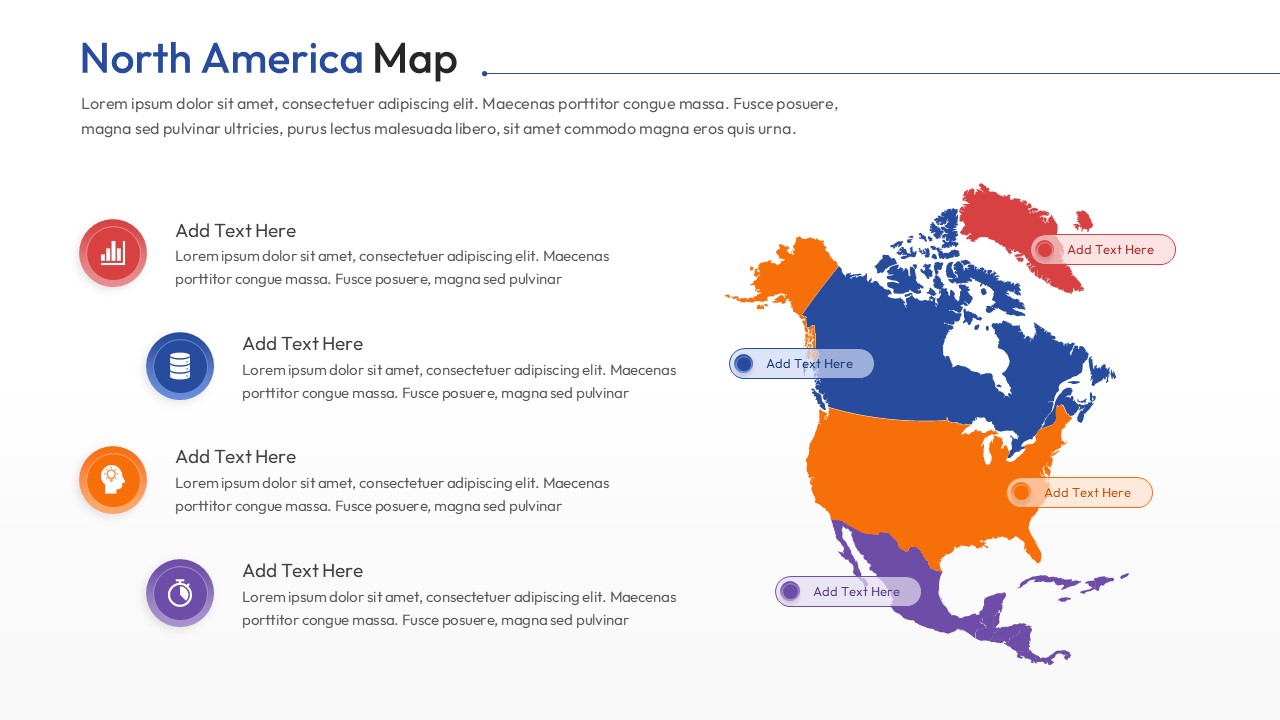
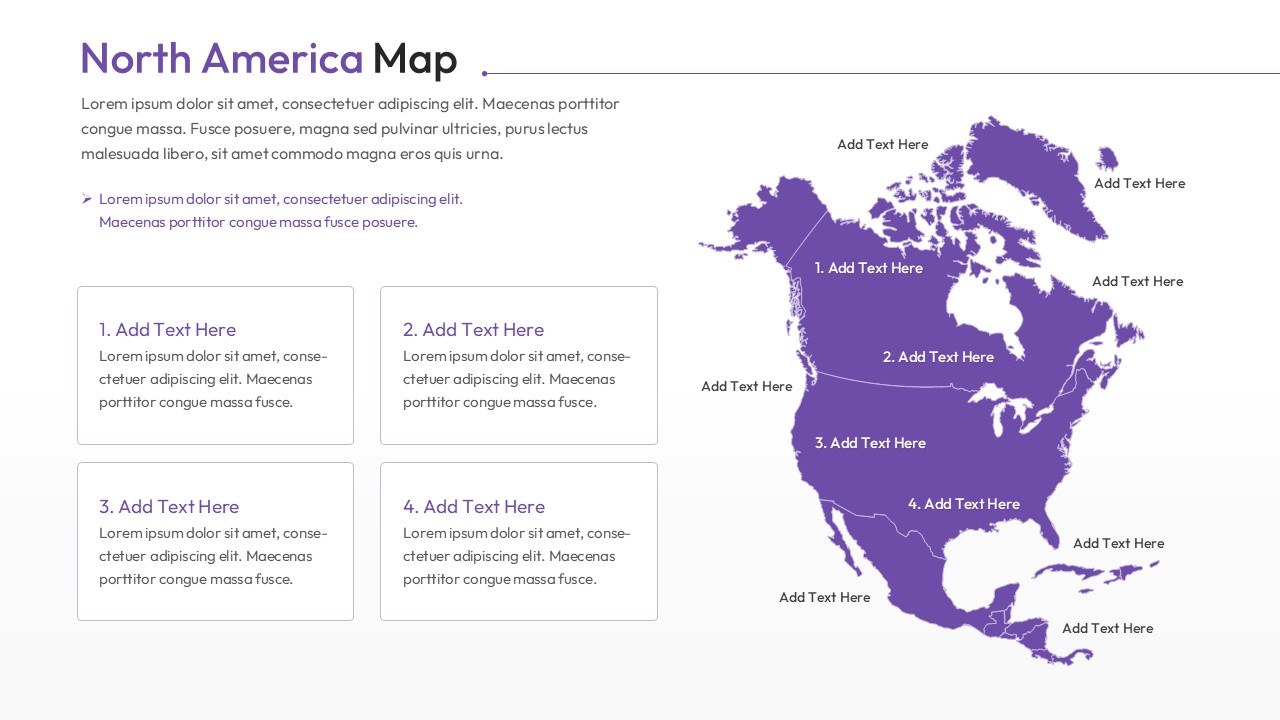
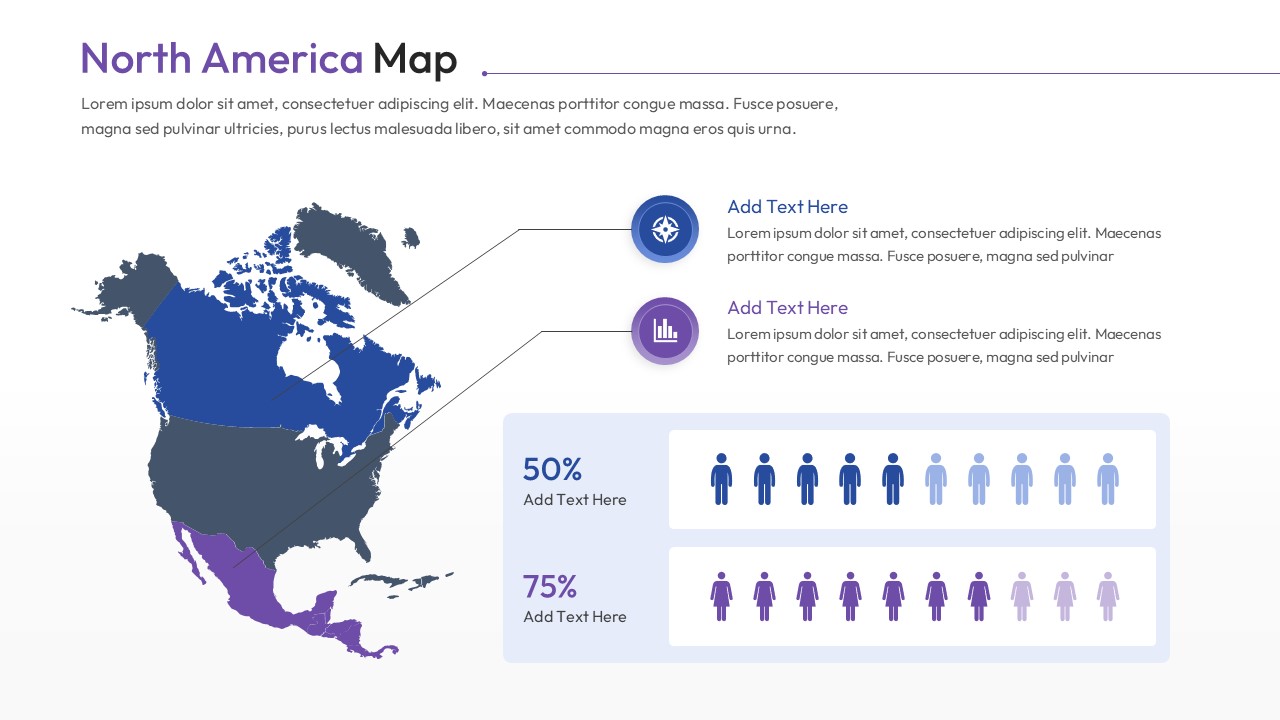
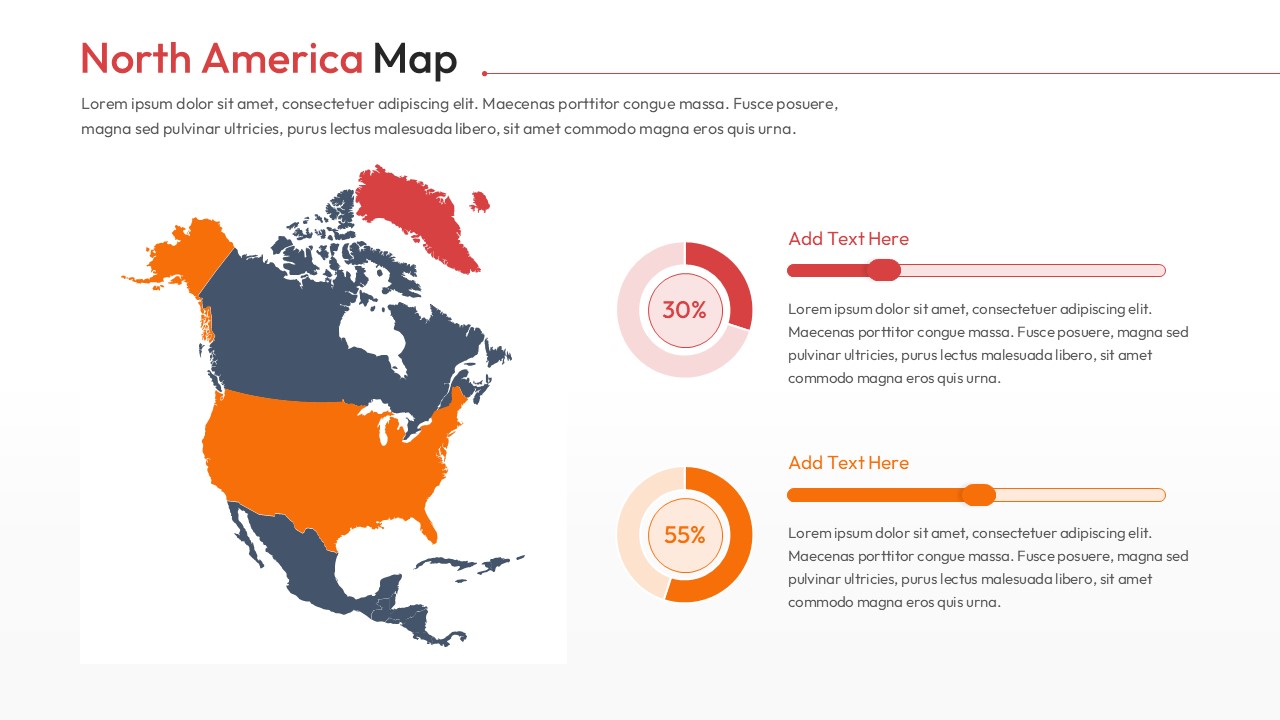
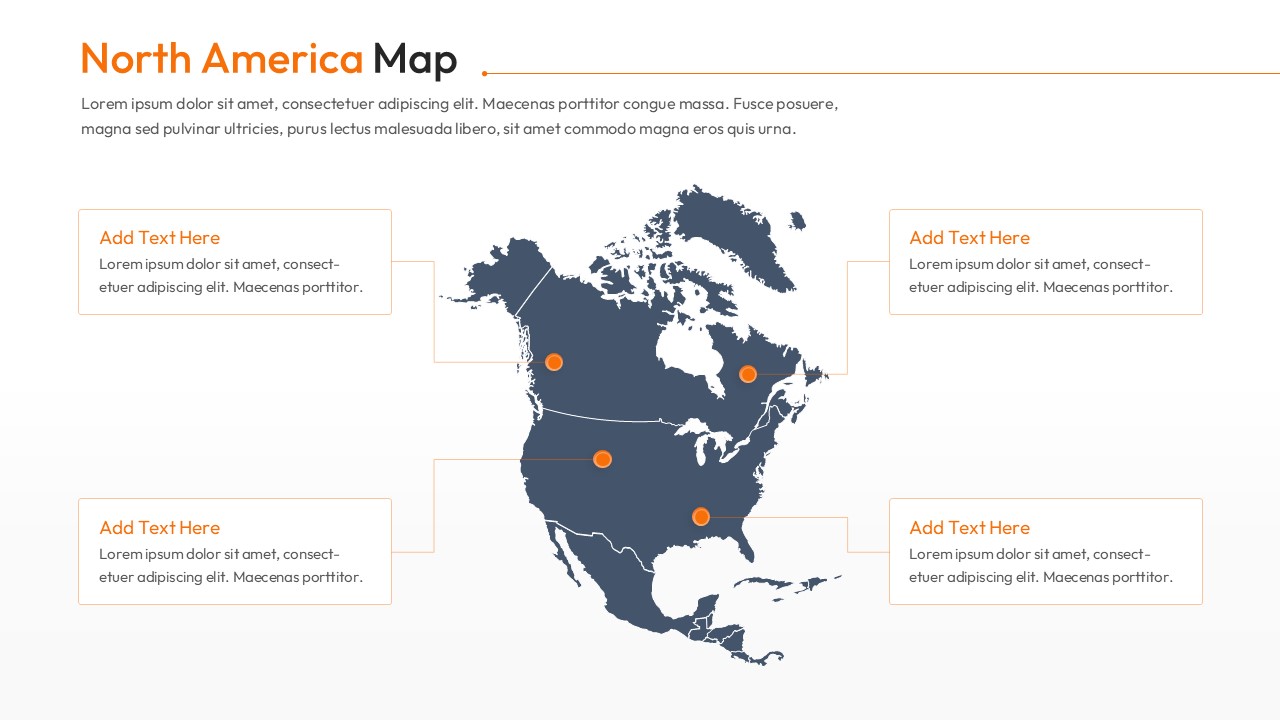
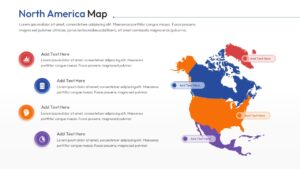
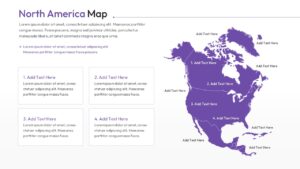
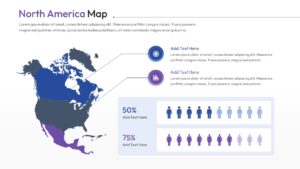
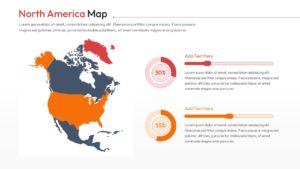
This Free America Map Template carries a central continental map block attached to elegant, floating text panels that provide immediate context for your data points. You will find a variety of slides featuring color-coded regions, 3D-style location pins, and integrated percentage charts that allow for rapid-fire comparisons between the US, Canada, and Mexico. Every element—from the infographic icons to the gradient color schemes—is 100% editable, giving you full control over the aesthetic to match your corporate branding. We have even included demographic-focused slides with figure icons to help you visualize population trends at a glance. Presenters can also use our Geographic template if they need to discuss broader global markets beyond the continent. Thus, presenters from every business domain can download and customize this deck to deliver a polished, authority-driven performance. Try it now!
Key Features
- 100% Vector-Based Graphics
- Fully Layered & Organized
- Multi-Platform Support
- Theme Color & Theme Font
Frequently Asked Questions
- Can I change the color of individual countries or states?
- Yes, every region is a separate vector shape, allowing you to change colors or move parts independently to highlight specific areas.
- Is this map template compatible with Keynote?
- While designed for PowerPoint and Google Slides, you can easily import the file into Keynote for seamless editing on Mac.
- How do I add text to specific map locations?
- The template includes pre-placed text boxes and call-out lines that you can simply click and edit to add your own data.
Related Templates
-
Free Editable USA Map PPT and Google Slides
Comparison
Free -
 Free
Free -
 Free
Free -