Pillar Diagram Template for PowerPoint & Google Slides
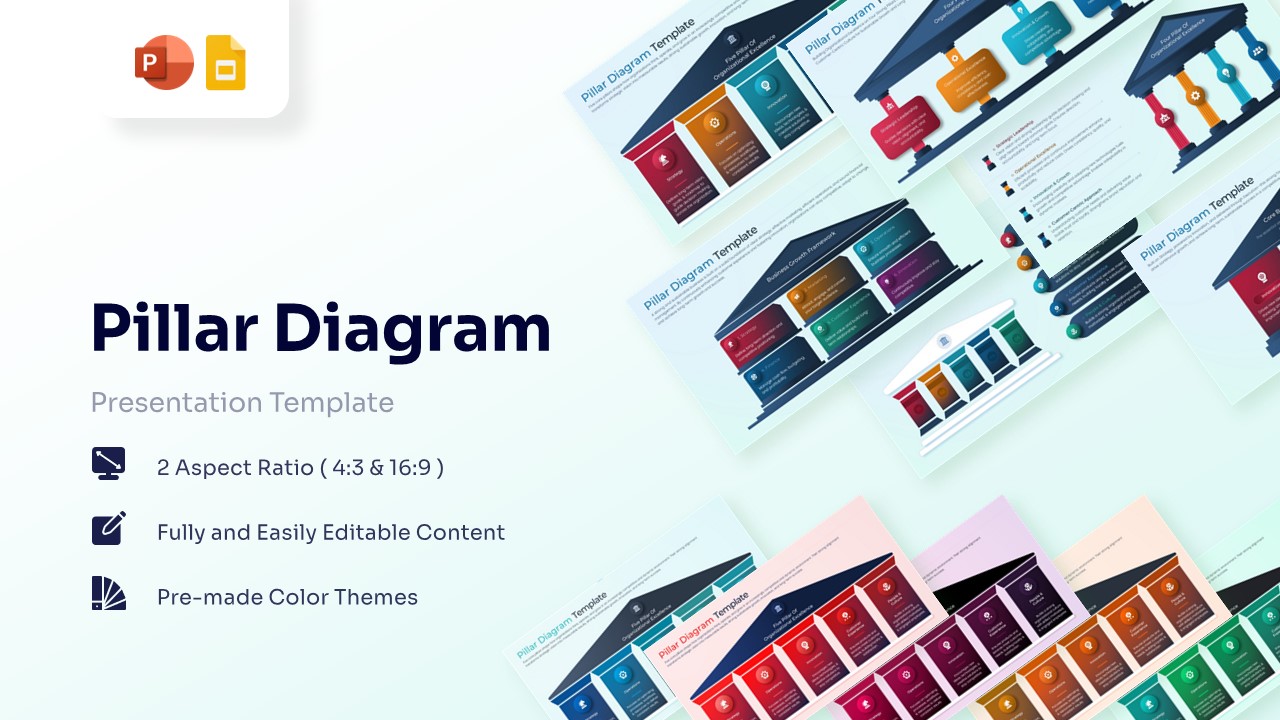
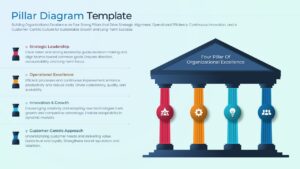
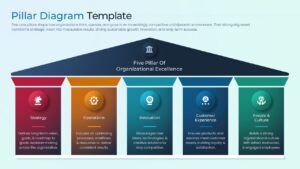
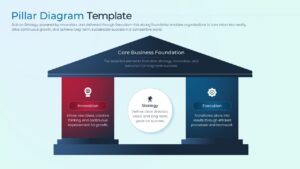
Professional Pillar Framework Presentation Template
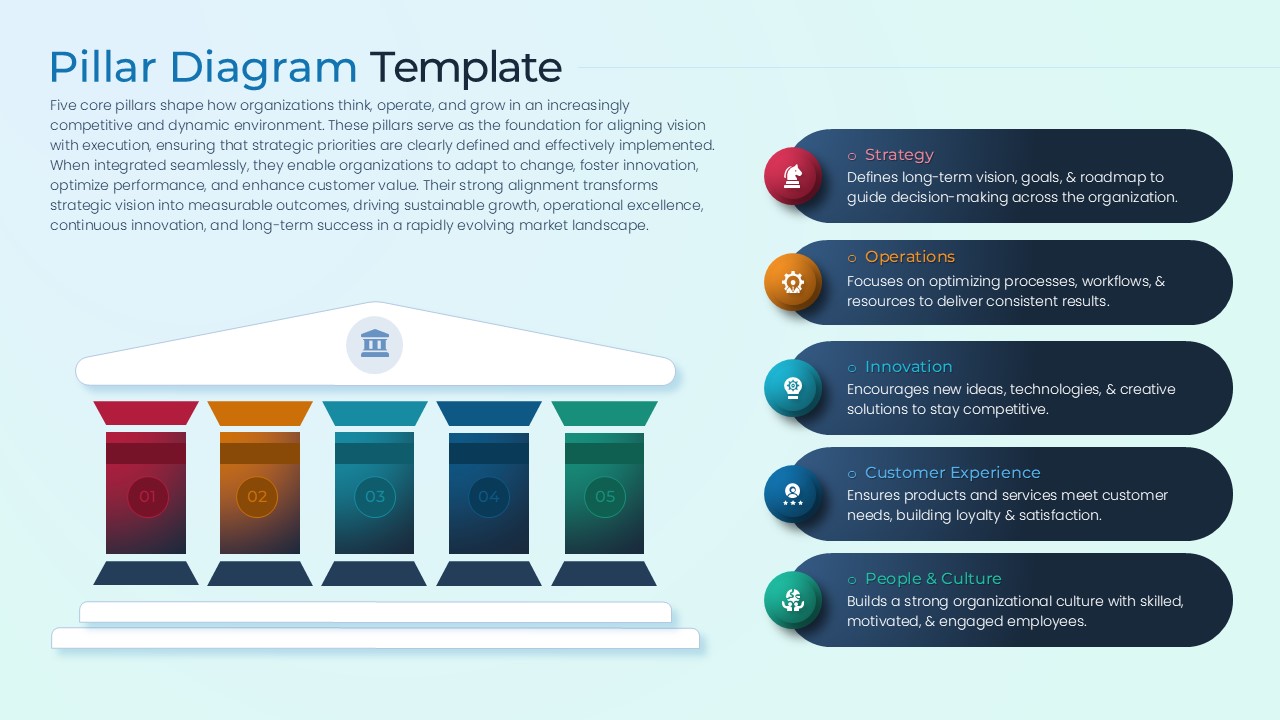
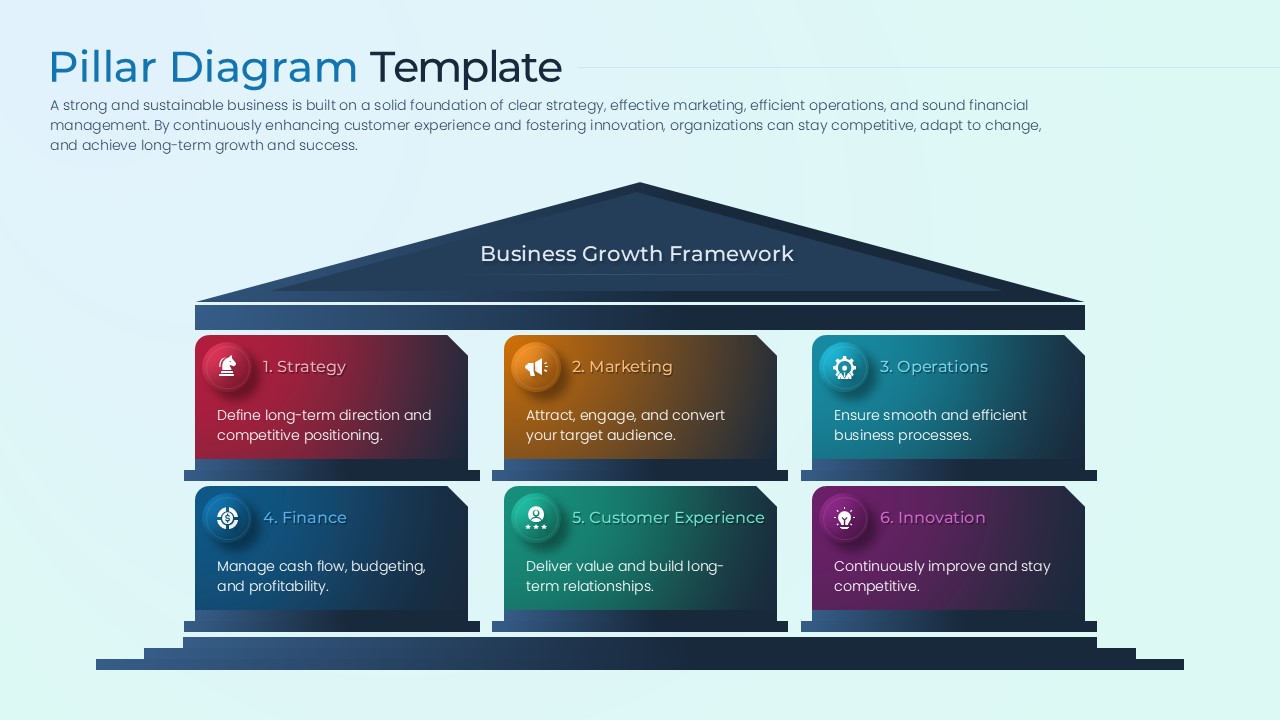
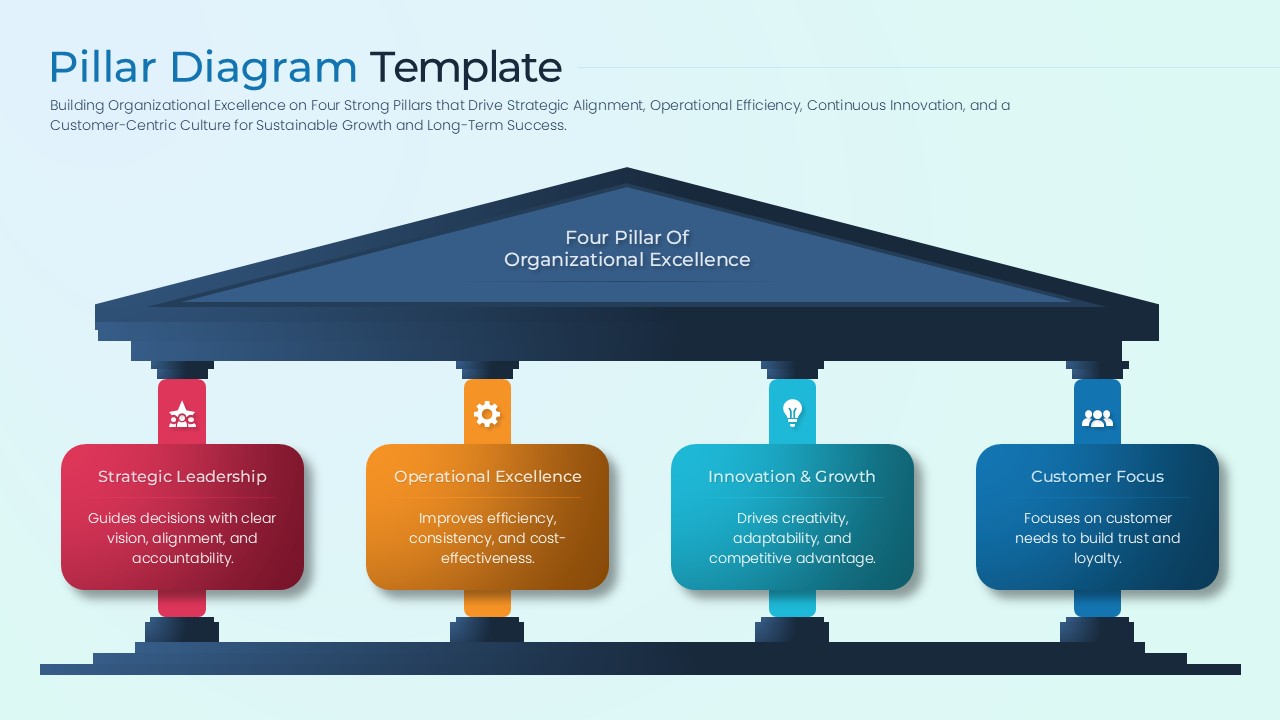
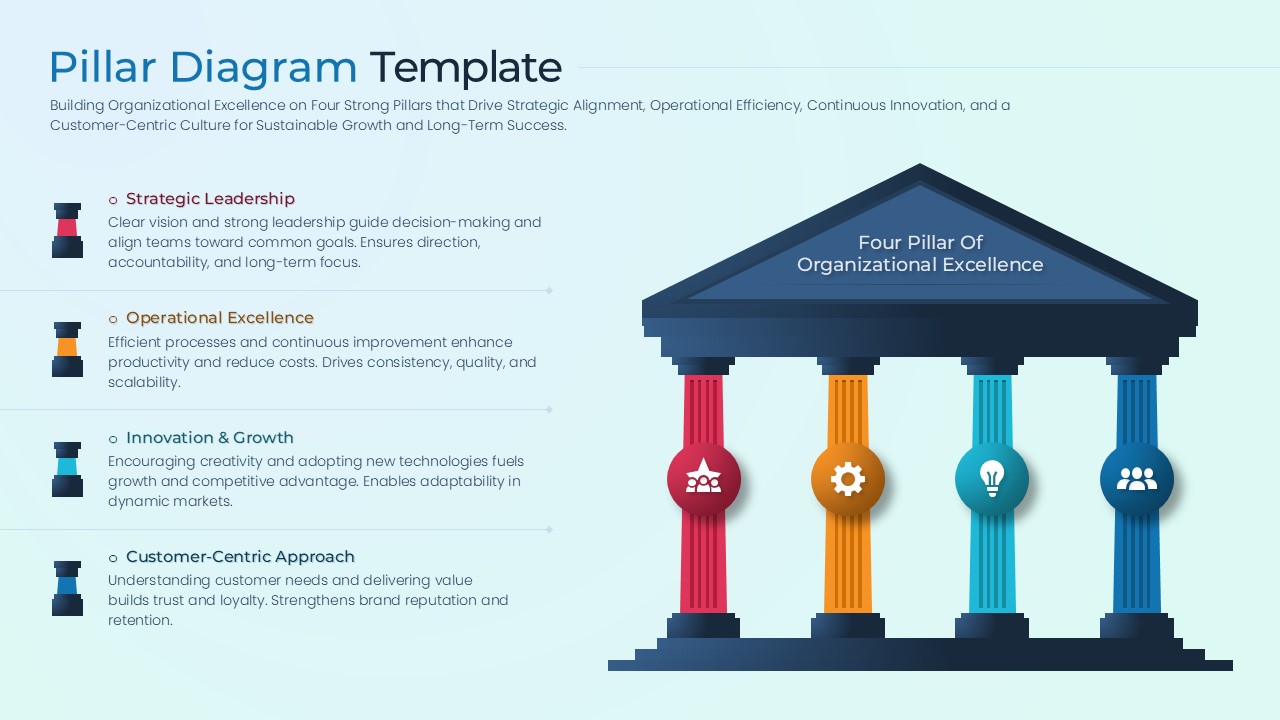
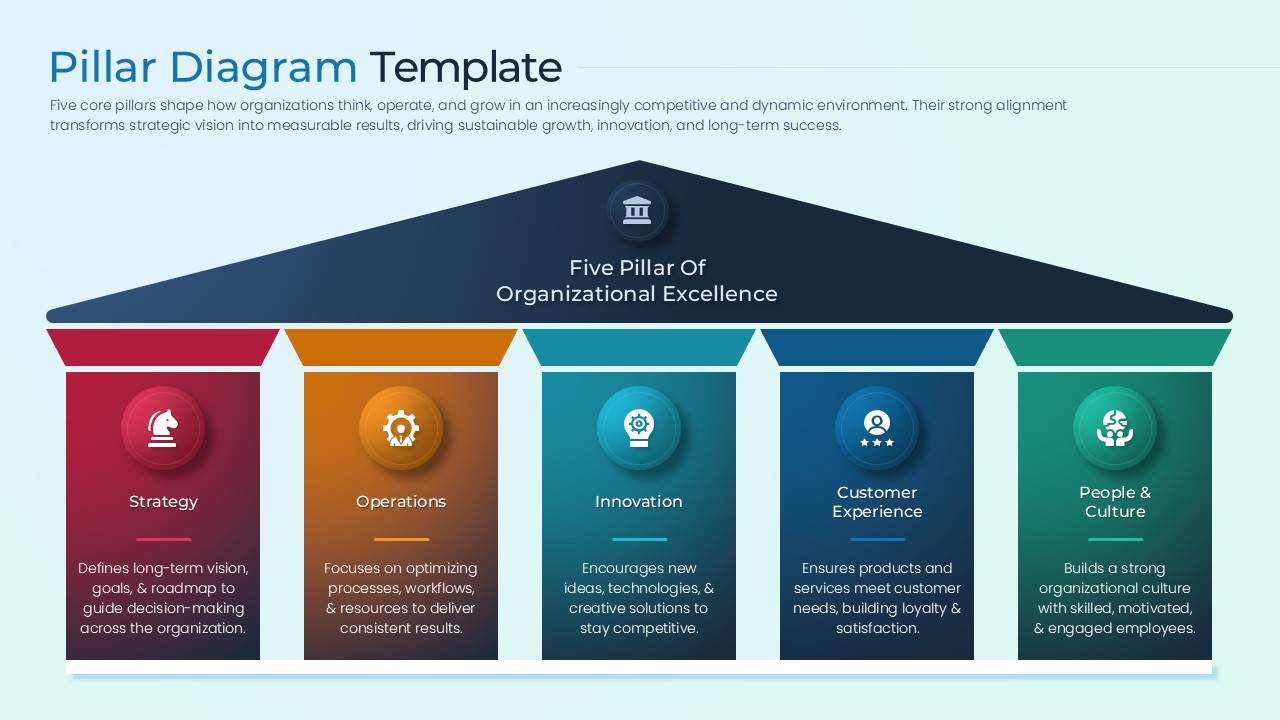
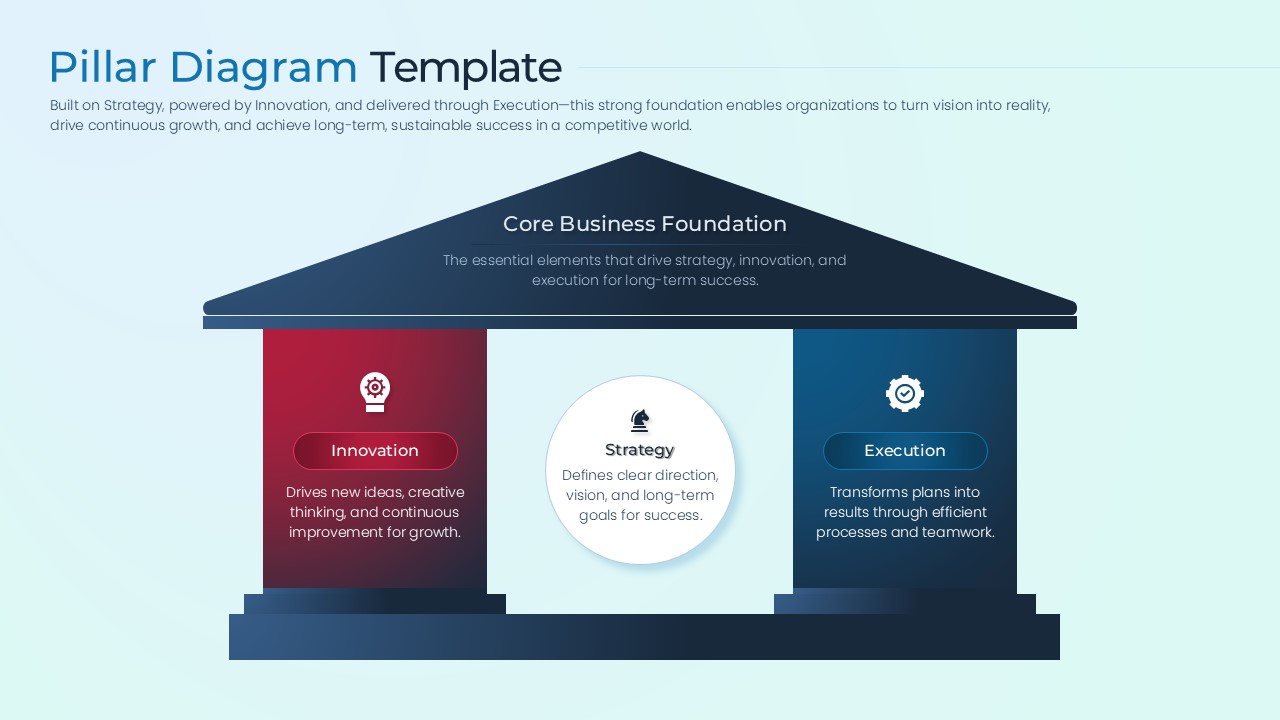
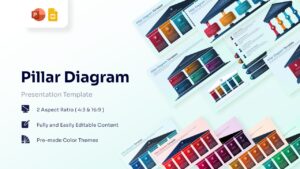
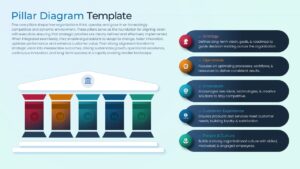
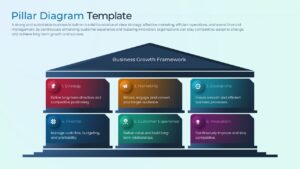
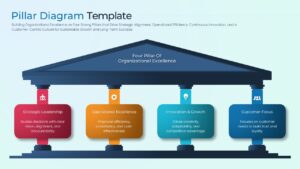
The Free Pillar Diagram Template helps organizations present the key elements that support business success, growth, and long-term strategy. Using a clear pillar-based structure, it shows how different components work together to achieve a common objective.
Whether you are presenting business strategies, organizational capabilities, leadership frameworks, or operational priorities, these layouts simplify complex concepts. As a result, audiences can quickly understand the foundations that drive performance and success.
The template includes multiple pillar configurations that support strategic planning, business transformation, governance models, performance management, and organizational development discussions. In addition, the slides help visualize relationships between core business functions and strategic objectives in a structured format.
The professional design combines modern icons, clean layouts, and easy-to-follow visual frameworks. Furthermore, these slides work well alongside professional process infographics when presenting workflows, business processes, and strategic initiatives. Users can also combine them with hierarchical infographics for organizational structures to create more comprehensive business presentations.
Fully editable in PowerPoint and Google Slides, the template allows users to customize colors, icons, text, and pillar layouts with ease. Business leaders, consultants, project managers, HR professionals, and educators can use these slides to communicate business foundations, strategic priorities, and organizational frameworks with greater clarity.
Explore our collection of free infographic templates for more creative and professional presentation designs.
Key Features
- 100% Vector-Based Graphics
- Fully Layered & Organized
- Multi-Platform Support
- Theme Color & Theme Font
- Variable Pillar Counts (2, 4, 5, and 6 options)
- High-Definition Aspect Ratios (4:3 & 16:9)
Frequently Asked Questions
- How do I add more columns to this Pillar Diagram?
- While the slide deck comes with pre-made layouts for various pillar counts, you can easily copy and paste a pillar shape to add more, as all elements are fully editable vectors.
- Can I change the icons within the 5 pillars of strategy?
- Yes, you can swap out the provided icons with your own or use the PowerPoint icon library to better represent your specific business units.
- Is this organizational excellence model compatible with Google Slides?
- Absolutely, the file is fully optimized for seamless performance on both Microsoft PowerPoint and Google Slides platforms.
Related Templates
-
-
-
 Free
Free -