Free SCQA Presentation Template for PowerPoint & Google Slides
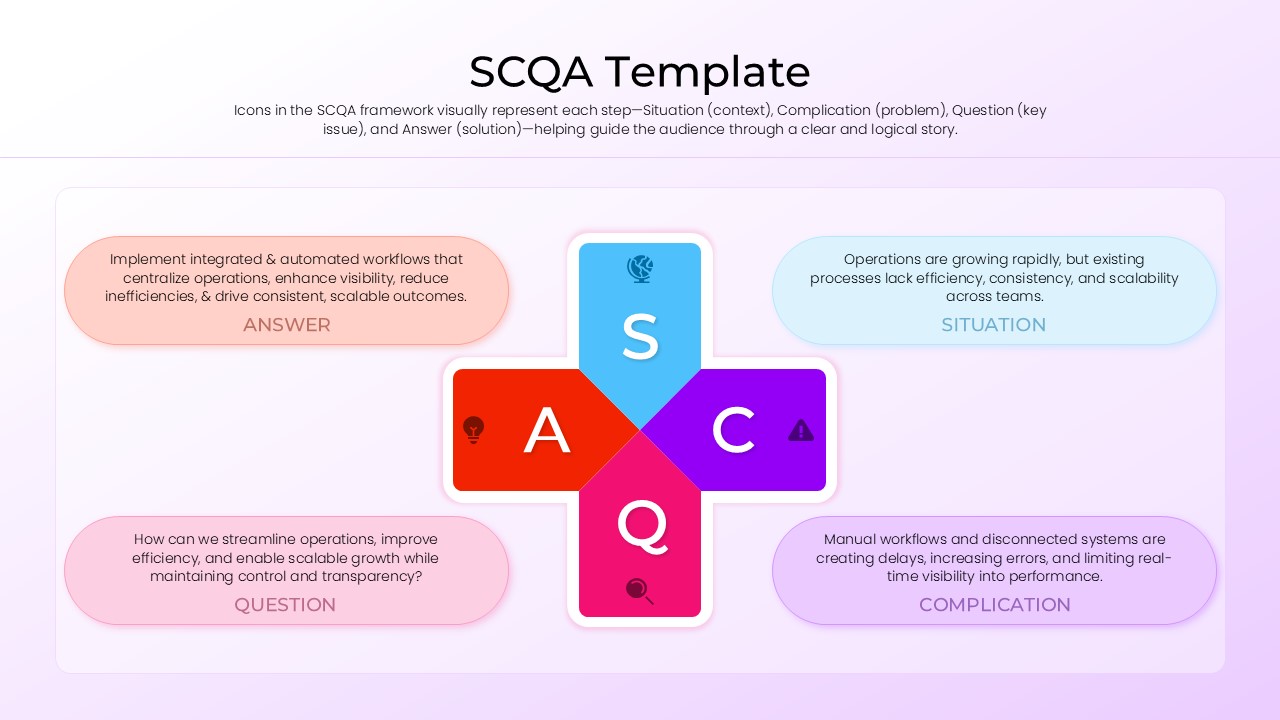
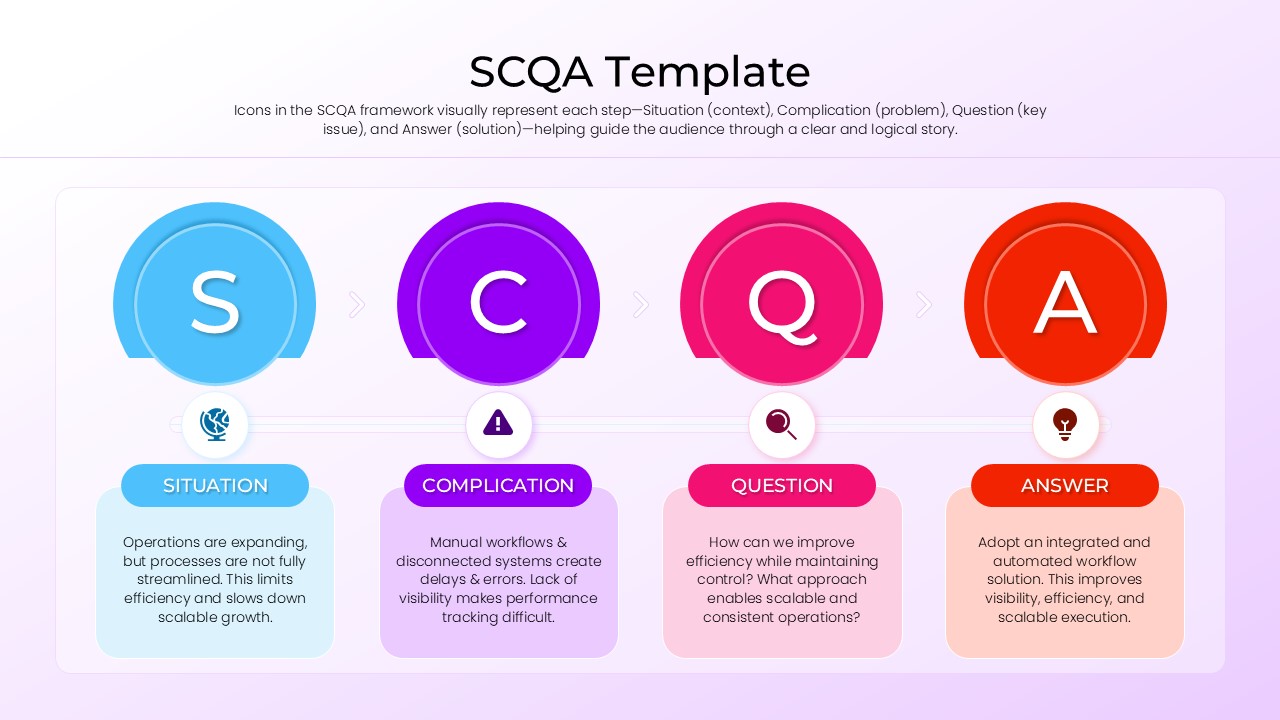
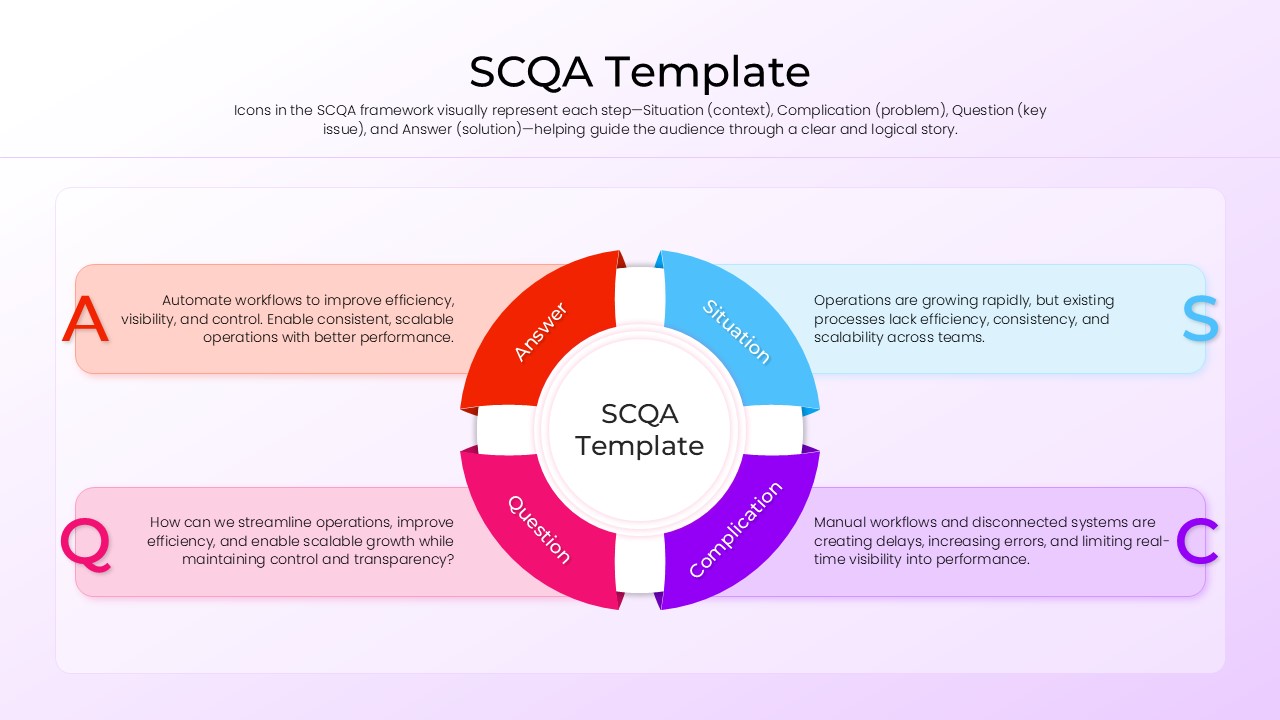
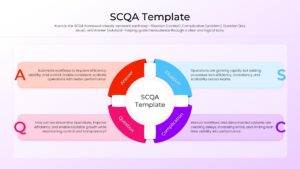
Present Complex Ideas with the SCQA Framework
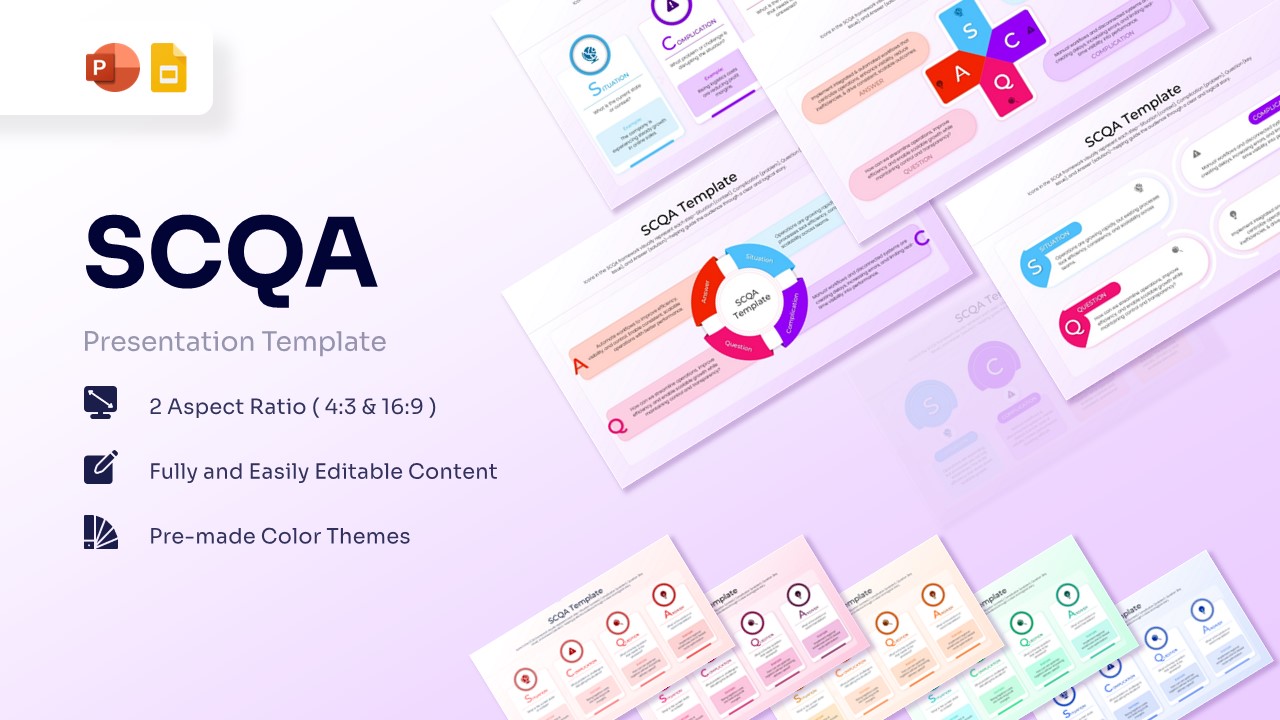
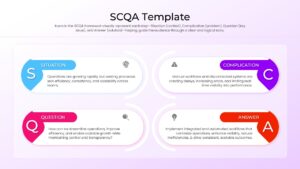
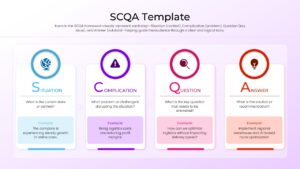
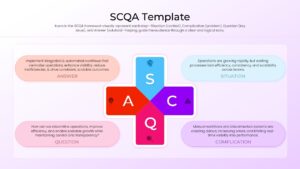
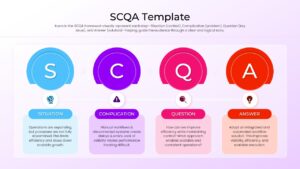
Technical Details: This PresentoVerse Free SCQA Template is fully editable and compatible with Microsoft PowerPoint and Google Slides. The presentation includes multiple layouts designed around the Situation, Complication, Question, and Answer methodology. Explore related resources in our strategy templates.
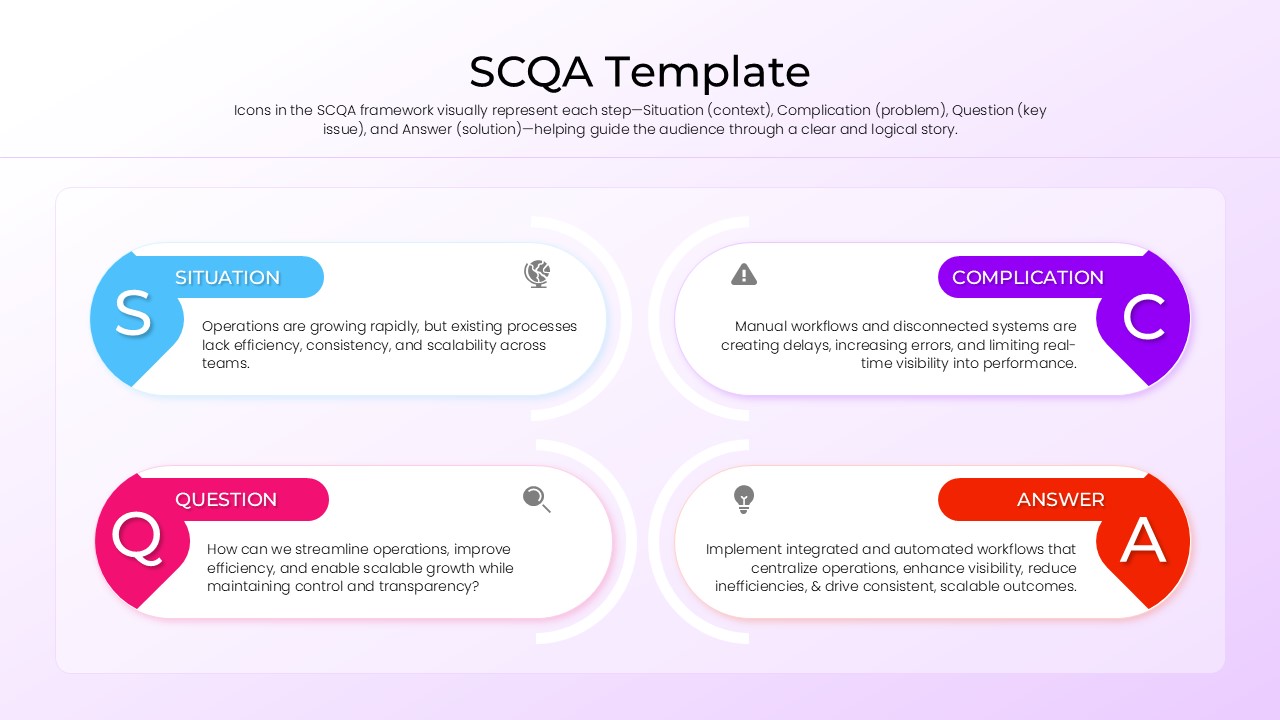
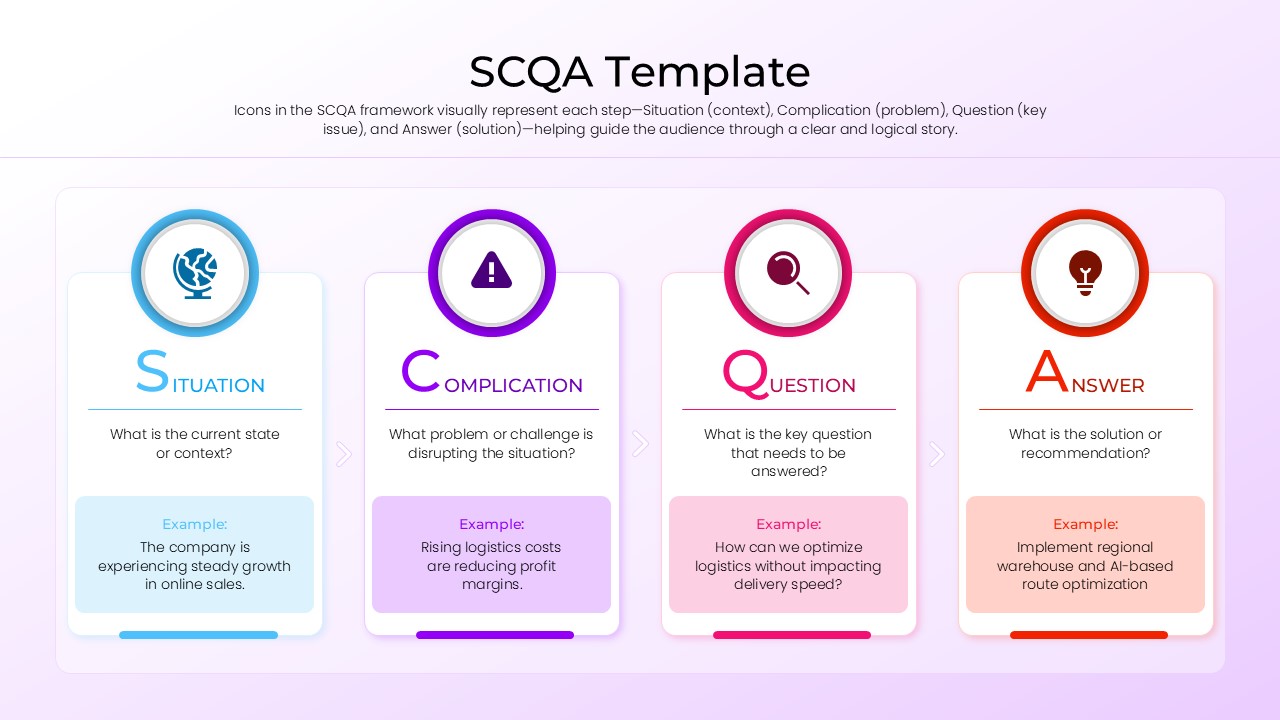
Content Strategy: The SCQA framework is one of the most effective communication structures used in consulting, business strategy, executive presentations, and problem-solving discussions. By organizing information into Situation, Complication, Question, and Answer, presenters can create a logical narrative that captures attention and guides audiences toward actionable conclusions.
Visual Elements: This template includes step-by-step SCQA process diagrams, circular frameworks, storytelling models, sequential workflows, infographic layouts, and consulting-style presentation slides. Color-coded sections make it easy to distinguish each SCQA component while maintaining a professional and modern appearance.
Recommended Usage: Ideal for consulting presentations, business case studies, strategic planning sessions, executive briefings, project proposals, problem-solving workshops, change management initiatives, and leadership communications. Pair it with our business framework templates for comprehensive strategy presentations.
Organizations use the SCQA framework to improve business communication, strengthen storytelling, and structure executive presentations more effectively. As a result, audiences can quickly understand the context, identify key challenges, and focus on recommended solutions. These layouts also complement consulting frameworks, change management presentations, strategic planning templates, and business case study presentations for more comprehensive business discussions.
Find more professionally designed infographic layouts in our Free Infographics Template Library.
Key Features
- 100% Vector-Based Graphics
- Fully Layered & Organized
- Multi-Platform Support
- Theme Color & Theme Font
- Includes both 4:3 and 16:9 aspect ratios
- Easily editable icons and text placeholders
Frequently Asked Questions
- How do I customize the colors in this SCQA business storytelling layout?
- Every element is a separate vector shape; you can click on any individual component and change its fill color using standard formatting tools in PowerPoint or Google Slides.
- Is this framework accurate for professional business reports?
- The template is designed as a high-quality infographic for visual representation to help guide the audience through a clear and logical story.
- Does this slide deck support both 4:3 and 16:9 aspect ratios?
- Yes, the template is optimized for both standard and widescreen formats to ensure it fits perfectly on any projector or monitor screen.
Related Templates
-
-
-
 Free
Free -