Free and Customizable Product Comparison Infographic Template
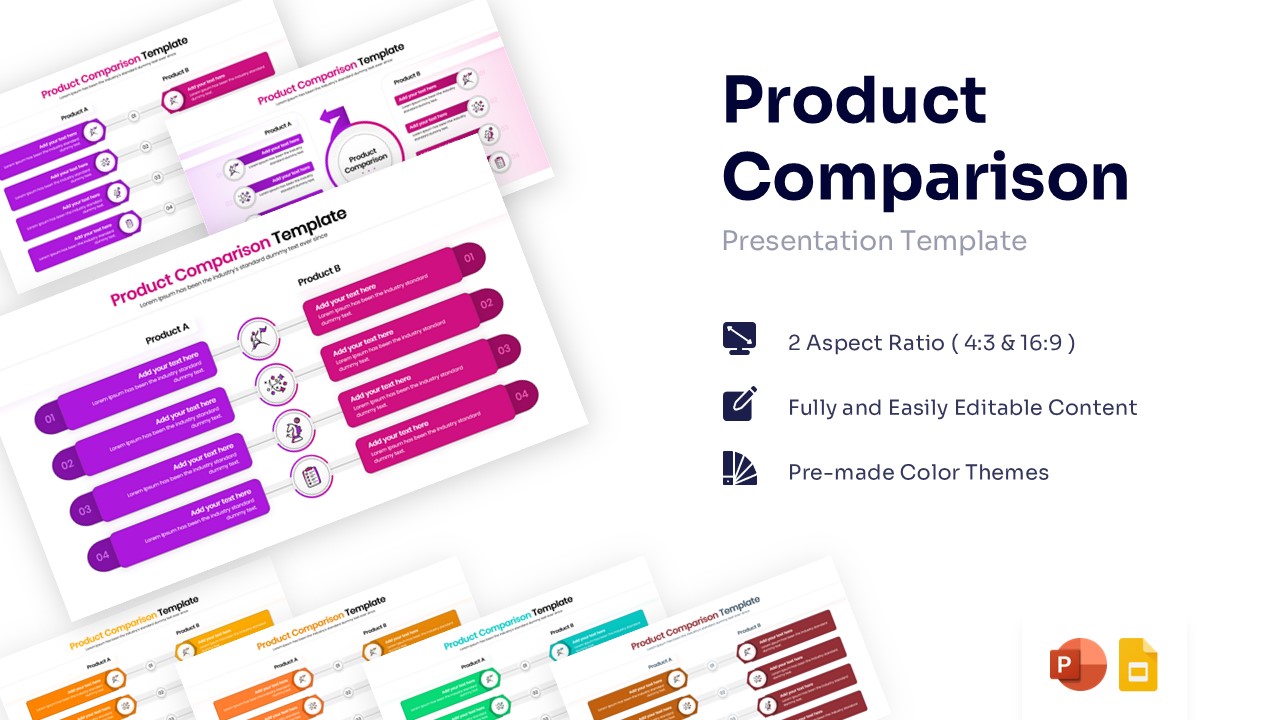
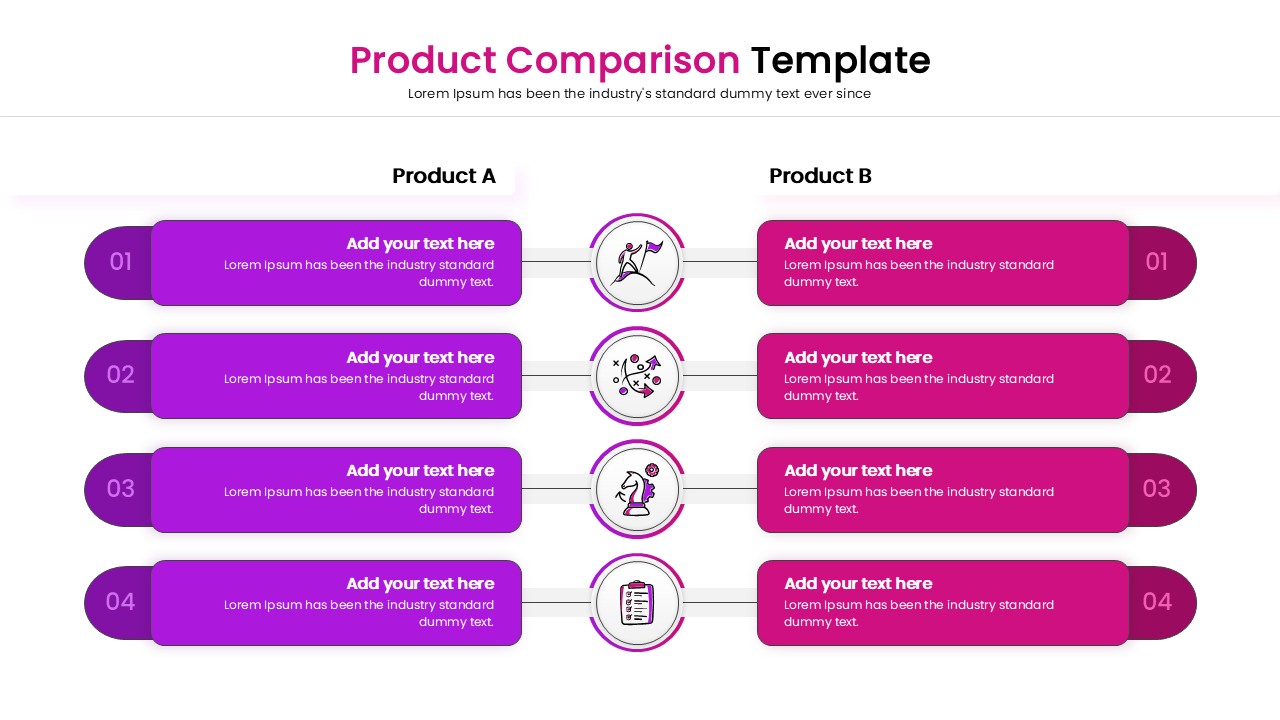
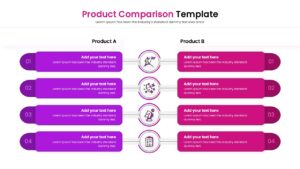
Product Features Comparison Template for PowerPoint and Google Slides
Making informed decisions is the foundation of every successful business venture. Effectively weighing your options and evaluating differences is much easier when you this professional free product comparison infographic to visualize your data.
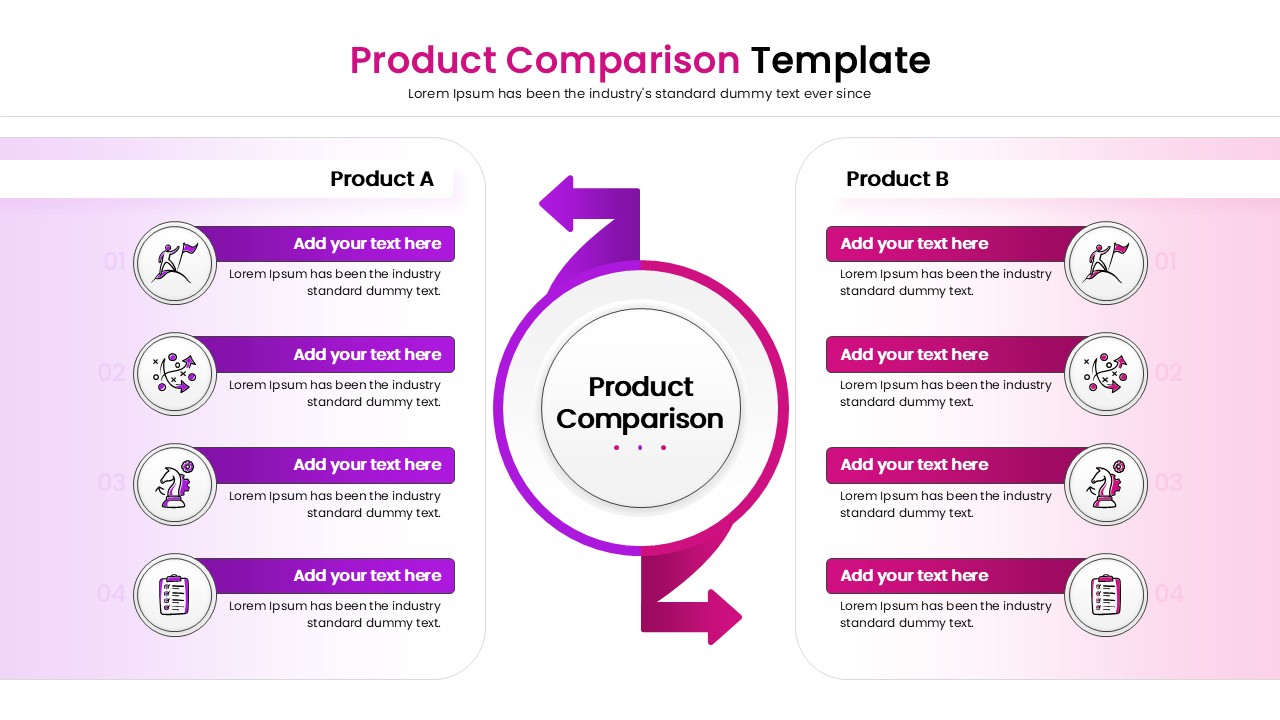
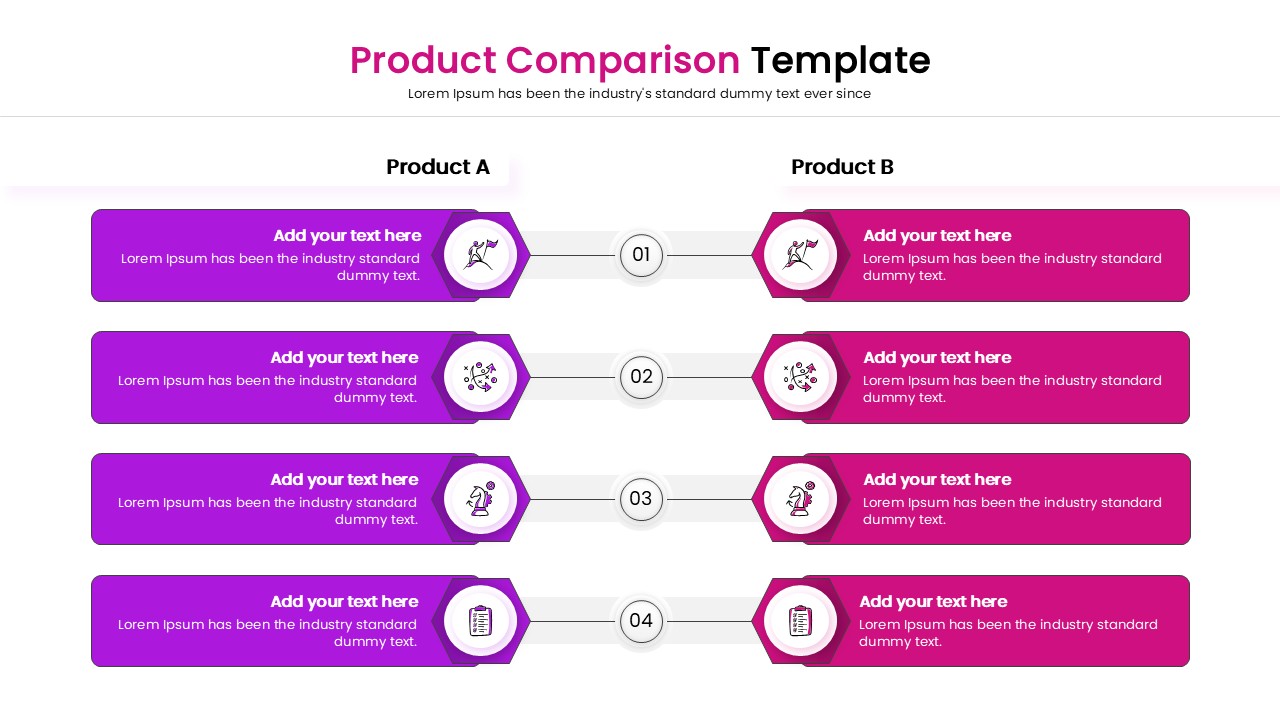
Now weighing different market options is easier than ever to create with this aesthetically pleasing Business Comparison Infographics . This Feature Comparison helps individuals to showcase differences using easy-to-edit comparison tables, icon-based lists, circular process diagrams, and numbered side-by-side layouts.
So, whether you are planning to pitch a new software solution or just want to make a detailed competitive analysis, this Comparison Tables will be perfect for you. So, release your inner designer and let your creativity soar with this amazing Product Versus.
Looking for more professional infographics to make your business data more interesting, then checkout out our PowerPoint infographics library for some amazing designs.
Key Features
- 100% Vector-Based Graphics
- Fully Layered & Organized
- Multi-Platform Support
- Theme Color & Theme Font
- 4-Point Comparison Structure
- Free to Use
Frequently Asked Questions
- Can I change the colors to match my brand?
- Yes, the elements are fully editable, allowing you to apply your own color palette easily.
- Can I add more comparison points?
- Yes, you can duplicate the existing rows to add more points or remove them to fit your content needs.
Related Templates
-
-
 Free
Free -
-