Free RACI Matrix Template for Presentation
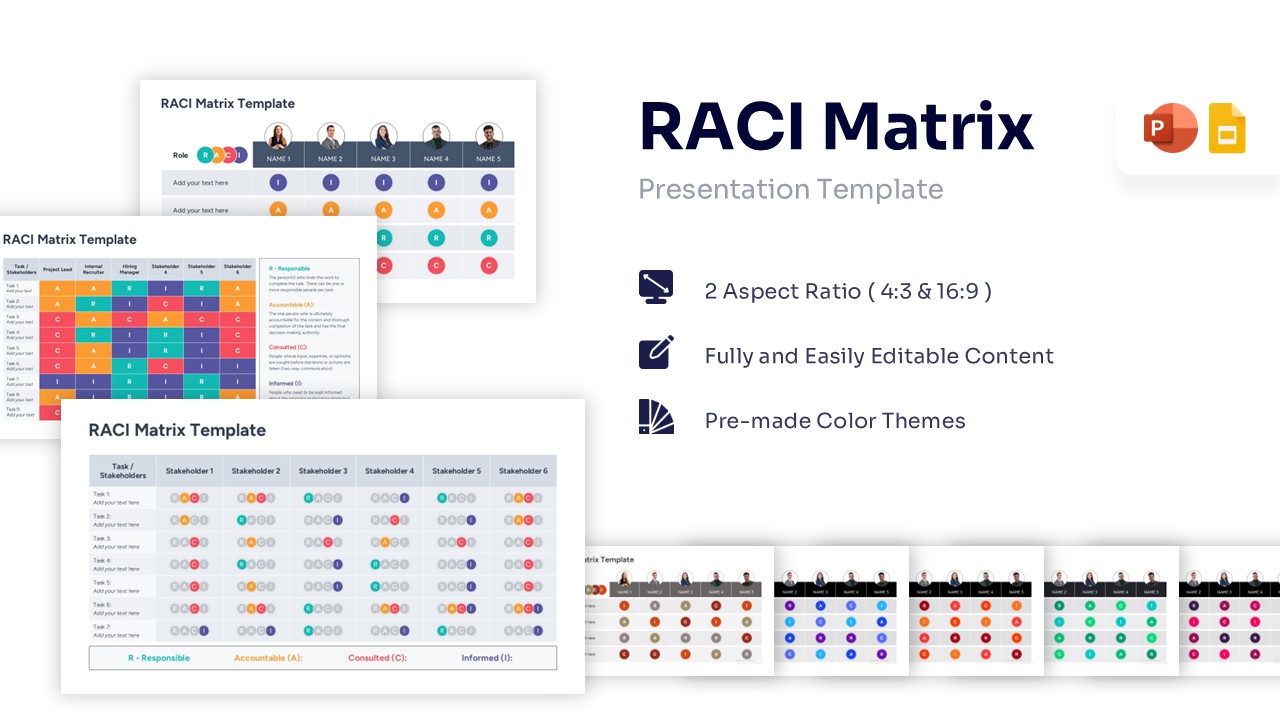
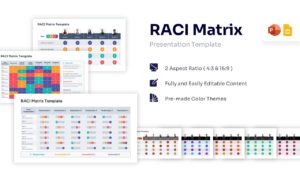
Professional RACI Chart Diagram for PowerPoint and Google Slides
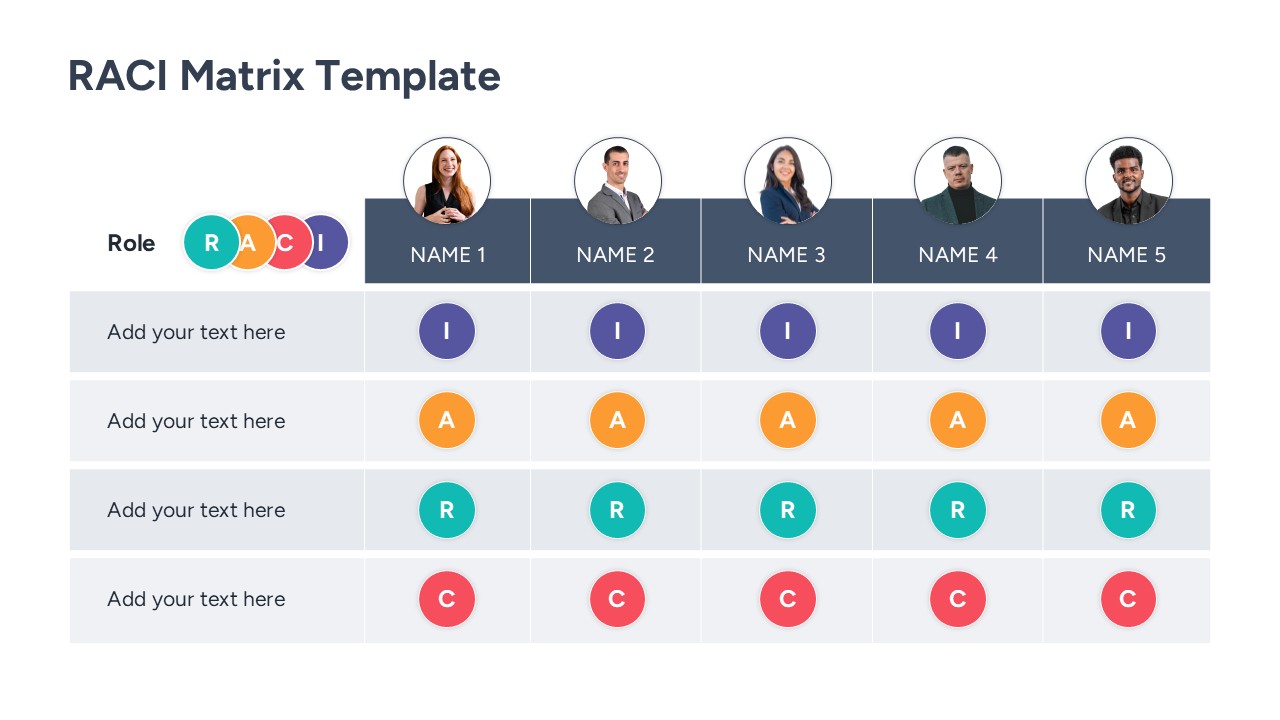
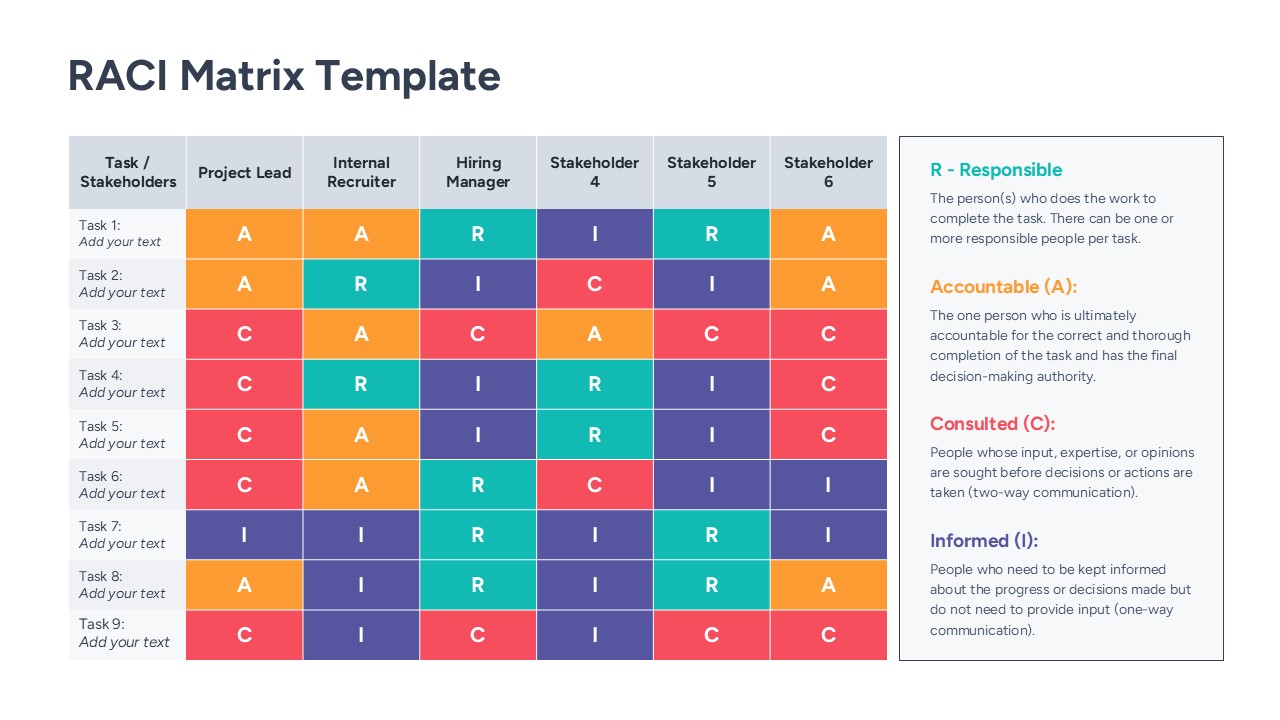
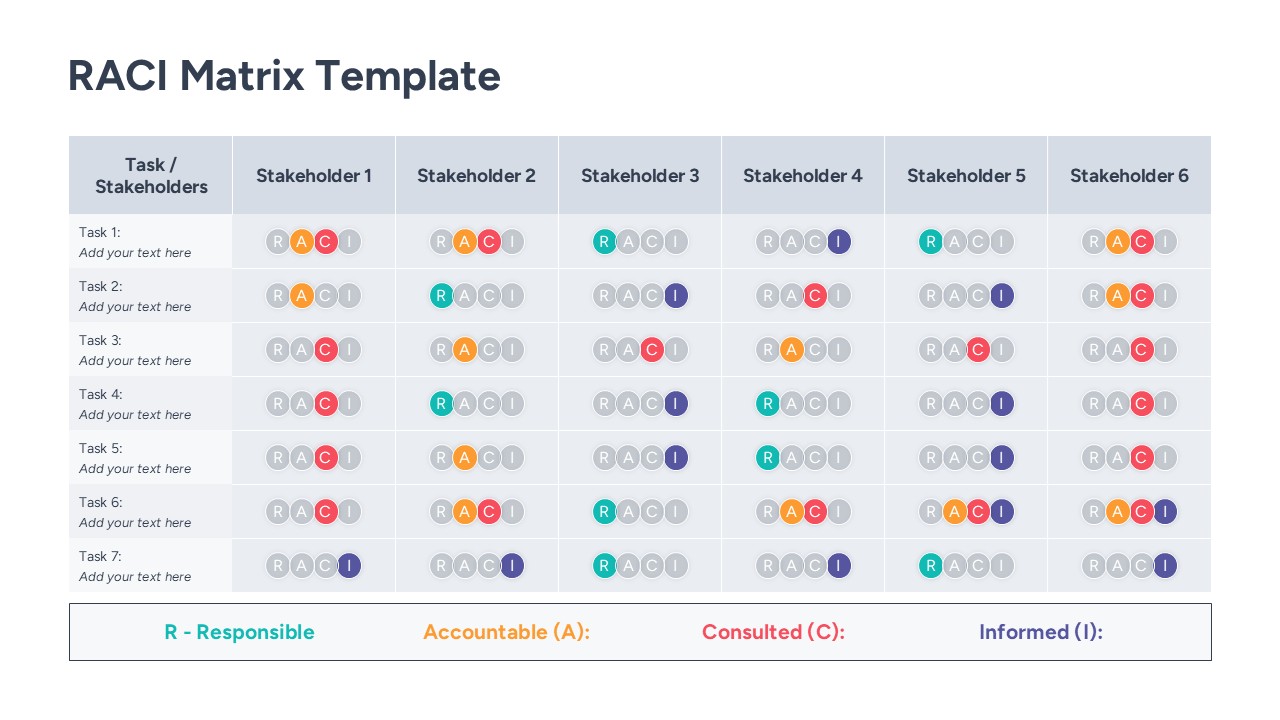
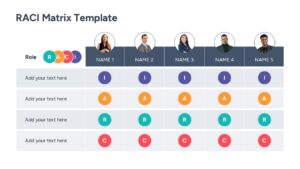
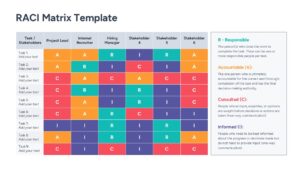
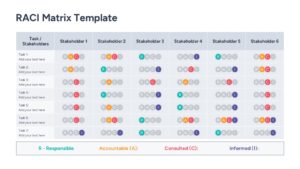
The Free RACI Matrix Template, a structured presentation design created to illustrate project roles and responsibilities using a grid-based alignment flow. The template visually maps task assignments, stakeholder involvement, and project deliverables in a connected format. It includes labeled sections for the Responsible, Accountable, Consulted, and Informed categories. This matrix template clearly shows how these components move through a project lifecycle to produce successful team outcomes. This RACI Template keeps information organized without overcrowding the layout.
What is this RACI Chart Template?
This RACI Matrix Template is a ready-made slide built to present task delegation frameworks in a visual format. It organizes key components such as individual tasks, team member roles, and accountability levels into a logical flow. This matrix PowerPoint diagram highlights how these inputs move into the project execution phase. It visually represents role assignments through distinct color-coded outputs. The layout helps teams explain architecture in a structured way. It serves as a business presentation template for human resources and operations planning.
When to Use this RACI Chart Template
Use this template when presenting project kickoffs, resource allocation plans, or workflow optimizations. It is suitable for weekly status updates, agile project management presentations, and stakeholder alignment sessions. The layout supports clear explanation of accountability distribution to both technical and business audiences.
Customization and Editing Options
Users can edit all labels, headings, and descriptions in PowerPoint or Google Slides. Colors can be updated to match corporate branding. Diagram shapes and elements can be resized or repositioned to fit additional details. The R, A, C, and I assignment indicators can be adjusted to reflect organization-specific terminology. Additional slides can be duplicated to expand the explanation.
PowerPoint and Google Slides Compatibility
This RACI Matrix Chart template works smoothly in Microsoft PowerPoint and Google Slides. The structure remains consistent across both platforms. It supports in-person technical reviews, virtual briefings, and internal presentations.
Key Features
- 100% Vector-Based Graphics
- Fully Layered & Organized
- Multi-Platform Support
- Theme Color & Theme Font
- 4 Unique Matrix Layouts
- Pre-defined RACI Legend Descriptions
Frequently Asked Questions
- What does RACI stand for?
- RACI stands for Responsible, Accountable, Consulted, and Informed. It is a framework used to clarify roles for tasks and deliverables in a project.
- Can I change the photos in the template?
- Yes, the template includes image placeholders. You can simply drag and drop your team members\' photos to personalize the slide.
- Is this template compatible with Google Slides?
- Absolutely. This template is designed to work seamlessly in both Microsoft PowerPoint and Google Slides without losing formatting.