
Free Sales Funnel Vs Sales Pipeline Template for PowerPoint & Google Slides
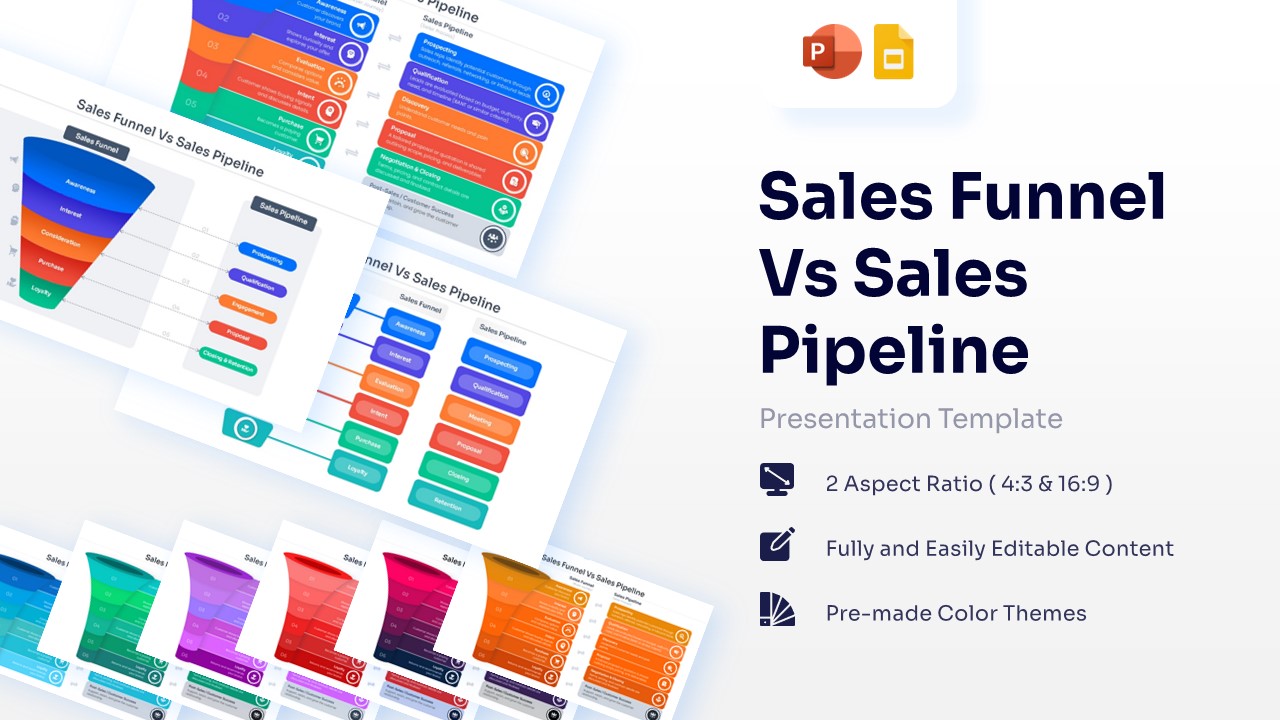
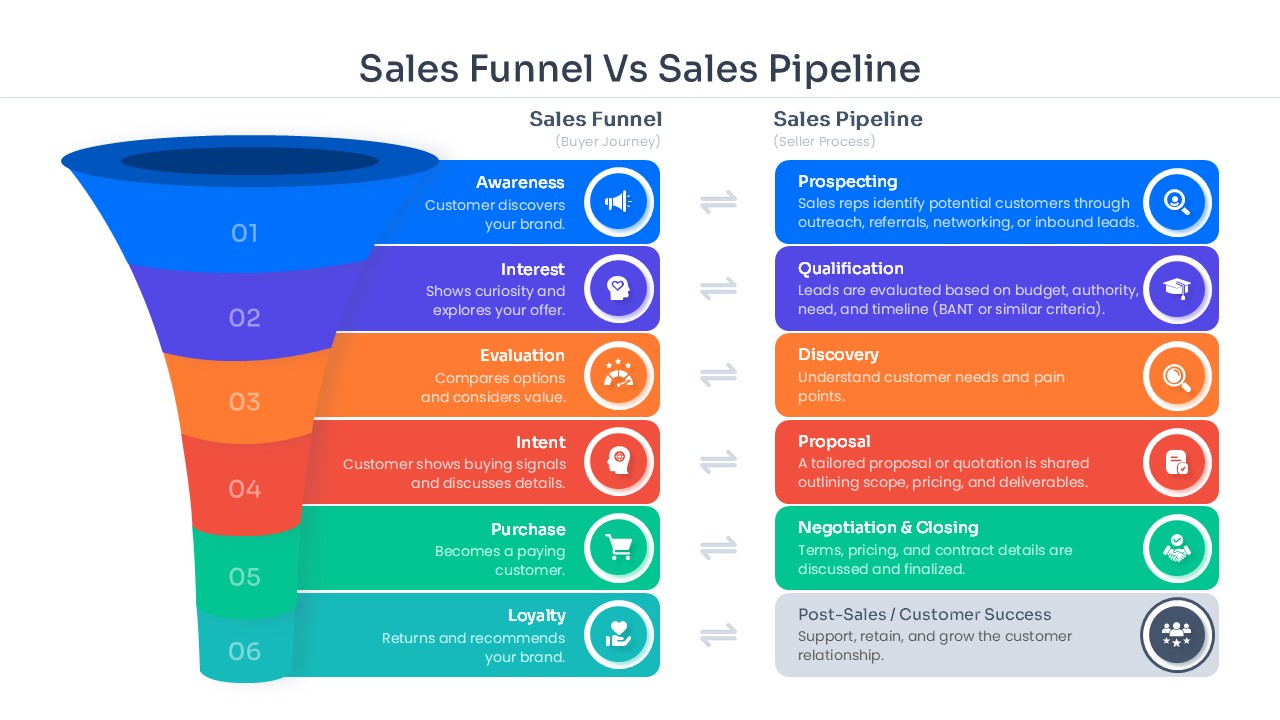
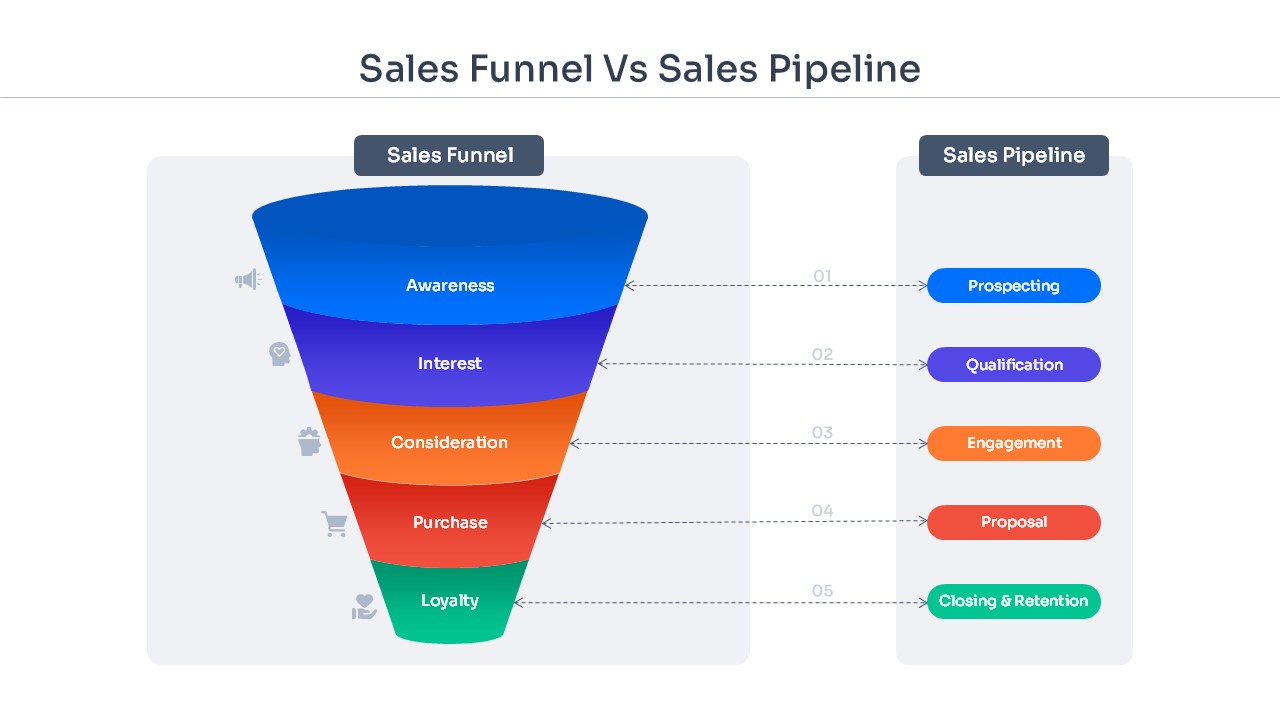
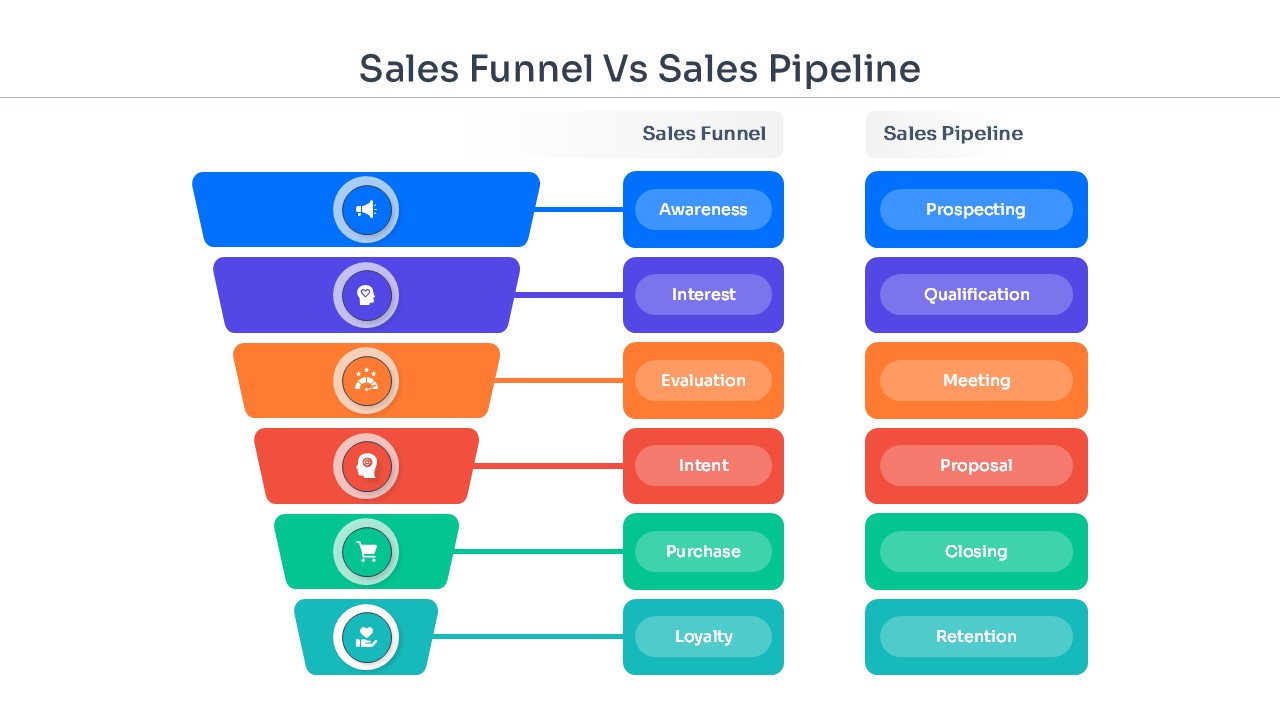
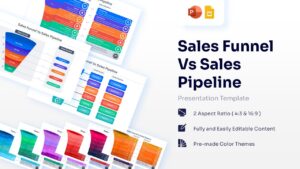
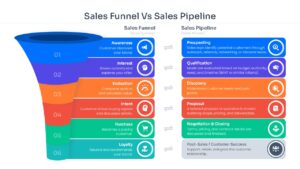
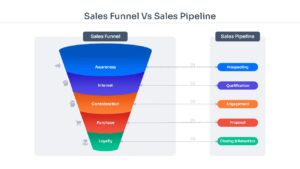
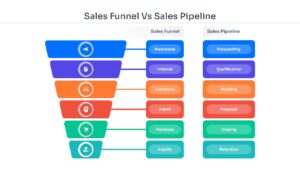
Sales Pipeline vs Funnel Comparison Diagram Template
Technical Details: This PresentoVerse Free Sales Funnel vs Sales Pipeline PowerPoint is available to download and use. Moreover, it can be seamlessly edited on Microsoft PowerPoint and Google Slides. Explore similar editable funnel diagram templates for business and marketing presentations.
Content Strategy: This presentation helps explain the difference between buyer-focused funnels and seller-focused pipelines. Users can present conversion stages, lead management processes, and customer journey frameworks.
Visual Elements: The slides use blue, purple, orange, red, and green color palettes with clean sans-serif typography. Funnel graphics, process flows, icons, and comparison layouts improve visual storytelling.
Recommended Usage: Ideal for sales teams, marketers, consultants, and startups explaining revenue generation workflows. Pair it with sales process infographic slides to track lead progression and conversion performance.
Enhance your presentations with more editable designs from our Free Infographics Template collection.
Key Features
- 100% Vector-Based Graphics
- Fully Layered & Organized
- Multi-Platform Support
- Theme Color & Theme Font
- 2 Aspect Ratio (4:3 & 16:9)
Frequently Asked Questions
- How do I change the colors of the funnel stages?
- You can easily change the colors by selecting the individual shape and using the \"Shape Fill\" tool in PowerPoint or Google Slides to match your brand identity.
- Is this template compatible with Keynote?
- While designed for PowerPoint and Google Slides, you can import the .pptx file into Keynote, though some minor font adjustments might be required.
- Can I add more steps to the sales pipeline?
- Yes, the graphics are vector-based, so you can copy and paste existing stages to extend the pipeline or delete them to shorten it.
Related Templates
-
-
-
-
 Free
Free