Snake Diagram Template for PowerPoint & Google Slides
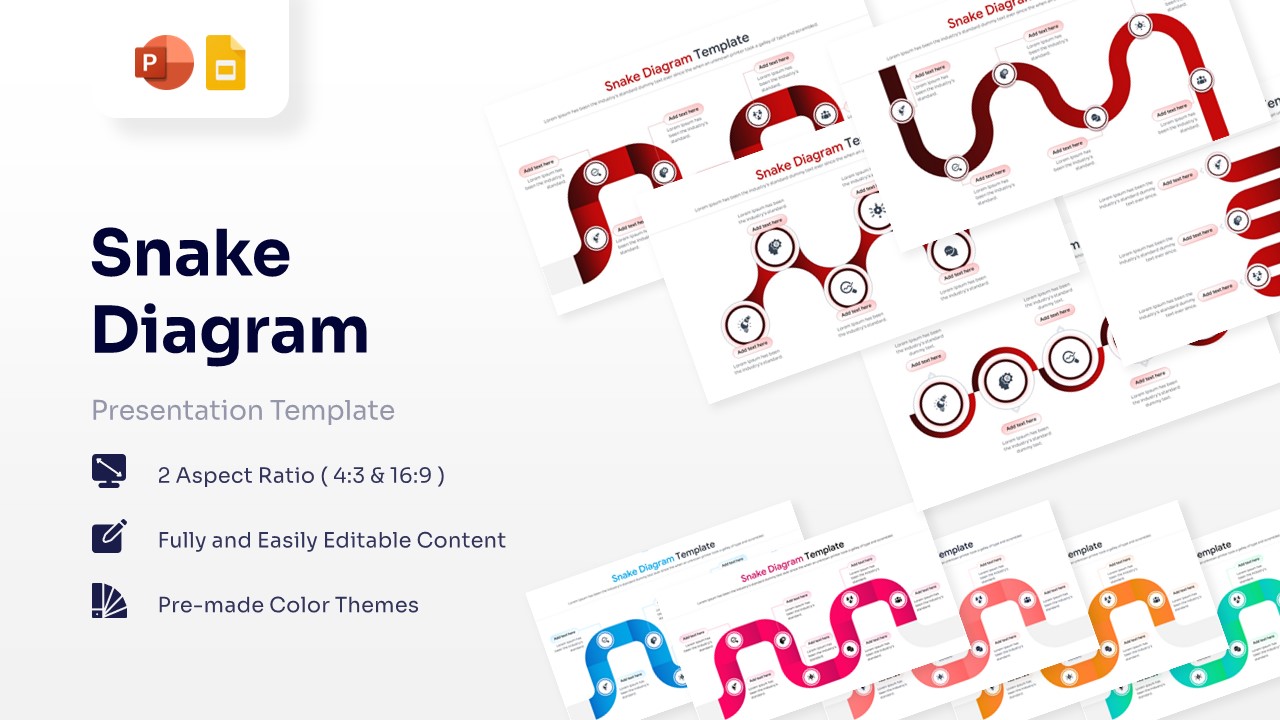
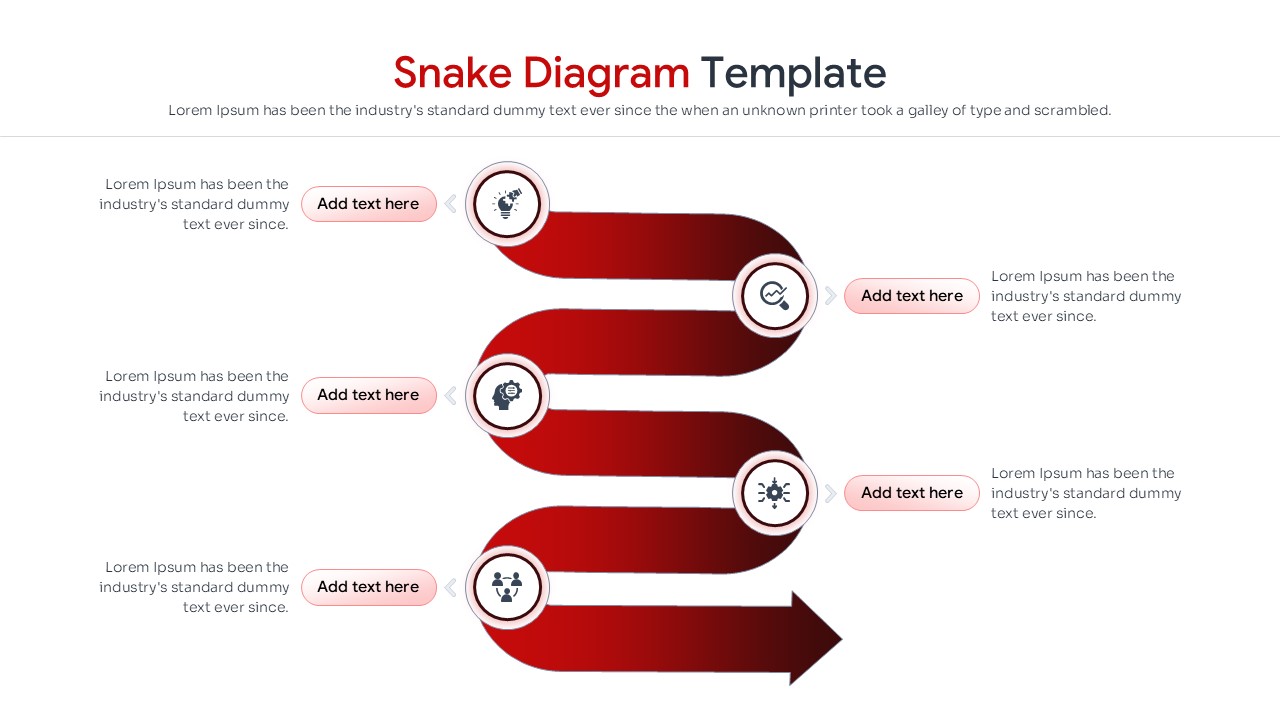
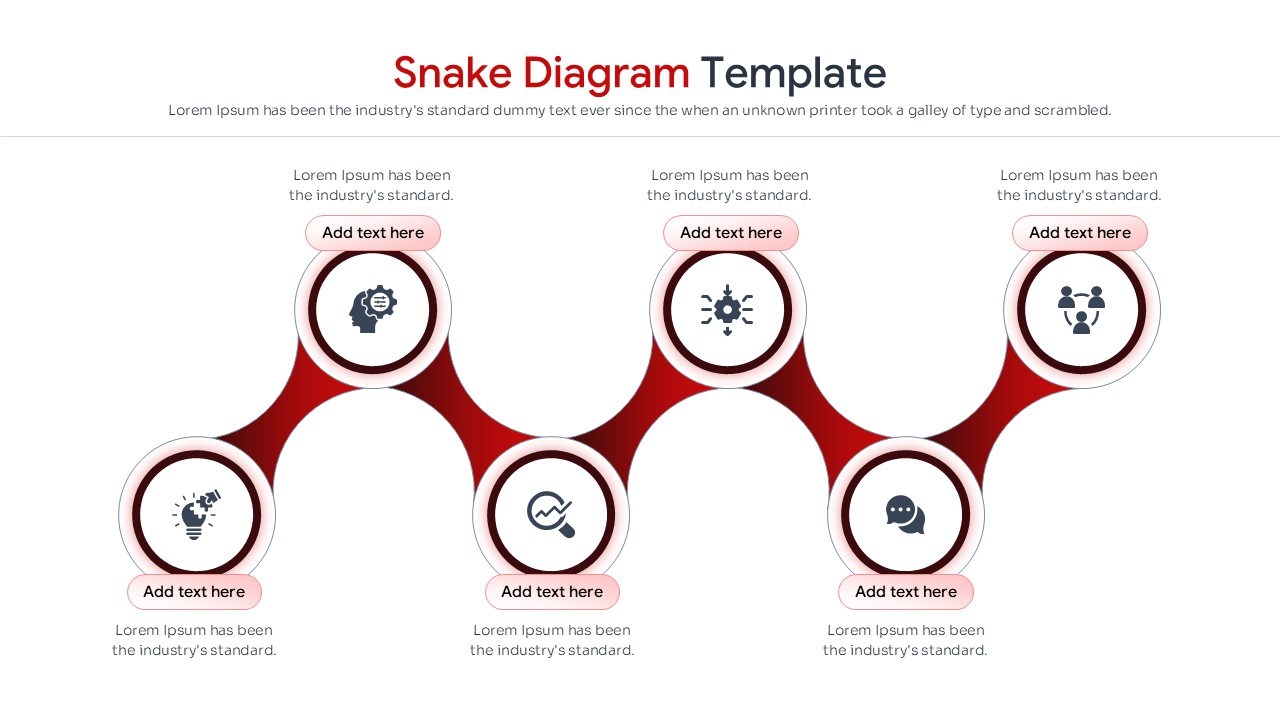
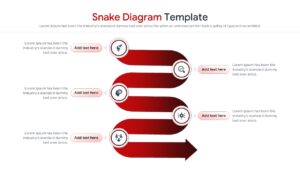
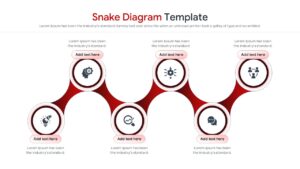
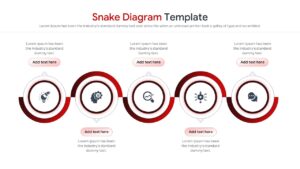
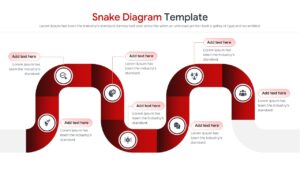
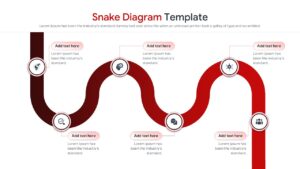
Serpentine Timeline for Strategic Roadmaps
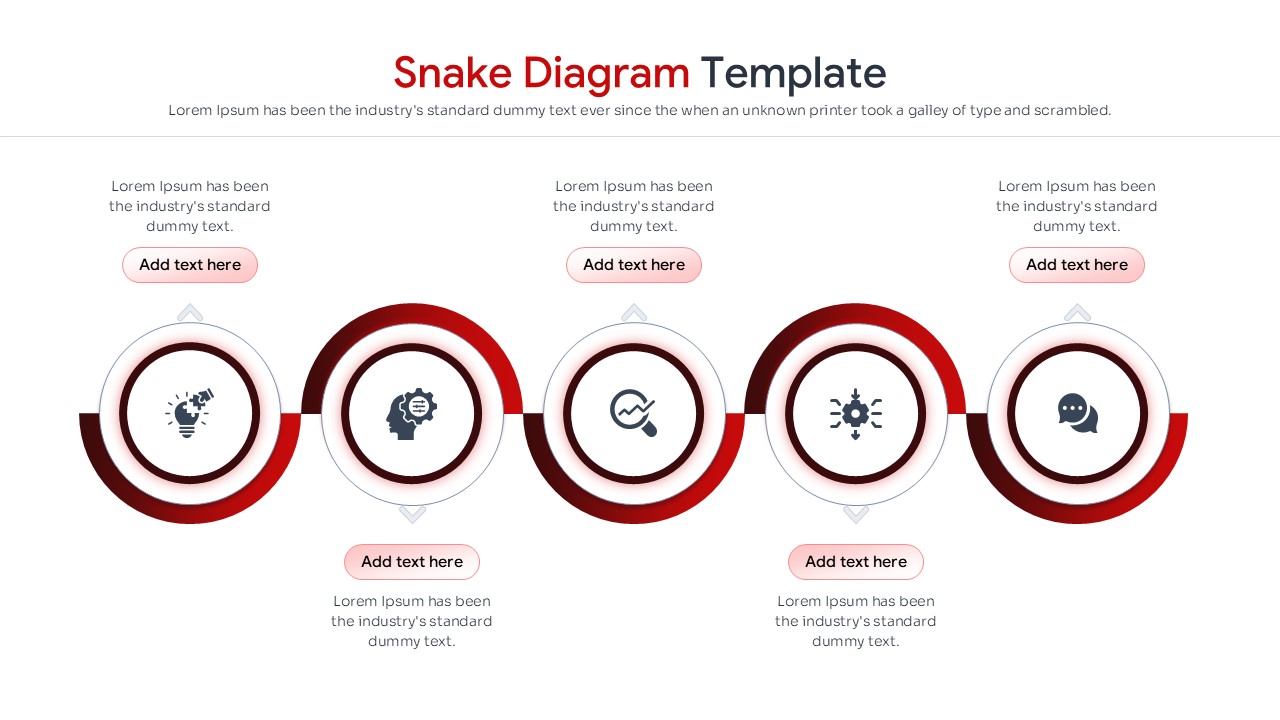
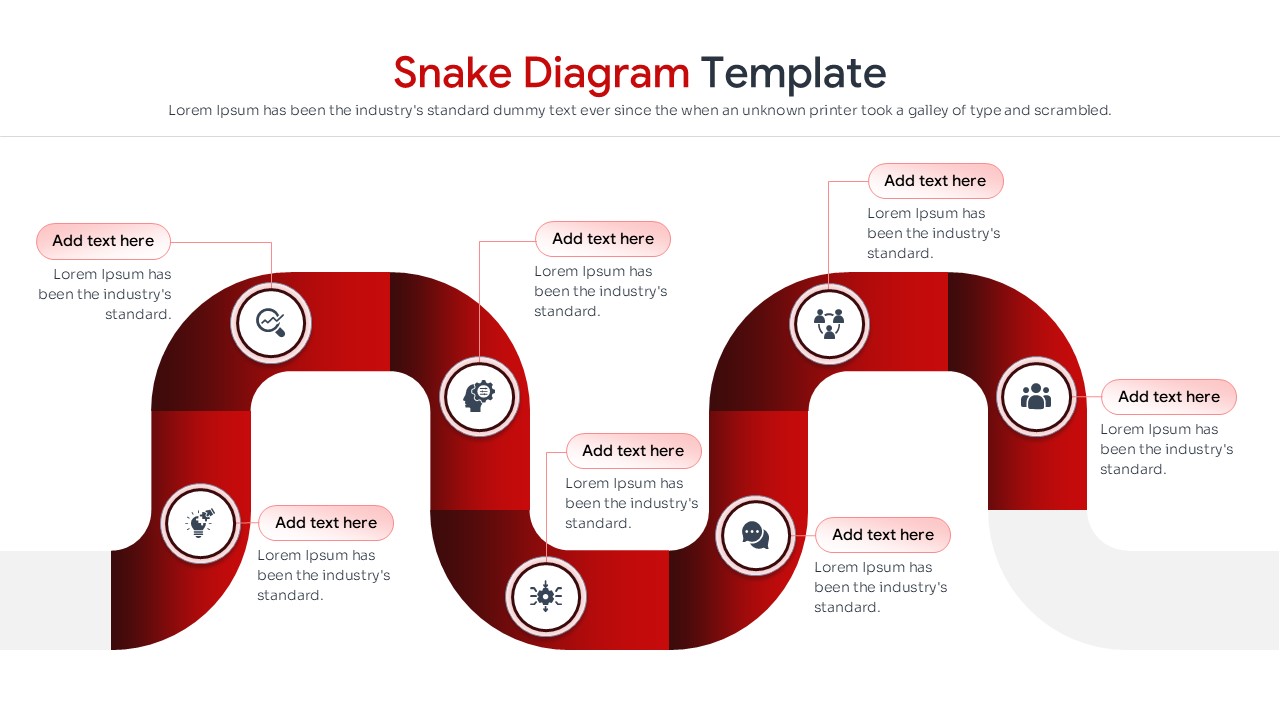
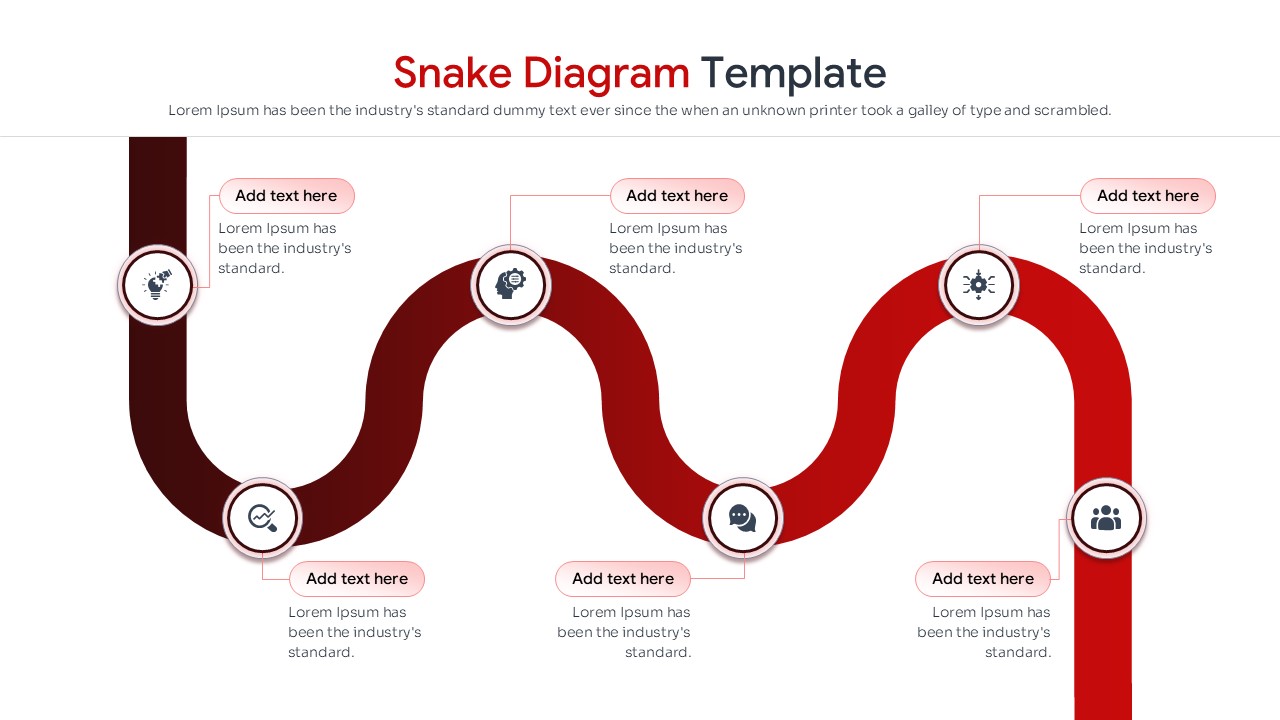
The Snake Diagram Template provides a creative way to present processes, timelines, workflows, and business journeys. Its flowing design guides audiences through information step by step, making complex topics easier to understand.
Whether you are mapping project milestones, customer journeys, strategic initiatives, or operational workflows, these layouts help communicate information with greater clarity. As a result, viewers can follow each stage without losing sight of the overall process.
The presentation combines modern visual storytelling with practical business applications. The winding structure maximizes slide space while maintaining readability, allowing presenters to display more information in an organized format. In addition, the slides work well as an infographic template for explaining sequential processes and multi-stage frameworks.
The template includes process diagrams, workflow layouts, roadmap visuals, milestone trackers, and progression frameworks. Furthermore, users can combine these slides with a process flow template to create more detailed business process and project planning presentations.
Fully editable in PowerPoint and Google Slides, every element can be customized to match specific branding and presentation requirements. Project managers, business analysts, marketers, educators, and consultants can use these layouts to present timelines, workflows, customer experiences, and strategic plans in a more engaging and professional way.
Key Features
- 100% Vector-Based Graphics
- Fully Layered & Organized
- Multi-Platform Support (PowerPoint & Google Slides)
- Theme Color & Theme Font
- Optimized for both 4:3 and 16:9 Aspect Ratios
- Includes diverse winding paths ranging from 4 to 8 stages
Frequently Asked Questions
- Can I customize the colors of the Snake Diagram?
- Yes, every stage segment is a separate vector shape, allowing you to change colors, fonts, and content to align with your specific branding needs.
- Is this serpentine timeline suitable for long processes?
- Absolutely; the winding S-shaped layout is designed to spread stages across the slide, giving each step its own space for labels and descriptions that would otherwise be unreadable in a straight line.
- Does this template work on Google Slides?
- Yes, the template is fully compatible with Google Slides and Microsoft PowerPoint, as well as other platforms like Apple Keynote.
Related Templates
-
 Free
Free -
-
-