Spiral Timeline Free Template for PowerPoint & Google Slides
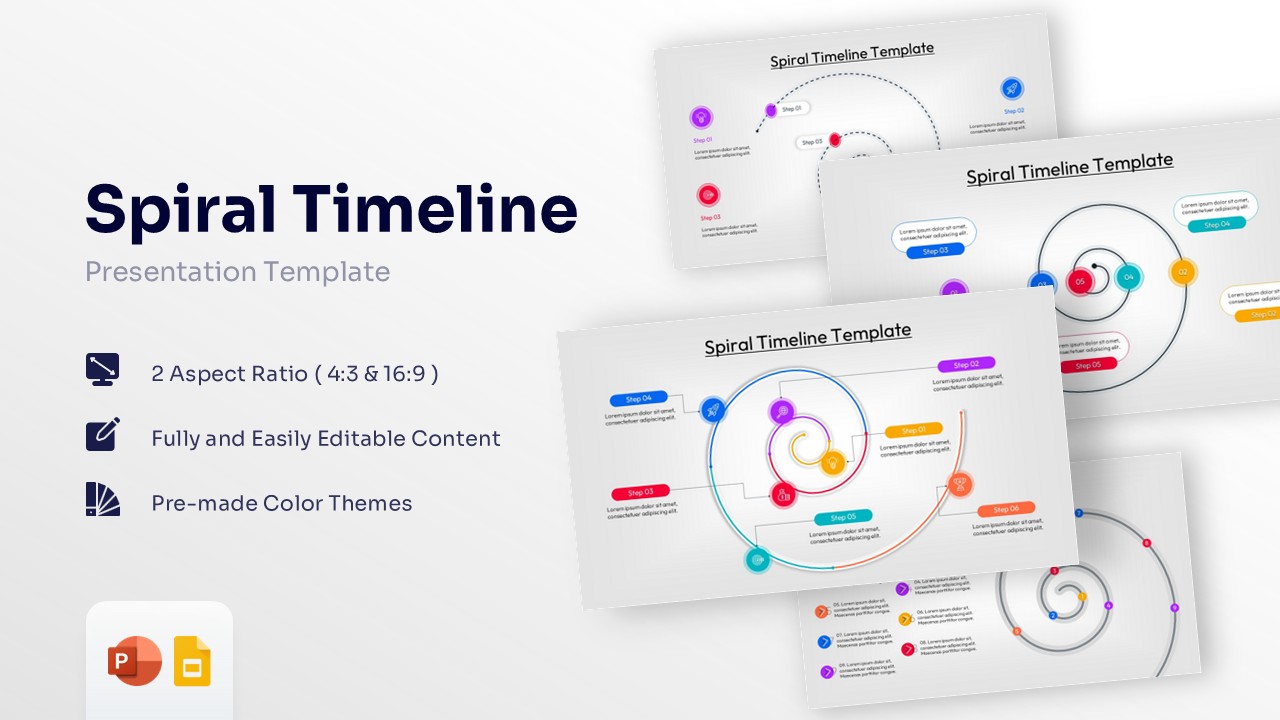
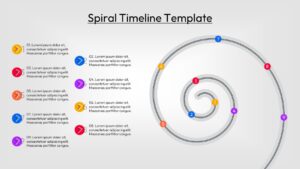
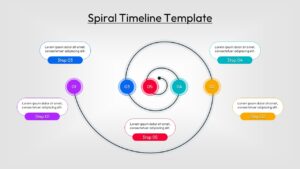
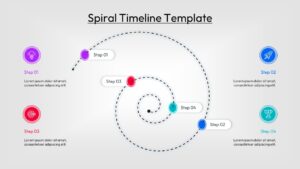
Spiral Process Diagram for Project Milestones and Roadmaps
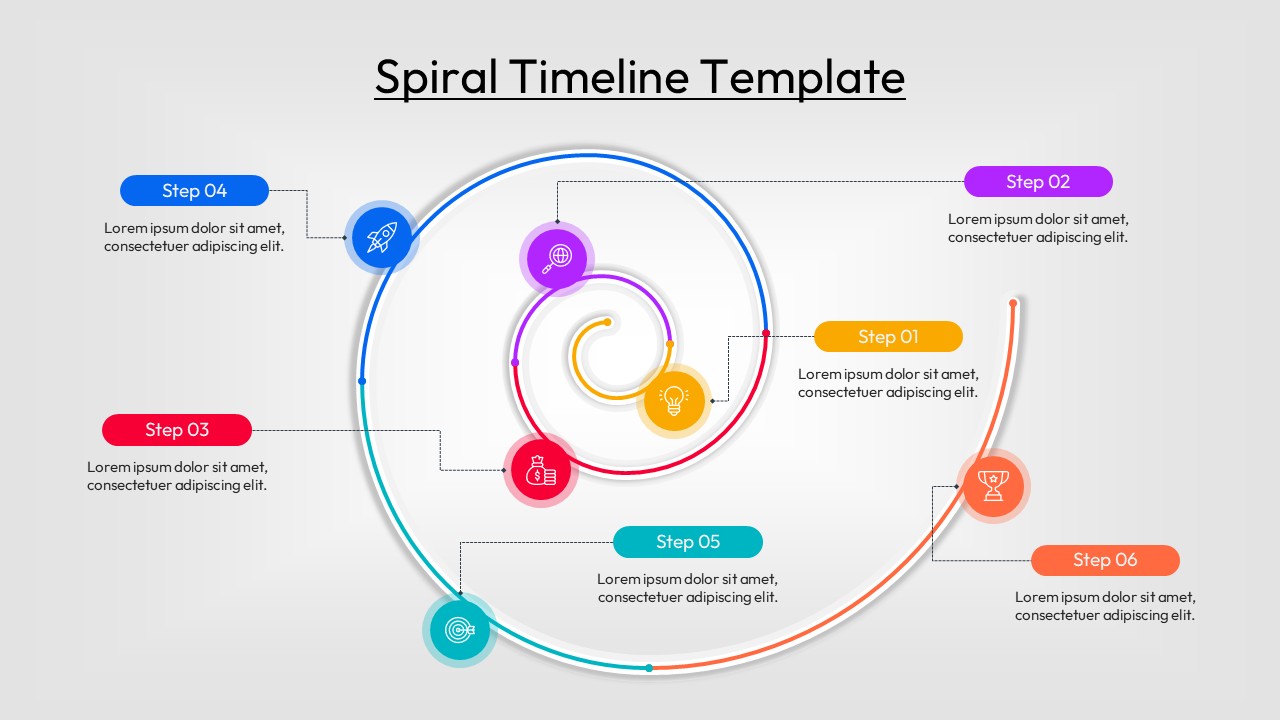
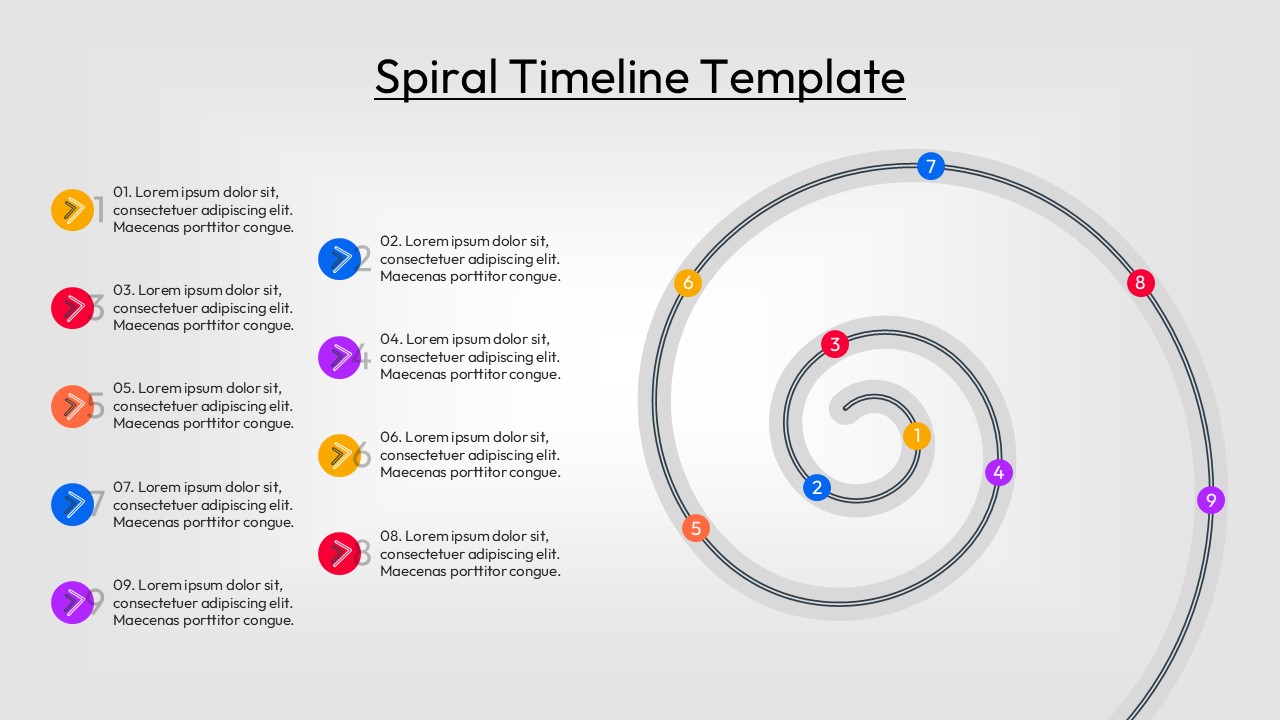
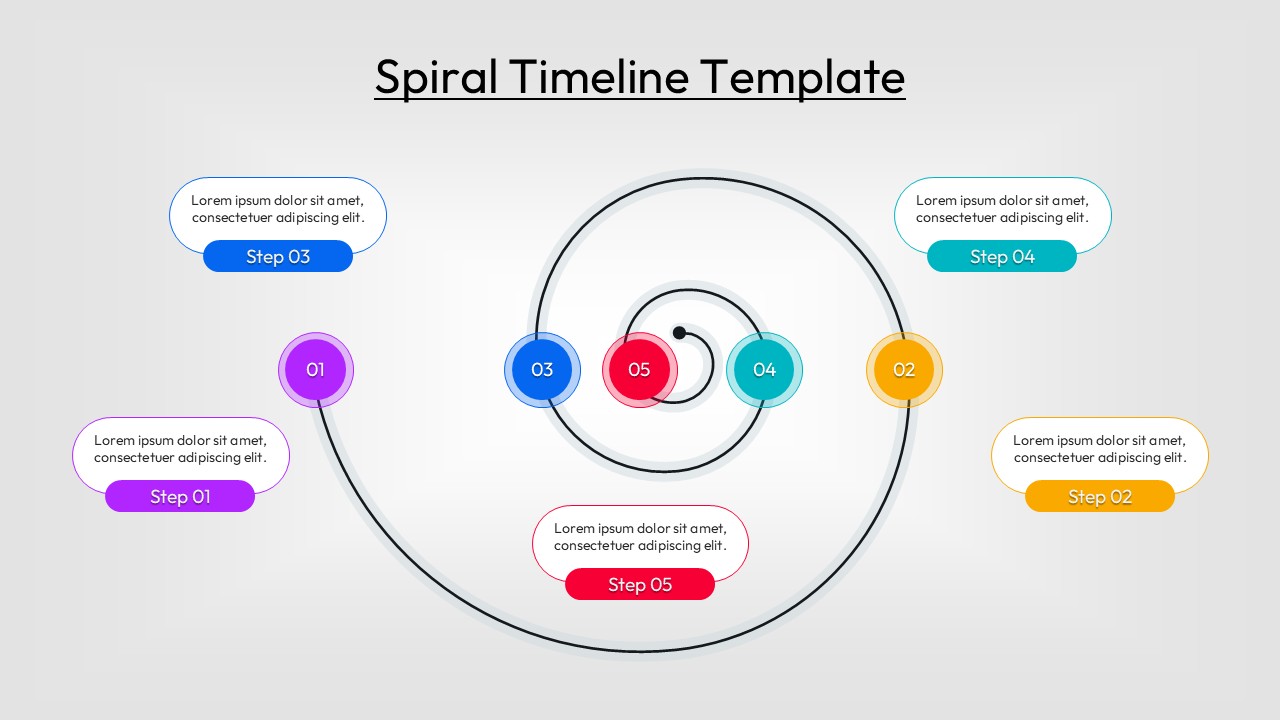
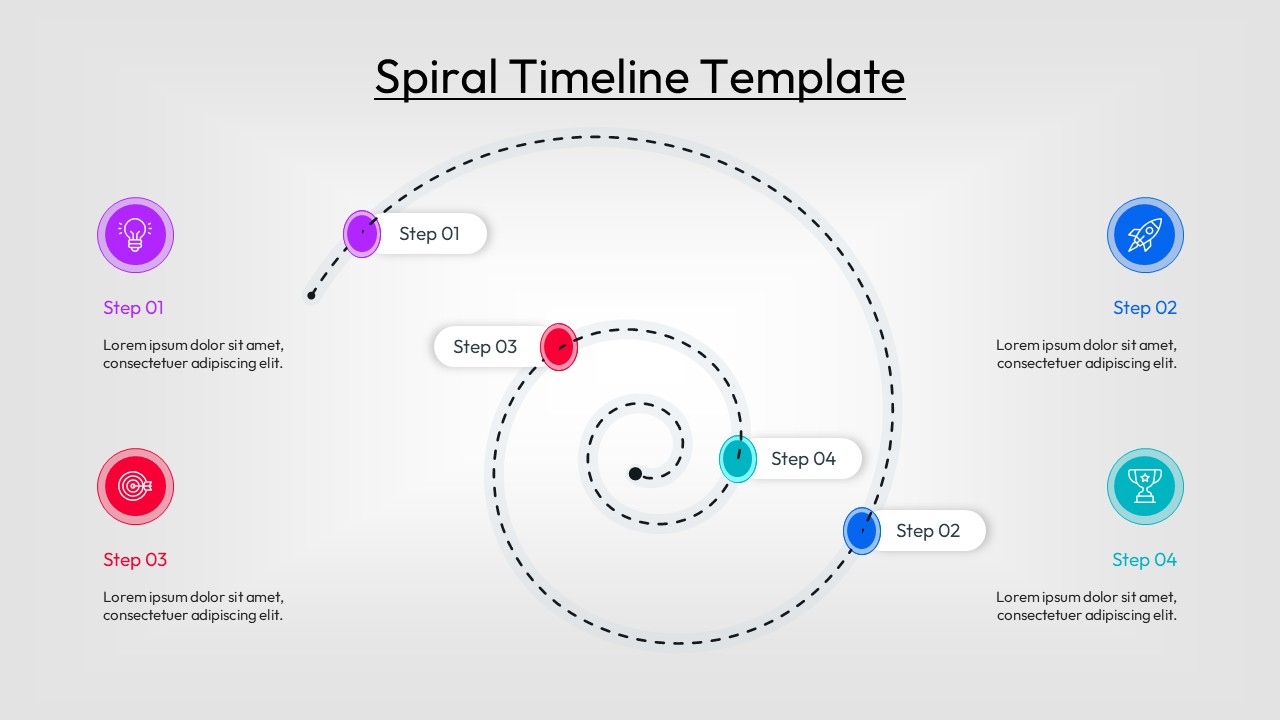
The Free Spiral Timeline Template provides a creative and engaging way to present timelines, milestones, and project phases. The spiral design naturally guides audiences through information while highlighting growth, progress, and continuous improvement. As a result, complex timelines become easier to understand and more visually appealing.
Whether you are presenting a product roadmap, business strategy, project lifecycle, or organizational growth journey, these layouts help communicate information with clarity. The presentation includes spiral roadmaps, circular progression diagrams, milestone-based timelines, and step-by-step process flow infographics that simplify chronological events and phased execution. This makes the template suitable for project planning, business reporting, educational presentations, and strategic discussions.
The flexible layouts are designed to support both short-term initiatives and long-term planning activities. In addition, they work seamlessly alongside professional timeline infographics and circular process flow diagrams to create more compelling visual stories. The structured format helps audiences follow key milestones, achievements, and future objectives without becoming overwhelmed by details.
All slides are fully editable in PowerPoint and Google Slides, allowing users to customize colors, icons, milestones, labels, and content sections with ease. Project managers, consultants, educators, marketers, and business leaders can use these layouts to present progress, strategic plans, and development journeys in a clear and professional format.
Looking for more designs? Check out our Free Infographics Template Library for additional options.
Key Features
- 100% Vector-Based Graphics
- Fully Layered & Organized
- Multi-Platform Support
- Theme Color & Theme Font
- Variable step counts (4 to 9 steps)
- Easy drag-and-drop icon replacement
Frequently Asked Questions
- Can I add more steps to the Spiral Timeline?
- While the slides come with pre-set stages, you can easily duplicate the vector points and extend the spiral path using standard editing tools.
- Are the icons in this circular progress roadmap editable?
- Yes, all icons are vector-based, meaning you can change their size, color, or replace them entirely with your own custom graphics.
- Does this slide deck work on Keynote?
- Yes, you can import the PowerPoint file into Keynote or Google Slides, and most formatting and vector properties will remain fully intact.
Related Templates
-
 Free
Free -
-
 Free
Free -