Free Puzzle Pieces Template for PowerPoint & Google Slides
Create Engaging Presentations with Jigsaw Puzzle Pieces Infographics
Explaining how different parts of a business strategy fit together is often the biggest hurdle to keeping an audience engaged. Fortunately, with this Free Simple Puzzle Pieces Template you to demonstrate these intricate connections in an instantly understandable format.
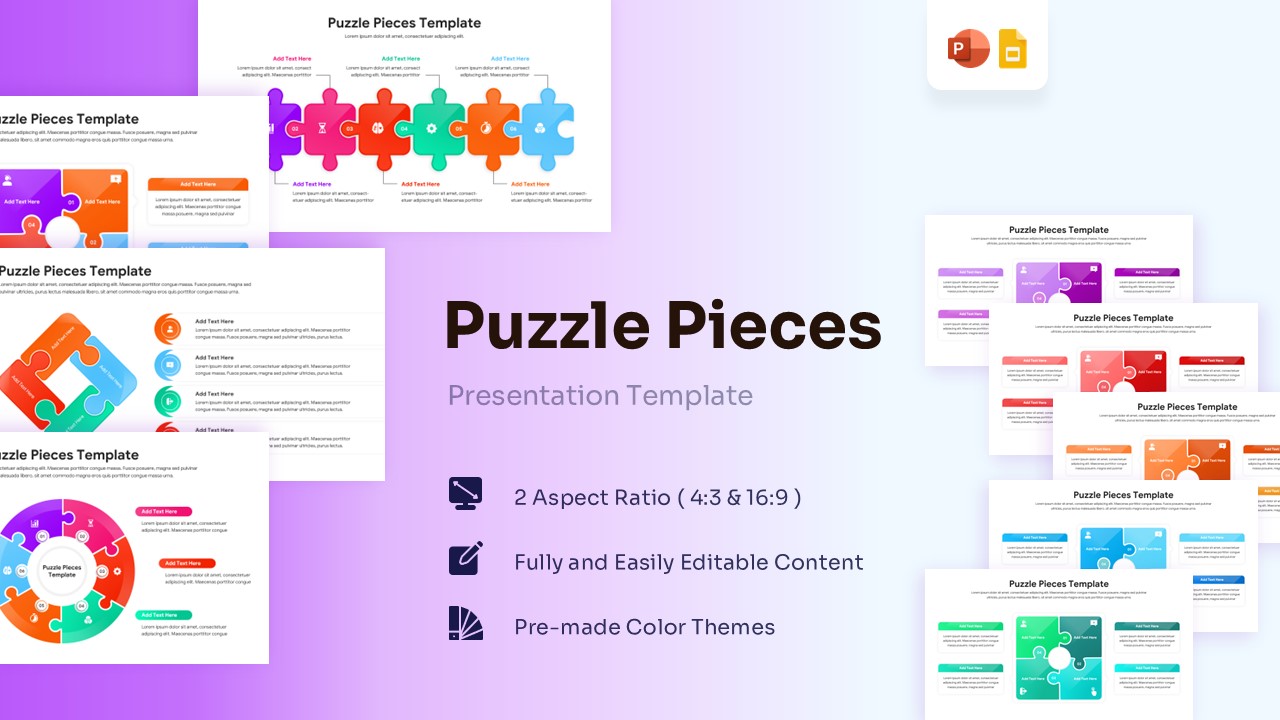
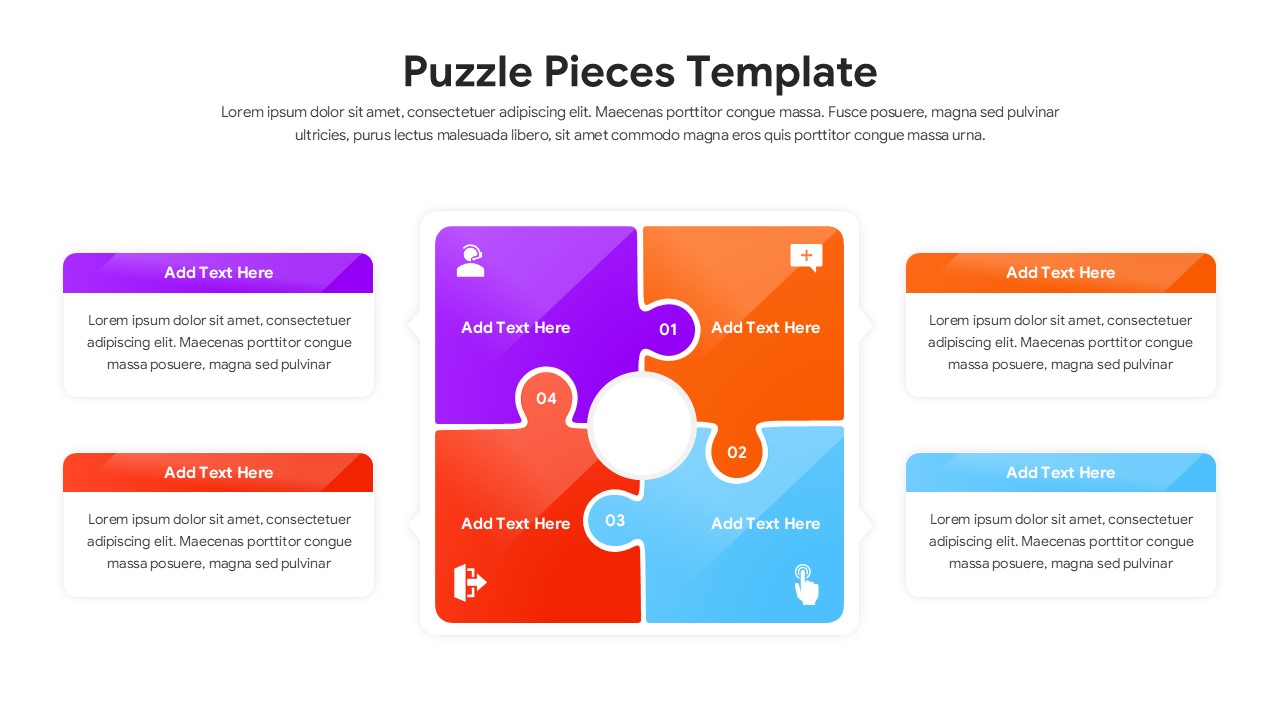
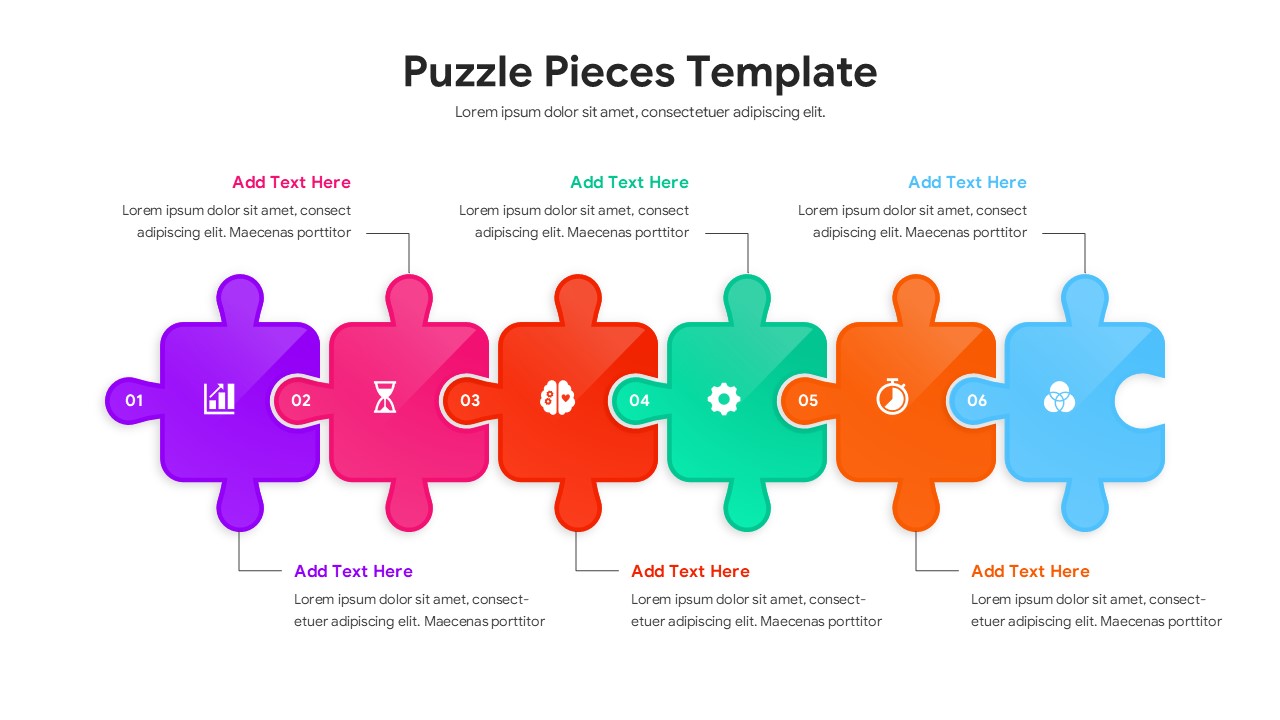
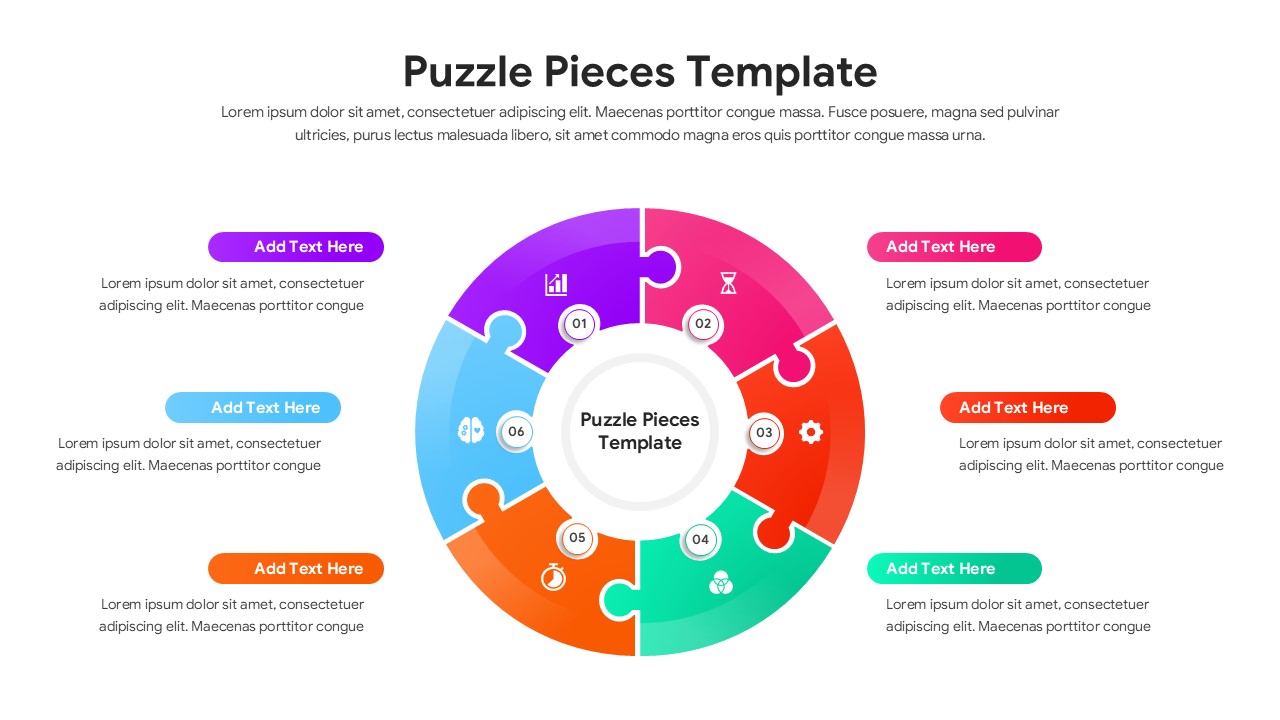
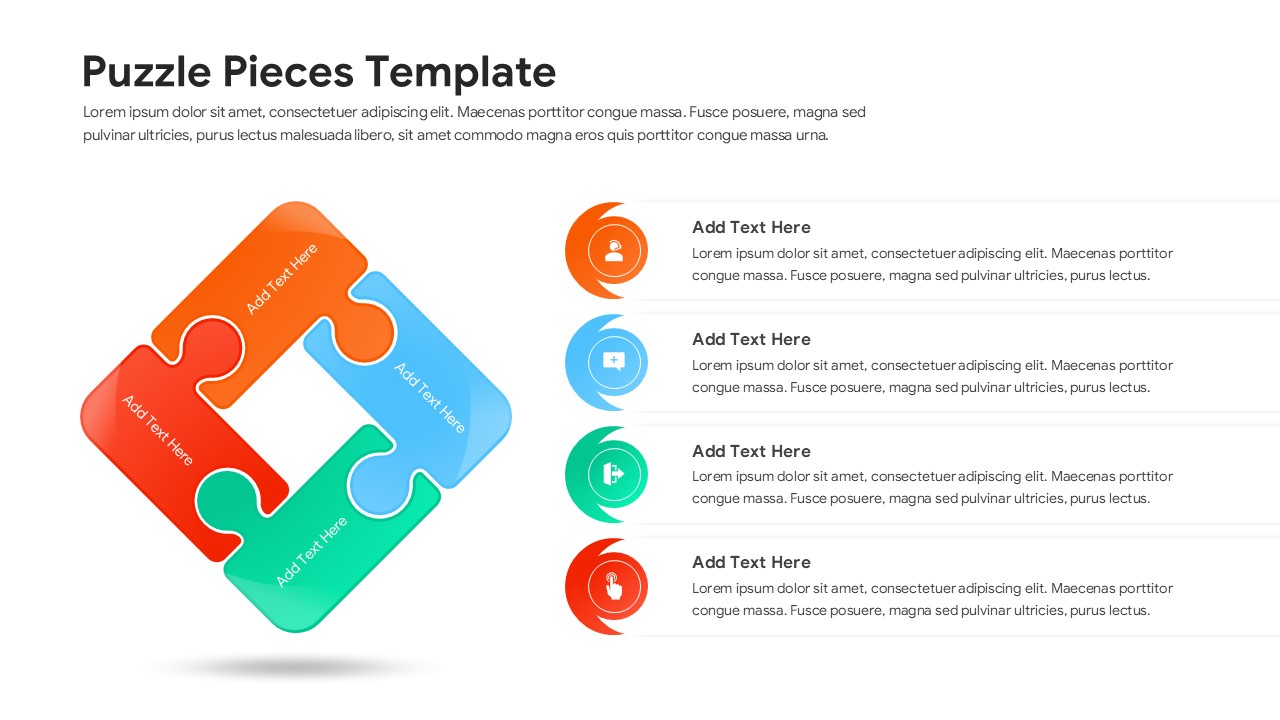
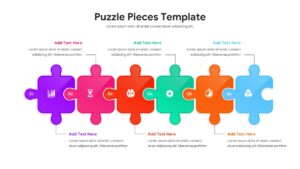
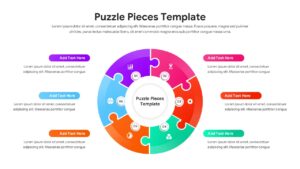
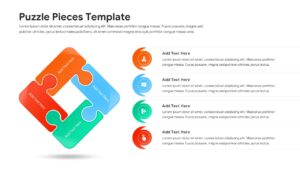
This Jigsaw Puzzle helps individuals to map out organizational workflows using easy-to-edit linear puzzle timelines, circular puzzle diagrams, matrix square layouts, and interlocking loop graphics.
So, whether you are planning to pitch a new corporate strategy to stakeholders or just want to make a simple step-by-step project guide, this Puzzle Pieces Template will be perfect for you. So, release your inner designer and let your creativity soar with this amazing Connected Process Layouts.
Looking to highlight interconnected steps, then do checkout our process infographics for PowerPoint for some amazing designs.
Key Features
- 100% Vector-Based Graphics
- Fully Layered & Organized
- Multi-Platform Support
- Theme Color & Theme Font
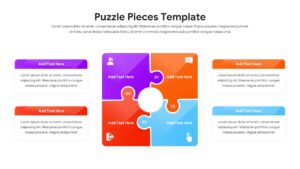
- Includes 4, 5, and 6-piece puzzle configurations
- Fully customizable text placeholders and icons
Frequently Asked Questions
- How do I change the colors of the puzzle pieces?
- You can easily change colors by selecting an individual piece and using the \"Shape Fill\" tool in PowerPoint or Google Slides to match your brand.
- Can I move the pieces around to create a
- Yes, every piece is an individual shape, so you can move them apart to highlight gaps or incomplete processes.
- Will the icons stay sharp if I enlarge the slide?
- Since the graphics are vector-based, they will remain crisp and clear at any size or resolution.
- Is this template compatible with Google Slides?
- Yes, it is fully optimized for both PowerPoint and Google Slides to ensure seamless editing across platforms.
Related Templates
-
-
 Free
Free -
 Free
Free -